
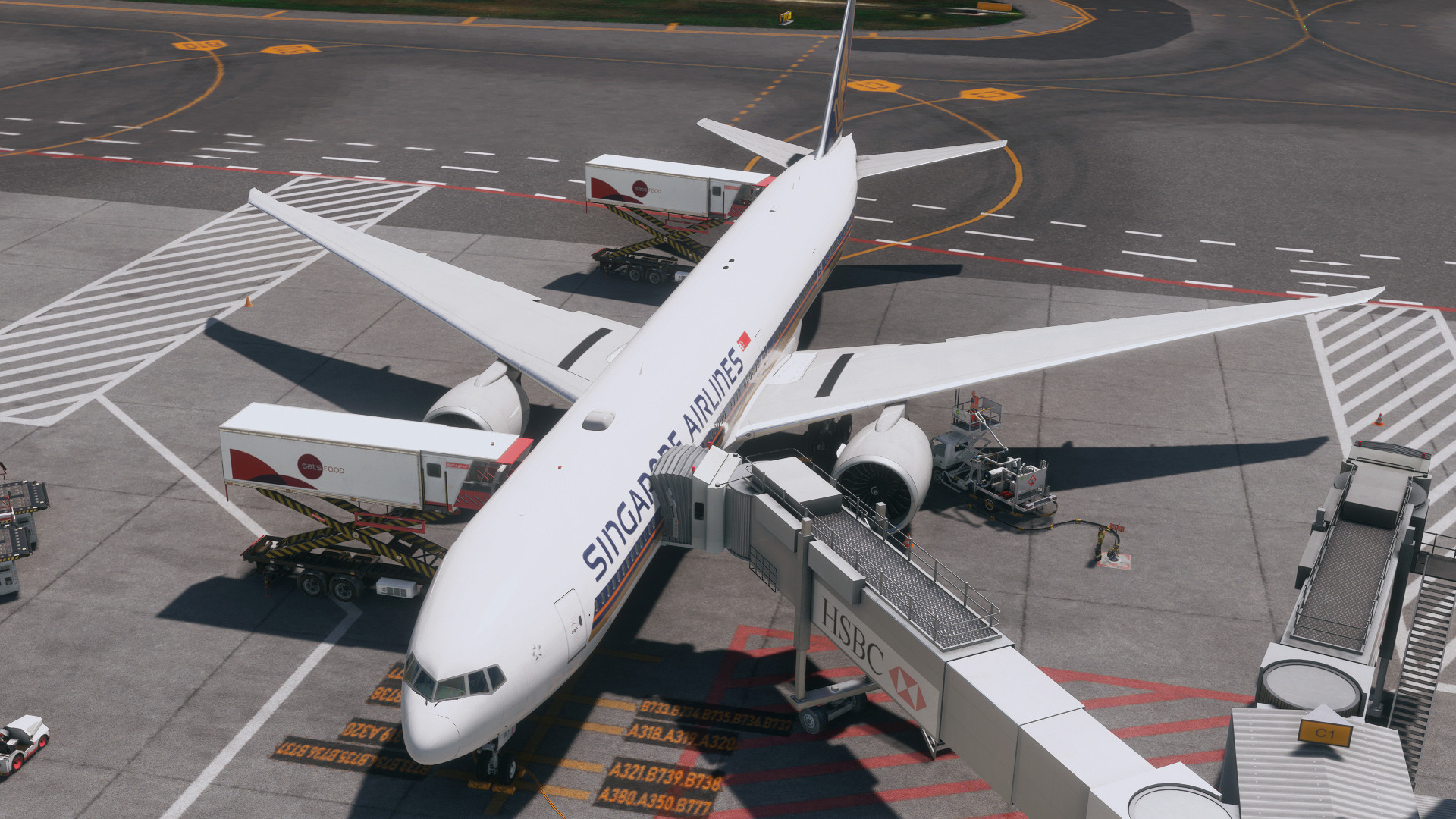
Description
How to install: Unzip it And leave the file in your Airplanes Folder (C: Users > your user > AppData > Roaming > Virtuali > Airplanes)
simply paste it 'PMDG 777-300ER' to 'Airplanes' folder.
note**
- Only 1 jetway can operated(EntryDoor2)
- Containers still load 1 - 3 with full payload
- Fuel truck is parked within the engine,please use underground fueling. On/Off in 'customize airport position'
- The latest GSX now support 3D passengers. You can ON/OFF in FSDT Universal Installer
Any problem please update to me :D
MSFS 2020MSFS 2024
PMDG 777-300ER GSX Profile
Enhance your Microsoft Flight Simulator experience with the PMDG 777-300ER GSX Profile add-on. Simply unzip the file and leave it in your Airplanes folder to enjoy this new profile.
Downloads25K
Version1.0
File Size0.96 KB
Published2 years ago
Updated2 years ago

User Reviews
4.7
14 reviews
5
79%
4
14%
3
7%
2
0%
1
0%
Version History
No version history available.
Log in to join the discussion
Log InComments(136)
about 7 hours ago
28 days ago
9 months ago
9 months ago
about 1 year ago
about 1 year ago
about 1 year ago
over 1 year ago
Thanks in advance!!
over 1 year ago
over 1 year ago
over 1 year ago
over 1 year ago
I will have to try and change the preferred exit to L1 otherwise all parking is messed up.
over 1 year ago
almost 2 years ago
about 1 year ago
almost 2 years ago
about 2 years ago
"Enabled": true,
"Title": "PMDG 777-300ER",
"PackageNamePattern": "pmdg-aircraft-77w",
"AttachModelSeats": "model.PMDG_777-300er"
about 2 years ago