
Description
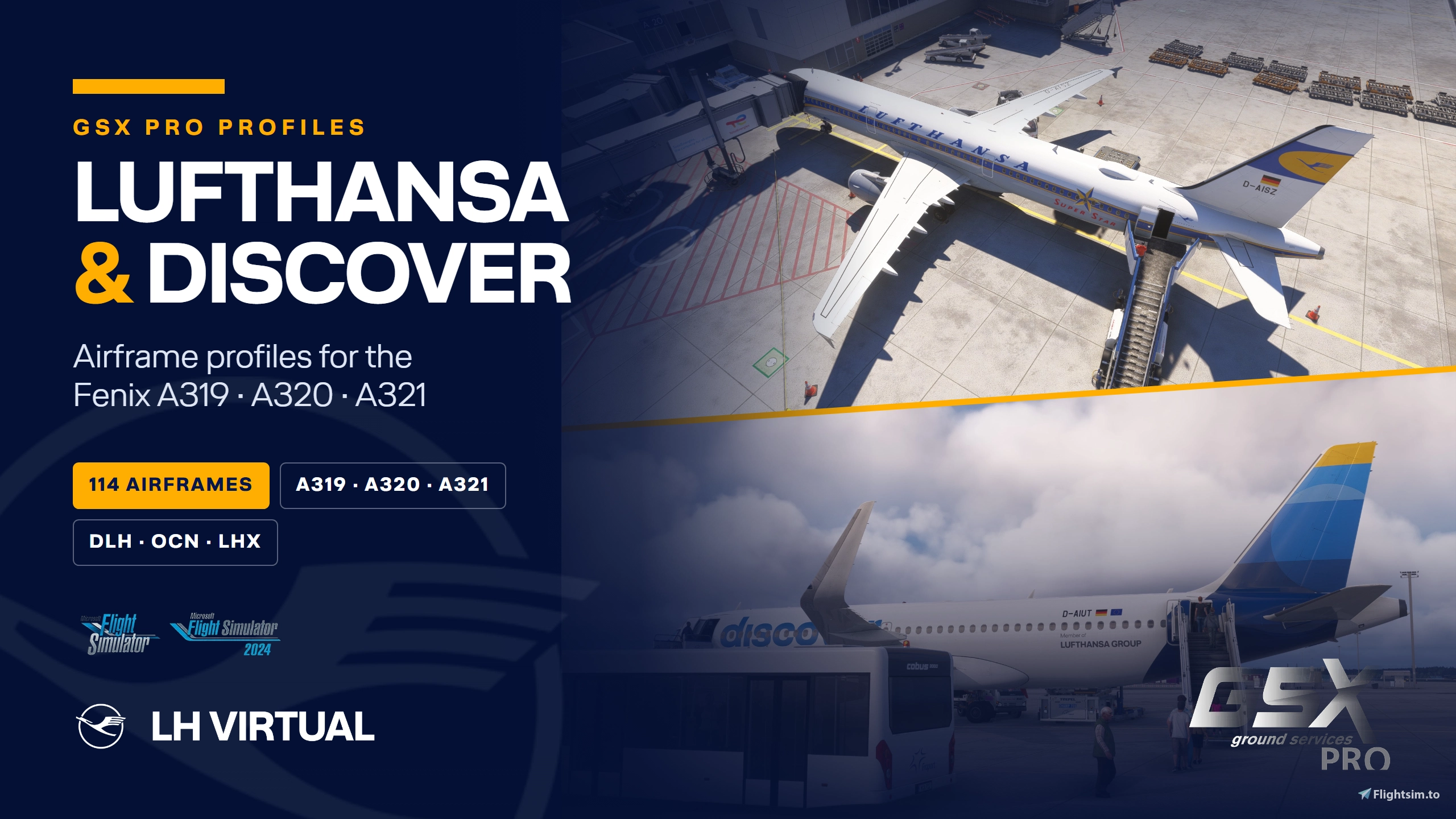
Lufthansa & Discover Airframe GSX Profile Package
for the Fenix Simulations Airbus A319/A320/A321
This enables the realistic ground handling configuration used by GSX Pro on the real Airbus A319/A320/A321 — validated by Lufthansa pilots and official data. 114 airframes across three types, plus airline profiles that cover every Lufthansa, Lufthansa City and Discover Airlines registration.
Included registrations
Airbus A319 CFM — 11 airframes
D-ABGH, D-AIBD, D-AIBI, D-AILA, D-AILB, D-AILF, D-AILM, D-AILS, D-AILU, D-AILX, D-AKNJ
Download the liveries via the Fenix Livery Manager.
Airbus A320 CFM — Lufthansa, 43 airframes
D-AIQR, D-AIQS, D-AIQT, D-AIQU, D-AIQW, D-AIUA, D-AIUB, D-AIUC, D-AIUD, D-AIUE, D-AIUF, D-AIUG, D-AIUH, D-AIUI, D-AIUJ, D-AIUK, D-AIUL, D-AIUM, D-AIUN, D-AIUO, D-AIUP, D-AIWA, D-AIZA, D-AIZB, D-AIZC, D-AIZD, D-AIZE, D-AIZG, D-AIZH, D-AIZI, D-AIZJ, D-AIZM, D-AIZN, D-AIZO, D-AIZP, D-AIZQ, D-AIZR, D-AIZS, D-AIZT, D-AIZW, D-AIZX, D-AIZY, D-AIZZ
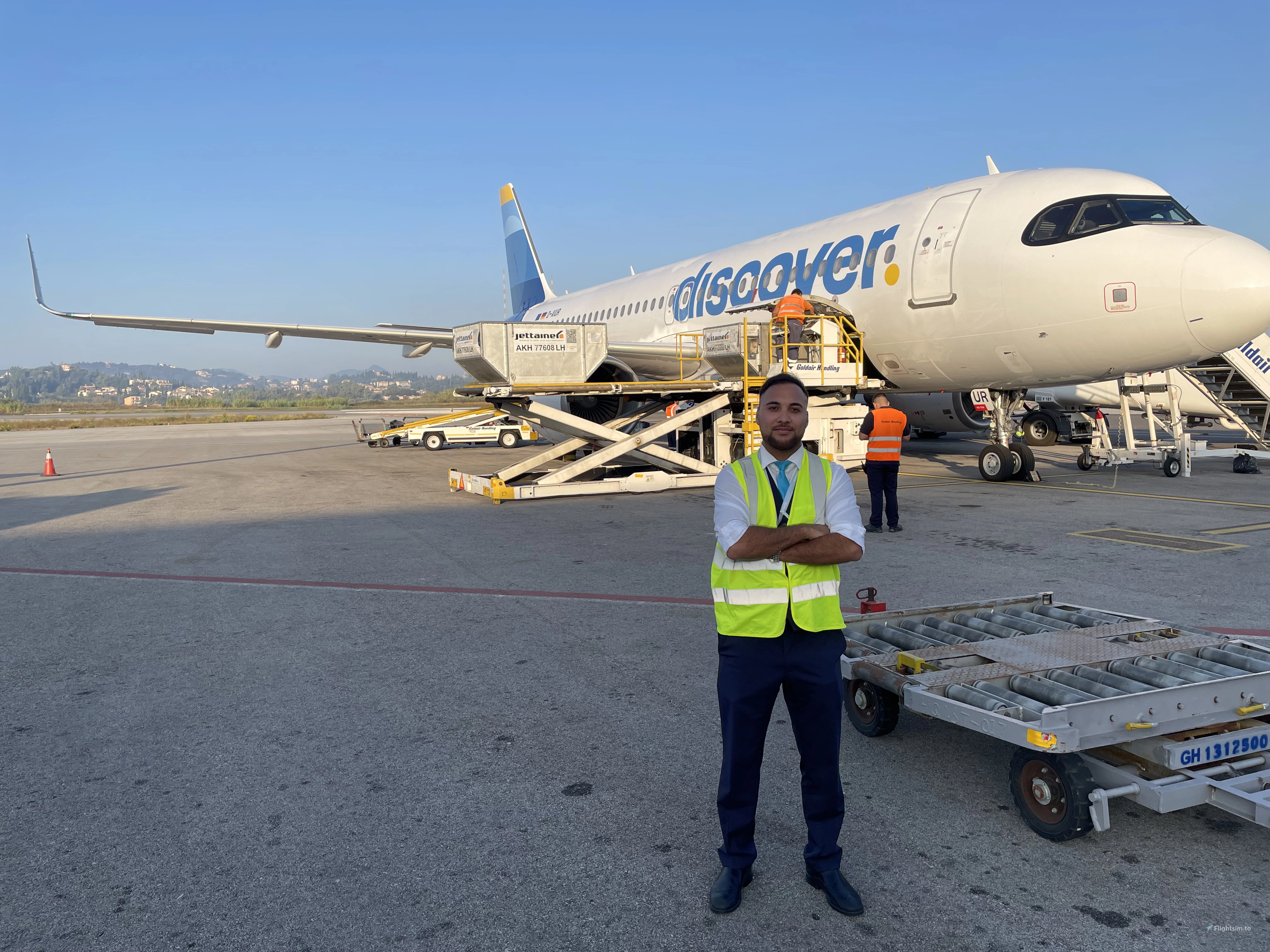
Airbus A320 CFM — Discover Airlines, the complete fleet, 20 airframes
D-AIUQ, D-AIUR, D-AIUS, D-AIUT, D-AIUU, D-AIUV, D-AIUW, D-AIUX, D-AIUY, D-AIUZ, D-AIWB, D-AIWC, D-AIWD, D-AIWE, D-AIWF, D-AIWG, D-AIWH, D-AIWI, D-AIWJ, D-AIWK
Airbus A321 IAE — 40 airframes
D-AIDA, D-AIDB, D-AIDC, D-AIDD, D-AIDE, D-AIDF, D-AIDG, D-AIDH, D-AIDI, D-AIDJ, D-AIDK, D-AIDL, D-AIDM, D-AIDN, D-AIDU, D-AIDV, D-AIDW, D-AIDX, D-AIRK, D-AIRP, D-AIRR, D-AIRW, D-AIRY, D-AISC, D-AISH, D-AISI, D-AISJ, D-AISK, D-AISL, D-AISN, D-AISO, D-AISP, D-AISQ, D-AISR, D-AIST, D-AISU, D-AISV, D-AISW, D-AISX, D-AISZ ("Super Star" retro)
Flying a registration that is not listed? You are still covered — the pack also contains airline profiles for DLH, OCN and LHX and a base profile per type.
Matching liveries
Or use the Lufthansa liveries of the Fenix Livery Manager.
Features
- Lufthansa specific and accurate config for GSX Pro
- Correct door and service point positions, corrected stair heights at the rear doors of the A319 and A321
- Belt loading on the A319 — Lufthansa loads it loose, AKH containers do not fit
- Three levels per aircraft: airframe, airline and type, so you always get the right configuration
- MSFS 2020 and MSFS 2024
Installation
- Close Microsoft Flight Simulator and quit GSX from the tray icon ("Exit Couatl").
- In this .zip you will find a folder called Virtuali which contains the configuration files.
- Copy that folder into C:\Users\USERNAME\AppData\Roaming — or simply type %APPDATA% into the Explorer address bar.
- Start GSX and the simulator. Make sure you have the latest GSX Pro update installed.
Did it work? Load a Fenix at a gate, open the GSX menu and select "Customize airplane". The chain at the top of the dialog has to show a green User customization block.
Note: do not press Reset in that dialog — it deletes the profiles again.
If you are looking for a realistic simulated Lufthansa Virtual, check out: lh-virtual.com
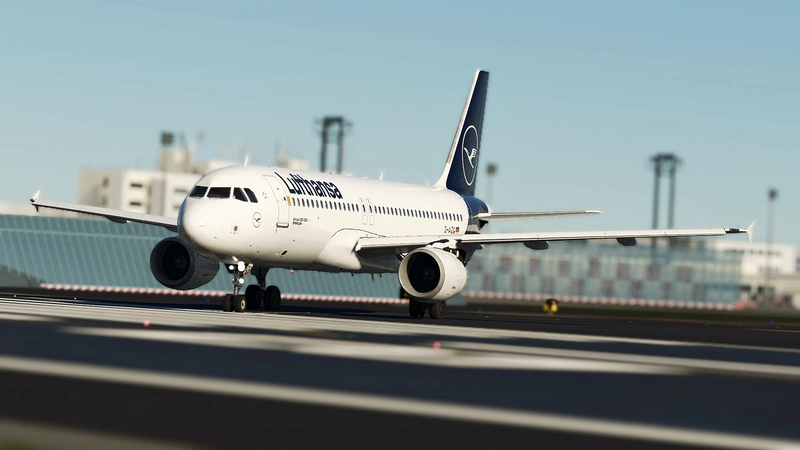
Lufthansa Airframe GSX Profiles - Fenix A319/A320/A321
Experience realistic Lufthansa Airframe GSX profiles for the Fenix A320 CFM in this addon pack. Includes various registrations for an authentic Airbus A320 configuration. Enhance your virtual Lufthansa experience with accurate GSX configurations and compatibility with Atarium Liveries via the Fenix Livery Manager.

User Reviews
2 reviews
Version History
Works with the current Fenix again. Since the Livery Manager, GSX looks for the profiles in a different folder — older versions of this pack were silently ignored and you simply got Fenix' default ground handling. - Discover Airlines added: the complete A320 fleet, 20 airframes - A321 brought up to the current fleet — 29 airframes added, including D-AISZ "Super Star" retro - Rear passenger stairs on the A319 and A321 no longer stand above the door sill - No more nose lift during towbarless pushback - Airline and base profiles now catch every registration, also when the tail number in your MSFS flight setup does not match the livery - Reworked installation instructions Check it worked: GSX menu → "Customize airplane". The chain at the top has to show a green "User customization" block.
Featured in Collections(2)


Related
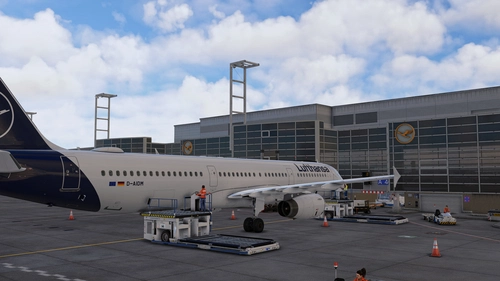
Official GSX Profile | EDDF Frankfurt | Aerosoft |
This GSX Profile is tailored for the Aerosoft Mega Airport Frankfurt add-on, enhancing ground services at the airport. It includes custom vehicle placement, tailored pushback positioning, and accurate VDGS and De-Ice pad placements. Users must choose between the Aerosoft or GSX VDGS to avoid conflicts, with installation instructions provided for easy setup. The profile aims to replicate real-world ground operations and invites user feedback for ongoing improvement.
by jk2304
![Lufthansa [Pack 1] w/Cabin Fenixsim A320 V2 [8K+4K]](https://cdn.flightsim.to/images/26/lufthansa-d-aiqs-w-cabin-fenixsim-a320-8k-176187-1712498160-YkT8j.jpg?width=500)
Lufthansa [Pack 1] w/Cabin Fenixsim A320 V2 [8K+4K]
Experience the Lufthansa Pack 1 for the Fenix Simulations Airbus A320 V2 in 8K and 4K, featuring specific aircraft coloring, logos, and interiors. Choose from various Lufthansa registrations such as D-AIQS and D-AIZE, each with unique details. Enhance your flight sim with Lufthansas realistic cabin, cockpit decals, and wing coloring. Find more liveries in the connected package for a comprehensive Lufthansa experience.
by Atarium
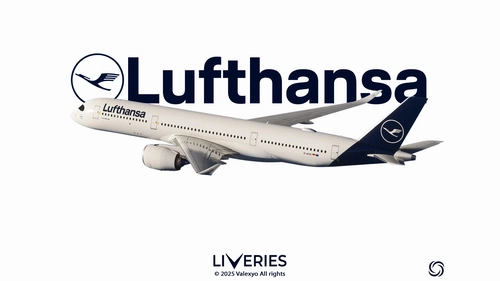
Lufthansa Pack w/ 3D Cabin | A350-900 inibuilds
The Lufthansa Pack for the inibuilds A350-900 features high-quality liveries in both 4K and 8K resolutions. This add-on includes custom decals, stencils, and logos, alongside accurate PBR textures. Registrations for multiple aircraft models are provided, with a cabin update planned for a future version for MSFS2024. Installation instructions and support options are included for users.
by valexyo
![Lufthansa [Package-Old] w/Cabin Fenixsim A320 V2 [8K+4K]](https://cdn.flightsim.to/images/26/lufthansa-pack-old-w-cabin-fenixsim-a320-8k-176187-1712657051-CK0NE.jpg?width=500)
Lufthansa [Package-Old] w/Cabin Fenixsim A320 V2 [8K+4K]
Experience Lufthansas old design with this package for the Fenix Simulations Airbus A320 in stunning 8K and 4K resolutions. Enjoy accurate coloring, logos, and cabin details, along with specific wing decaling and cockpit decals. Choose from various historic registrations to customize your flight experience.
by Atarium
Log in to join the discussion
Log InComments(32)
1 minute ago
7 months ago
2 months ago
2 months ago
9 months ago
https://www.fsdreamteam.com/forum/index.php/topic,34285.msg213703.html#msg213703
8 months ago
10 months ago
10 months ago
In 2020 the folders are seperately named under each engine variant. e.g. Virtuali/ Airplanes/ FNX_319_IAE
In 2024 the folders are organized under a main fnx_32x folder and no longer seperates engine variants. e.g. Virtuali/Airplanes/FNX_32X/A320
10 months ago
10 months ago
10 months ago
I'll adjust the package in an upcoming update!
10 months ago
For instance \Virtuali\Airplanes\fnx_32x\A320\GSX-D-AIUN.cfg but the aircraft still shows belt loaders as set in a gsx.cfg file in that folder (my default). Are the reg-based cfg not overruling the main/default gsx.cfg?
11 months ago
10 months ago
about 1 year ago
10 months ago
over 1 year ago
Do you have this for the A320 with Sharklets? Thanks
over 1 year ago
321LR, A330, A380...
about 2 years ago
about 2 years ago