
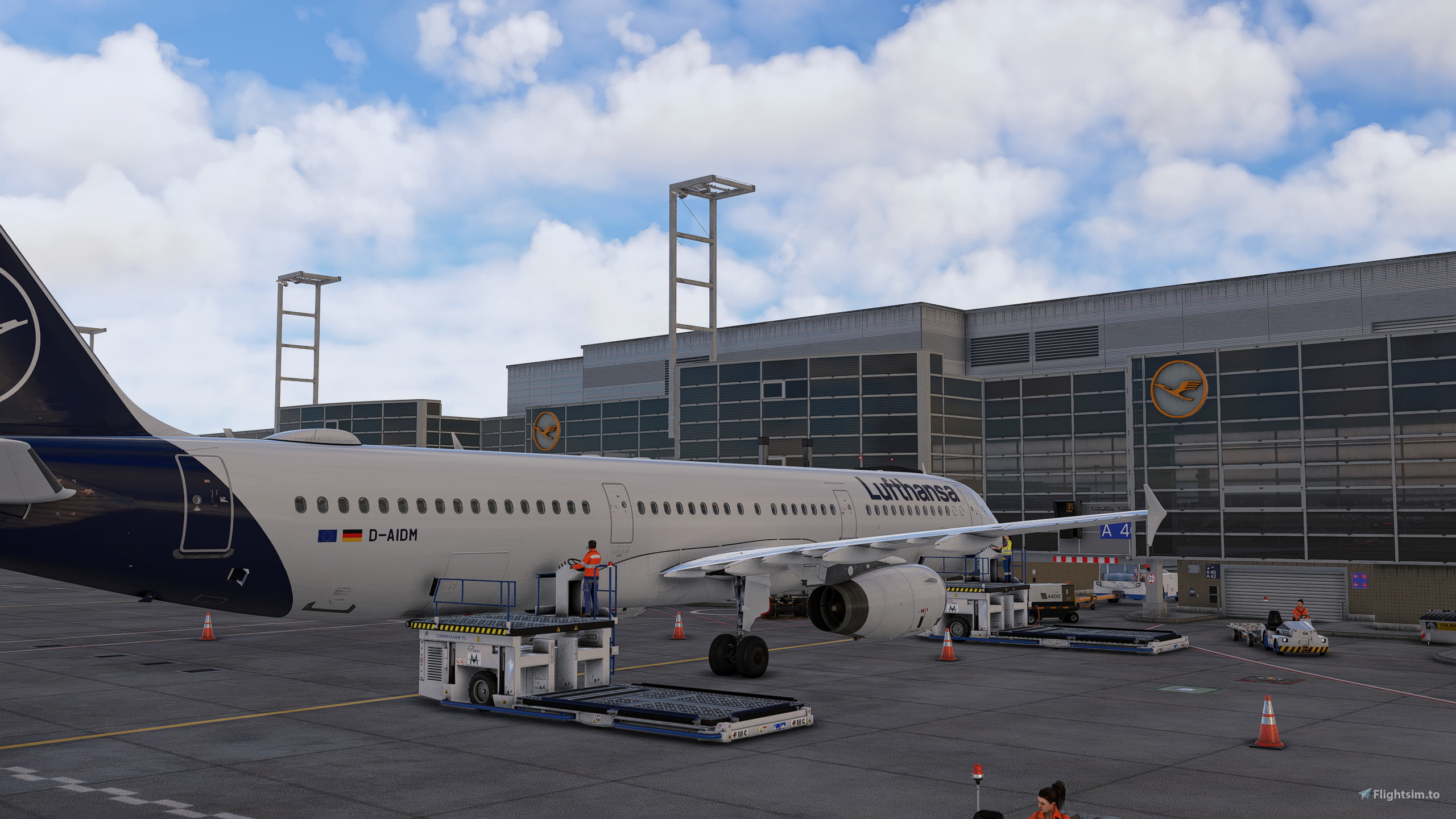
Description
The whole Airport is complete with the features you can find below.
This profile is made for the Payware by Aerosoft found >>>here<<<
This profile also comes with the Scenery package, but you’ll always find the latest version here. We can push updates to fs.to more quickly
Important
To avoid overlapping VDGS, use either the Aerosoft VDGS or the GSX VDGS, but not both. To disable the Aerosoft VDGS, simply turn it off in the configuration settings or the .bgl under aerosoft-airport-eddf-frankfurt\scenery\EDDF_VDGS\
What's included?
-> Custom vehicle placement
-> Custom pushback positioning and naming
-> VDGS placement where it is needed
-> Custom De-Ice pads
-> custom jetway root floorheights where needed
-> custom stop positions per aircraft type at every stand
-> custom sorting of Gates and Stands
How to install
You will find four subfolders:
- Full Variant: Includes walking passengers.
- LITE Variant: Does not include walking passengers (better for performance).
Each variant is available in two versions:
Aerosoft VDGS
GSX VDGS
Important: If you are using the GSX VDGS, make sure to disable the Aerosoft VDGS in the configuration settings.
Installation Instructions:
Place the provided .ini and .py files into %appdata%/virtuali/GSX/MSFS.
Ensure that only one version of the EDDF-Aerosoft.ini and eddf-aerosoft.py file is installed.
Setup Guide – VATSIM CID / ONLY WORKS WITH GSX VDGS!
Option 1 (Recommended)
- Load into Frankfurt (EDDF)
- A setup window will automatically open on first use
- Enter your VATSIM CID
- Confirm → Done
Option 2 (Manual Setup)
- Open the file:
EDDF-Aerosoft_handler.py Locate the CID setting
- Enter your VATSIM CID manually
- Save the file
How to report a problem?
If you have a problem with the installation or there is something wrong with the profile, please let me know either here or on our Community Discord. I will make sure to help in any way I can.
Improvement
If you know more about the ground operations, I am trying to replicate, please let me know so I can improve my work and bring you the best possible profile.
Discord
If you´re a Creator or just a Profile User, feel free to join the GSX Creation Community and chat or discuss with other Users or Creators
Official GSX Profile | EDDF Frankfurt | Aerosoft |
This GSX Profile is tailored for the Aerosoft Mega Airport Frankfurt add-on, enhancing ground services at the airport. It includes custom vehicle placement, tailored pushback positioning, and accurate VDGS and De-Ice pad placements. Users must choose between the Aerosoft or GSX VDGS to avoid conflicts, with installation instructions provided for easy setup. The profile aims to replicate real-world ground operations and invites user feedback for ongoing improvement.




User Reviews
32 reviews
Version History
- fixed some vACDM bugs in the handler script
Featured in Collections(2)



Related
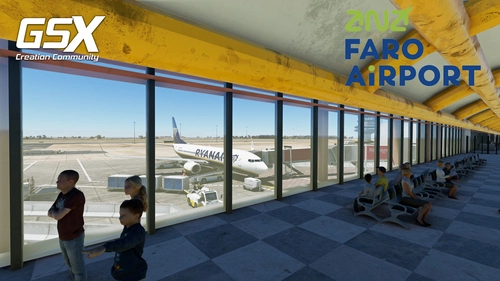
RD Presets - LPFR Faro GSX Profile
Enhance your ground services at LPFR Faro with this custom GSX profile from RD Presets. Enjoy custom pushbacks, vehicle positions, and VDGS placements true to real-life. Easily install the provided .ini file and report any issues for quick assistance. Join the GSX Community Discord for more support and connect with fellow creators in the community.
by jk2304
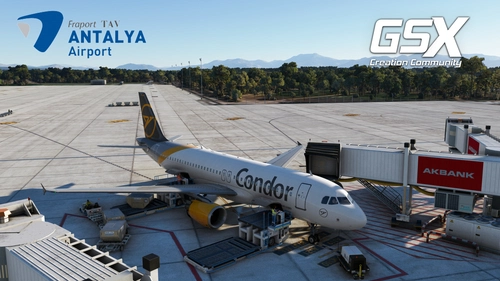
Justsim LTAI GSX Profiles (all Stands/Gates)
Enhance your airport experience at LTAI with Justsim GSX Profiles. Enjoy custom vehicle positions, passenger walking routes, stop points, and VDGS placements at Antalya International Airport. Join the GSX Community Discord for feedback and improvement suggestions. Get a better GSX Menu with Python Customization coming soon!
by jk2304
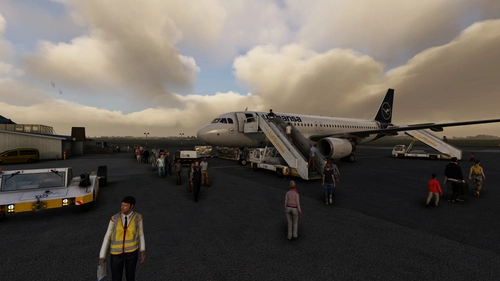
FSDG - EDXW Sylt GSX Profile
Enhance your ground operations at EDXW Sylt airport with this GSX Profile by FSDG, offering custom vehicle positions, passenger walking routes, and accurate stop points. Simply install the provided .ini file to elevate your airport experience. Join the GSX Community Discord for feedback, improvements, and a community of like-minded creators and users.
by jk2304
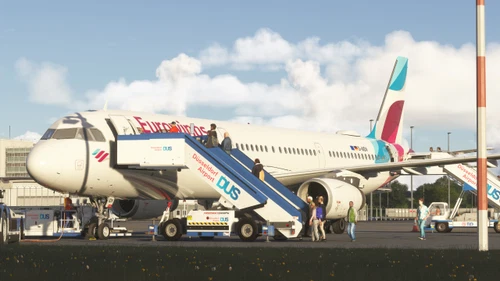
Official GSX Profile | EDDL Düsseldorf| Aerosoft |
This add-on features an official GSX profile specifically for the Aerosoft Düsseldorf Airport (EDDL). It includes custom vehicle placements, pushback positions, VDGS placements, and de-icing pads tailored for efficient ground operations. Additionally, users will receive updates promptly to ensure the profile remains current with airport changes. Installation requires placing specific files in the designated GSX folder within your system.
by jk2304
Log in to join the discussion
Log InComments(201)
about 5 hours ago
Ich habe nur folgendes Problem, zum Beispiel Gate A34: Ich sehe zwar im Terminal Menschen herumlaufen, jedoch nicht die Passagiere aus meinem Flugzeug. Sie betreten zwar die Fluggastbrücke, verschwinden aber innerhalb der Fluggastbrücke. Das ist auch bei anderen Gates so. Ich nutze GSX pro und hier die Vollversion des Gsx-Profils.
about 4 hours ago
about 3 hours ago
5 days ago
about 4 hours ago
For the next version, I'll try to provide a LITE option again, as I'll be making some adjustments to the profile anyway. In the future, CLASSIC and IRL positions won't need to be published separately in two different profiles.
11 days ago
about 4 hours ago
17 days ago
16 days ago
Libary > Aerosoft Mega Frankfurt > Configurate > Last option: Aerosoft VDGS Boxes
19 days ago
(for Example all the spots around the hangar 7 with Taxiway S27 or Hangar 12 with Taxiway S25)
19 days ago
18 days ago
19 days ago
19 days ago
Could you please describe your issue in a bit more detail? I’d also suggest contacting me directly via Discord, as we can usually resolve issues much faster there.
18 days ago
18 days ago