
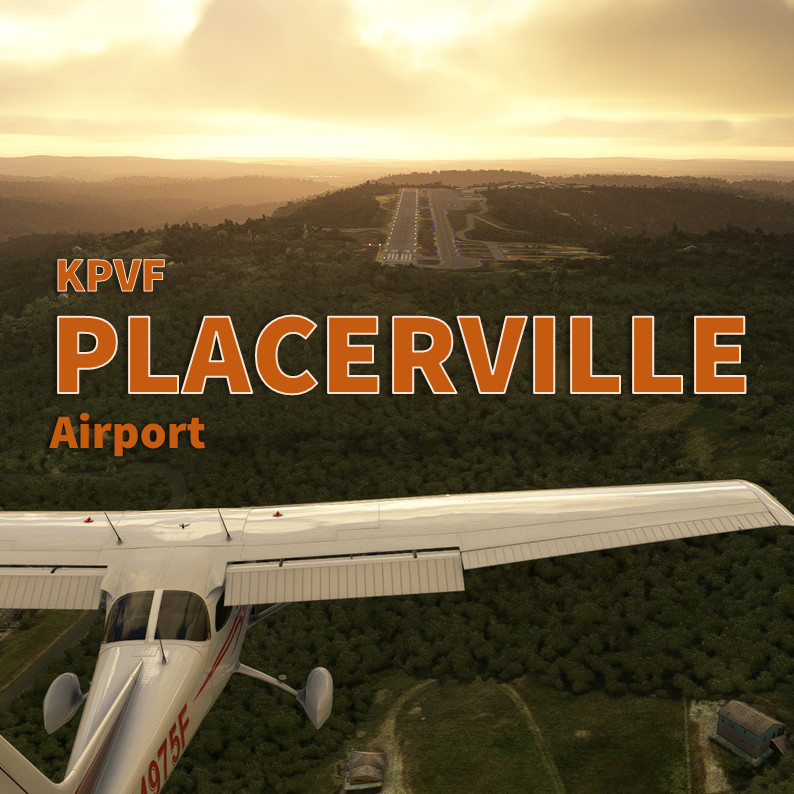
Description
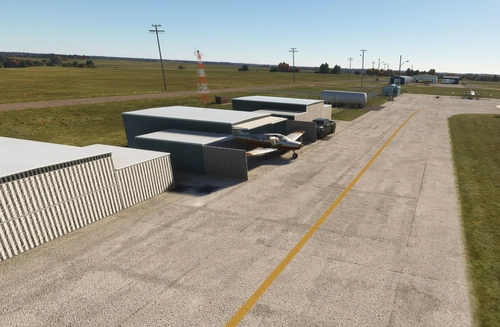
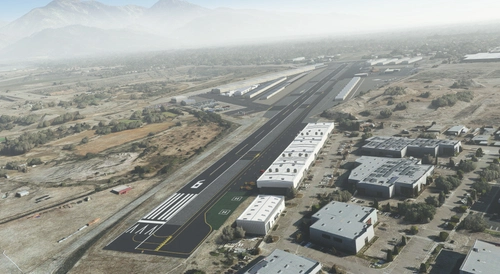
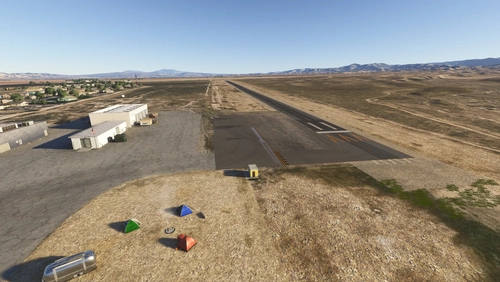
Placerville airport is located in the heart of the Sierra Nevada foothills and a common plan B for pilot diverting when Lake Tahoe is not accessible. The airport is located on top of a bluff, so you can practice your aircraft carrier landings. There's a lot of parking spaces and a very practicable fueling island. EAA Chapter 512 as well as Skywagons (aircraft sales and brokerage) are hosted at the field. You can also have a look at inside the Ragtime Aero hangar.
Fan's videos featuring this PlaceVille addon:
- TheAbsentMindedFlyer "Freeware Focus: KPVF Placerville Airport": https://www.youtube.com/watch?v=ftuSOIuAuRU
- Jones Virtually "Just Flight Piper PA-38 Tomahawk-Showcase in the Backcountry MSFS" : https://www.youtube.com/watch?v=WOdO7zKb6ec
- SD Falchetti "MSFS 2020 Cessna C152 VFR Flight: Placerville to Palo Alto": https://www.youtube.com/watch?v=WPMz_vT0JIA
- Bumpkin Air "MILVIZ 310R LAKE TAHOE TO PLACERVILLE NEVADA MSFS": https://www.youtube.com/watch?v=sc68b0XjmLo
Features
- Huge amount of work on elevation of the whole airport but also on small areas around and inside the perimeter
- Hard work blending all revised new airport textures with the underlying satellite images
- All fences around the airport (thanks to vectorplacement SDK features)
- Add specific and custom taxiway signs (noise abatement extrapolated from ground charts, if you have their exact meanings let me know)
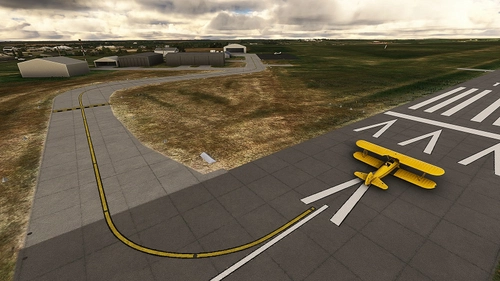
- Add Helipad H1 located on north side of runway 05 end
- Add the Hangtown VOR-DME (objects)
- Add 100% dynamic animated Wind Tee customized for KPVF and the weather sensors. A unique asset!
- Add thousand of small objects to make the airport a more living and immersive environment. Mostly with stocked objects which requires no 3rd party library installation except World Updates. See requirements below.
- Add several open hangars (with some jewels inside) replacing AI generated.
- My scenery works better in daylight, even if night lightning are implemented: invite yourself to the EAA - Chapter 512 summer meeting. Don't forget to bring deserts, Chapter provides hot dog and hamburgers
- Special attention to buildings : EAA Chapter 512, Ragtime Aero and Skywagons.com
- Fix the 4-box VASI runway 5
- Fix the 2-light PAPI runway 23
- Fix the airport beacon tower
- Fix windsock position and replace the default red/white European with the 100% orange and animated windsock
- Fix all taxiway blue night poles light
- (WIP) Fix taxiway signs. If you know how taxiway name are layed out, drop me a message and I'll fix them.
More info for pilots
Only one runway 5-23, elevation 2,583 MSL, 4,200 feet long by 75 feet wide. 100LL and Jet-A fuel is available at the fuel island. Safety, speed and altitude permitting, on departure from Runway 23, make a 10-degree left turn at the end of the runway (caution to not interfere with the left downwind 5. No turns North or West prior to 3400 MSL or clear of noise sensitive area. No mid-field departures.
- Skyvector: https://skyvector.com/airport/PVF/Placerville-Airport
- Airnav: https://www.airnav.com/airport/KPVF
Remarks
I noticed that on my configuration that REX Accuseason raises up trees size too high on final approach path 23. My scenery works with the default trees and is better if not perfect with Accuseason set to "Short Height" in Vegetation height of Options.
Installation
- MSFS2024 users: starting with the v3.0.0 of this scenery, the .ZIP contains now 2 folders "vbcorp-airport-kpvf-placerville" and "zzz-vbcorp-airport-kpvf-placerville". You need to activate these 2 folders in your Community. Keep the name "zzz-vbcorp-airport-kpvf-placerville".
- MSFS2020 user only: you can ignore the "zzz-vbcorp-airport-kpvf-placerville" folder.
Requirements (for MSFS2020 only)
- Sedona scenery (free included in standard MSFS)
- World Update USA 2 and X
- World Update Canada
Special thanks
A huge thank you to Windhover (https://flightsim.to/profile/Windhover) who share his Open Hangar Library and allows me to tune it for this Placerville scenery. But no need to install anything extra. Just a BIG THANK YOU : https://flightsim.to/file/26325/open-hangar-library
A second THANK YOU to Helijah that freely share (CC Attribution) all his low poly static aircraft GLTF models, initially developped for Flight Gear, the freeware sim. It helps replacing the default static and make more this scenery a little piece of unique experience (hopefully). Check the warbirds at the fuel island and some inside hangars. Hope you enjoy!
The yellow static Piper PA18 is provided by Łukasz Paraszka (https://sketchfab.com/3d-models/piper-pa18-bs-ce0GXKJld5GR4DmHg1COO4EHUr8) under CC Attribution.
Author's final note
As for all of my MSFS mod, this small scenery is made from a pilot-eyes perspective. The scenery is inspired by aerial views from Bing and Google maps. It's a mix between the satellite imagery displayed from MSFS and more accurate data found on Internet. I did my best, based on online videos and pictures freely available. It uses also a lot of stocked object as my skill in 3D buildings creation is very limited. If you have local pictures to help being more accurate, please let me know!
Location
KPVF - Placerville Airport
Explore the scenic Placerville Airport (KPVF) located in the Sierra Nevada foothills. This add-on features enhanced elevation, custom textures, detailed buildings, and dynamic animations. With a focus on realism, enjoy a vibrant and immersive airport experience in Microsoft Flight Simulator.

Supporters

User Reviews
27 reviews
Version History
After Sim Update 4, several default object have been removed or replaced by Microsoft/Asobo. This v3.0 replaces all missing objects (mainly buildings and hangars). - MSFS2024 users: starting with this v3.0.0 the .ZIP contains now 2 folders "vbcorp-airport-kpvf-placerville" and "zzz-vbcorp-airport-kpvf-placerville". You need to activate these 2 folders in your Community. Keep the name "zzz-vbcorp-airport-kpvf-placerville". - MSFS2020 user only: you can ignore the "zzz-vbcorp-airport-kpvf-placerville" folder. - Enhance runway texture (MSFS2024 only) - Replace Simobject airplane with low poly static - Fix missing hangars and building (MSFS2024 only) - Fix taxiway lines on runway - Fix some textures transparency
Featured in Collections(3)


Related
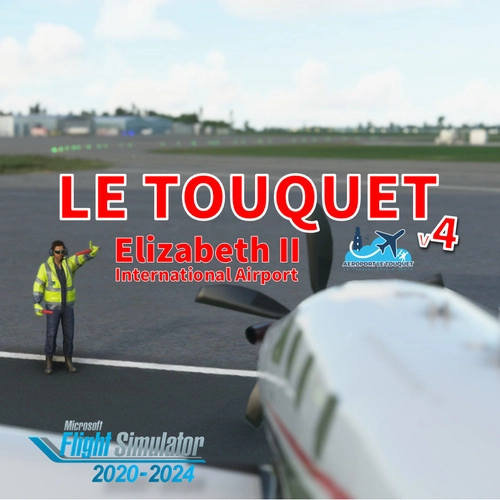
LFAT - Le Touquet - Elizabeth II International Airport
Explore the upgraded Le Touquet - Elizabeth II International Airport (LFAT) with enhanced details like new buildings, taxiways, and custom textures, along the northern coast of France. Experience realistic features including a long runway, ILS approaches, and low tide simulation for an immersive flying experience. Unzip the file into your Community folder to enjoy this amateur real pilots passion project, offering a closer-to-reality representation of LFAT in Microsoft Flight Simulator.
by Vincent Bazillio
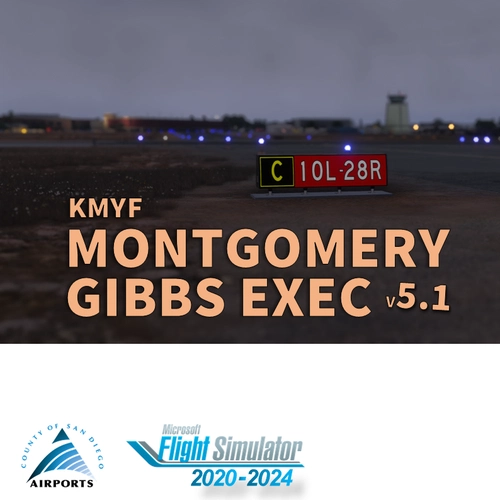
San Diego Montgomery - Gibbs Exec Airport (KMYF)
Enhance your Montgomery Field experience with this updated airport scenery for Microsoft Flight Simulator. Features include corrected taxiway names, new taxiway signs, added buildings, custom windsocks, and more small details to improve immersion. Explore the bustling airport located six miles north of downtown San Diego and enjoy a more realistic flying experience.
by Vincent BAZILLIO
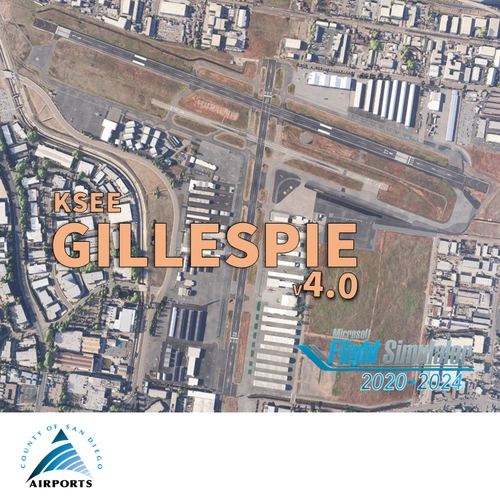
San Diego Gillespie Field (KSEE)
Experience San Diegos Gillespie Field with this detailed MSFS add-on featuring 1800+ objects, corrected taxiways, all airport buildings, fences, apron extension, ground markings, windsocks, and more. Inspired by real-life aerial views and personal footage, this scenery adds a touch of realism to the bustling general aviation hub. Install easily in your Community folder and explore this vibrant airport in the heart of California.
by Vincent Bazillio
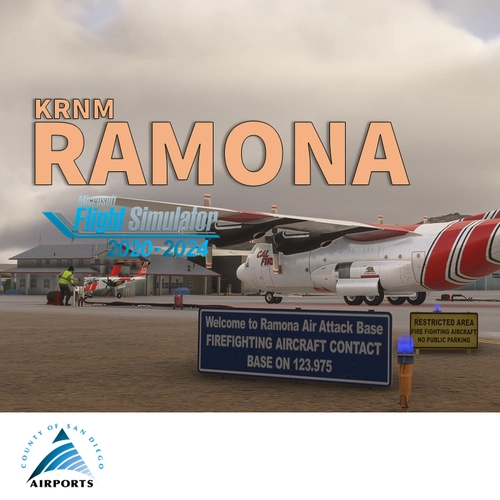
San Diego Ramona (KRNM)
Experience the detailed charm of Ramona Airport (ICAO:KRNM) with this small scenery add-on, featuring over 600 objects added to the default scenery. Explore the recreated airport buildings, taxiway signs, and specialized features. Immerse yourself in the history and significance of this public airport located near downtown San Diego.
by Vincent Bazillio
Log in to join the discussion
Log InComments(72)
3 months ago
4 months ago
4 months ago
This was in the release notes. I will put it in the description. Enjoy!
4 months ago
6 months ago
6 months ago
about 1 year ago
about 1 year ago
over 1 year ago
over 1 year ago
over 1 year ago
over 1 year ago
over 1 year ago