
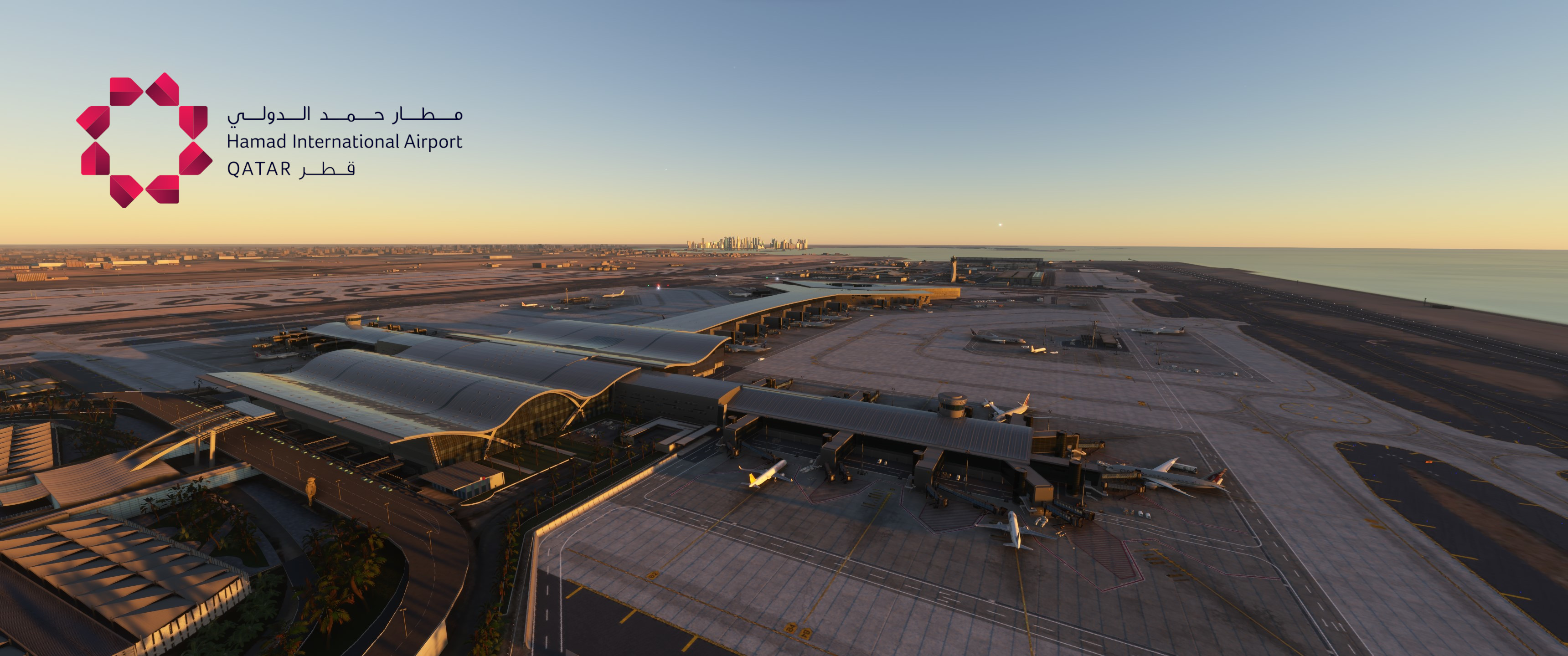
Description
GSX Profile for Doha Hamad Int. Airport by MXI Design
Features:
- Custom stopping positions per aircraft
- Custom vehicle placement
- Custom PAX waypoints
- Custom pushback routes
- Adjusted jetway floor height
- Renamed and reordered parking position names
- One profile with GSX-VDGS, one without (for Aerosoft VDGS)
Important info on GSX VDGS version:
In order to be able to use that version, you have to manually delete the pre-installed VDGS. How?
1. Go to your community folder and look for the folder "mxidesign-airport-othh-doha".
2. Open the "scenery" folder and delete the "OTHH_VDGS" folder (make sure to backup first in case you want to reinstall them).
3. Start up the sim and see if it worked (you should only have one VDGS module per stand).
Notes:
- Some stands have been marked as "do not use", because either the jetway is too short or they are too close to another stand
- Due to a GSX-limitation gate A7 will always be in front of the other A-gates
Installation
Extract the .zip file and move only one of the .ini files and the .py file to %APPDATA%\Virtuali\GSX\MSFS
GSX Profile - OTHH Doha Hamad Int. Airport (MXI Design)
Enhance your experience at Doha Hamad International Airport (OTHH) with this GSX profile designed for the MXI Design rendition. This add-on features custom stopping positions, vehicle placements, passenger waypoints, and pushback routes tailored for improved realism. Additionally, it includes adjustments for jetway height and reorganized parking positions for better navigation. Two profiles are provided: one with GSX-VDGS support and one designed for Aerosoft VDGS compatibility.

User Reviews
11 reviews
Version History
Huge thank you to nxckdev for providing a large portion of this update. Both versions: -enabled rear stairs at stands with jetways as it is in real life GSX VDGS version: -replaced all pre-installed VDGS modules with modules from GSX (see info below, in the description or in the readme) -Safedock X at Apron 6, Safedock T3-9 at stands 501-515, Safedock T1-42 at all other stands Important: In order to be able to use the GSX VDGS, you have to manually delete the pre-installed VDGS. How? 1. Go to your community folder and look for the folder "mxidesign-airport-othh-doha". 2. Open the "scenery" folder and delete the "OTHH_VDGS" folder (make sure to backup first in case you want to reinstall them). 3. Start up the sim and see if it worked (you should only have one VDGS module per stand).
Related
GSX Profile - VRMM Malé/Velana Int. Airport (FSDG)
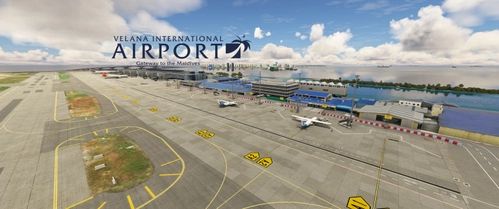
This GSX profile enhances the ground handling experience at Malé/Velana International Airport (VRMM) by FSDG. It features customized stands for both domestic and international flights, with tailored passenger flow and bus stand configurations. The add-on includes specific stopping positions for aircraft, personalized vehicle placements, and optimized pushback routes alongside custom ground operators. Installation instructions provide guidance on integrating the profile into your Microsoft Flight Simulator setup.
by JulSom
GSX Profile - HECA Cairo Int. Airport (TAIMODELS)
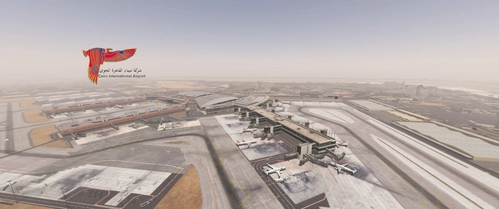
Enhance your ground handling experience at Cairo International Airport with this GSX Profile by TAIMODELS. Features include custom stopping positions, vehicle placement, PAX and walker waypoints, pushback routes, jetway adjustments, parking position names, and VDGS additions. Please note the adjustments made for realistic aircraft positioning based on images and videos.
by JulSom
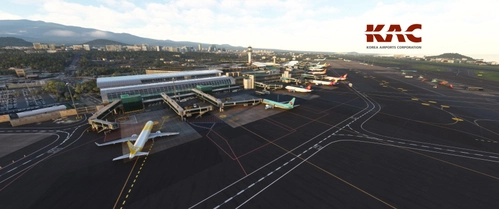
GSX Profile - RKPC Jeju Int. Airport (SamScene3D)
Enhance your ground services experience at Jeju International Airport with this GSX Profile add-on by SamScene3D. Features include custom stopping positions, ground handling operators, pushback routes, and more. Note: Feedback for accuracy is welcomed, as the developer has not visited the airport personally. Installation is simple - just extract the files and move them to the designated folder in your MSFS directory.
by JulSom
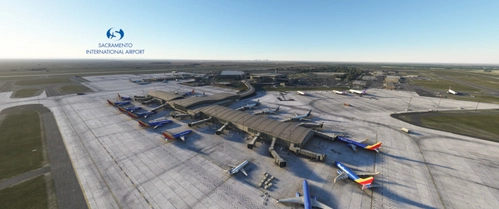
GSX Profile - KSMF Sacramento Int. Airport (Orbx)
Enhance your Sacramento International Airport experience with this GSX Profile add-on by Orbx. Enjoy custom stopping positions, ground handling operators, pushback routes, and more. Make sure to provide feedback for any inaccuracies in the representation of the airport. Installation is simple - just extract the files and move them to the specified directory.
by JulSom
Log in to join the discussion
Log InComments(51)
8 months ago
10 months ago
10 months ago
about 1 year ago
about 1 year ago
about 1 year ago
about 1 year ago
about 1 year ago
about 1 year ago
about 1 year ago
over 1 year ago
over 1 year ago
over 1 year ago
over 1 year ago
Other than that, this profile is absolutely brilliant.
over 1 year ago
over 1 year ago
over 1 year ago
over 1 year ago
over 1 year ago