
Description
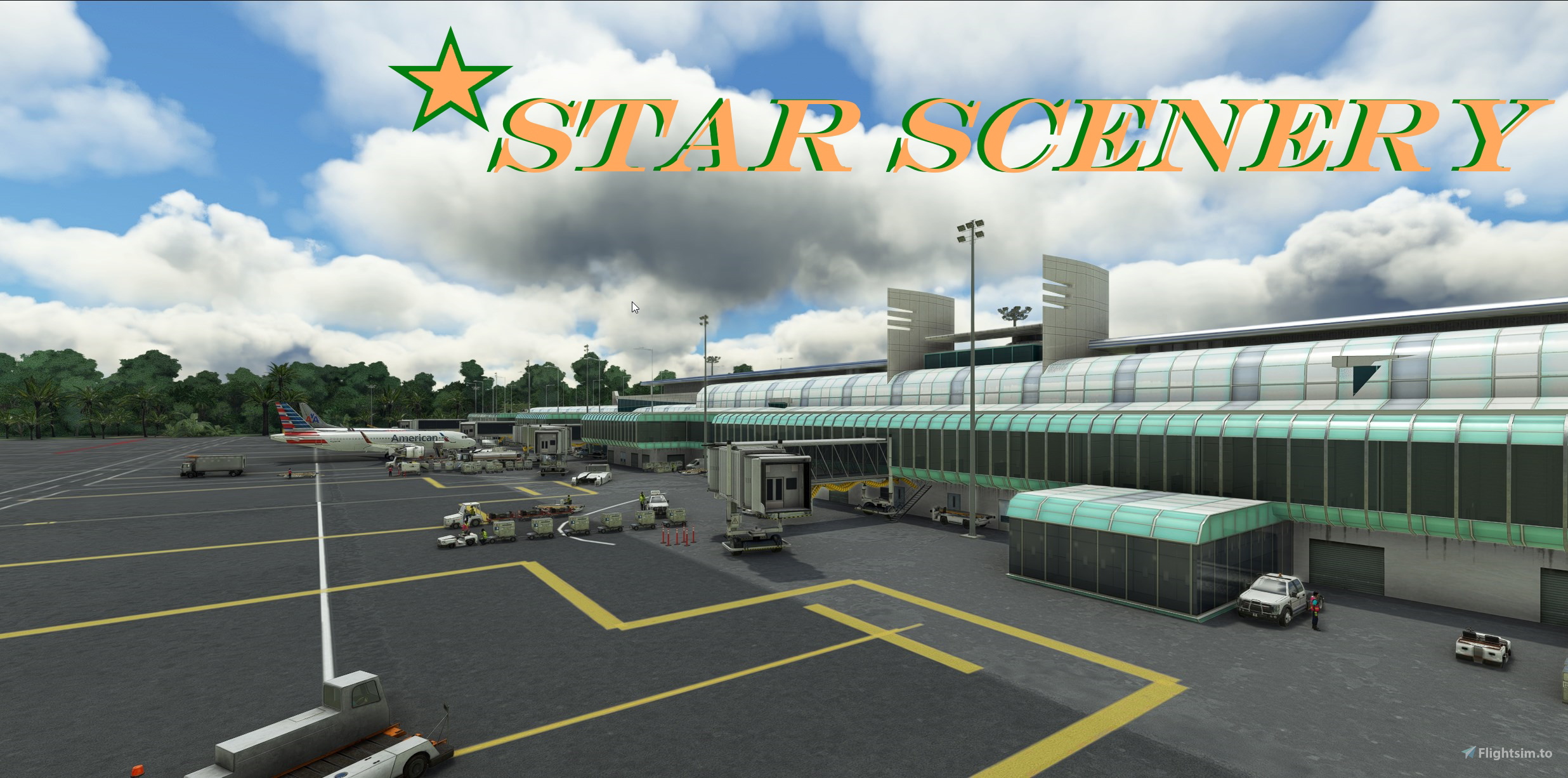
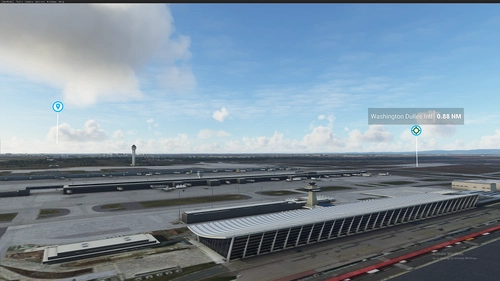
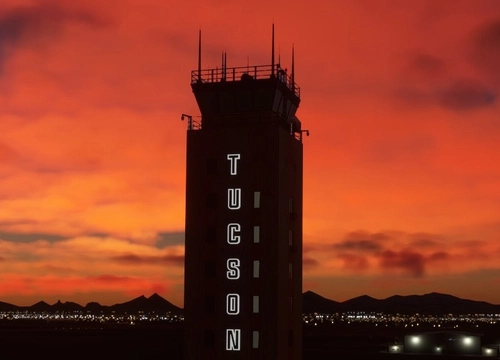
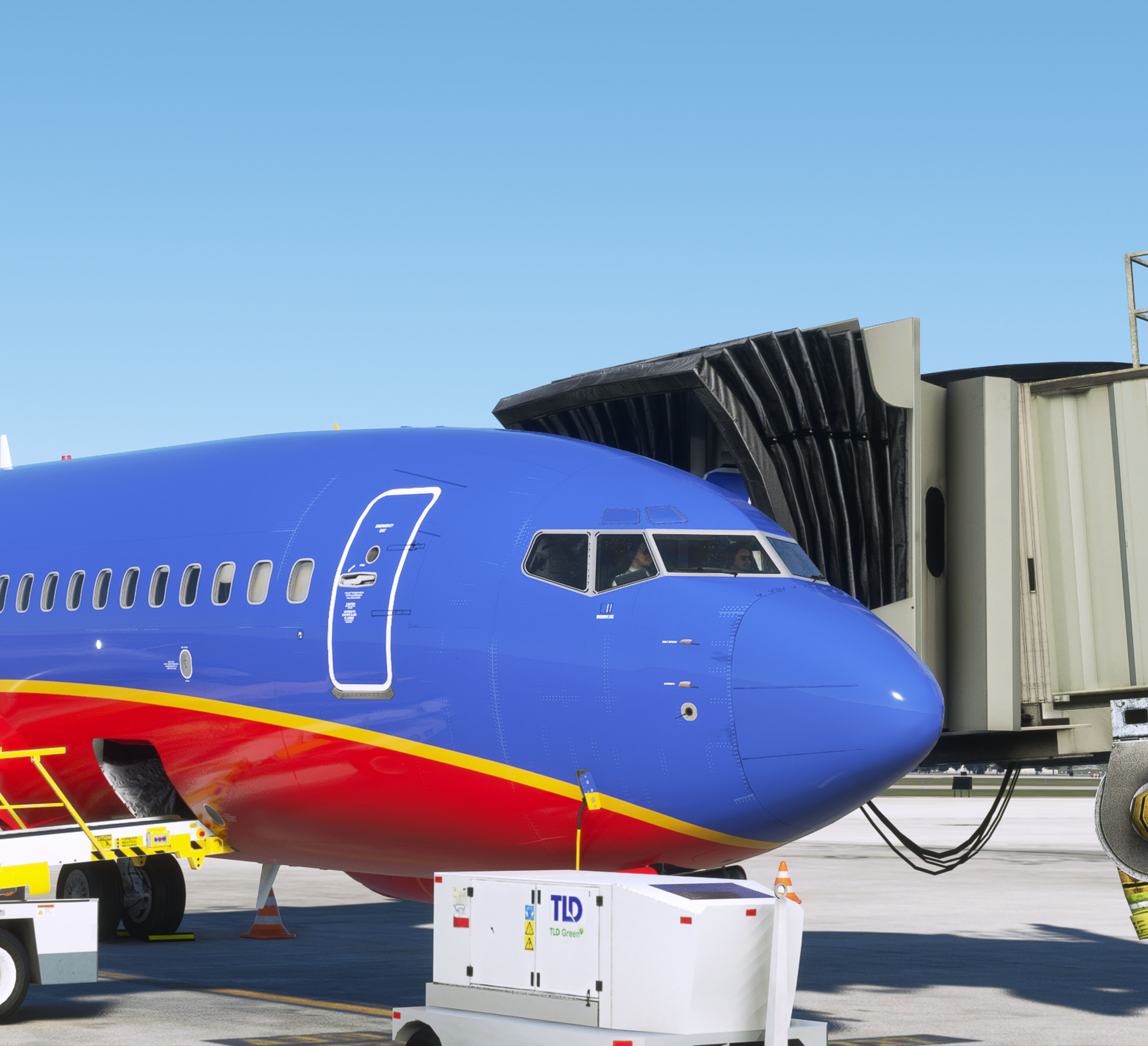
This is another *STAR SCENERY default scenery enhancement for Hilo International Hawaii v1.1 The airport has been re-worked in many places with focus on the main terminal ,Sorth Cargo area, GA parking and FBO with fuel ramp. This is not an exact rendition, however it is much better than the default.
__________________________________________________________________________
*NOW UP DATED FOR (SU12) Sim Update-12 v1.32.7.0 or higher-------------------------------------------------------- Created by: Starseed / J.D. Rocco
===========================================
Updated v1.1
Corrected jetways removed glass reinstall original metal all working New custom painted lines Various tweeks-----------------------------------------------------------------------------------------
Required: Must have MS2020 deluxe version and new free Oceana loded from content manager to see all default library ojects. Added: Corrected gate numbers at main terminal Custom painted lines Airline codes added to parking spots Enhanced night lighting Tweaks throughout the airport Added GA parking south side of the field Added cargo parkingHangars, airport vehicles, ramp workers added Over 1,430 hand placed objects Lots of extra eye candy throughout Corrected taxi signs ===============================================[Due to limitations in default SDK not all items are 100% accurate]
================================================
[ copy and paste in browser]
https://flightsim.to/file/28992/will-rogers-world-airport
https://flightsim.to/file/28239/monterey-regional-airport https://flightsim.to/file/28711/khou-houston-william-p-hobby-airport https://flightsim.to/file/20721/philadelphia-international-airport https://flightsim.to/file/20481/kont-ontario-international
https://flightsim.to/file/31025/krno-reno-tahoe-international
https://flightsim.to/file/28398/mkjp-norman-manley-international-airport
Location
PHTO Hilo International Airport Hawaii
Enhance your flight simulation experience with the PHTO Hilo International Airport add-on for Microsoft Flight Simulator version 1.1. This scenery upgrade focuses on the main terminal, South Cargo area, GA parking, and FBO with fuel ramp, offering improved details and realism. Updated for Sim Update-12, this add-on includes corrected jetways, custom painted lines, gate numbers, airline codes, enhanced night lighting, and over 1,430 hand-placed objects.

User Reviews
5 reviews
Version History
Featured in Collections(1)
Related
Philadelphia International Airport v2.2
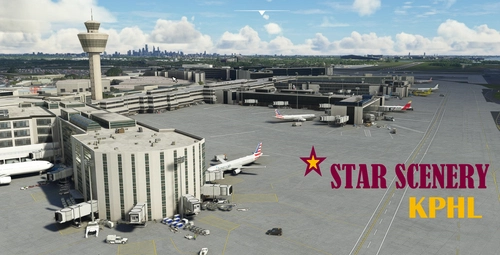
Enhance your flight simulation experience with the Philadelphia International Airport v2.2 scenery add-on. This update features reworked areas such as the UPS North Cargo section, main terminals, and the Fed-X air freight facility, along with new buildings and objects. Updated for SU10, the latest version includes extended runways, taxi signs, and improved night lighting for better visibility throughout the airport. Created by Starseed / J.D. Rocco, this scenery add-on brings new features and enhancements to your virtual flying experience.
by Starseed / J.D. Rocco
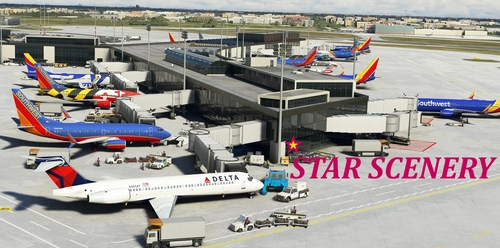
KHOU Houston William P. Hobby Airport v2.2
Enhance Houston William P. Hobby Airport with this update featuring improved night lighting, new buildings, and accurate gate labels for airlines and GA parking. Enjoy animated vehicles and over 2,200 hand-placed objects for a realistic airport experience. Created by Starseed / J.D. Rocco, this scenery add-on is designed to elevate your flight simulation.
by Starseed / J.D. Rocco
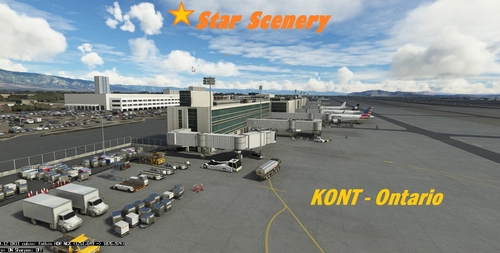
KONT-Ontario International v2.2
Enhance your virtual airport experience with KONT-Ontario International v2.2, a detailed scenery update focusing on the UPS East Cargo area, Main Terminal, and West air freight sections. This scenery add-on includes enhanced night lighting, reworked UPS HUB area, added GA parking, cargo parking, and over 2,500 hand-placed objects for a more immersive simulation environment. Developed by Starseed / J.D. Rocco, this update is compatible with (SU11) Sim Update-11 v1.29.30 or higher.
by Star Scenery / J.D.Rocco
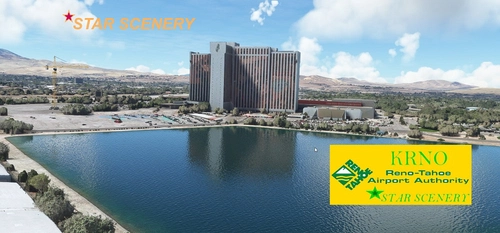
KRNO Reno-Tahoe International
Enhance the Reno-Tahoe International Airport experience with this add-on, featuring improved facilities, enhanced night lighting, and over 2,200 hand-placed objects for a more realistic feel. From corrected runway configurations to animated ramp workers, this scenery upgrade includes a variety of improvements while maintaining accuracy within default SDK limitations. Created by Starseed/J.D. Rocco, this version 1.0 update brings a refreshed look to the airport in Microsoft Flight Simulator.
by Starseed / J.D. Rocco
Log in to join the discussion
Log InComments(21)
7 months ago
and time most don't realize.
7 months ago
The scenery is fantastic... love the detail!
7 months ago
about 1 year ago
almost 2 years ago
almost 2 years ago
https://flightsim.to/file/50127/phto-aerial-imagery
about 2 years ago
If you ever do a revision (FS2024?) I'd love to see the static 747 removed. With all the air traffic addons available now it's nice to not have to see the fake MSFS airlines. :)
over 2 years ago
over 2 years ago
over 3 years ago
Solid freeware. Even with MSFS Deluxe, for some reason though, I appear to be missing moveable jetways though at the end of the glass jetway extenders.
over 3 years ago
It looks like the jetways are backwards. The Airport looks good.
over 3 years ago
All fixed in the v1.1 update.
over 3 years ago
After the update, the jetways do appear but looks like there is a floating one at the east end of the terminal at gate 9, as well as gate 6.
over 3 years ago
Screenshots look like this will be better than the payware version. Will take a look, thanks.
over 3 years ago
Very nice Airport but by the parking area the palm trees are pink as if the textures haven't loaded