
Description
Please, read the change log or go at the end of this paragraph. otherwise the new version will not work.
Thank you
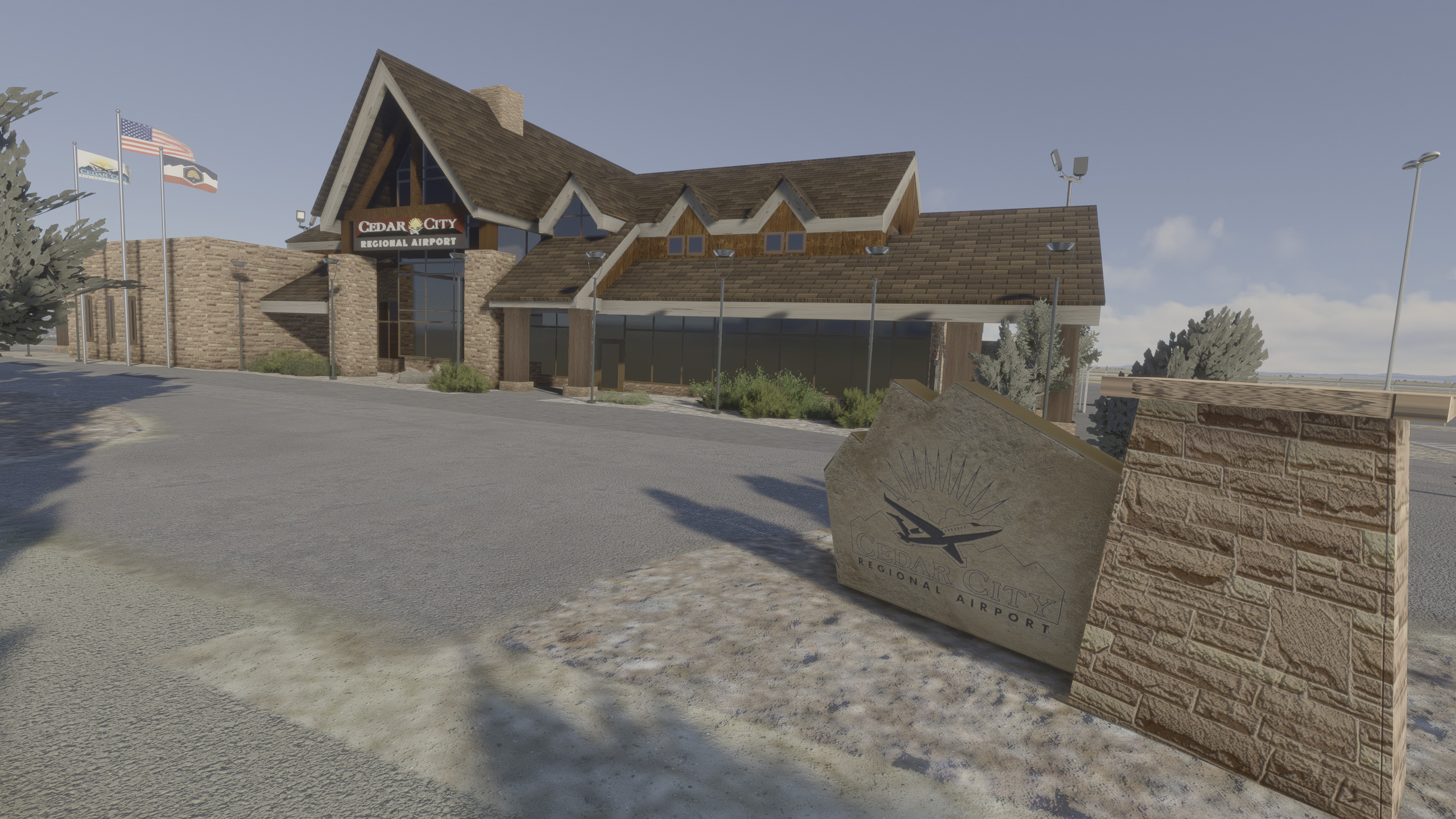
Cedar City Regional
Cedar City Regional (KCDC) airport serves Cedar City, in southwest Utah. with direct flights to Salt Lake City, also it is the location of the Southwest Utah University Flight School and serves as a hub for multiple charter and private planes.
Coulson Aviation firefighting planes and helicopters use this airport in their efforts.
Also, Military Jets and helicopters from the different branches come to park here during training season.
The terminal was created in blender from the ground up, using both PBR and composite maps.
Terminal was redesigned so it will reflect the expansion of the real terminal in 2025
This version will work with Flight Simulator 2020 only. You can download a MSFS 2024 version here
Bricks textures created based on the original using close images, making an exclusive pbr for the terminal
A set of waving flags, created using the library WINDY THINGS, published by trfsto, using his guides and tutorials, found here https://flightsim.to/file/14024/windy-things
Car parking was cleared and organized, based on real life design
Taxiways and enhanced holds redrawn
Repositioning of all the hangars, where it will show new car parking spots in the street.
Added new exterior lights for the Terminal, based on the original ones
ILS antennas
Fences organized
Unzip the file and drop it in the community folder.
To avoid conflict with the new version you must erase the old folder named "ev1lt1ck-airport-kcdc-cedar-city" from your community folder and uncompress and install the new updated file since the name was changed. It will create a conflict if you keep the old one.
Location
Cedar City UT Regional Airport (ICAO KCDC)
Cedar City regional airport serves Cedar City, in southwest Utah. with direct flights to Salt Lake City; also it is the location of the Southwest Utah University Flight School, and serves as a hub for multiple charter and private planes. A new terminal created in Blender, using Physical Base Rendering materials.


User Reviews
2 reviews
Version History
To avoid conflict with the new version you must erase the old folder named "ev1lt1ck-airport-kcdc-cedar-city" from your community folder and uncompress and install the new updated file since the name was changed. It will create a conflict if you keep the old one. Updated PBR for the terminal model cleared of unnnecesary clutter
Related
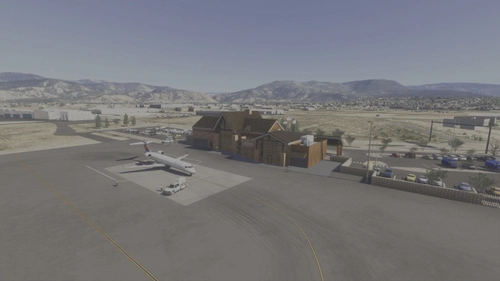
KCDC - Cedar City Regional Airport
Cedar City Regional Airport (KCDC) is a detailed add-on that enhances the representation of the airport serving Cedar City, Utah. The model features an accurately designed terminal, incorporating modern PBR textures and reflecting a planned expansion for 2025. Improvements include organized car parking, redrawn taxiways, and updated lighting, alongside the inclusion of firefighting and military aircraft operations. Users can expect an enhanced experience with realistic airport features and updated environmental aspects.
by Ev1lT1ck
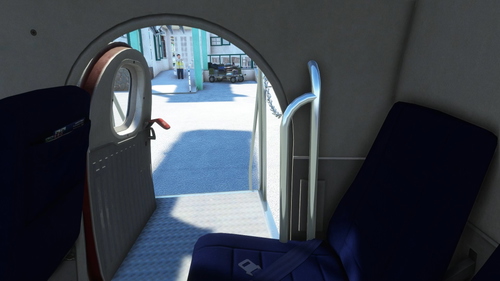
GSX Pro profiles for the Twin Otter, Cargo and Passenger in MSFS2020
Two profiles for the DHC6 Twin Otter; one is a passenger version and the other a cargo version. Both profiles require, order to start boarding or loading the cargo, the doors should be activated by opening and closing them, by clicking in the doors handles.
by Ev1lT1ck
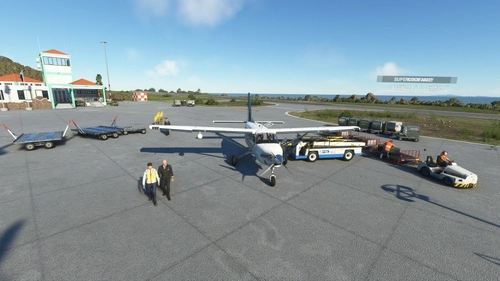
GSX Pro Profiles for the Kodiak 100
GSX profiles for the Daher Kodiak 100 for each of the stock liveries in their four configurations, depending on their tundra and cargo pod characteristics, and are assigned depending on if they serve as passenger only, cargo only or mixed operations.
by Ev1lT1ck
GSX Pro profiles for the Blackbox's BN2 Islander
Profiles for the all BN2 Islanders; depending on the type it will board passengers, cargo or both. To activate the process, select “request boarding” from the GSX menu and follow the requests shown in the top left corner of your screen, by the GSX program. Activate the switches to open or close the doors and panels to complete the processes and continue with the taxi, push and start up
by Ev1lT1ck
Log in to join the discussion
Log InComments(9)
7 months ago
Thank you.
almost 4 years ago
Not a complaint, but just an observation and suggestion. The airport package folder structure seriously needs to be restructured. There are way too many "nested folders" with repeated name-types that end up containing files with then way too long file names (after the airport is loaded into the user's Community Folder, which may not be in the MSFS default location) that result in exceeding the Windows OS file length names. For instance, the below is just a few examples:
ev1lt1ck-airport-kcdc-cedar-city\ContentInfo\ev1lt1ck-airport-kcdc-cedar-city\Thumbnail.jpg
ev1lt1ck-airport-kcdc-cedar-city\Scenery\ev1lt1ck-kcdc-cedarcityut\KCDC.bgl
ev1lt1ck-airport-kcdc-cedar-city\Scenery\airport-kcdc-cedar-city\kcdc-terminal\texture\BRICKS082A_4K_AMBIENTOCCLUSION.PNG.DDS
All of the above folder "trees" repeat the airport ICAO code and airport name numerous times and just lengthen the folder tree structure for no good reason. The first example actually uses a folder tree structure that is 3 folders deep and almost 100 characters long to contain ONE file called "Thumbnail.jpg" that could be placed in the original folder, and eliminating the rest of the folder tree altogether.
"Nested Folder" trees that are multiple folders long (deep) because of repeating naming of the folders are a database managers nightmare, and eventually result in the whole structure failing to work correctly.
Like I said, just an observation and not a complaint. But there will be some MSFS users with their Community Folders in a different than default location that, when adding this airport to the Community Folder, will exceed their OS's file naming length allowance and it may even "crash" MSFS itself.
about 4 years ago
I used to live in Cedar City, I took commuters from here to Las Vegas fairly regularly. Awesome recreation of a great small town airport!
about 4 years ago
Excellent! You should post a list of any scenery libraries such as Windy Things. Any others?
about 4 years ago
From the description:
The package contains 2 folders, “ev1lt1ck-airport-kcdc-cedar-city” and “Ev1lT1ck-Flag_Repaint”, which have to be extracted to your Community folder.
“ev1lt1ck-airport-kcdc-cedar-city” contains all the elements, components, materials and modifications to the airport. This is the main file.
“Ev1lT1ck-Flag_Repaint” contains the waving flags created using WINDY THINGS library. If you choose not to extract it to the Community folder, the main scenery will work with the difference that it will NOT show the waving flags.
about 4 years ago
Maybe consider putting the airport code somewhere in the description or the title or even the file itself. Thanks. Nice!
about 4 years ago
Done!, Thanks for your feedback.
over 4 years ago
I'm not sure if this caused by this mod - got CTD with black screen close to MLF VOR when approaching Cedar City RW 22 wth CJ4 (working title) :-/
over 4 years ago
Great looking airport. This will surely become my GA refueling airport for flights from the Denver area to Orange County and San Diego! Thanks! A real plus additi on!