
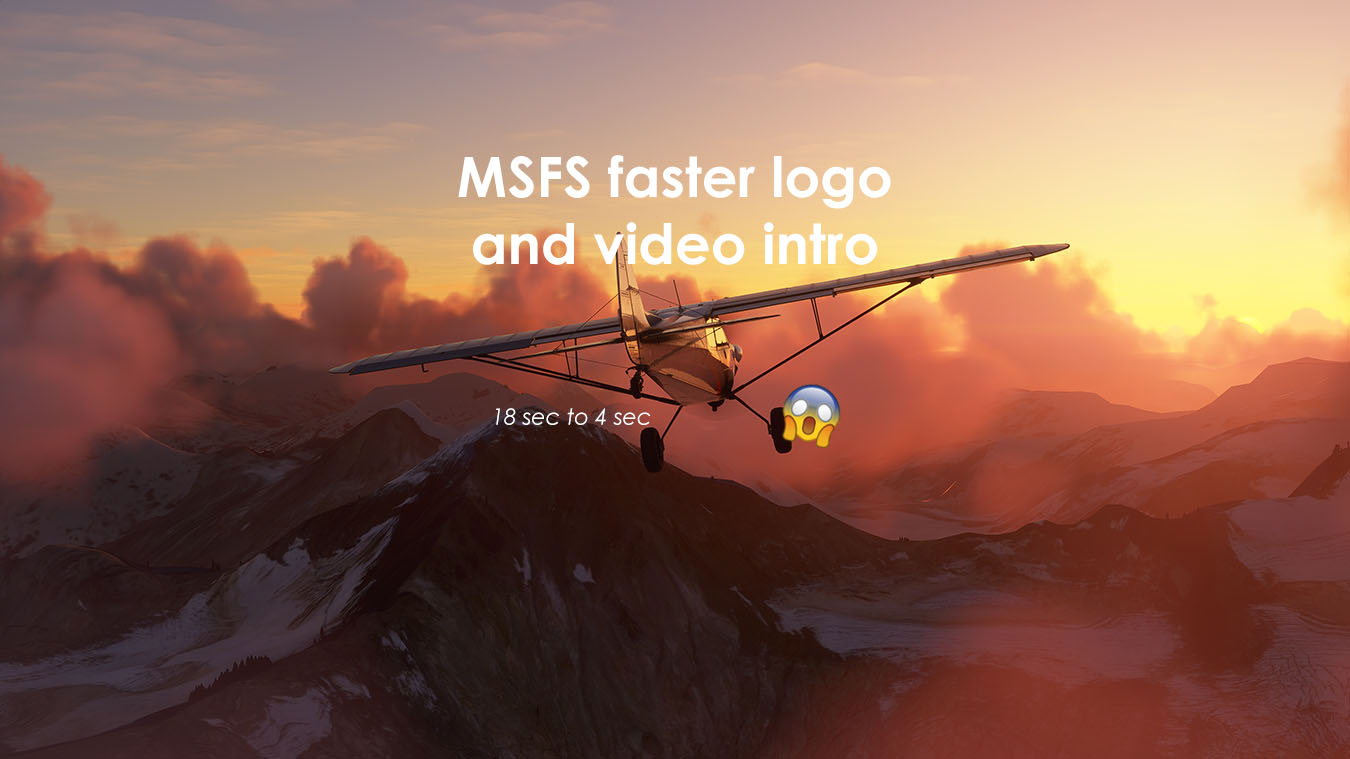
Description
Hello everyone
tired of a long MSFS intro? don't worry lmao
remember this addon will not skip any intro videos but
I made this small addon to make your MSFS intro videos faster
from 18 seconds to 4 seconds.
Compatible with sim update 5 and all sim updates
how to install:
1 .Head over to where your game is installed and head to the following location
(MSFS directory files) \Packages\fs-base-onboarding\logos
(MSFS directory files) is the place where FlightSimulator.exe is installed.
it can be found
Steam Edition:
-Open your Steam Library, and find Microsoft Flight Simulator
-right-click and click Properties
-go to Local Files and click Browse.
2.Replace the existing files with the one’s you downloaded
you can also make a backup file in case if you wanna use the default one.
Now your MSFS intro should be much faster
By: Kiwiflyer
MSFS faster video intro
Shorten your Microsoft Flight Simulator intro videos from 18 seconds to 4 seconds with this add-on by Kiwiflyer. Compatible with sim update 5 and all subsequent updates, easily install it by replacing files in your game directory. Enjoy a quicker start to your flying experience!

User Reviews
1 reviews
Version History
-remove the sound -using a simple black fade transition
Related
Cessna Citation CJ4 - Garuda Indonesia
Repaint of Garuda Indonesia livery for the Cessna Citation CJ4 in MSFS. Compatible with sim update 5, no changes to cockpit panel. Easily install in Community folder. Support the creator by buying a coffee.
by kiwiflyer
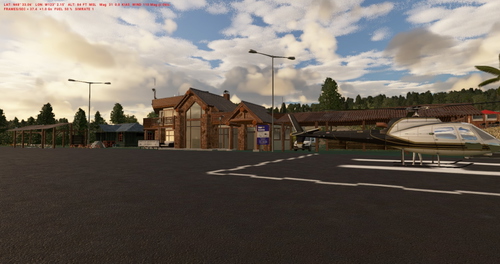
Kiwiland Airfield | MSFS custom airport
Kiwiand Airfield is a custom airport in Microsoft Flight Simulator, located near Friday Harbor airport (KFHR). Created by Kiwiflyer, this fictional airport offers a unique flying experience with some default MSFS buildings. Please note there may be minor bugs, such as planes hitting buildings. Be sure to watch the review by ZorgsteinKilloo for more insights.
by kiwiflyer
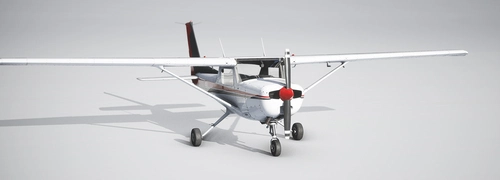
Default Cessna 152 - Flight dynamic and flight control fine tune - MSFS 2020
This add-on provides a refined flight model for the default Cessna 152 in Microsoft Flight Simulator 2020. It addresses issues such as input delay and sensitivity by enhancing control response and fine-tuning flight dynamics without altering other aircraft features. The modifications include adjustments to control surface areas, sensitivity, and inertia to create a more realistic flying experience. Installation is straightforward, requiring only a drag-and-drop into the Community folder.
by kiwiflyer
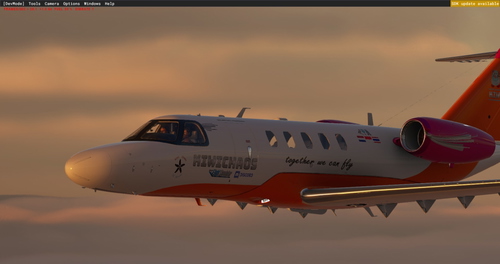
Cessna Citation CJ4 Kiwichaos custom livery
Customize your MSFS Cessna Citation CJ4 with this high-quality Kiwichaos livery addon created by a dedicated flight sim community member. Simply drag and drop the livery into your community folder for a personalized flying experience.
by kiwiflyer
Log in to join the discussion
Log InComments(27)
about 4 years ago
Thank you, works perfect!
Video files are (for now and for Xbox PC version) in
Your path\MSFS 2020 xBox\Microsoft Flight Simulator\Content\Packages\fs-base-videos\Videos
over 4 years ago
Currently, on installs from the MS store, the folders are locked down tight. Permissions cannot be changed in the appropriate folders. This is apparently due to the way Microsoft is now locking down certain folders and files, which cannot be bypassed. I cannot speak for Steam users, though. You may still be able to replace those videos with Steam installs. Can anyone confirm either way or the other?
Posted March, 2022.
over 5 years ago
Right Clicking On "Microsoft flight simulator" in steam /Properties/General/Launch Options [Then Enter] -fastLaunch [Then Close] / Load MSFS 2020 - WORKED FOR ME ! 8 p
over 5 years ago
yep, that also works but that will skip the intro video. this mod is not to skip the videos but to make it faster without skipping the videos
almost 5 years ago
I cant not seem to locate the folders you mentioned, can you help.
All i see is E\MSFS2020\ (three folders Community, ModManFXv1276 and Official)
over 4 years ago
Worked for me as well cheers buddy 😊
over 5 years ago
There is a reason these intro screens exist for a certain period of time. It is screen candy whilst a complex array of loading & setup is occurring in the background.
over 5 years ago
I have used -FastLaunch on steam and it seems like the logos are just eye candy and in reality nothing else happens.
almost 5 years ago
That is true for some games. But MFS loads the assets after the splash screen, during that lengthy loading screen just after. In this case, it's fine skipping it
over 5 years ago
Can you also mute the audio for the asobo and blackshark logos, the high pitch that plays is annoying to hear. Still, thanks for making this and hopefully other people can learn how to read the description properly.
(Cities Skylines mods are also very notorious for people not knowing how to read descriptions for directions even when English is their main language)
over 5 years ago
updated
over 5 years ago
Thanks! 👍
over 5 years ago
If you wanna get rid of the intro completely: Install MSFS Addon Linker from flightsim.to and open up the sim always via this app. No loading times ^^ Have fun
over 5 years ago
Works fine on Steam version, instructions are clear. Don't know what these people are on about. Thanks for the mod.
over 5 years ago
there is nothing what a fake
you need to give the right direction
over 5 years ago
same as ertgslmn: i placed them for MS Store location as u said but doesn't work and there is no files to replace.
over 5 years ago
i figured it out. You must place the files to : C:\Program Files\WindowsApps\Microsoft.FlightSimulator_1.17.3.0_x64__8wekyb3d8bbwe\Packages\fs-base-onboarding\logos
But i can't. No permission and i couldnt give permission ...
over 5 years ago
i placed them for MS Store location as u said but doesn't work and there is no files to replace.
over 5 years ago
Funny intro videos :D But after the 1.17 update i can´t enter to the .exe directory :S With others updates I had no problem modifing the permissions for the folder, but now i am not even able to enter the folder. I don´t know if it´s some damage at my folder permissions or it´s normal for other users too after the 1.17 update. Cheers