
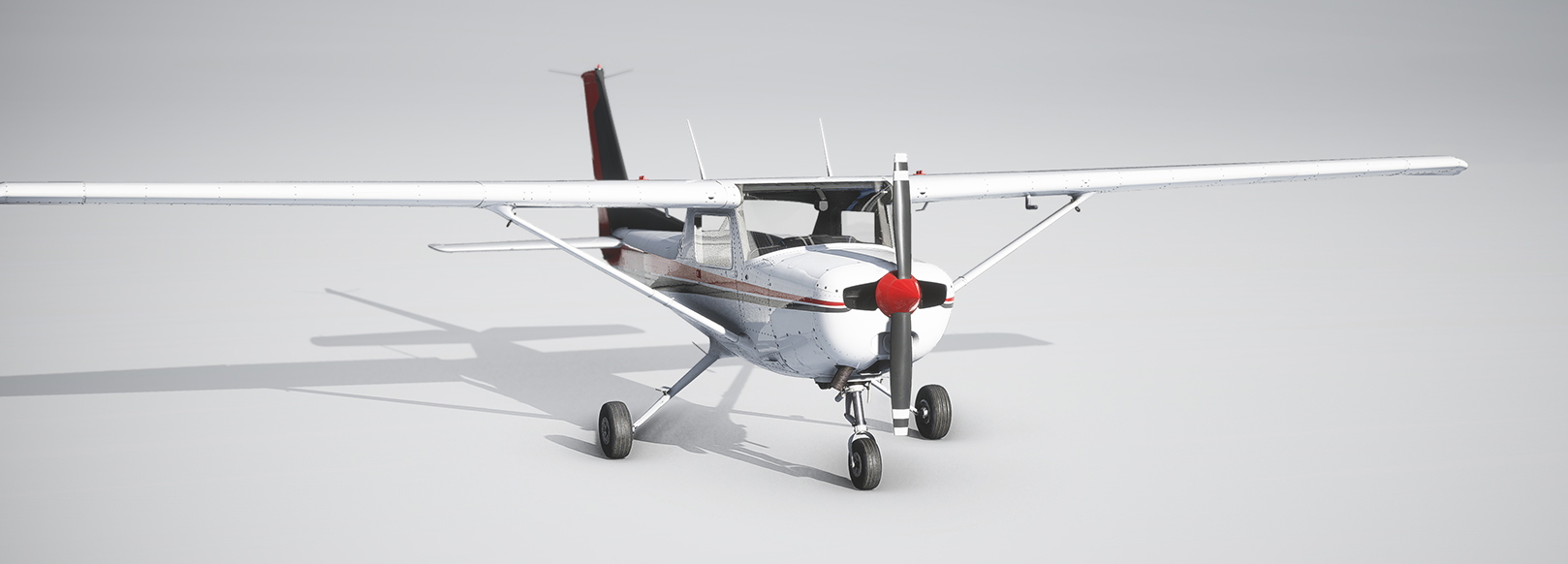
Description
The default Microsoft/Asobo Cessna 152 has always felt a bit off to me. It reacts too fast, feels light like a paper plane, and the flight dynamics are too sensitive. The inertia also feels wrong, and there’s a delay when you move the controls.
Even after 5 years, the aircraft still flies almost the same as the first release. I’m not a real pilot, but I can see something is not right with the default flight model. The biggest issue for me was the input delay, where the control response becomes very slow and makes the aircraft feel unresponsive. Because of these problems, I started learning what causes them in Asobo planes and helicopters, and I tried fixing them.
Here are the changes I made to improve the flight model. Nothing else from the original aircraft was changed:
Removed the input response delay at all speeds
Reduced rudder, elevator, and aileron sensitivity
Reduced rudder and elevator control rate for better fine-tuning
Increased rudder moment of inertia and damping
Fine-tuned all flight-control surface areas
Increased front wheel castering speed limit by 9 knots
Reduced control-surface elasticity at high speed so you keep full authority even when flying fast
For the best experience, use no sensitivity curve, no deadzone, and no non-linear settings on your joystick. This gives a true 1:1 control ratio between your hardware and the sim.
This mod is drag-and-drop. Just place it in your Community folder.
If you don’t like it, simply remove the folder and the aircraft will go back to normal.
Thank you,
Kiwiflyer
Default Cessna 152 - Flight dynamic and flight control fine tune - MSFS 2020
This add-on provides a refined flight model for the default Cessna 152 in Microsoft Flight Simulator 2020. It addresses issues such as input delay and sensitivity by enhancing control response and fine-tuning flight dynamics without altering other aircraft features. The modifications include adjustments to control surface areas, sensitivity, and inertia to create a more realistic flying experience. Installation is straightforward, requiring only a drag-and-drop into the Community folder.

More Information
Version History
No version history available.
Related
MSFS faster video intro
Shorten your Microsoft Flight Simulator intro videos from 18 seconds to 4 seconds with this add-on by Kiwiflyer. Compatible with sim update 5 and all subsequent updates, easily install it by replacing files in your game directory. Enjoy a quicker start to your flying experience!
by Kiwiflyer
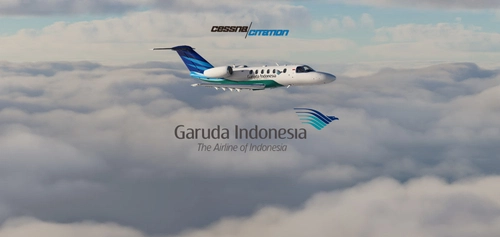
Cessna Citation CJ4 - Garuda Indonesia
Repaint of Garuda Indonesia livery for the Cessna Citation CJ4 in MSFS. Compatible with sim update 5, no changes to cockpit panel. Easily install in Community folder. Support the creator by buying a coffee.
by kiwiflyer
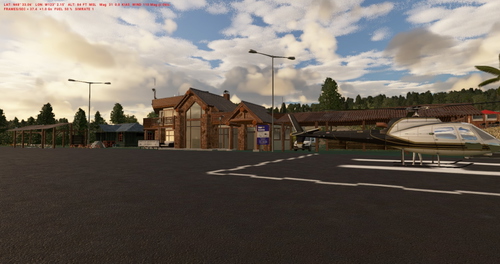
Kiwiland Airfield | MSFS custom airport
Kiwiand Airfield is a custom airport in Microsoft Flight Simulator, located near Friday Harbor airport (KFHR). Created by Kiwiflyer, this fictional airport offers a unique flying experience with some default MSFS buildings. Please note there may be minor bugs, such as planes hitting buildings. Be sure to watch the review by ZorgsteinKilloo for more insights.
by kiwiflyer
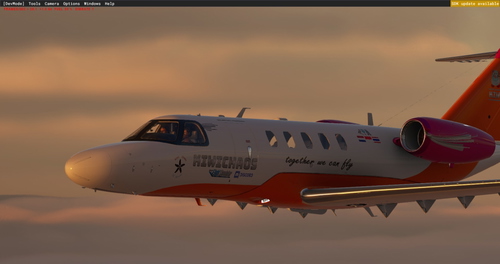
Cessna Citation CJ4 Kiwichaos custom livery
Customize your MSFS Cessna Citation CJ4 with this high-quality Kiwichaos livery addon created by a dedicated flight sim community member. Simply drag and drop the livery into your community folder for a personalized flying experience.
by kiwiflyer

Comments
Log in to join the discussion
Log InNo comments yet. Be the first to share your thoughts!