
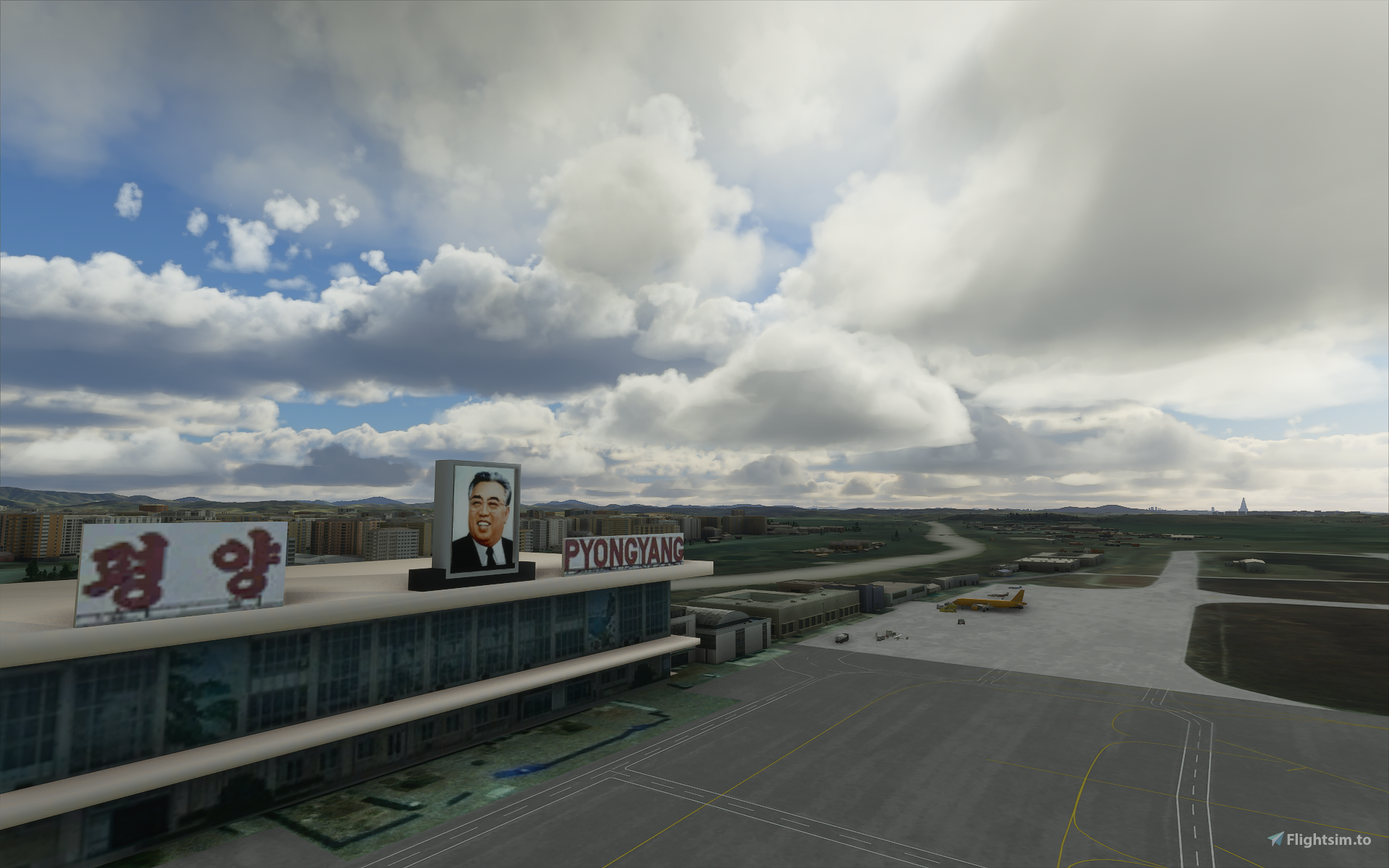
Description
Welcome to Pyongyang
Installation:
For the Microsoft Store (Gamepass also) edition: Copy the folders from the downloaded zip files into your community package folder. It is located in: C:\Users\[YOUR USERNAME]\AppData\Local\Packages\Microsoft.FlightSimulator_\LocalCache\Packages\Community. For the Steam edition: Copy the folders from the downloaded zip files into your community package folder. It is located in: C:\Users\[YOUR USERNAME]\AppData\Roaming\Microsoft Flight Simulator\Packages\Community. For the Boxed edition: Copy the folders from the downloaded zip files into your community package folder. It is located in: C:\Users\[YOUR USERNAME]\AppData\Local\MSFSPackages\Community. Custom location: Copy the folders from the downloaded zip files into your community package folder. (ex. "k:\Games\fs2020\Community\")
Buy me a coffee Donate via Pay
If you like my work feel free to donate, thank you! :)
Welcome to Pyongyang
Discover Pyongyang like never before with this Microsoft Flight Simulator add-on. Immerse yourself in the detailed scenery and follow the installation instructions for a seamless experience.


User Reviews
17 reviews
Version History
No version history available.
Related
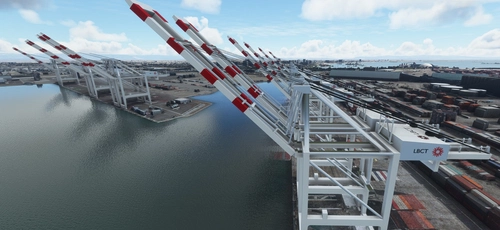
San Pedro Bay Port Facilities, Los Angeles & Long Beach CA USA (V3.0 MSFS2020) / (V1.3 MSFS2024)
This add-on provides detailed scenery enhancements for the San Pedro Bay port facilities in Los Angeles and Long Beach, California, specifically optimized for both MSFS2020 and MSFS2024. Version 3.0 for MSFS2020 features improved models, with significant updates including new cargo crane designs and streamlined asset management. The MSFS2024 version introduces additional upgrades and new details while ensuring compatibility with the latest simulator features.
by FreakyD
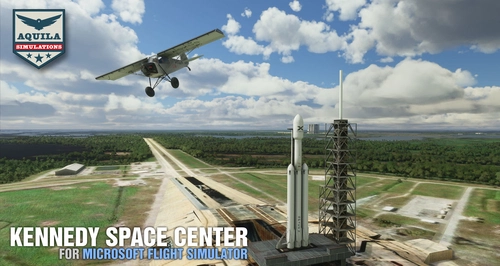
Kennedy Space Center
Explore the iconic Kennedy Space Center in Microsoft Flight Simulator with this detailed add-on, featuring key landmarks such as the VAB Building, Launch Control Building, and Launch Complexes 39A & 39B. Witness the impressive Falcon Heavy Rocket and SpaceX Rocket Assembly building as you embark on virtual space missions. Additional updates promise more buildings and assets to enhance your experience.
by Acktu
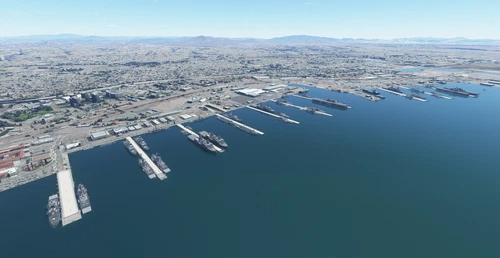
US Navy - San Diego V3.0.1
The US Navy - San Diego V3.0.1 add-on enhances the naval scenery around San Diego in Microsoft Flight Simulator. It includes a variety of updated ship models and improved textures, ensuring compatibility with both MSFS2020 and MSFS2024. Key features include detailed representations of the Rosecrans Submarine Base, multiple naval shipyards, and various classes of ships, including attack submarines and aircraft carriers. Recent updates have focused on model clean-up and the addition of interactive landing pads for helicopters.
by FreakyD
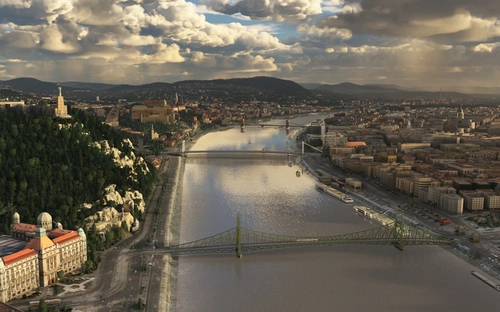
HungaryVFR FS2020
HungaryVFR is a package covering Hungary with airports and landmark sceneries, with its own library. The main goal is to bring as many airports and landmarks to Hungary as many we can, to have an authentic library for the are. The library can be used by other 3rd party scenery developers!
by ekre
Log in to join the discussion
Log InComments(34)
6 months ago
This comment has been deleted
almost 2 years ago
about 3 years ago
almost 5 years ago
Does this Landmark scenery include ZKPY? or is it safe for me to add a different ZKPY addon mod?
almost 5 years ago
there a payware scenery made by SamScene3d that includes more buildings including ZKPY as well just released a few days ago
https://samscene.com/products/north-korea-pyongyang-zkpy-for-msfs
almost 5 years ago
ok, will remove the airport, as requested
almost 5 years ago
Would it be possible to remove the old airport and leave the city itself?
almost 5 years ago
will do!
almost 5 years ago
Hi, could you separate the airport from the rest of the scenery so we can use the new airport instead?
https://flightsim.to/file/22648/zkpy-pyongyang-international-airport
almost 5 years ago
will do!
about 5 years ago
I confirm that it works perfectly with SU5. Took a video of ILS approach runway 35, we can see some POI from the cockpit (hotel and stadium are the most easy to see when a little bit far).
https://www.youtube.com/watch?v=bcQ6N1ybvRU
Thanks again for your work !
about 5 years ago
Thanks alot! Just went to ZKPY with update 5 and PY looks great.
over 5 years ago
Thank you😁
over 5 years ago
over 5 years ago
over 5 years ago
Awesome though thank you!!!
Dear Leader approves.
over 5 years ago
I really love it.
I hope somebody will make the DMZ in the future, for a nice sightseeing tour.
almost 6 years ago
New Terminal Sunan
https://library.avsim.net/download.php?DLID=208909
Oh and i love your work! Could you do more DPRK airports?