
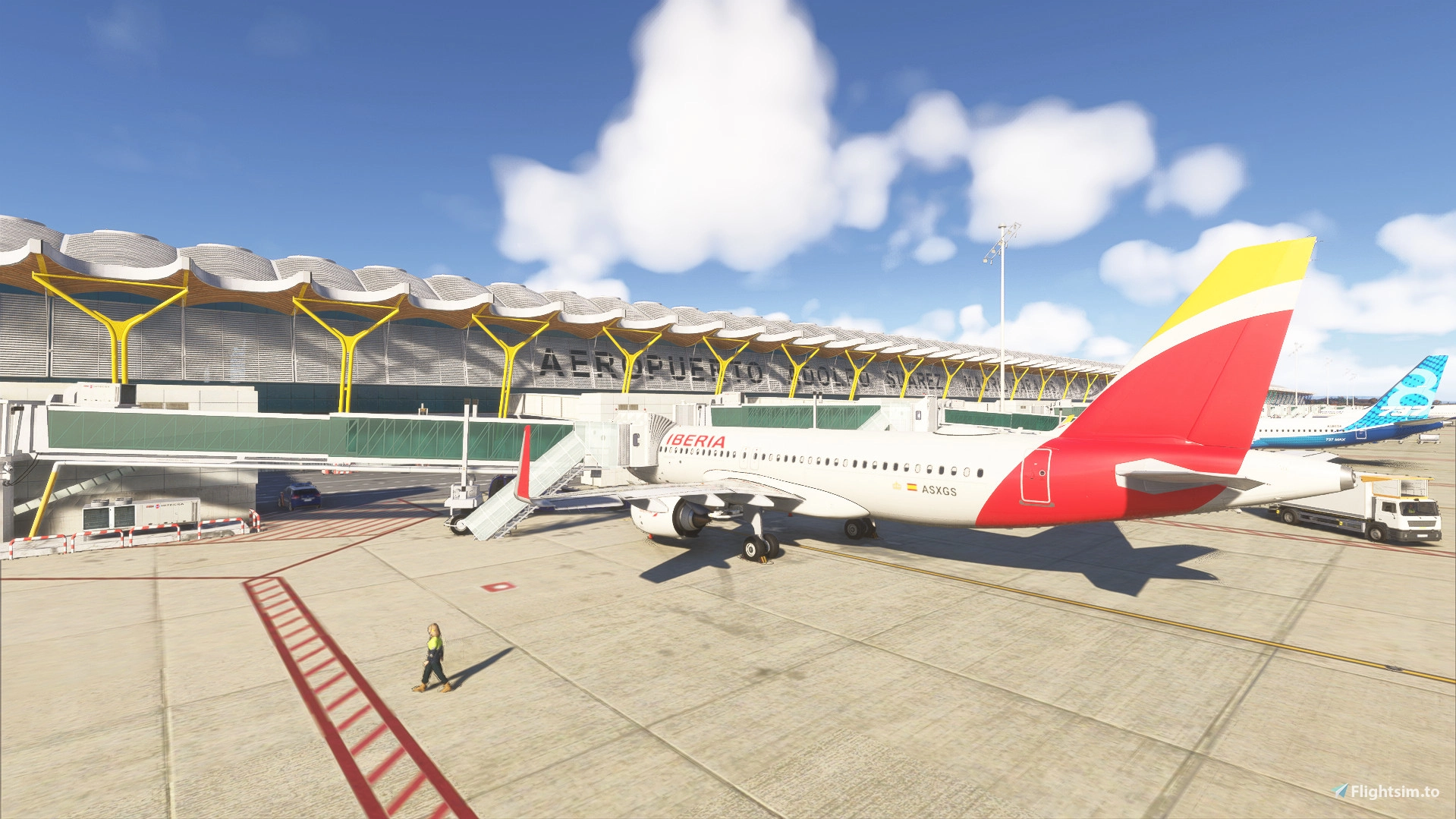
Description
🇪🇸 Descripción (Español):
FlyGround es un complemento innovador para Microsoft Flight Simulator 2020/2024, diseñado para ofrecer una experiencia de asistencia en tierra totalmente interactiva e inspirada en GSX.
Con este addon, podrás solicitar servicios de tierra como embarque de pasajeros, comunicación con el personal de tierra, animación del finger (jetway) y gestión de tiempos realistas de embarque.
🎧 Características principales:
Interfaz moderna accesible desde la barra superior del simulador 🧭
Botón “Request Boarding” con audio realista de comunicaciones entre cabina y personal de tierra
Conexión automática del jetway (finger)
Elección del número de pasajeros y tiempo de embarque (rápido o realista)
Sonidos personalizados de embarque y confirmación
Respuestas de radio entre piloto y tierra simuladas
Finalización automática del embarque con despedida por audio
Totalmente integrado en el menú del simulador como panel superior
🛠️ Instalación:
Descarga el archivo .zip
Extrae la carpeta FlyGround
Colócala dentro de tu carpeta Community de MSFS
Inicia el simulador y abre FlyGround desde el menú superior de herramientas ✈️
👨💻 Autor: Fabiiipilot
📦 Versión: 1.0.0
📄 Permisos: Se permite su uso y modificación personal, pero no la redistribución sin consentimiento del autor.
🇬🇧 Description (English):
FlyGround is an innovative ground service assistant for Microsoft Flight Simulator 2024, inspired by GSX.
This addon allows you to interact with realistic ground services, request boarding, hear authentic crew-to-ground audio, and manage passenger boarding time dynamically.
🎧 Main Features:
Modern in-game toolbar panel accessible from the top bar 🧭
“Request Boarding” button with realistic audio dialogues
Automatic jetway connection
Passenger amount and boarding speed selection (quick or realistic)
Custom sound effects and radio-style voices
Real-time boarding progress display
Automatic jetway disconnection and farewell message
Fully integrated into the MSFS in-game toolbar
🛠️ Installation:
Download the .zip file
Extract the FlyGround folder
Place it inside your MSFS Community folder
Launch the simulator and open FlyGround from the top toolbar menu
👨💻 Author: Fabiiipilot
📦 Version: 1.0.0
📄 Permissions: Free for personal use and modification. Redistribution is not allowed without the author’s consent.
Fly Ground | Ground Services
Fly Ground | Ground Services is an interactive add-on for Microsoft Flight Simulator 2024, providing a comprehensive ground service experience inspired by GSX. Users can request boarding, utilize authentic crew communications, and manage passenger boarding times. The add-on features an in-game toolbar for easy access, automatic jetway connections, and custom sound effects for an immersive ground handling experience.


User Reviews
3 reviews
More Information
Version History
FlyGround – v1.1 Changelog (ES) - Mejorada la estructura del panel InGame para asegurar compatibilidad completa. - UI optimizada: nuevo encabezado superior, estilo más limpio y log con scroll automático. - Código revisado: mejoras en FlyGround.js para estabilidad, logs en tiempo real y mejor manejo de eventos. - Correcciones en manifest y carpetas para evitar el error Mounted / HasError / ErrorInvalidContent. - Añadidas herramientas internas para debug y verificación en modo desarrollador, FlyGround – v1.1 Changelog (EN) - Improved InGame Panel structure for full compatibility. - Optimized UI: new top header, cleaner layout, and auto-scrolling log panel. - Code cleanup in FlyGround.js: better stability, real-time logging, and improved event handling. - Fixed manifest and folder structure to resolve Mounted / HasError / ErrorInvalidContent issues. - Added internal tools and guidance for proper debugging in Developer Mode.
Related

Performance Calculator
The Performance Calculator is an external tool for Microsoft Flight Simulator 2020/2024 that assists virtual pilots in calculating takeoff performance metrics, including V-speeds and runway details. It features a modern user interface and supports any aircraft, with quick adjustments available for weight, configuration, and more. The application automatically provides real or simulated METAR data and runway conditions based on the entered ICAO code. Designed as a standalone Windows application, it allows users to access essential performance information while flying.
by Fabiiipilot

MMFS - Mods Manager Flight Simulator
MMFS - Mods Manager Flight Simulator is an application designed to streamline mod management for Microsoft Flight Simulator 2020 and 2024. This tool automates the process of downloading, extracting, and installing mods directly into the Community folder, eliminating manual efforts. It features a modern interface and supports various mod types, allowing for easy activation or deactivation of installed mods. MMFS is intended for personal use, with no redistribution allowed without permission from the original authors.
by Fabiiipilot
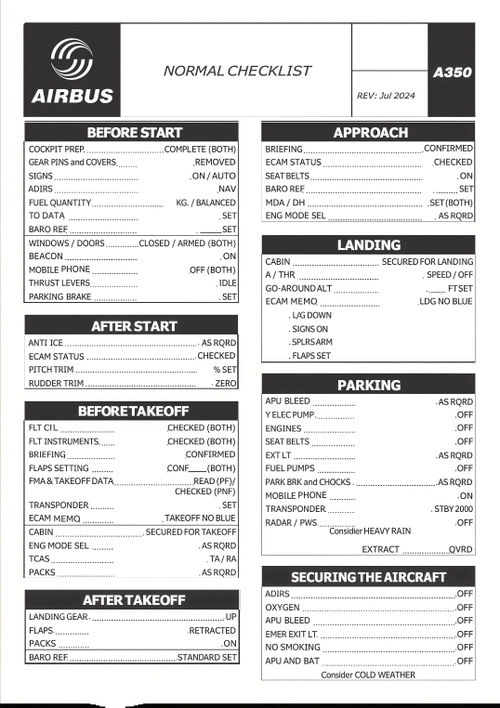
Normal Checklist Airbus A350
This add-on provides a comprehensive and realistic checklist for the Airbus A350, tailored for use in Microsoft Flight Simulator 2020/2024. It includes essential procedures for various flight phases, such as cockpit preparation, takeoff, and landing. The checklist is available in both PDF and PNG formats, ensuring easy access and readability for virtual pilots. Designed to enhance the simulated flying experience, it adheres to authentic Airbus protocols.
by Fabiiipilot
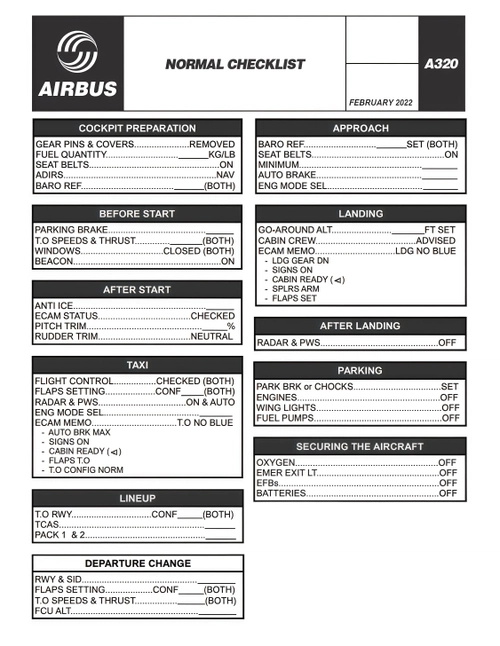
Normal Checklist Airbus A320
This add-on features a comprehensive and realistic checklist for the Airbus A320, tailored for Microsoft Flight Simulator 2020/2024 and the FlyByWire A32NX mod. It provides step-by-step procedures from cold and dark startup to complete shutdown, helping virtual pilots adhere to authentic Airbus protocols. Available in both PDF and PNG formats, it caters to different usage preferences, such as printing or displaying on secondary screens. The checklist is structured by flight phases and utilizes official aviation terminology for clarity.
by Fabiiipilot
Log in to join the discussion
Log InComments(25)
about 12 hours ago
5 months ago
5 months ago
*Like many users, it does not appear in the toolbar. *
6 months ago
6 months ago
6 months ago
But it cannot be activated,
Hence no toolbar.
6 months ago
7 months ago
8 months ago
8 months ago
8 months ago
9 months ago
9 months ago
9 months ago
9 months ago
9 months ago
9 months ago