
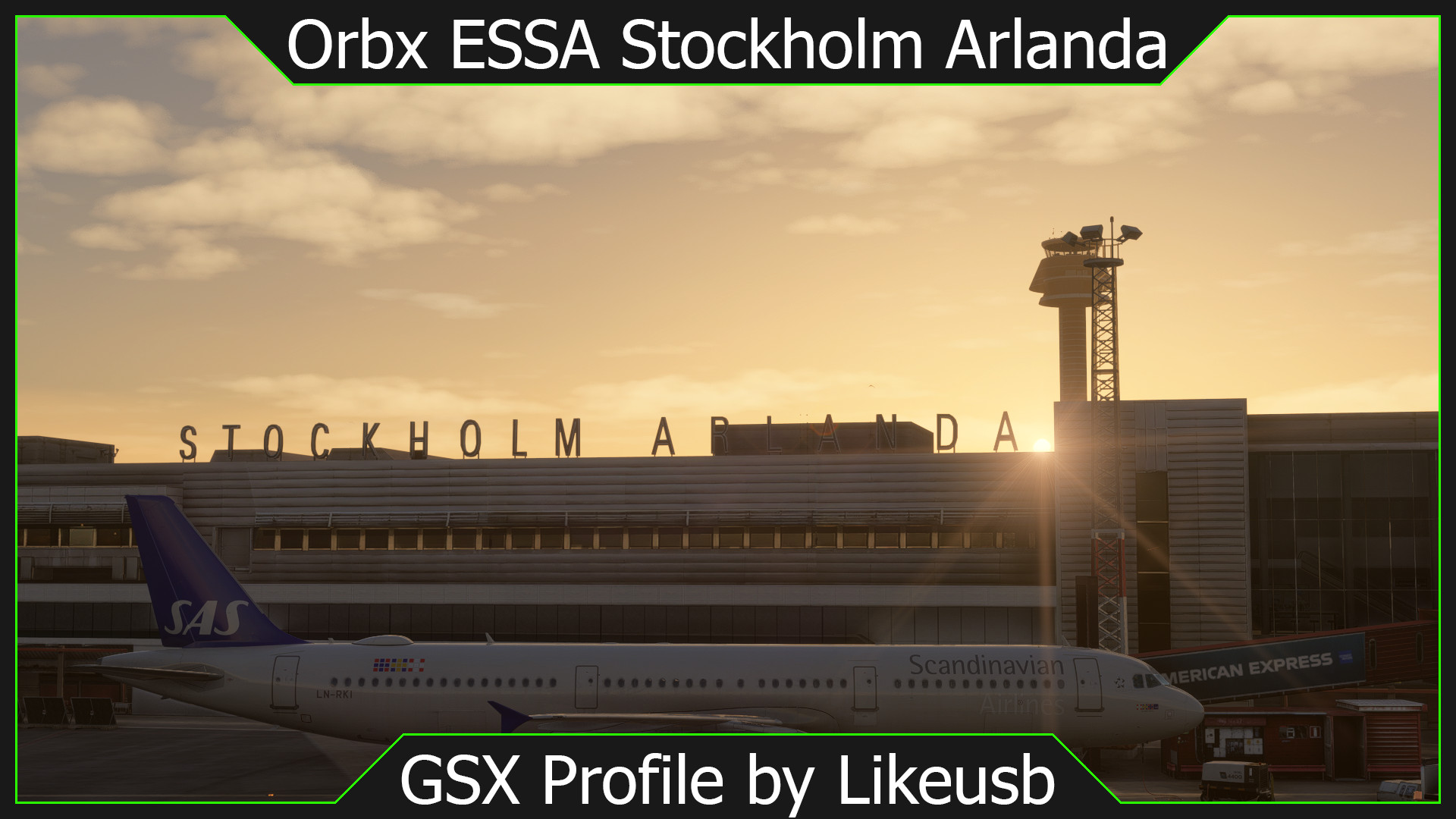
Description
Changes made
- GSX Handler that takes CDM data from VATSCA and displays it on the GSX VDGS. This will show you the correct TOBT, TSAT, CTOT, and your assigned SID and Runway
- Organized stands into the following categories:
Terminal 5, Pier A, Stands 1 - 10
- Terminal 5, Pier B, Stands 12 - 20
- Terminal 5, Pier F, Stands F28 - F44
- Terminal 4, Stands 31 - 43
- Terminal 3, Stands 52 - 60
- Terminal 2, Stands 62 - 68
- Apron E, Stands 101 - 119
- Apron R, stands R3 - R10
- Individual aprons S, M, G, H, J, K (All separated)
- Added ground handling and catering operators in accordance with https://www.swedavia.com/about-swedavia/ground-handling-agents/
- Programmed the real life pushback procedures as per the latest (As of 2026-09-21) Swedavia documentation
As the H apron does not actually have published routes in real life, I simply defined a Facing North option given that it is the only way out of the apron
- Optimized stop positions at all stands for:
iniBuilds: A300, A310, A320, A330, A340, A350
- Synaptic: A220
- Fenixsim: A319, A320, A321
- PMDG: 737-800, 777F
- iFly: 737 Max 8
- Asobo: 747-400, 747-8, 787-10
- Horizonsim: 787-9
- Aerosoft/Toliss: A340-600
- Added the guidance systems in accordance with real life
At stands where the INOGON VDGS is in use, I instead used the Safedock T3-9 as GSX, at the moment, does not have the INOGON VDGS and I felt that the T3-9 would make the most sense given that it was used at many other stands
- Both a GSX and a Nooalero VDGS version is present, select whichever one applies to your usecase
- Customized ground service vehicle placement on all stands
I do not know of any real positioning data for where stuff would go so all of this was done with what I thought would be right mixed with trying to just avoid having vehicles invading other stands or being placed inside buildings, so it won't be realistic
- If anyone has any info on real life positioning, please do let me know and I will work on making it as accurate as reasonably possible
- For a better experience, delete the default ground service equipment using the guide below
- Customized jetway paths for T-jetways at the Terminal 5 A/B Piers to prevent pax from walking through the air
- Customized initial pax height on jetways to prevent clipping of either the floor or ceiling
- Added custom passenger walk in paths in stands where it is needed, such as Terminal 3 and stands without a linked jetway on Terminal 5 Pier F
- Added deicing pads S, R, and G at respective positions
Removing the default VDGS and default GSE
In order to get rid of the VDGS, delete the "orbx-airport-essa-stockholm-arlanda\SimObjects\Landmarks\nooalero VDGS ESSA" folder
In order to get rid of the default GSE, delete the "orbx-airport-essa-stockholm-arlanda\SimObjects\GroundVehicles" folder
Then, download MSFS Layout Generator https://github.com/HughesMDflyer4/MSFSLayoutGenerator and drag the layout.json file in the orbx-airport-essa-stockholm-arlanda folder over the layout generator. Alternatively, if you use MSFS addons linker, you can right click the ESSA addon, click manage addons, and click regenerate layout.json file. Done right, this should get rid of both the default VDGS and the default GSE
Lastly, if while using this profile you detect any issues, please do let me know and I will do whatever I can to fix the issue.
Made for the Orbx ESSA Stockholm Arlanda
ESSA Stockholm Arlanda by Orbx GSX Profile
A detailed GSX profile for Orbx's ESSA Stockholm Arlanda airport. It includes custom stop positions for the most common aircraft types, the real life pushback procedures, correct VDGS units, including a GSX VDGS and a Nooalero VDGS option, walk in paths for passengers where needed, custom stand categorization, deicing pads where needed, and jetway height and midpoint customization

User Reviews
14 reviews
Version History
CDM API -> GSX VDGS handler changes: - Overall massive improvements, namely removing false data equivalencies (No longer will EOBT = TOBT = TSAT if data is missing, it will now just display ---- for missing data) and optimizing parts of the code to remove potential issues - Added FLS handling, meaning you will now be informed if your ATFCM status is FLS, and what action to take! - Disabled advisory check, meaning you now will see CDM data even if the airport is not actively controlled. This also means that if you are departing and get a CTOT, it should* be displayed on the VDGS panel ----- Due to me rewriting basically half of the handling for the handler, issues can be expected. I tried my best to test every case I could think of, but there may very well be issues remaining that I failed to account for. If you encounter any, please remember to turn on verbose logging in the handler.py and send me a log file so that I can better understand what is going on on the backend of the script.
Featured in Collections(1)

Related
LROP Bucharest Henri Coanda by Rekinowy GSX Profile
A fully complete GSX profile for the freeware LROP Bucharest Otopeni airport by Rekinowy. In includes custom stop positions for the most common aircraft types, pushbacks, VDGS customization, real life ground handling and catering operators, and stand categorization.
by Likeusb
ESGG Gothenburg Landvetter by Orbx GSX Profile
A GSX profile for ESGG Gothenburg Landvetter by Orbx, it includes custom pushback procedures, stand categorization, ground handling operators, and stop positions.
by Likeusb
![ENGM Oslo Gardermoen [2024] by Orbx GSX Profile](https://cdn.flightsim.to/images/28/20260708_090054_17e483c1650d3dc3_engm-oslo-gardermoen-2024-by-orbx-gsx-profile.png?width=500)
ENGM Oslo Gardermoen [2024] by Orbx GSX Profile
This GSX profile for Orbx ENGM Oslo Gardermoen updates stand organization, adds ground handling operators, and links airlines with appropriate handling. Realistic VDGS displays with CDM data integration show accurate TOBT, TSAT, and CTOT details. The profile includes real-life and VATSIM compliant pushback procedures. Stop positions are optimized for popular aircraft, and guidance systems reflect real-world operations.
by Likeusb
![[Discontinued] EGKK London Gatwick by Mkvy GSX Profile](https://cdn.flightsim.to/images/27/egkk-london-gatwick-by-mkvy-gsx-profile-329456-1762082381-2VRC8.jpg?width=500)
[Discontinued] EGKK London Gatwick by Mkvy GSX Profile
This GSX Profile for London Gatwick (EGKK) by Mkvy enhances the airport experience with optimized stop positions for various aircraft models, realistic VDGS, and custom pushback procedures. It categorizes stands into specific terminal areas and includes custom walk-in paths and matching ground handling operators. The add-on requires the removal of a default VDGS unit and offers guidance for setup while addressing potential automatic stand detection issues.
by Likeusb
Log in to join the discussion
Log InComments(82)
1 day ago
I have an issue with the jetways all disappearing when I remove the VGDS folder (and nothing else). I use the layout generator as instructed and everything works, except jetways don't appear. Any ideas? I've tried reinstalling several times, clearing rolling cache etc.
EDIT: and looking at your Noolareo-VDGS.ini, none of the gates have any parking systems. Is that intended?
about 17 hours ago
And yes, that's intentional, the idea being that GSX VDGS is useless with a Nooalero profile, since Nooalero inserts its own VDGS, though marshallers should still exist at stands where they are present in the GSX version too, if I'm not mistaken
about 2 hours ago
I do indeed have those folders so I'm not sure what's going on at all, but it was very reproducable. I followed the same procedure to remove the doubled boards from ENGM and there it worked fine.
I guess I don't really understand how the VGDS is supposed to function then. As it is, I just get boards displaying the current time and nothing else. Or do those guide me when parking? (I have only tried spawning). I also have the Nool VGDS addon installed, thinking that the scenery would use that to have functioning systems, but I am not sure. Sorry for my confusion.
None of the gates have marshallers (only a very small number of the apron positions).
27 days ago
28 days ago
Thank you for putting all the work into this to keep it updated!
about 1 month ago
Thanks :)
about 1 month ago
about 1 month ago
https://www.swedavia.net/en/AI/2026/09/Pushback-is-supplemented-with-drop-points/
See drop point maps here:
https://www.swedavia.net/stockholm-arlanda-airport/om-flygplatsen/operations/digital-pushback/
about 1 month ago
2 months ago
This comment has been deleted
2 months ago
2 months ago
2 months ago
2 months ago
Original:
I think I miss some details since I don't get this to work. I followed the instructions in the description. Dragging layout.json onto the MSFSLayoutGenerator.exe file just opened a terminal and closed it quickly again. Looked odd, but guess it did what it was supposed to?
I pasted the two folders "ESSA GSX Profile GSX VDGS" and "ESSA GSX Profile Nooalero VDGS" into AppData\Roaming\Virtuali\GSX\MSFS.
Am I supposed to manually change the Parking System in the GSX editor? If I select the one that's in your screenshot, Safedock T3... it appears, but flying over the ground with no pole? Also, no info is displaying its turned of even though GSX says SimBrief is OK?
What part am I missing?
2 months ago
I would delete the Nooalero version and only use the GSX version if you want to use GSX VDGS
In terms of the VDGS floating, they are positioned in such a way that they shouldn't float, so in theory, this shouldn't happen. However, if after reinstalling you find that it's still problematic, could you send a screenshot in private messages to me?
4 months ago
4 months ago
4 months ago
4 months ago
Which instructions are you referring to?
4 months ago