
Description
GSX Pro Profile: FlightFX Citation X - The Ultimate Ground Experience
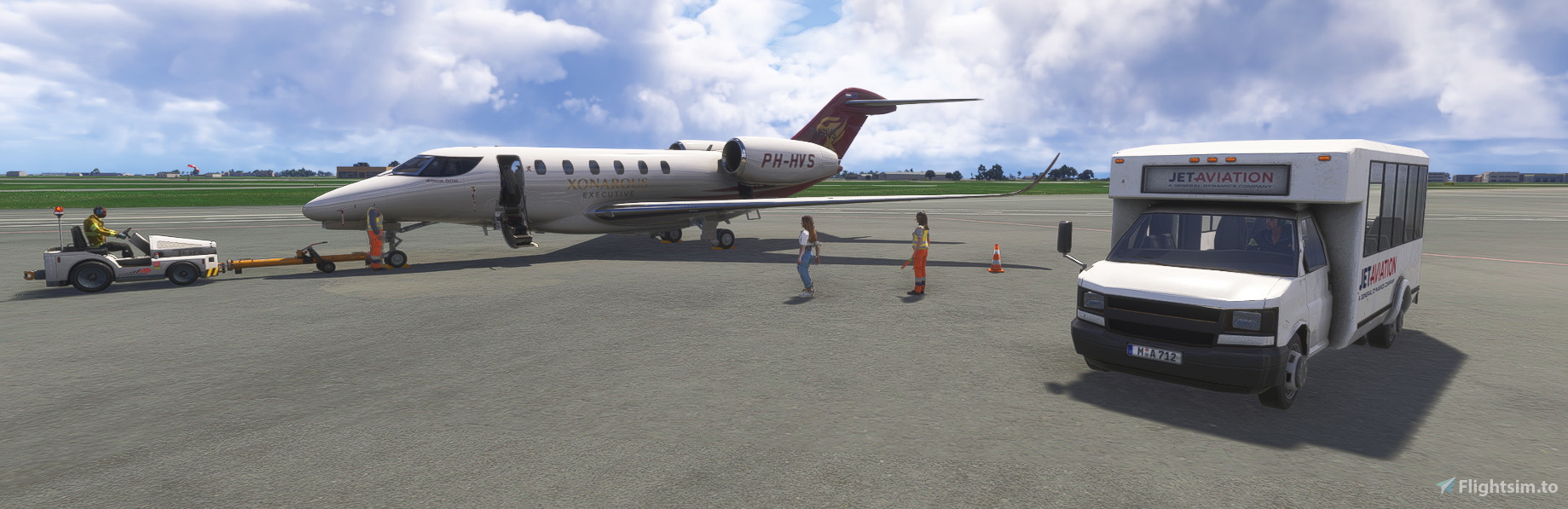
Elevate your Microsoft Flight Simulator experience with this meticulously crafted and fully customized GSX Pro profile for the FlightFX Citation X.
Say goodbye to manual adjustments and misaligned vehicles. This profile has been fine-tuned to provide a seamless, realistic, and immersive ground handling experience from the moment you park at the gate to the moment you're cleared for taxi. Every service, vehicle, and passenger path has been precisely configured to work flawlessly with this iconic business jet.
Key Features:
Perfect Door & Jetway Alignment: The main cabin door is positioned with millimeter precision, ensuring a perfect connection with GSX jetways and stairs every single time. No more floating passengers or gaps between the equipment and the fuselage.
Realistic Passenger Operations:
Custom Walkways: Passengers follow realistic paths when walking to and from the terminal or a shuttle bus, boarding the stairs in an orderly fashion without clipping through the aircraft.
Accurate Bus Stop Position: The passenger bus parks at the correct, logical location, allowing for a natural and believable boarding/deplaning sequence.
Tailored Pushback Procedures:
Custom Pushback Markers: The pushback tug connects to the correct nose gear location, and the entire procedure is customized for the Citation X's wingspan and turning radius.
Smooth & Precise Manoeuvres: Enjoy reliable and realistic pushbacks that guide you perfectly onto the taxiway centerline, whether you're pushing straight back or executing a complex push-and-pull.
Accurate Ground Service Placement: All ground service vehicles are configured to connect to their proper locations:
Baggage Loaders: Align perfectly with the cargo hold.
Catering Trucks: Service the galley area without interfering with other operations.
Fuel Truck: Connects to the correct wing refueling point for seamless operations.
Ground Power (GPU) & Air Unit (ASU): Positioned correctly for pre-departure preparations.
Optimized Aircraft Configuration: The profile correctly defines the aircraft's exact dimensions and service points within GSX, eliminating guesswork and ensuring all ground operations look and feel authentic.
Why You Need This Profile:
This profile is designed for the simmer who values realism and convenience. It transforms the often-chaotic ground environment into a smooth, professional, and immersive part of your flight, allowing you to focus on your checklists and pre-flight preparations. It's a true "set it and forget it" solution for the FlightFX Citation X.
Installation:
Download the .cfg file.
Place the file in your GSX Pro profiles directory:
%APPDATA%\Virtuali\Airplanes
Start Microsoft Flight Simulator, and the profile will be automatically loaded when you select the FlightFX Citation X.
Enjoy a truly premium ground handling experience!
Flight FX Cessna Citation X | GSX Profile
The Flight FX Cessna Citation X GSX Profile offers a detailed and customized ground handling experience for the FlightFX Citation X in Microsoft Flight Simulator. This add-on features precise door and jetway alignment, realistic passenger operations with accurate pathways, and tailored pushback procedures for seamless maneuvering. With all ground service vehicles accurately positioned for optimal functionality, this profile enhances the immersion and convenience of the flight experience.


User Reviews
2 reviews
Version History
No version history available.
Featured in Collections(1)



Related
Mobiflight Pack for iniBuilds A340-300 | Winwing FCU, EFIS L & MCDU
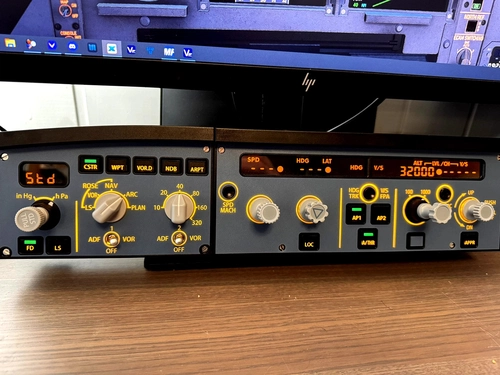
The Mobiflight Pack for the iniBuilds A340-300 enhances the flight simulation experience by providing a detailed profile for the Winwing FCU, EFIS L, and MCDU. This add-on features comprehensive button and rotary assignments for an intuitive cockpit workflow, allowing users to navigate the simulated aircraft effectively. While the MCDU display is not currently functional due to SDK limitations, all buttons remain operational for realistic FMC navigation. This plug-and-play profile offers seamless integration with the iniBuilds A340-300 in Microsoft Flight Simulator.
by Xonarous
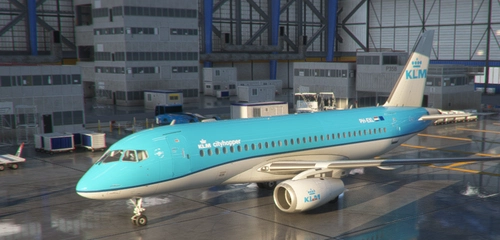
Sukhoi Superjet 100 - KLM Cityhopper (Fictional)
Fly in style with the Sukhoi Superjet 100 - KLM CityHopper Livery, painted by FullSpeedZA and coded by Xonarous. This fictional livery allows you to enjoy short-haul CityHopper flights without needing to own the EMB-170/190 package. The SU95 is a modern regional jet designed to compete with Embraer E Jets and Bombardier CRJ programs. Follow the simple installation instructions to add this 8K livery to your Microsoft Flight Simulator and start your new flying experience today.
by Xonarous & FullSpeedZA
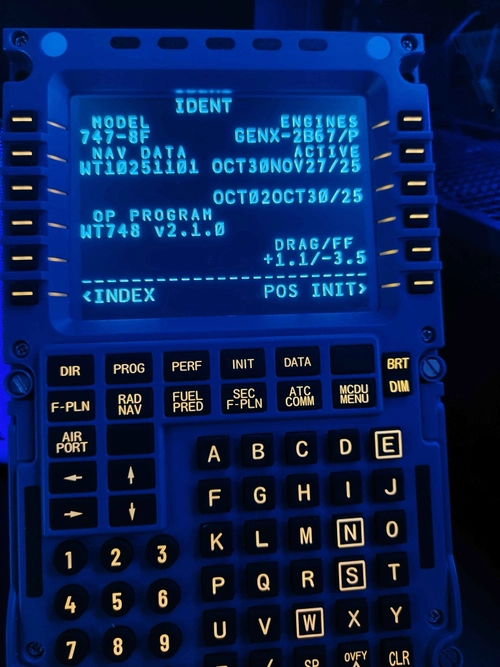
MSFS 2024 | Asobo 747-8 Profile for WinWing MCDU + FCU + L-EFIS + R-EFIS
This add-on provides a comprehensive Mobiflight profile for the WinWing MCDU, FCU, Left EFIS, and Right EFIS, specifically designed for the default Asobo Boeing 747-8 in Microsoft Flight Simulator 2024. Compatible only with MSFS 2024, the profile features full functionality for all controls, including custom mappings and synchronized lighting with the aircraft. Known issues are acknowledged, and specific prerequisites such as Mobiflight and Python extensions are necessary for operation.
by Xonarous
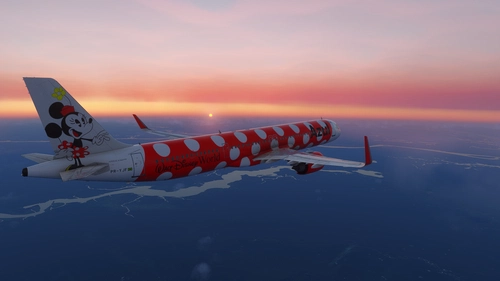
Stratosphere Cinematic | Realistic ReShade Preset
Stratosphere Cinematic is a ReShade preset for Microsoft Flight Simulator 2024, designed to enhance lighting, atmospheric depth, and color grading while maintaining realistic visuals and minimal performance impact. The preset offers cinematic sky tones, dramatic lighting effects, and improved cloud and terrain definition. It is suitable for users seeking subtle, photographic visual enhancements without oversaturation. The preset is optimized for MSFS 2024 but also functions with MSFS 2020.
by Xonarous
Log in to join the discussion
Log InComments(45)
about 7 hours ago
10 days ago
about 1 month ago
c750 and c750w
This is the new folder structure.
The old one was ce750 and ce750w
And don't forget to restart couatl in the GSX menu!
It worked for me.....
about 1 month ago
Where can i find V2?
about 1 month ago
about 1 month ago
about 1 month ago
about 1 month ago
about 1 month ago
about 1 month ago
2 months ago
2 months ago
4 months ago
4 months ago
5 months ago
change the name to match what it expects.. changing the folder from "ce750w" to "ce750" helps... I think the former is for the winglets version though... I assume based on the prior comments.....
6 months ago
7 months ago
3 months ago
9 months ago