
Description
✨ Mobiflight Profile – iniBuilds A340-300 (Winwing FCU, EFIS L & MCDU)
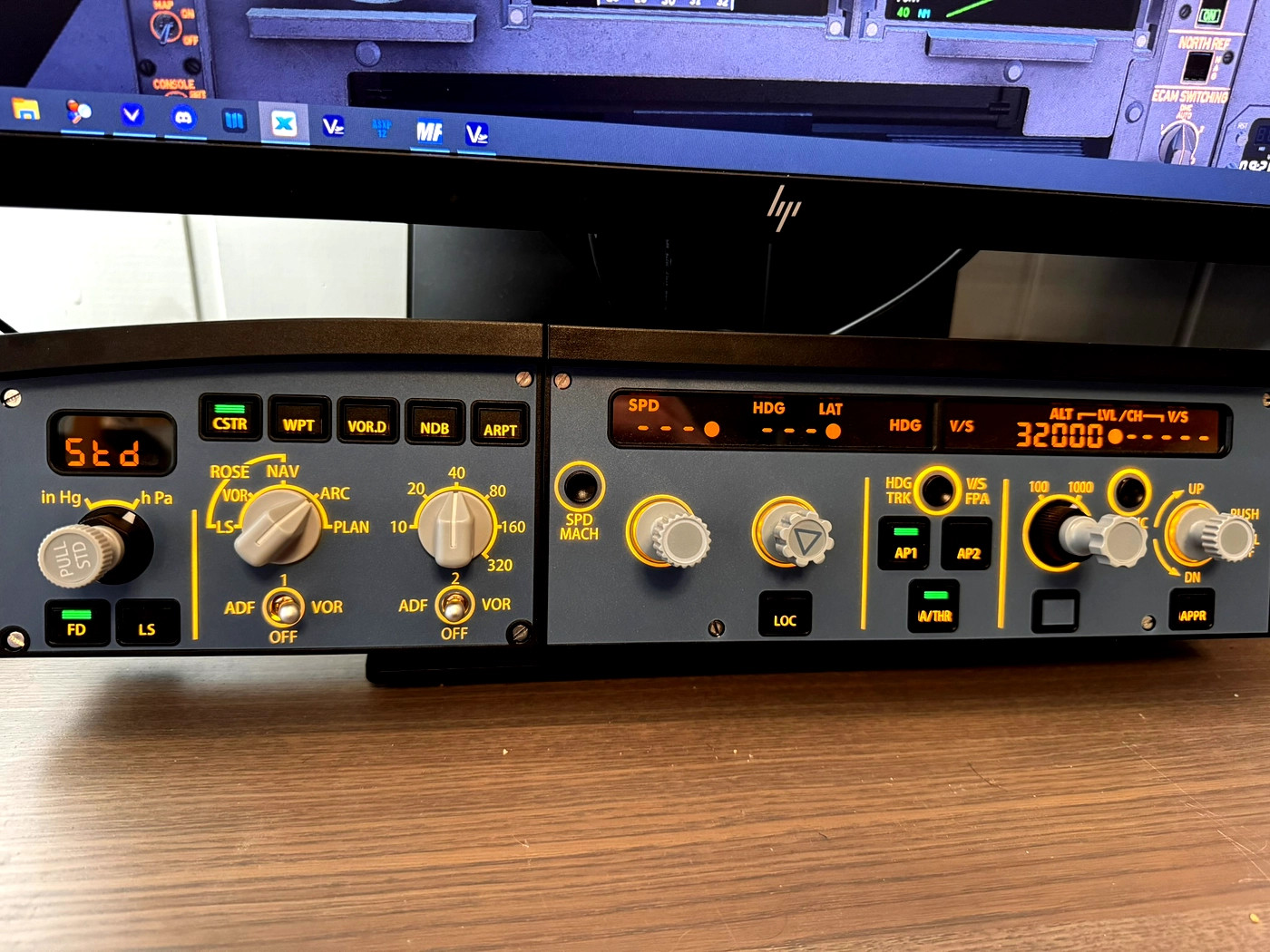
This Mobiflight profile has been carefully crafted to bring the iniBuilds A340-300 to life when paired with the Winwing FCU, EFIS L, and Winwing MCDU. Every button and knob has been thoughtfully assigned to mirror real-world operation, creating a smooth and realistic workflow in the cockpit.
🛫 Features
- Full button and rotary assignments for the Winwing FCU and EFIS L
- Accurate and intuitive MCDU button mapping for realistic FMC navigation
- Plug-and-play profile — no scripting or manual setup needed
- Tested and optimized for the iniBuilds A340-300 in MSFS
⚠️ Note on the MCDU Display
Please note: the MCDU screen does not display data on the Winwing MCDU hardware. This limitation exists because iniBuilds has not yet provided an SDK that exposes the MCDU display. However, all buttons are fully functional, allowing you to navigate the MCDU inside the simulator normally.
💡 Summary
- Aircraft: iniBuilds A340-300
- Hardware: Winwing FCU, EFIS L, MCDU
- Profile type: Mobiflight
- Version: 1.0 – Initial release
This profile delivers a highly realistic and immersive experience for A340 enthusiasts who want full physical control of the cockpit without extra setup. Enjoy smooth integration and precision-mapped controls — ready for your next long-haul.
Mobiflight Pack for iniBuilds A340-300 | Winwing FCU, EFIS L & MCDU
The Mobiflight Pack for the iniBuilds A340-300 enhances the flight simulation experience by providing a detailed profile for the Winwing FCU, EFIS L, and MCDU. This add-on features comprehensive button and rotary assignments for an intuitive cockpit workflow, allowing users to navigate the simulated aircraft effectively. While the MCDU display is not currently functional due to SDK limitations, all buttons remain operational for realistic FMC navigation. This plug-and-play profile offers seamless integration with the iniBuilds A340-300 in Microsoft Flight Simulator.


User Reviews
1 reviews
Version History
No version history available.
Related
Flight FX Cessna Citation X | GSX Profile
The Flight FX Cessna Citation X GSX Profile offers a detailed and customized ground handling experience for the FlightFX Citation X in Microsoft Flight Simulator. This add-on features precise door and jetway alignment, realistic passenger operations with accurate pathways, and tailored pushback procedures for seamless maneuvering. With all ground service vehicles accurately positioned for optimal functionality, this profile enhances the immersion and convenience of the flight experience.
by Xonarous
Sukhoi Superjet 100 - KLM Cityhopper (Fictional)
Fly in style with the Sukhoi Superjet 100 - KLM CityHopper Livery, painted by FullSpeedZA and coded by Xonarous. This fictional livery allows you to enjoy short-haul CityHopper flights without needing to own the EMB-170/190 package. The SU95 is a modern regional jet designed to compete with Embraer E Jets and Bombardier CRJ programs. Follow the simple installation instructions to add this 8K livery to your Microsoft Flight Simulator and start your new flying experience today.
by Xonarous & FullSpeedZA
MSFS 2024 | Asobo 747-8 Profile for WinWing MCDU + FCU + L-EFIS + R-EFIS
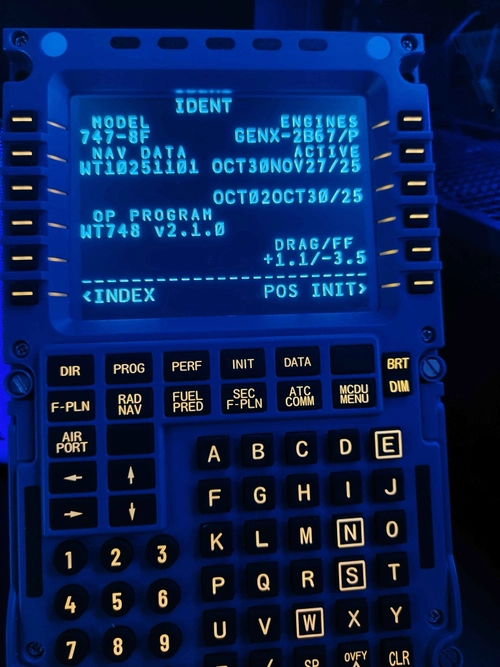
This add-on provides a comprehensive Mobiflight profile for the WinWing MCDU, FCU, Left EFIS, and Right EFIS, specifically designed for the default Asobo Boeing 747-8 in Microsoft Flight Simulator 2024. Compatible only with MSFS 2024, the profile features full functionality for all controls, including custom mappings and synchronized lighting with the aircraft. Known issues are acknowledged, and specific prerequisites such as Mobiflight and Python extensions are necessary for operation.
by Xonarous
Stratosphere Cinematic | Realistic ReShade Preset
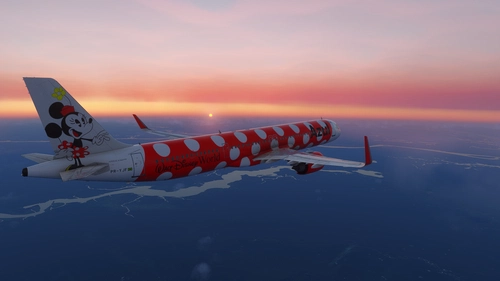
Stratosphere Cinematic is a ReShade preset for Microsoft Flight Simulator 2024, designed to enhance lighting, atmospheric depth, and color grading while maintaining realistic visuals and minimal performance impact. The preset offers cinematic sky tones, dramatic lighting effects, and improved cloud and terrain definition. It is suitable for users seeking subtle, photographic visual enhancements without oversaturation. The preset is optimized for MSFS 2024 but also functions with MSFS 2020.
by Xonarous
Log in to join the discussion
Log InComments(15)
7 months ago
On the other hand, I couldn't get the FCU to work.
8 months ago
8 months ago
11 months ago
11 months ago
11 months ago
However, when I add a tab to have the MCDU in addition, it adds it but it automatically removes my first tab where the FCU and EFIS were located.
Thank you.
12 months ago
12 months ago
about 1 year ago
about 1 year ago
about 1 year ago
MobiFlight isn't loading the file...
It looks like the file isn't recognized...
Yes, I'm in the beta version of MobiFlight and have been working with the program for a while.
I have various WinWing hardware (Airbus and Boeing), and this is the first time a file hasn't loaded...
12 months ago
about 1 year ago
about 1 year ago
about 1 year ago