
Description
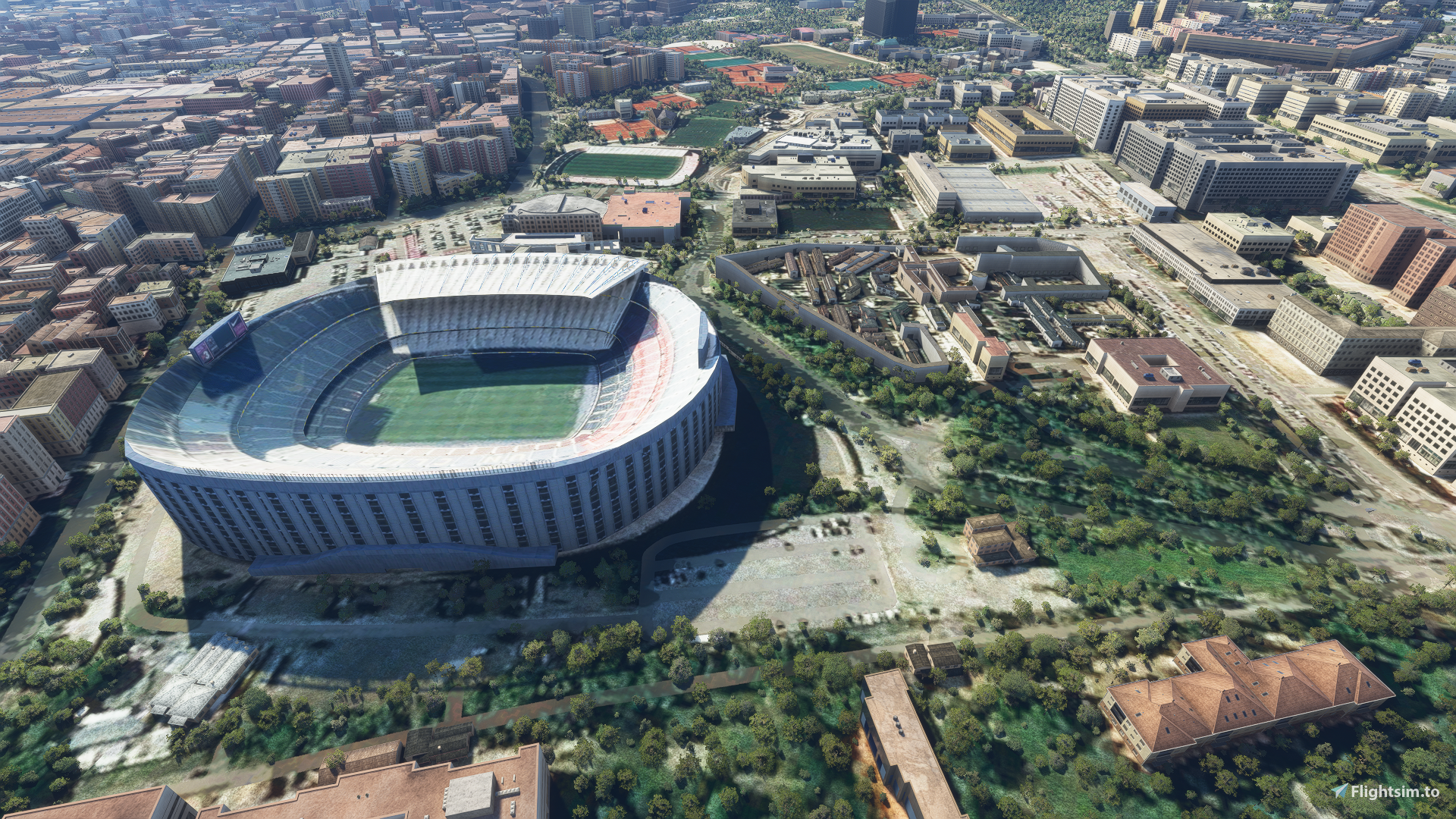
Stadium Camp Nou in Barcelona
Installation: Unpack the file, then move the folder named "Camp Nou" to the Community MSFS2020 folder.
Location
Stadium Camp Nou in Barcelona
Explore the iconic Stadium Camp Nou in Barcelona with this add-on for Microsoft Flight Simulator. Simply unpack the file and move the folder to enhance your simulation experience.


User Reviews
1 reviews
Version History
No version history available.
Related
Dodger Stadium, Los Angeles CA USA V2.0
Explore an updated version of Dodger Stadium in Los Angeles, California with improved scenery and replaced foliage for a more immersive flying experience.
by FreakyD
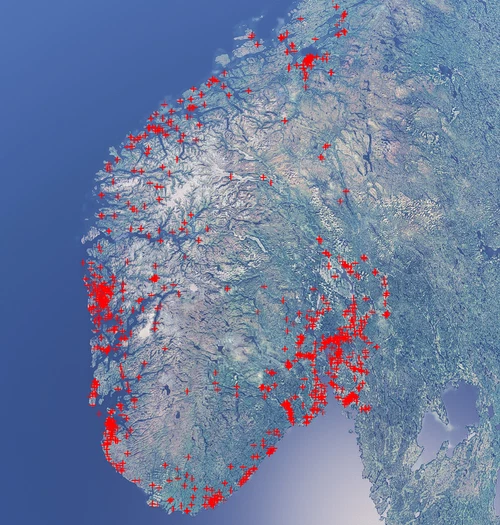
Norway Sports Fields Megapack
This add-on provides a comprehensive megapack of sports fields across Norway, addressing issues like misplaced vegetation and buildings present in the default simulator. It enhances the appearance of the fields with realistic artificial grass that does not change color seasonally, along with added features such as light masts, 3D soccer goals, fences, and parked cars. Designed to maintain performance, this addon aims to improve the visual fidelity of sports venues in Microsoft Flight Simulator.
by ErikHanoy
(NEW) Etihad Stadium of Manchester City + Etihad Academy for youth team
Explore the newly updated Etihad Stadium and Campus, including multiple football pitches and training facilities for the youth academy team of Manchester City.
by Calvin Gunawan
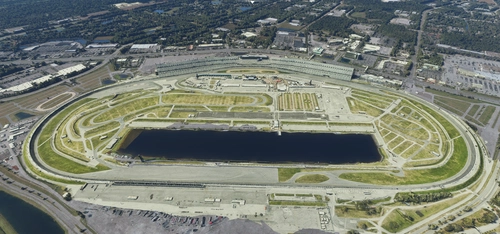
Daytona International Speedway
Explore an optimized version of Daytona International Speedway with enhanced terraforming and lighting details. Utilizing Google Photogrammetry post-2016 remodel, this add-on captures the iconic racetrack with updated features. Version 1.1 includes recaptured turns, tweaked terraforming, and a new POI marker for improved immersion. Simply move the folder into your Community Folder to install.
by kjpwv
Log in to join the discussion
Log InComments(4)
over 5 years ago
over 5 years ago
over 5 years ago
over 5 years ago