
Description
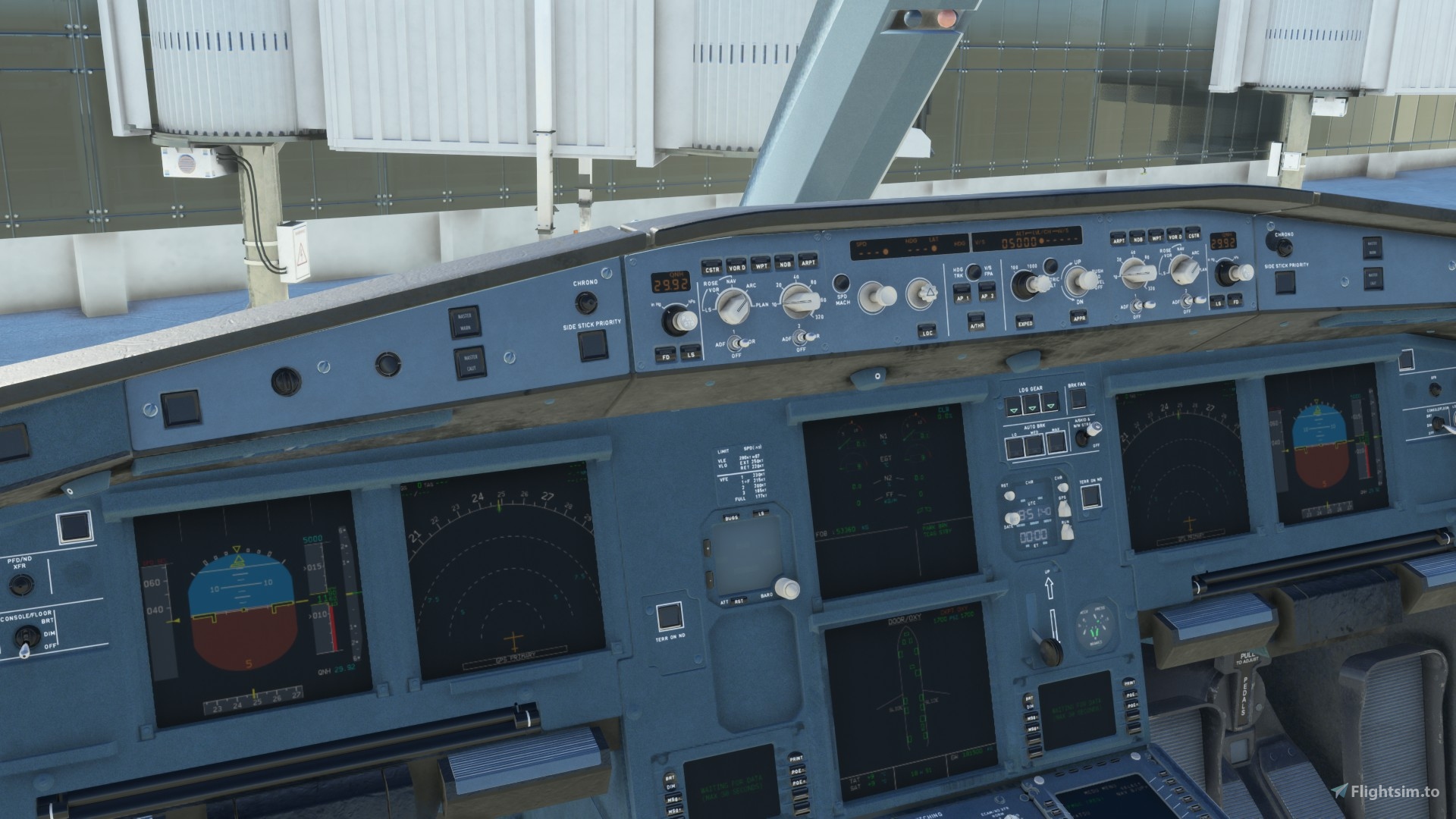
Revised Cockpit textures for the newly released PMP A330-300.
Changelog:
Revised saturation and colors to resemble real A330 cockpit.
Details such as vents have been reworked.
Brightness and contrast of textures have been fixed.
Added texturing to reduce flatness of textures.
Copy all texture files located in the "TEXTURE.DEFAULT" folder that is included in this mod.
Paste textures into your "amp-airbus-a330-300" folder located in the community packages directory (I.e. Microsoft Flight Simulator\Packages\Community\PMP_A330_300\SimObjects\Airplanes\amp-airbus-a330-300\TEXTURE.DEFAULT) and overwrite the existing textures.
This is an enhancement mod for the freeware PMP A330.
PMP A330-300 Revised Cockpit Textures
Enhance your PMP A330-300 experience with revised cockpit textures that bring realism to your sim. This mod includes updated saturation, colors, and details like vents for an immersive cockpit environment. Simply replace the texture files in the designated folder to enjoy the enhanced visuals of your A330.

Version History
No version history available.
Related
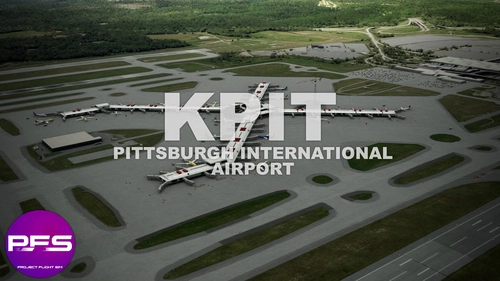
ProjectFlightSim - Pittsburgh International Airport (KPIT)V1.4
ProjectFlightSim presents Pittsburgh International Airport (KPIT) for Microsoft Flight Simulator, featuring realistic aircraft models, custom terminal buildings, and detailed Air Force facilities. Explore the primary international airport serving the Greater Pittsburgh Region in this detailed add-on.
by ProjectFlightSim
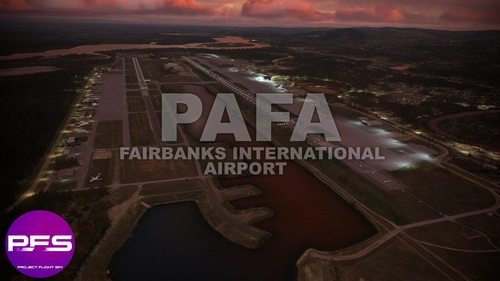
ProjectFlightSim - Fairbanks International Airport (PAFA) V1.0
Experience the authentic details at Fairbanks International Airport (PAFA) with ProjectFlightSims V1.0 update. This add-on includes a fire station, art display at the terminal, and various small details to enhance your simulation experience. Fairbanks International Airport is the smallest US city with non-stop international flights, serving as an essential hub in Alaska.
by ProjectFlightSim

United States Coast Guard - Cessna Citation CJ4 (UC-35)
Explore the fictional United States Coast Guard Cessna Citation CJ4 (UC-35D) in this add-on, designed as a Severe Weather Interceptor. Includes high-quality 2K textures for a realistic experience.
by ProjectFlightSim
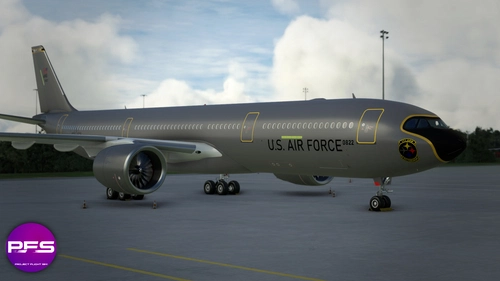
Pennsylvania Air National Guard - A330 MRTT - 171st Air Refueling Wing MRTT (Fictional) V2.0
Fly with the Pennsylvania Air National Guard in this fictional repaint of the Headwind A330-900neo, featuring the unique livery of the 171st Air Refueling Wing. Dive into the details with MRTT-specific interior textures for seats and floor, adding realism to your flights. Experience the MRTT project that was cancelled in favor of the KC-46, as you explore the Airbus A330 Multi Role Tanker Transport in this add-on. Join the virtual 171st Air Refueling base as part of the ProjectFlightSim Pittsburgh International Project.
by ProjectFlightSim
Log in to join the discussion
Log InComments(5)
almost 2 years ago
over 5 years ago
over 5 years ago
over 5 years ago
over 5 years ago