
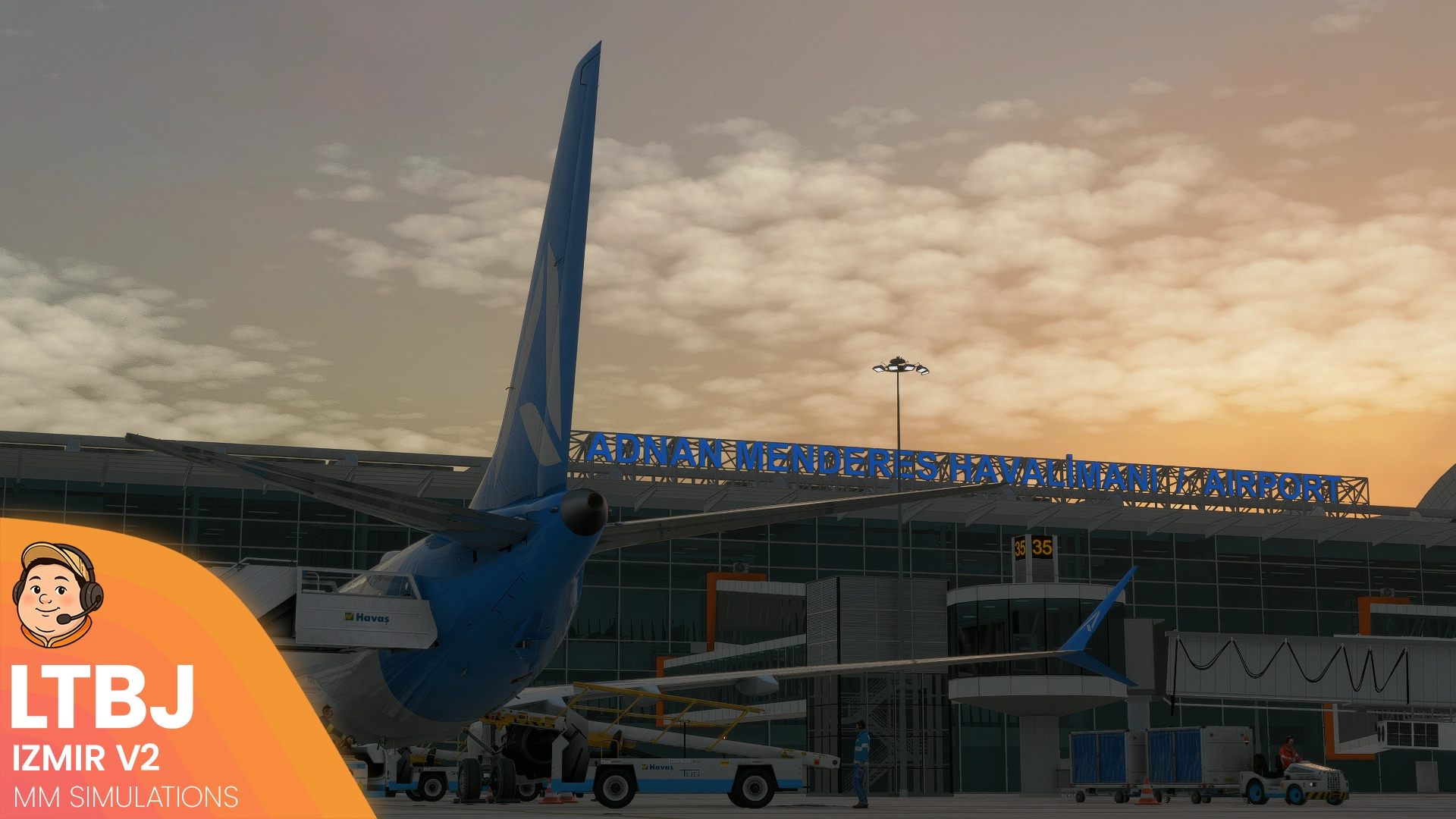
Description
GSX Profile for Izmir V2 (LTBJ) by M'M Simulations
Available from these retailers: Contrail, Orbx and SimMarket
Features:
- Custom Vehicle Positioning
- Accurate Custom Pushbacks
- Accurate Ground Handling Agents
- Stop Positions at Gates based on ARC Categories
Installation:
Unzip the folder and place the .ini and .py file within %appdata%\Roaming\Virtuali\GSX\MSFS
OR:
Use this easy and convenient alternative by FatGingerHead and smatthew: Drag and Drop Installer
Help / Support:
If you have any issues, please leave a comment down below.
Suggestions are more than welcomed to make the profile as accurate as possible, so please get in touch.
Support my work:
If you enjoy my work and would like to support future content like this, please consider leaving a rating below 🫶
Additionally, you can support me over on Twitch or BuyMeACoffee ❤️
GSX Profile | Izmir v2 (LTBJ) | M'M Simulations
GSX Profile for Izmir V2 (LTBJ) by M'M Simulations


User Reviews
1 reviews
Version History
- Fixed: Pushback Names being reversed - Added: South De-icing Pad
Related

GSX Profile | East Midlands (EGNX) | Pyreegue
Enhance your ground handling experience at East Midlands Airport (EGNX) with this GSX Profile by Pyreegue. Featuring custom vehicle positioning, walk-in gates, accurate pushbacks, ground handling agents, and stop positions for popular aircraft models. Easy installation via drag and drop installer available for convenience. Support and feedback options provided for assistance.
by Hinshee
GSX Profile | Edinburgh v2 (EGPH) | Pyreegue
The GOAT has done it again. EGPH v2 is an MSFS Scenery Masterclass. Complete your experience with this GSX Profile, built with love.
by Hinshee
GSX Profile | Birmingham (EGBB) | Pyreegue
This GSX Profile is designed for Birmingham Airport (EGBB) by Pyreegue, enhancing the ground handling experience in Microsoft Flight Simulator. It features custom vehicle positioning, walk-in gates, accurate pushbacks, and ground handling agents, with optional custom branding. Installation is straightforward and includes support for users seeking to optimize their setup.
by Hinshee

GSX Profile | Tromsø - ENTC (M'M Simulations)
Enhance your ground handling experience at Tromsø Airport with this GSX profile by MM Simulations. Featuring custom vehicle positioning, walk-in gates, pushback positions for all stands, and implemented GSX VDGS. Easily install by placing the .ini file in the designated folder or use the drag & drop installer for convenience. Your feedback and suggestions are encouraged for further improvements.
by Hinshee
Log in to join the discussion
Log InComments(9)
4 months ago
4 months ago
4 months ago
4 months ago
8 months ago
12 months ago
11 months ago
12 months ago
over 1 year ago