
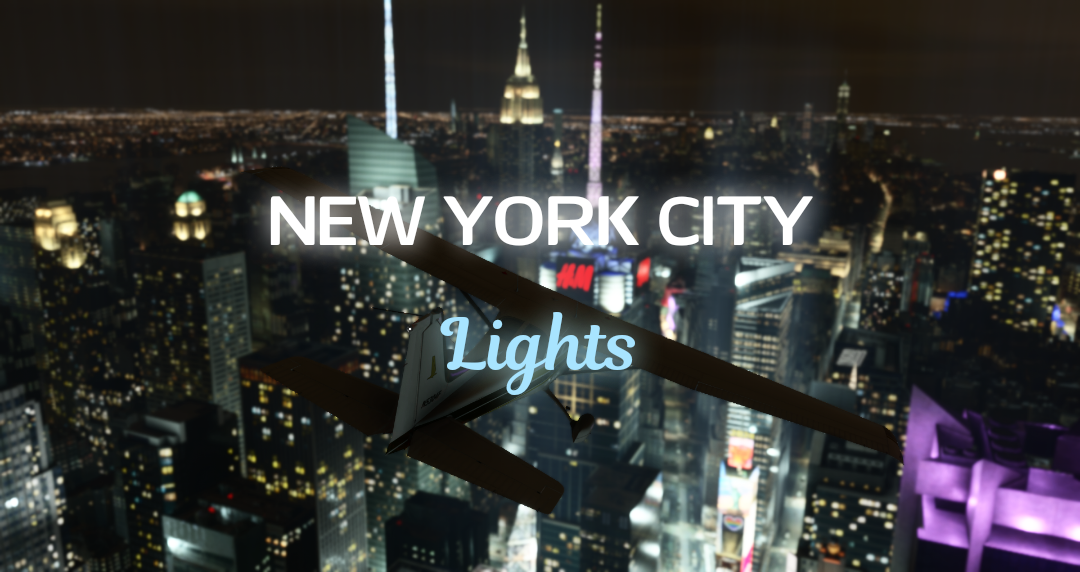
Description
Required Scenery: Microsoft City Update VIII: Las Vegas. This is the source of the colored lighting added to v1.4.
This mod improves the night lighting around the New York area. Initially intended as a quick lighting boost for the Empire State Building, the work spread to Midtown and beyond.
A partial list of updated areas:
- Midtown and Times Square
- West Side docks and piers
- Central Park
- Hudson Yards
- Lincoln Square
- Chinatown
- Financial District
- Statue of Liberty
- Jersey City
- Long Island City
- Rikers Island
- George Washington Bridge
- Downtown Brooklyn
- Flushing, Queens
- LaGuardia Airport
- Many small areas you may only notice if you're a local
In addition to improving lighting, this scenery also eliminates such things as "rock trees" in Central Park and cars driving in the East River underneath the Brooklyn and Manhattan Bridges.
Primary recommended compatible sceneries:
- SamScene New York
- MK Studios LaGuardia
- RKbridger New York Bridges
- New York Downtown Lighting
- New York POI and Improvements
- New York Heliports
- Verrazano Narrows Bridge
- SamScene/RK Bridger Compatibility Fix
- Global Fireworks
Notes:
- In FS2020, if spawning at LGA or another position not in the immediate vicinity of Manhattan, increasing ObjectsLod to 4.0 in your UserCfg (if your setup allows) improves lighting draw distance for most of the lights in this scenery. This solution increases lighting draw distance up to approximately 8 mi/13 km.
- V1.4 of this scenery also works in FS2024, but the newly added colored lighting and Times Square glow may not display properly if that is your sim of choice. As a result, I will be publishing a FS2024 specific version of this scenery without the Times Square glow. In the meantime FS2024 users who have issues with v1.4 can use v1.2 instead.
Author request: Please share your screenshots in the user gallery above the comments section- I would appreciate seeing how this scenery looks on other devices.
Donations gratefully accepted if anyone would like to chip in a few $ for coffee and lunch for my wife or some snacks for my cat
New York City Night Lighting and Improvements v1.4
Tired of New York City looking as if it's in the middle of a blackout? Try this.
User Reviews
7 reviews
Version History
I will be quite busy for the next few months, so this will be the final update for Summer 2025 (development will continue) Required scenery for this update is Microsoft City Update VIII: Las Vegas for colored lighting to display Lighting updates include: • Many crosstown streets in the lower half of Manhattan • Chrysler Building • Madison Square Garden • Downtown Brooklyn
Related
MSFS DarkStreets
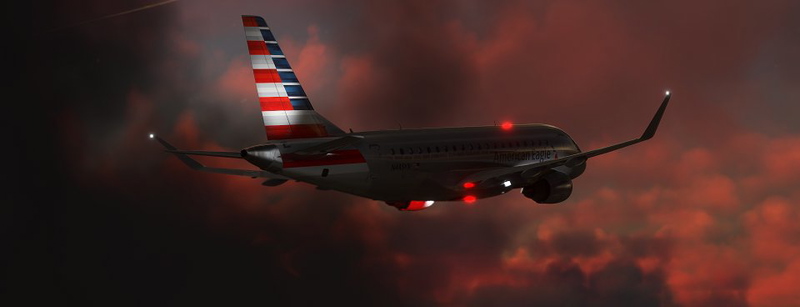
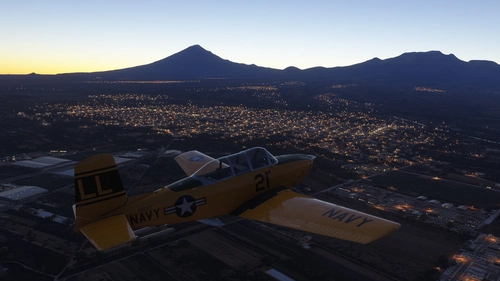
MSFS DarkStreets is a scenery package designed to enhance night flying by removing street lights in non-urban areas across the world. Developed using various geographic information systems, this add-on focuses on programmatic generation of exclusion polygons, with additional support for user requests for improvements.
by kiwikat
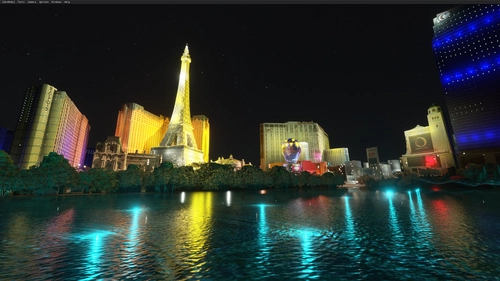
Las Vegas || Night Light Pack
Enhance your night flying experience with this Las Vegas night light pack for MSFS. This add-on features a multitude of colorful lights that illuminate the famous Las Vegas strip and its surroundings, matching real-life photos. With minimal impact on FPS, immerse yourself in the vibrant night scenery of Las Vegas with this easy-to-install enhancement.
by Aircake1
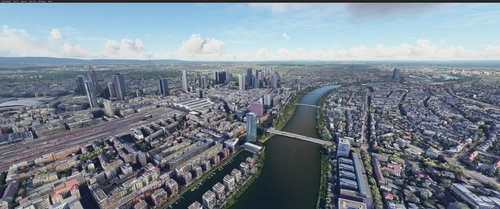
FRANKFURT,GERMANY PART 2 . incl full night lighting
Explore more of Frankfurt, Germany with this second part add-on, featuring full night lighting and detailed enhancements to the city tower. Complementing the first part, this mod is a must-have for an enriched flight simulation experience, especially in VR.
by marktaylor
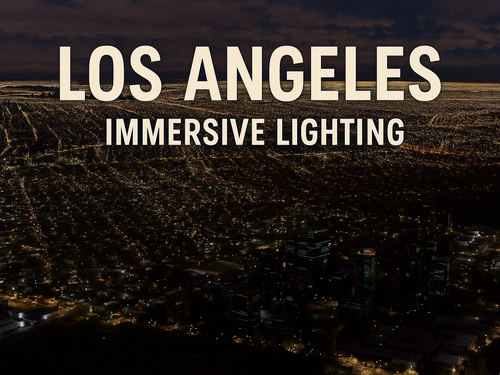
Immersive Lights: Los Angeles Area
Enhance your night flying experience in the Los Angeles area with Immersive Lights. This add-on replaces standard lighting with accurately placed, real-world data-driven lights, reflecting the true layout of the city. The optimally designed lights maintain visibility from high altitudes without impacting performance, providing a more realistic urban environment during nighttime flights.
by buenoman1
Log in to join the discussion
Log InComments(44)
5 months ago
about 1 year ago
Thank you
about 1 year ago
over 1 year ago
thank you kindly sir
so odd what breaks and what works with this sim from update to update, lol
Anyway, yes this looks phenomenal. Thank you for rescuing my town from a blackout. lol.
about 1 year ago
You're also right about things breaking- the moment I decided to try going beyond bare bones simplicity, it was a nightmare haha. The bigger and more professional devs have my deepest sympathies!
over 1 year ago
over 1 year ago
over 1 year ago
over 1 year ago
Regarding the pillar lights, I didn't realize that they left a slight daytime haze effect until after spending hours placing and compiling them (after much other trial and tribulation I've gotta add). I will see about addressing that towards the end of the summer, but I hope it's not too much of a drawback in the meantime.
over 1 year ago
over 1 year ago
I will also add some screenshots above if you'd care to do any compare/contrast. Btw, what exactly do you see day and night when it comes to the TImes Square glow? Seems like it's not displaying on your end
over 1 year ago
over 1 year ago
over 1 year ago
over 1 year ago
over 1 year ago
Thank you for this formidable work!
Greetings
over 1 year ago
over 1 year ago
https://flightsim.to/file/74514/new-york-manhattan-downtown-night-enhancement
over 1 year ago
p.s.- I will be uploading a minor update this afternoon to either move or remove a few experimental light beams I placed around Midtown.
over 1 year ago