
Description
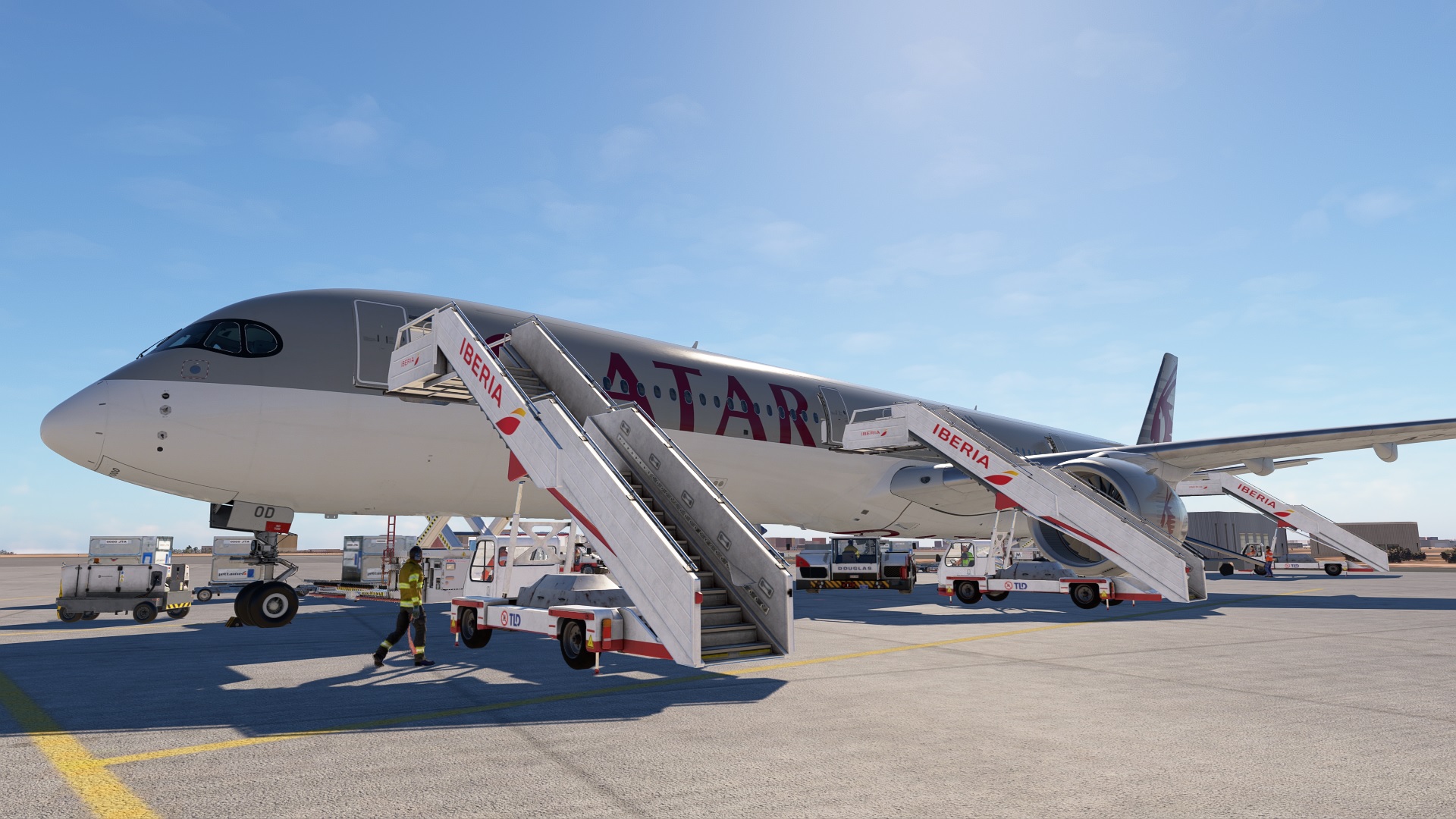
iniBuilds A350-1000 GSX profile.
-GPU is set to the correct position.
-Lavatory and water service on real position.
-Bulk door belt position created.
-Added ULD types AAP,AKE,AKN,ALF,AMP,PLA,PMC,RKN as these are the official ULD types that are compatible with A350. Thanks to NeoKingArthur for the advise.
-Added engine positions so cones are set around the engines.
> File goes here > xxxx\AppData\Roaming\Virtuali\Airplanes\inibuilds-aircraft-a350-1000\100
Enjoy :).
iniBuids A350-1000 GSX profile
The iniBuilds A350-1000 GSX profile enhances ground services for the A350-1000 within Microsoft Flight Simulator. This add-on includes accurate positioning for the GPU, lavatory, and water service, as well as a custom bulk door belt position. Installation instructions are provided for proper setup within the simulator environment.
Version History
Engine cones corrected.
Related
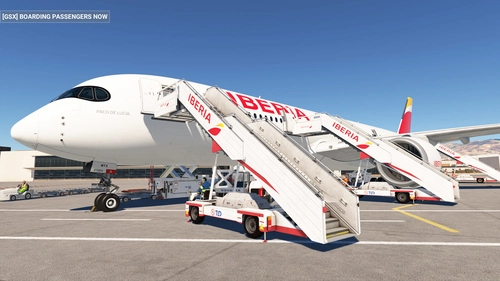
iniBuids A350-900 GSX profile
This add-on provides a GSX profile for the iniBuilds A350-900, featuring accurately positioned GPU, lavatory, and water service placements. Additionally, it includes a created bulk door belt position for enhanced realism. Installation instructions are included to ensure proper setup.
by javierjcl
FSS Embraer 190 GSX Profile
Enhance your virtual flying experience with this GSX Profile specifically designed for the FSS Embraer 190, offering improved ground handling and realistic airport services integration.
by javierpepe
FlightSim Studio E195 GSX
This add-on provides a GSX profile specifically designed for the Embraer 195 aircraft in Microsoft Flight Simulator. It enhances ground services and operations, allowing for a more realistic experience with this regional jet. Users can expect improved interactions with the GSX system tailored for the E195. Compatible with FlightSim Studios Embraer 195 model.
by javierjcl
Log in to join the discussion
Log InComments(11)
over 1 year ago
over 1 year ago
about 1 year ago
over 1 year ago
over 1 year ago
over 1 year ago
over 1 year ago
over 1 year ago
Remplace le fichier gsx.cfg qui se trouve dans :
Ton dossier : Community\inibuilds-aircraft-a350\SimObjects\Airplanes\inibuilds-aircraft-a350-1000
Déplace le fichier gsx.cfg du téléchargement dans le dossier inibuilds.
Ça a marché pour moi.
over 1 year ago
over 1 year ago
over 1 year ago