
Flightsim.toFlightsim.to
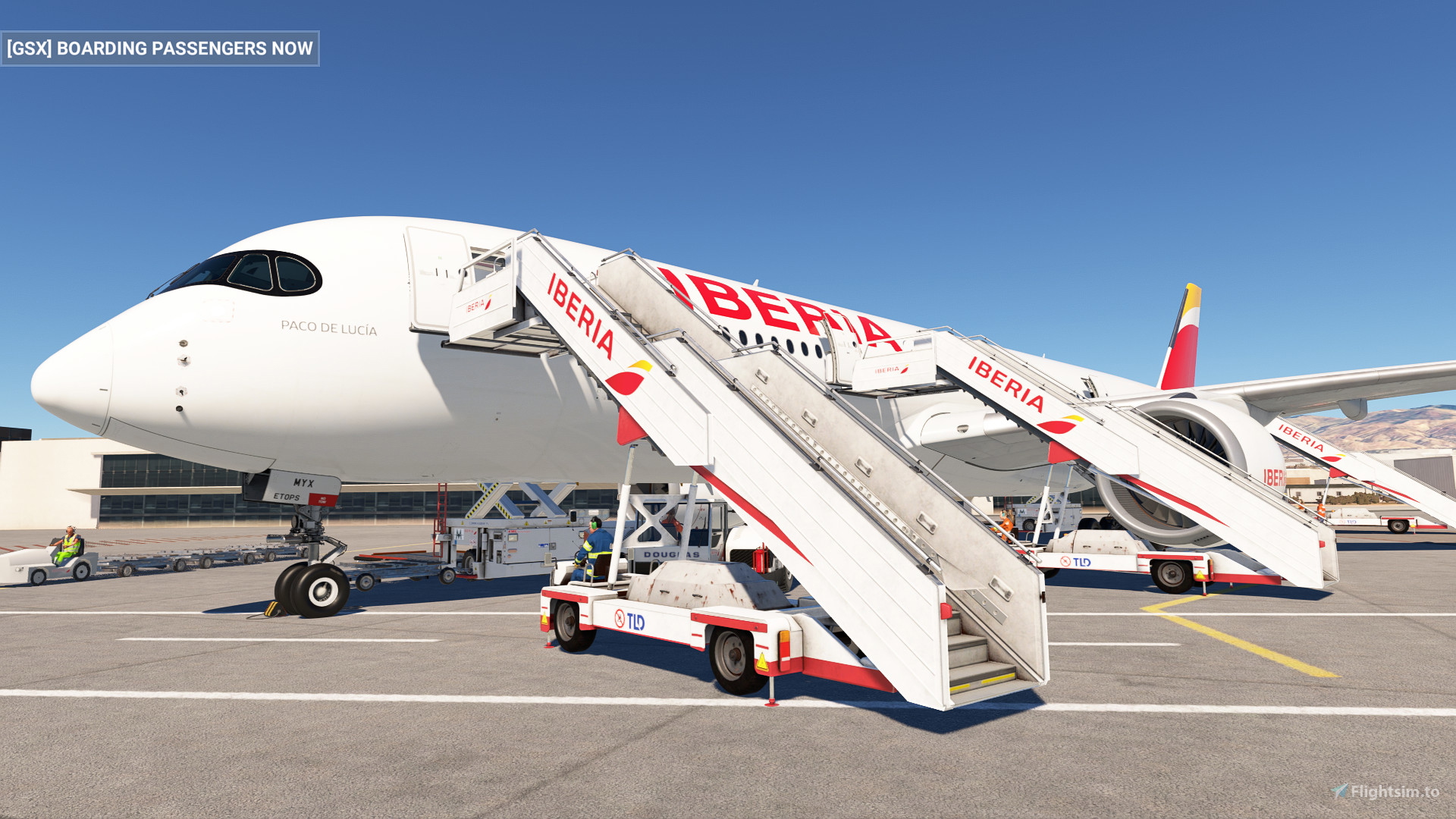
    iniBuids A350-900 GSX profile - Image 1

    Description

    iniBuilds A350-900 GSX profile. 

    -GPU is set to the correct position. 

    -Lavatory and water service on real position. 

    -Bulk door belt position created.

    -On the preview image the potable water hose seems outside the hatch, but it is corrected now :).

    -Added ULD types AAP,AKE,AKN,ALF,AMP,PLA,PMC,RKN as these are the official ULD types that are compatible with A350. Thanks to NeoKingArthur for the advise.

    -Added engine positions so cones are set around the engines.


    > File goes here > xxxx\AppData\Roaming\Virtuali\Airplanes\inibuilds-aircraft-a350-900\900


    Enjoy :)

    Comments(47)

    Log in to join the discussion

    Log In

    7 months ago

    Does it work with URL? than k you

    9 months ago

    This is what I have.Just checking! "C:\Users\xxxxx\AppData\Roaming\Virtuali\Airplanes\inibuilds-aircraft-a350-900\900".I had to make the Inibuilds a350-900 folder..I've only just recently started using GXS Pro.

    about 1 year ago

    Why does bulk cargo not work

    about 1 year ago

    Hello I get floating cargo containers (they are not aligned with the loaders) during loading/unloading since my last update of the aircraft and GSX. Am I the only one with this issue ? Using this profile version 1.2, A350 1.0.7, GSX 3.4.5. Same issue with the -1000 profile

    about 1 year ago

    I've got the same issue

    about 1 year ago

    Still same issue with A350 v.1.0.8 and GSX 3.4.6

    about 1 year ago

    Thank you for this lovely update and this profile for the airplane. It seems like there is an update that happened either with GSX or iniBuilds and Linus.Langli already mentioned this. The correct path now is - xxxx\AppData\Roaming\Virtuali\Airplanes\a350\gsx.cfg . There is also some bugs with the latest GSX update which is causing it to not function correctly.

    about 1 year ago

    finally where to install that?

    about 1 year ago

    The folder structure appears to have changed for the INI A350 in MSFS2020:

    The "gsx.cfg" now goes directly in the "inibuilds-aircraft-a350-900" folder, not in another "900" subfolder. In case someone is wondering why the profile is not loading anymore...

    about 1 year ago

    Hello, I dont have the folder for the Inibuilds A350.

    9 months ago

    Create one!

    about 1 year ago

    Could you change the main boarding door from L1 to L2 thx

    9 months ago

    GSX does not handle the Jetways in MSFS this is defined by the door positions in the Aircraft CFG, edit the aircraft CFG to remove door 1 and the jetway will then go to door 2.

    about 1 year ago

    For me in msfs 2024 i can put it in appdata/roaming/virtuali/airplanes/a350/

    I dont have any 1000 og 900 version

    about 1 year ago

    i didn understand btw.... maybe can you help me?
    this my installation folder
    javierjclAuthor

    about 1 year ago

    Yes, keep further on this route \inibuilds-aircraft-a350-900\900

    about 1 year ago

    why my water car and lavatory car still incorrect position?(at bottom of wings) , i have install the folder to airplane folder....
    javierjclAuthor

    about 1 year ago

    Hi, it's not he aircraft folder, is the airplanes GSX folder route.

    about 1 year ago

    When I arrive in the virtual folder there is only GSX, PackagesCache and Update Chache what should I do?
    javierjclAuthor

    about 1 year ago

    Keep opening these folders: Airplanes\inibuilds-aircraft-a350-900\900
    MSFS 2020MSFS 2024

    iniBuids A350-900 GSX profile

    This add-on provides a GSX profile for the iniBuilds A350-900, featuring accurately positioned GPU, lavatory, and water service placements. Additionally, it includes a created bulk door belt position for enhanced realism. Installation instructions are included to ensure proper setup.
    Downloads10K
    Version1.2
    File Size0.80 KB
    Published1 year ago
    Updated1 year ago

    User Reviews

    4.2

    5 reviews

    5
    80%
    4
    0%
    3
    0%
    2
    0%
    1
    20%

    More Information

    Simulator
    MSFS2020/24
    Sub-CategoryGSX Pro Profiles
    ICAONULL

    Version History

    Engine cones corrected.

    Related
    iniBuids A350-1000 GSX profile

    iniBuids A350-1000 GSX profile

    The iniBuilds A350-1000 GSX profile enhances ground services for the A350-1000 within Microsoft Flight Simulator. This add-on includes accurate positioning for the GPU, lavatory, and water service, as well as a custom bulk door belt position. Installation instructions are provided for proper setup within the simulator environment.

    by javierjcl
    0.0
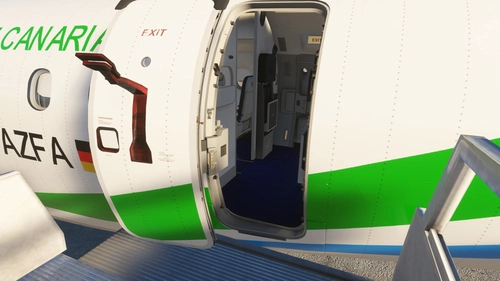
    FSS Embraer 190 GSX Profile

    FSS Embraer 190 GSX Profile

    Enhance your virtual flying experience with this GSX Profile specifically designed for the FSS Embraer 190, offering improved ground handling and realistic airport services integration.

    by javierpepe
    0.0
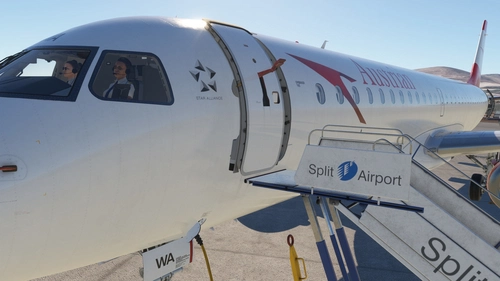
    FlightSim Studio E195 GSX

    FlightSim Studio E195 GSX

    This add-on provides a GSX profile specifically designed for the Embraer 195 aircraft in Microsoft Flight Simulator. It enhances ground services and operations, allowing for a more realistic experience with this regional jet. Users can expect improved interactions with the GSX system tailored for the E195. Compatible with FlightSim Studios Embraer 195 model.

    by javierjcl

    0.0