
Description
(MSFS2024 Official Update, August 20, 2025) Please delete this mod from the Community folder. If you do not delete it, the height will not match, the ramps in this mod cause the aircraft to crash.
< Delete Folder Name >
RJTT-Haneda-Bridge
MSFS2024 SimUpdate3において、橋の障害物は修正されました。(2025年8月20日リリース版 v1.5.27以降)
このmodはCommunityフォルダから削除して下さい。
削除しなかった場合、高さが合わなくなり、このmodが障害となって機体がクラッシュします。
削除フォルダ名: RJTT-Haneda-Bridge
-------------------------------------------------------
The following is for MSFS2024 Sim Update2 (SU2)
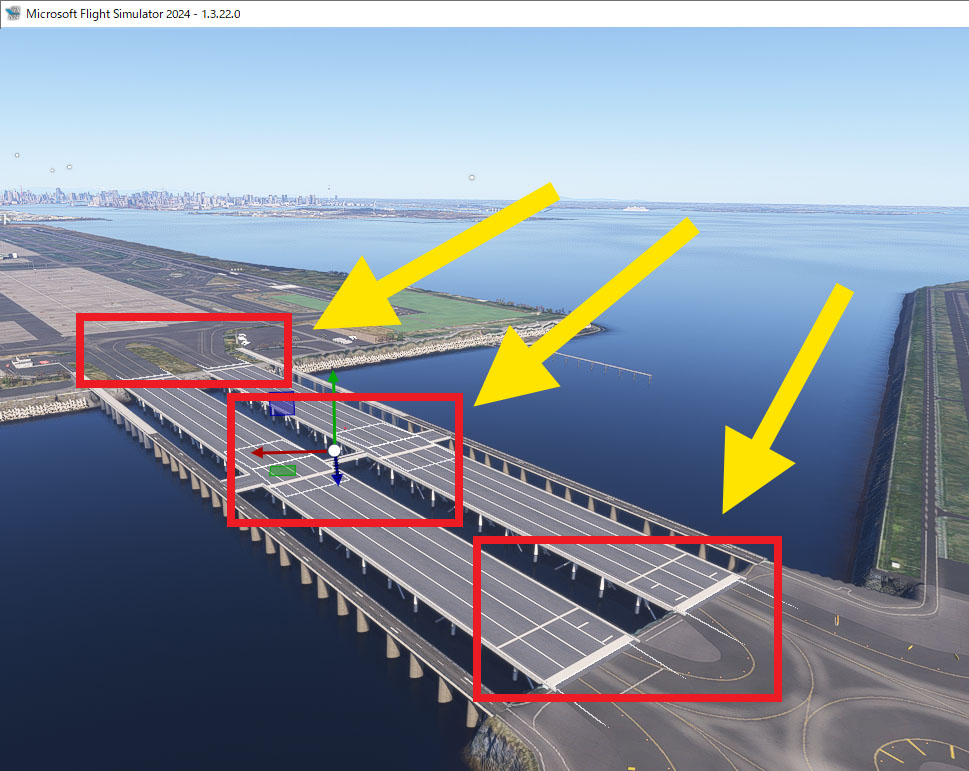
Temporarily fixed the bumps of the bridge leading to Runway D at RJTT.
(Tokyo International Airport - Haneda, Tokyo Japan) .
Due to a modeling bug, there are transparent objects on the bridge that cannot be removed.
Also, the aircraft's wheels float due to the modeling of this bridge.
This scenery smooths out bumps and prevents the aircraft from crashing into obstacles.
Please delete this scenery when this bug is fixed by Asobo.
This Fix Scenery places transparent ramps on top of obstacles.
When this bug is fixed by Asobo, the heights will no longer match and the ramps may become obstacles.
Installation:
Copy " RJTT-Haneda-Bridge " folder to your Community folder.
MSFS2024 RJTT Taxiway bridge Fix - Tokyo International Airport (Haneda)
This add-on addresses the uneven taxiway surface on the bridge leading to Runway D at Tokyo International Airport (RJTT) in MSFS2024. It smooths out the bumps caused by a modeling bug, which also results in the floating appearance of aircraft wheels. Users are advised to remove this fix once the underlying issue is resolved by Asobo, as it places ramps that may cause obstacles in the future. Installation involves adding the "RJTT-Haneda-Bridge" folder to the Community directory.


User Reviews
1 reviews
Version History
The bridge obstruction has been fixed in MSFS2024 Official SimUpdate3. ( SU3 / Version 1.5.27 or later ). After updating to SU3, please delete this mod from the Community folder. This version4.0 adds instructions to make sure you remove this mod.
Related
RJTT Tokyo International Airport Enhanced
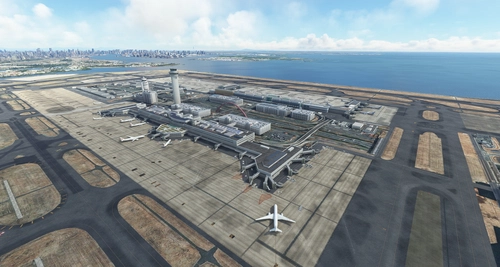
Enhance Tokyo International Airport with this add-on, which aligns runways, taxiways, and taxiway names based on the new airfield map. Make various fixes and additions, with the option to disable certain elements like airport equipment and taxiway signs. Ensure compatibility by following instructions, and experience VDSG implementation based on LOD specification for realistic plane positioning.
by karuchie
RJTT Tokyo Haneda FSLTL Static Aircraft
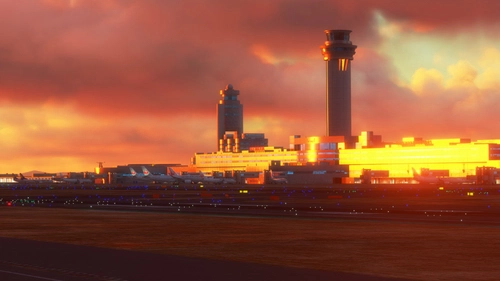
Enhance your Tokyo airport experience with the RJTT Tokyo FSLTL Static Aircraft mod by StaticSceneries. This add-on features FSLTL models to bring life to the airport without the need for FSLTL Injector. Please note that you must have the FSLTL Base models installed. Enjoy a more vibrant airport environment with no FPS loss, although some gates may become unusable with static aircraft in place.
by StaticSceneries
Technobrain RJTT (Tokyo Haneda) Logo Fix
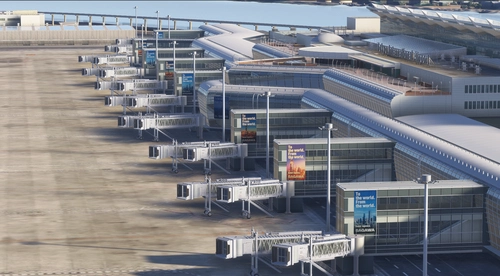
This add-on updates and modifies the hangar and Terminal 3 logos at RJTT for Microsoft Flight Simulator. The changes are designed to enhance visual accuracy and appeal. The layout may differ from real-world counterparts due to material limitations. Installation requires placing the folder into the Community directory.
by avis
Remote Stand Static Aircraft,RJTT Tokyo Haneda intel
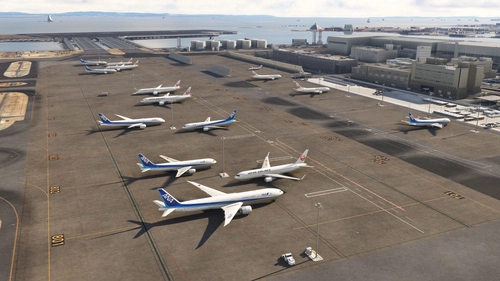
Enhance Tokyo Haneda Airport with Remote Stand Static Aircraft, ensuring a lively atmosphere at non-boarding gate parking areas. This add-on integrates static aircraft specifically at remote stands, complementing FSLTL and FsHud AI aircraft injection tools. Simply place the folder in your Community folder for installation. Please note that the RJTT Tokyo International Airport add-on by karuchie is required for optimal functionality.
by urack
Log in to join the discussion
Log InComments(17)
about 1 year ago
about 1 year ago
about 1 year ago
about 1 year ago
about 1 year ago
about 1 year ago
about 1 year ago
about 1 year ago
about 1 year ago
Please remove this mod from the Community folder.
over 1 year ago
over 1 year ago
over 1 year ago
It helps quite a lot.
over 1 year ago
over 1 year ago
However, unfortunately at middle of the bridge, plane stacks.
I appreciate your further improvement of the mod.
Thank you.
over 1 year ago
over 1 year ago
over 1 year ago