
Description
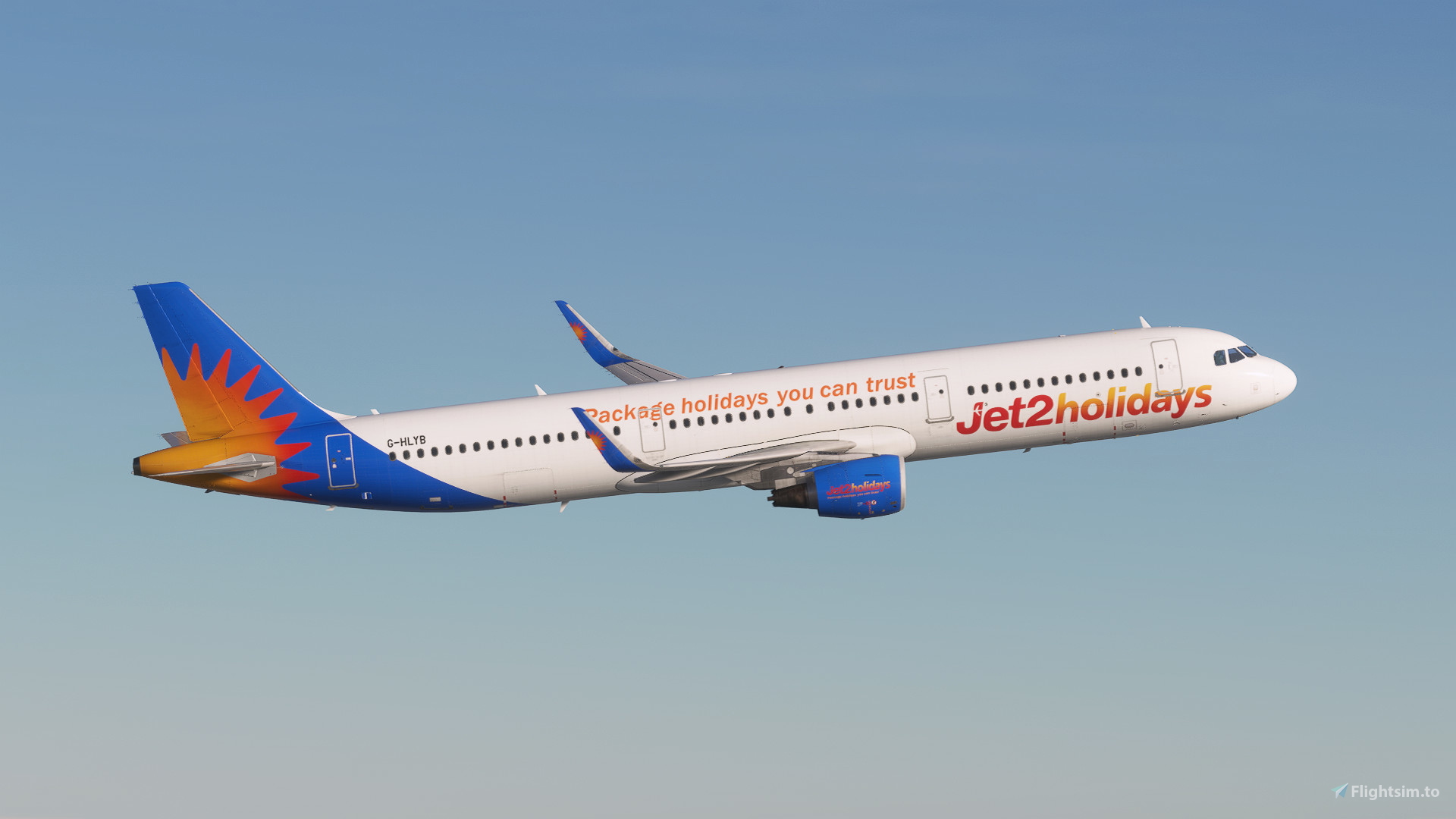
Jet2 Holidays' A321 Fleet
FEATURES
- Accurate decals
- Pre-installed configuration per airframe
- Cockpit decals
- Realistic and high quality rendition based on newest photos available (02.01.2025)
- 8K & 4K alternatives
INCLUDED LIVERIES
- G-HLYA
- G-HLYB
- G-HLYF
INSTALLATION
To install simply open up the .RAR file, and extract the content(s) inside into your community folder. (USE WINRAR!!!!!!!!)
FOR 4K ALTERNATIVE: THERE IS A TAB BELOW THE DOWNLOAD BUTTON, PRESS "4K ALTERNATIVE"
FEEDBACK AND DISCORD
If there are any mistakes in a livery/miscellaneous addon please contact me and it'll be fixed. (Pictures provided may not represent the final product.
Feedback and donations are always appreciated. To keep yourself updated on my liveries please consider joining my Discord server: https://discord.gg/AfVzTUUz8B. Enjoy!
Jet2 Holidays (Fleet) - Fenix A321
This add-on features a detailed representation of the Jet2 Holidays A321 fleet for the Fenix A321 aircraft in Microsoft Flight Simulator. The package includes accurate decals, cockpit details, and high-quality renditions based on the latest available photos with 8K and 4K texture options. Three specific liveries, G-HLYA, G-HLYB, and G-HLYF, are included for an authentic flying experience. Installation is straightforward, requiring extraction of files into the community folder.


User Reviews
1 reviews
Version History
No version history available.
Related
Jet2 Holidays Fleet Pack | 8K | Fenix A321
The Jet2 Holidays Fleet Pack for the Fenix Airbus A321 features three unique liveries: G-HLYA, G-HLYB, and G-HLYF, all rendered in high-quality 8K resolution. This add-on includes highly accurate external and internal textures, complete with custom cabin designs and animated elements such as Jet2 checklists and an interactive EIS1 screen. Users will find detailed cabin features, correct registration placards, and several interactive items to enhance realism during flights.
by Hues_by_Horizon
Fenix A321 CFM SL Jet2 Holidays Fleet Pack W/Cabin
The Fenix A321 CFM Jet2 Holidays Fleet Pack adds three detailed aircraft liveries (G-HLYA, G-HLYB, G-HLYF) to Microsoft Flight Simulator. It features custom external decals, dirt effects, and engine decals, alongside a fully customized Jet2 cabin interior. The package also includes custom seat textures, cabin lighting, and safety cards, enhancing the realism of the flying experience. Installation is straightforward—simply unzip the file and add it to your community folder.
by CptAviation & SilkySmooth
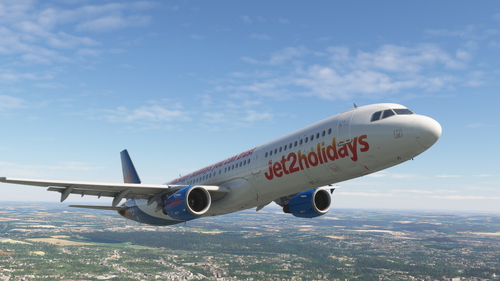
Jet2holidays | Fenix A321 CFM (G-HLYF) | w/Cabin | 8K
This add-on features the Jet2holidays livery for the Fenix A321 aircraft, specifically the G-HLYF variant. It includes accurate airline-specific colors, logos, and stencils, along with airline-specific cockpit decals and placards, all rendered in 8K textures. Installation is straightforward, requiring users to unzip the package and drag the desired liveries into their community folder. A cabin package is in development for future updates.
by DjangoVG
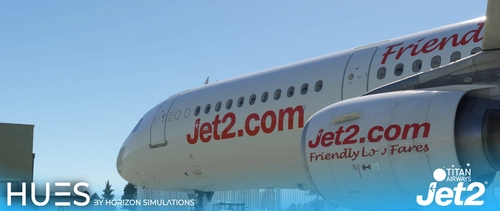
Fenix A321 CFM Titan Airways Jet2 Fleet Pack W/Cabin
This add-on features a detailed Titan Airways livery pack for the Fenix A321, including the G-POWN and G-POWU aircraft. It provides accurate Jet2 branding, custom exterior weathering, and a fully designed passenger cabin with handmade safety cards, unique seat textures, and specially crafted galley carts. Noteworthy elements include tailored floor lighting, window plugs, and specific wing registration details for enhanced realism.
by Hues_by_Horizon
Log in to join the discussion
Log InComments(17)
8 months ago
8 months ago
2 months ago
12 months ago
Apart from that, the packs great on MSFS 20 🤌🏼.
12 months ago
about 1 year ago
about 1 year ago
about 1 year ago
For info. I've downloaded FS24 Via Steam. My community folder is here:
C:\Users\latic\AppData\Roaming\Microsoft Flight Simulator 2024\Packages\Community
I took the following steps.
1) downloaded this particular file
2) Opened download and clicked on the a321 jet pack .Rar file
3) I then have a folder - Fenix a321 jet pack
4) I right click on this, and 'extract all' and change the folder location to the community folder specified above.
5)I open FS2024 from new and its NOT there under liveries.
I have tried this with 3 or 4 different liveries.
What am I doing wrong???
about 1 year ago
about 1 year ago
about 1 year ago
over 1 year ago
over 1 year ago
almost 2 years ago
almost 2 years ago
almost 2 years ago
almost 2 years ago