
Description
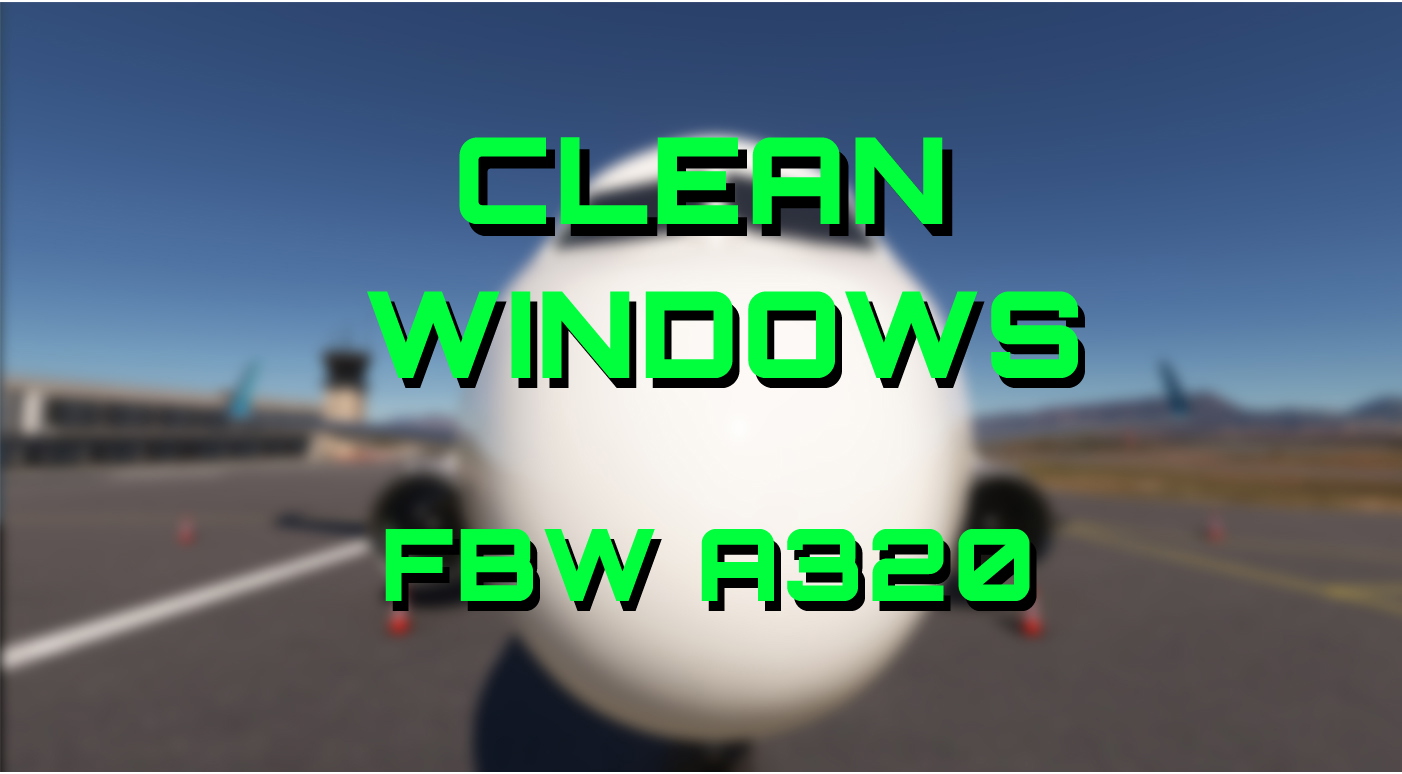
Clean windows for the FBW A320
After we cleaned thousands of A339 and A380 windows already, it's about time to clean the windows in the A320 as well.
The zip file contains one single file, which is supposed to replace the respective file in your FBW A320 Base Folder (not a livery folder) and will work for all of your A320 aircrafts.
Path: .../Community/flybywire-aircraft-a320-neo/SimObjects/Airplanes/FlyByWire_A320_NEO/TEXTURE)
To be able to return to the original "dirty" windows look, you should simply add something to the original file - for example "original GLASS_DETAILMAP01_MASK.PNG.DDS" and keep it in the folder. If you want to switch back, delete the "clean" file and remove the added text from the original file.
Happy landings everyone!
Note: I tested the "Clean Windows" modification with both the development and stable versions following the texture update on May 19, 2026.
After applying the "layout.json" file update mentioned in the description, the effect functions as intended.
Link to my clean windows mod for the Headwind A330-900
Link to my clean windows mod for the FBW A380X
FlyByWire A320NX Clean Windows
This add-on offers clean window textures for the FlyByWire A320NX aircraft in Microsoft Flight Simulator. It replaces the default "dirty" window files to enhance the visual experience of the aircraft’s cockpit and exterior views. The installation involves replacing a specific file in the aircrafts base folder, with an easy option to revert to the original textures if desired. Compatible with all A320 aircrafts in the FlyByWire package.


User Reviews
3 reviews
Version History
Added support files in case you run into issues.
Related
FBW A380 Clean Windows v2
This add-on provides clean windows and instrument glass surfaces for the FBW A380X in Microsoft Flight Simulator. Designed for easy installation, it enhances cockpit visibility by removing dirt, smudges, and scratches. The zip file includes essential texture files along with step-by-step instructions to facilitate quick implementation. Compatible with various downloaded liveries, it allows pilots to enjoy a clearer flying experience.
by Ben Blinding

Headwind A339X - Clean Windows
Clean up the windows on your Headwind A330-900 with this mod. Easily switch between clean and dirty windows by following simple instructions provided. Bring back the shine to your virtual cockpit with just a few clicks. Happy landings with clear views ahead!
by BenBlinding

PMDG DC-6 Engine Startup Smoke for MSFS2024
This add-on introduces engine startup smoke effects for the PMDG DC-6 in Microsoft Flight Simulator 2024. The smoke is generated using default MSFS SDK tools, resulting in fixed density and color. Installation instructions are included as a PDF in the download. The effect is designed to work reliably during each engine start sequence.
by BenBlinding
FBW A380 Clean Sunshades
This add-on provides clean sunshade textures for the FBW A380, enhancing the cockpit aesthetics by eliminating stains and smudges while introducing more appealing colors. Users can choose between applying the new sunshades universally across all A380s or targeting a specific aircraft livery. Installation instructions are included, ensuring a straightforward update for those looking to refresh their cockpits appearance.
by BenBlinding
Log in to join the discussion
Log InComments(13)
5 months ago
5 months ago
5 months ago
5 months ago
Edit. OK for testing purposes I did it your way and put it in the base/texture folder. Did have to run the layout gen. Then I did an update. Got the pink texture so ran it through the gen again and seems they didn't update that file. So, I'll just keep your file handy and run the gen after every update. If they update it, I'll replace it again. That'll work.
5 months ago
8 months ago
8 months ago
over 1 year ago
over 1 year ago
Also, do not copy the new file into a livery folder, as this will not work. The clean windows effect will be applied to all FBW A320 aircraft present in your community folder after the modified file was placed in the A320 base folder.
If a livery folder already contains a file with the same name, you must decide whether the existing file can be renamed or removed and act accordingly. The clean windows file will not work as long as an identically named file exists in a livery folder.
about 1 year ago
I think thats the issue
over 1 year ago
over 1 year ago
almost 2 years ago