
Description
Note:
The update to version 1.1 is not mandatory, if your current files still work as intended. I only updated them according to and matching the v0.7.0 stable version which has been released by Headwindsim on January 24th, 2025. There are no changes in the mod itself.
Clean windows for the Headwind A330-900
Unzip the downloaded file. You will receive four .dds files.
Rename the corresponding files in the texture folder (see path below) if you want to use them again later.
It is sufficient to add "alt" or "orig" or anything else to the beginning of the file name (example: oldGLASS_PNG.dds).
To switch back simply delete the four "clean" windows files and remove the "old" or whatever you have chosen. This will bring back the dirty windows.
Path: ...Community/headwindsim-aircraft-a330-900/SimObjects/Airplanes/Headwind_A330neo/texture
Copy the 4 new files into the texture folder.
Cleaning windows is that easy ;)
Happy landings everyone!
Link to my clean windows mod for the FBW A380
Link to my clean windows mod for the FBW A320
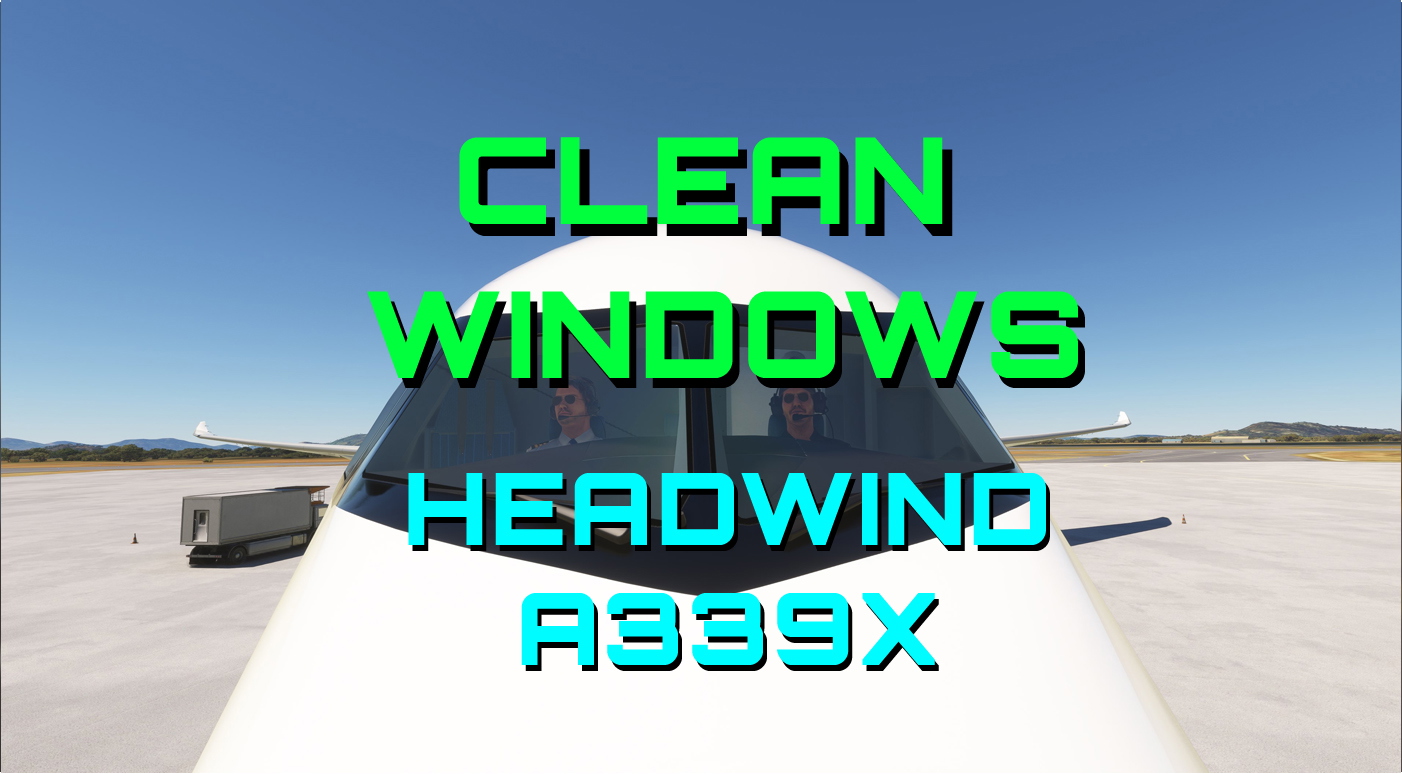
Headwind A339X - Clean Windows
Clean up the windows on your Headwind A330-900 with this mod. Easily switch between clean and dirty windows by following simple instructions provided. Bring back the shine to your virtual cockpit with just a few clicks. Happy landings with clear views ahead!

User Reviews
4 reviews
Version History
No version history available.
Related
FBW A380 Clean Windows v2
This add-on provides clean windows and instrument glass surfaces for the FBW A380X in Microsoft Flight Simulator. Designed for easy installation, it enhances cockpit visibility by removing dirt, smudges, and scratches. The zip file includes essential texture files along with step-by-step instructions to facilitate quick implementation. Compatible with various downloaded liveries, it allows pilots to enjoy a clearer flying experience.
by Ben Blinding
FlyByWire A320NX Clean Windows
This add-on offers clean window textures for the FlyByWire A320NX aircraft in Microsoft Flight Simulator. It replaces the default "dirty" window files to enhance the visual experience of the aircraft’s cockpit and exterior views. The installation involves replacing a specific file in the aircrafts base folder, with an easy option to revert to the original textures if desired. Compatible with all A320 aircrafts in the FlyByWire package.
by BenBlinding
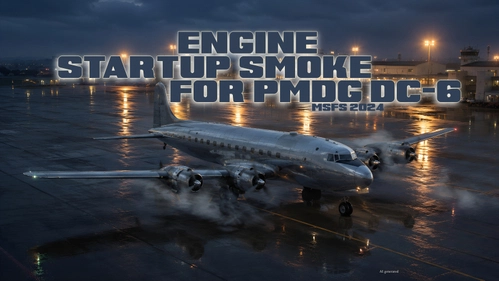
PMDG DC-6 Engine Startup Smoke for MSFS2024
This add-on introduces engine startup smoke effects for the PMDG DC-6 in Microsoft Flight Simulator 2024. The smoke is generated using default MSFS SDK tools, resulting in fixed density and color. Installation instructions are included as a PDF in the download. The effect is designed to work reliably during each engine start sequence.
by BenBlinding
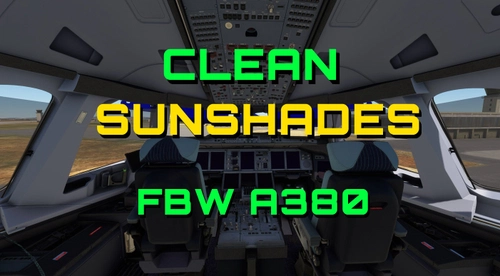
FBW A380 Clean Sunshades
This add-on provides clean sunshade textures for the FBW A380, enhancing the cockpit aesthetics by eliminating stains and smudges while introducing more appealing colors. Users can choose between applying the new sunshades universally across all A380s or targeting a specific aircraft livery. Installation instructions are included, ensuring a straightforward update for those looking to refresh their cockpits appearance.
by BenBlinding
Log in to join the discussion
Log InComments(18)
over 1 year ago
over 1 year ago
over 1 year ago
almost 2 years ago
almost 2 years ago
almost 2 years ago
over 2 years ago
about 3 years ago
over 3 years ago
Love the advertising
almost 4 years ago
Excellent.
over 4 years ago
jajajajajaja loved the cleaning image
over 4 years ago
Really nice to see the clean glass. However, loading in cold and dark results in some glass areas no longer appearing as glass. Perhaps there are a few more texture files that need your touch. I uploaded a screenshot in the User Gallery but it's waiting approval.
over 4 years ago
Thanks for the info, I will have a look at it.
over 4 years ago
Cheers!
over 4 years ago
I checked the glass parts but couldn't see anything missing. Your screenshot looks ok as well. At least on the left side front window you clearly see reflections. Depending on the angle of view it sometimes might appear as if there is no glass at all - apparently the windows are too clean now :D I would recommend that you switch to drone view and slowly (!!) move backwards into the cockpit so you can see when you pass the glass and/or change the angle of view. The glass texture is one layer and can't be divided, hence you either have everything with glass - or nothing.
over 4 years ago
My screenshot isn't showing any issue with the windows, perhaps I should have been more clear. What my SS is pointing at is the glass parts above the FCU or Glare Shield and the Barometric Pressure display. They look alright when you power the AC on but when it's cold and dark they look like painted metal. I never noticed this until I installed your textures. Could it be an issue with the original textures as well? I'll have to double check. :D
over 4 years ago
Aaaah now I see what you mean. Well, those parts are in different texture files (glareshield and mainpanel.dds) and not part of the windows texture. The different look comes from switching from a static image to the interactive part as soon as you powered up and turn a knob - for example. The impression there is like a non-reflective surface to avoid readability issues - which makes sense in my opinion. You might know that from polarized lenses on (sun-)glasses as well.
over 4 years ago
that airbus ultra window cleaner picture made my day :))) hahaha thx a lot!