
Description
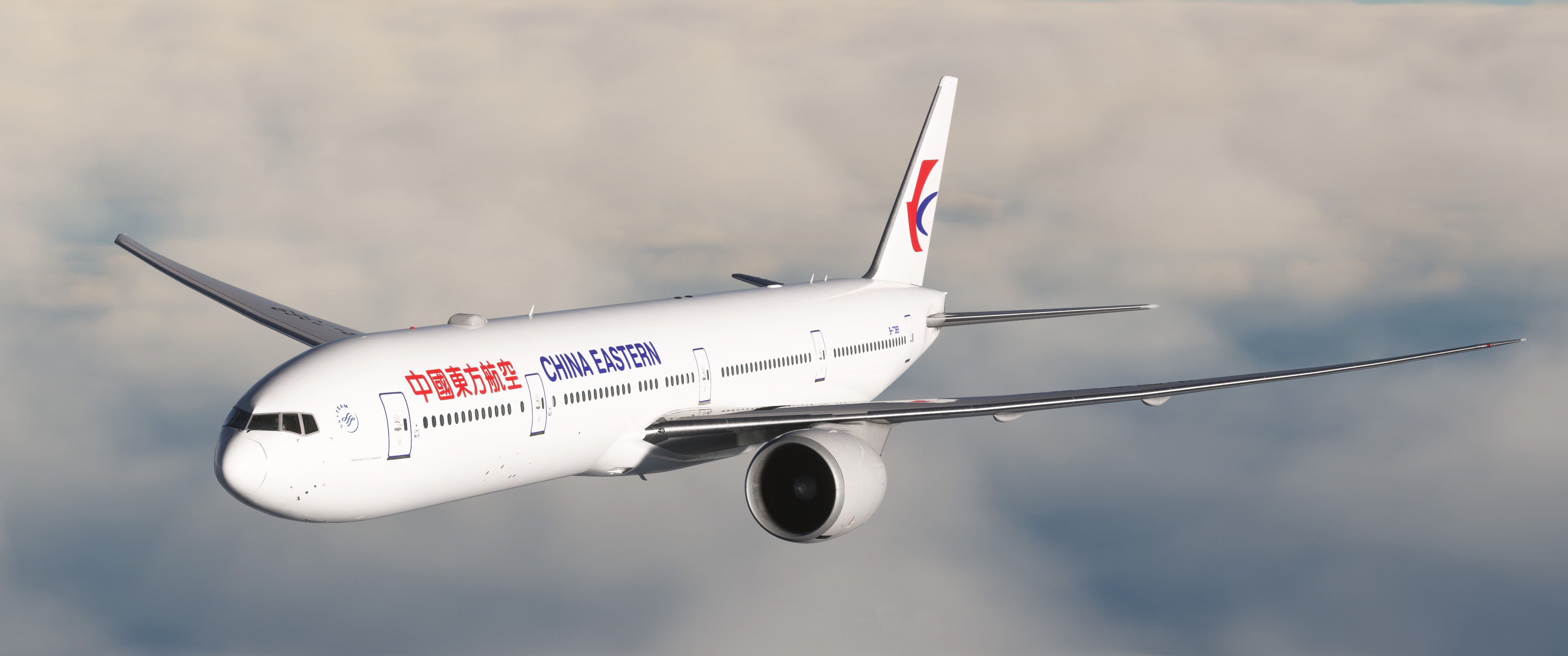
China Eastern B777-300ER B-7369 for PMDG 777-300ER.
Current version is 1.0, initial release. Dec.24.2024.
===Features===
-Custom cabin (Business class still W.I.P.)
-Custom external details
-Flight deck decals
-16k
===W.I.P.Features===
-more cabin details
-more external details
===Install===
Please read me file and paste files. Sorry, I could not convert to PTP、failed with the error.
Comments
Log in to join the discussion
Log InNo comments yet. Be the first to share your thoughts!
China Eastern B-7369
This add-on features the China Eastern Airlines B777-300ER (B-7369) for the PMDG 777-300ER in Microsoft Flight Simulator. It includes a custom cabin, external details, and flight deck decals, with textures designed at 16k resolution. The current version is 1.0, released on December 24, 2024, and additional cabin and external details are planned for future updates. Installation instructions are provided in the readme file.
More Information
Version History
No version history available.
Related
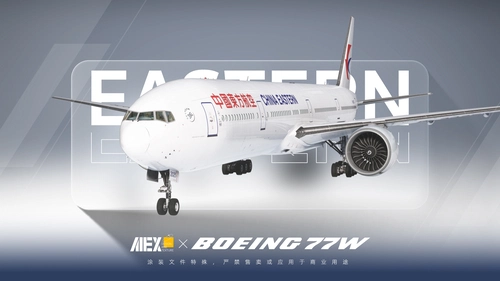
【Alex.Tex】PMDG777-300ER China Eastern B-2025 中国东方航空-标准涂装-8K
This add-on features an 8K resolution China Eastern Airlines standard livery for the PMDG 777-300ER, accurately redrawn based on the real aircraft B-2025. The livery offers high detail and clarity through enhanced textures. Installation is completed by unzipping the file and placing it in the Community folder. Redistribution and commercial use of the livery are not permitted.
by Alex.Tex
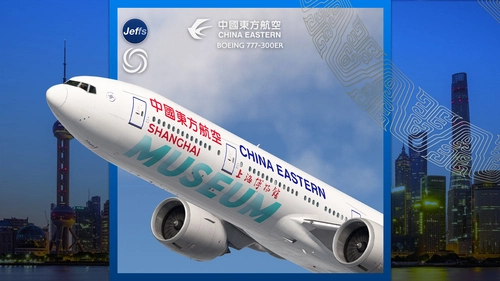
China Eastern 'SHANGHAI MUSEUM' B-7349 special livery | PMDG 777-300ER
Experience the detailed China Eastern Boeing 777-300ER livery featuring the SHANGHAI MUSEUM design, inspired by the iconic cultural site. This add-on includes custom interior decals representing museum artifacts, alongside unique engine and fuselage textures. Please note that this livery is not compatible with GSX seated passengers or the PMDG livery installer, requiring manual installation.
by Jeffs
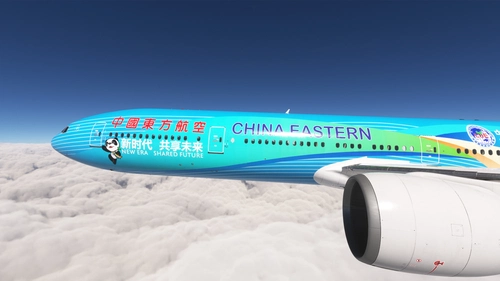
PMDG 777-300ER w/ cabin China Eastern - China International Import Expo -CIIE (B-2002)
This add-on features a detailed repaint of the PMDG 777-300ER in the livery of China Eastern Airlines, specifically for the China International Import Expo (CIIE) aircraft B-2002. The package includes a custom tablet background and provides installation instructions for seamless setup via the PMDG Operations Center. This livery is designed to enhance the realism of your flight simulation experience with a unique visual representation of this special event aircraft.
by alxcpt
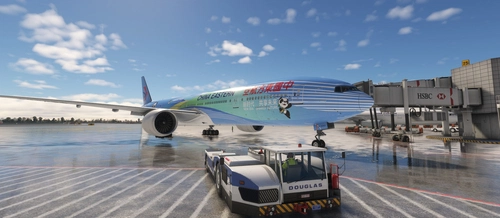
China Eastern 中国东方航空| B-2002 | CIIE Livery
China Eastern B-2002 CIIE Livery with detailed improvements for a realistic flight experience, including upcoming fixes for IFE, interior, and texture issues. Easy installation process through PMDG operation center v2. Free for personal use, please avoid reuploading or selling.
by Derrick.W & Ruiyang.Q
