
Description
You can support my next project at https://buymeacoffee.com/flyingragilein. Any amount is sincerely appreciated.
Visit me at https://www.facebook.com/FlyingRagilein for sneak peeks of my next project. Thank You!
Enhancement and FS 2024 Fix for FlyTampa Las Vegas
This addon was made for the FS2020 version of FlyTampa Las Vegas. It also provides fixes if you want to use the FS2020 version of FlyTampa Las Vegas in FS2024. It was not tested with the new native FS2024 version of FlyTampa Las Vegas and may not work with it! The addon enhances the general aviation section of the airport, adds countless service vehicles with flashing lights to the main apron, and provides fixes for the "triangle problem" at the airport and the way too-bright ambient lights in the Strip area for FS2024.
Attention: This addon requires the Las Vegas scenery by FlyTampa! Otherwise this mod makes no sense because you get a lot of floating lights etc due to missing scenery objects. If you want to use the fixes for FlyTampa´s Las Vegas in FS2024, please read the notes on how to activate them in the notes on the update of this package below. Do not activate the fixes for FS2020!
When I first landed with my heli at KLAS at night I was kind of disappointed. Don`t get me wrong - FlyTampa did a phantastic job on Las Vegas. But the general aviation section where the helipads of all tour operators are located could use a little improvement. So I started adding this and that just for my own pleasure. Meanwhile I like this mod that much that I thought it might be worthwile to share for others. So here it is.
What do you get?
- Added night lighting (apron lights, street lights, building lamps and ambient light)
- Custom obstacle lights
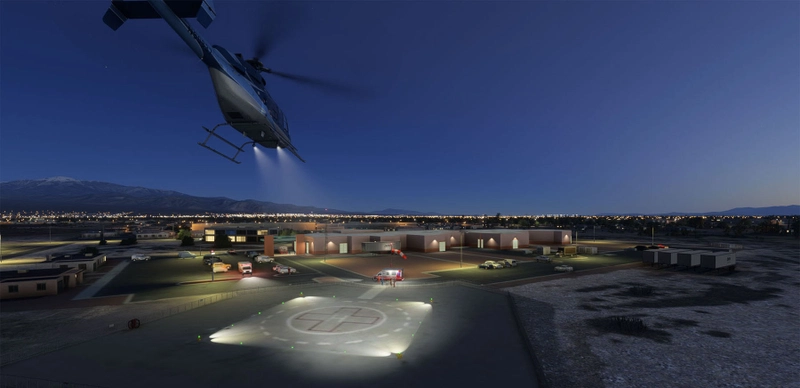
- Custom helipad lights
- People for all helipads
- The new Papillon Grand Canyon Helicopters building and pad
- The midfield cellphone tower with obstacle light
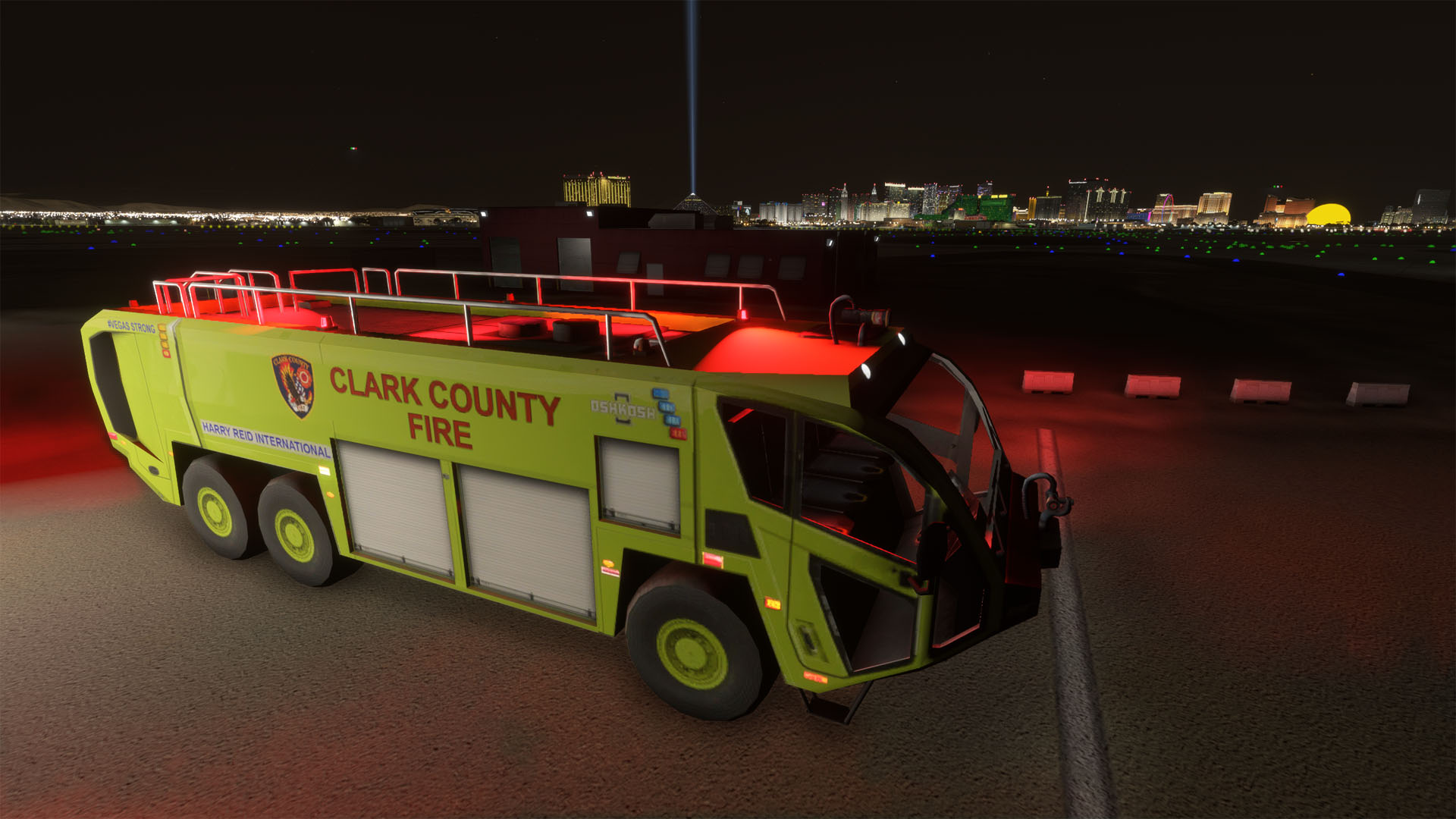
- Emergency- and service-vehicles with flashing lights at the airport and the Strip area
The package doesn`t remove anything from the original FlyTampa scenery. But it must be on a higher priority. Otherwise the FlyTampa scenery removes my additional apron lights and the fixes for FS2024 wont work. To enforce a higher priority, the package folder begins with "z". Just drop it into the community folder and you are good to go.
What`s next?
If you like this addon, please don`t forget to like and rate!
Visit me at https://www.facebook.com/FlyingRagilein for sneak peeks of my next project.
And if you want to fly the extra mile, you can support my project at https://buymeacoffee.com/flyingragilein. Thank You!
Dependencies
Location
Enhancement and FS 2024 Fix for FlyTampa Las Vegas
This mod enhances the general aviation section of FlyTampa´s Las Vegas airport scenery, adds countless service vehicles with flashing lights to the main apron, and provides fixes for the "triangle problem" at the airport as well as the way too-bright ambient lights in the Strip area for FS2024. buymeacoffee.com/flyingragilein
User Reviews
11 reviews
Version History
If you have a previous version installed, I recommend deleting (or moving away) the old version from the "Community" folder and then extracting this version into the community folder. ATTENTION: The fixes for FS2024 are disabled by default because they make no sense for FS2020. To enable them, you have to rename two files in the "Community" folder of FS2024: * Fix 1: If you see annoying triangles above taxiway edge lights and taxiway centerline lights in FS2024, then this fix is for you. I replaced the lights by my own versions. They are simpler, but do the job. To enable the fix, remove ".disabled" from the file "zflyingragilein-airport-klas-las-vegas\Scenery\airport-klas-las-vegas\FTLightPatch\FTLightPatch.BGL.disabled". * Fix 2: Due to different rendering of light sources in FS2024, the ambient lighting of the casinos along the strip is way too bright. This fix brings the lighting back to normal. To enable the fix, remove ".disabled" from the file "zflyingragilein-airport-klas-las-vegas\Scenery\airport-klas-las-vegas\FTCityLightPatch\FTCityLightPatch.BGL.disabled". If you don´t like the fixes simply add ".disabled" to the files and restart the sim. What´s in this update? * Increased visibility of the fixed taxiway lights * Fire trucks at the fire station * Custom vehicles with flashing lights on the aprons around the main terminals (tow trucks, catering trucks, belt loaders, and pickup trucks) If you like the update, please don´t forget to like & rate :)
Related
Airports Lights
Illuminate over 1200 airports worldwide with the Airports Lights add-on, featuring lights for terminals and gate areas. With more than 32,000 light poles and ongoing updates, enhance your airport visuals today. Easily install by extracting into your Community folder and experience improved airport lighting. Request additional airports and stay updated on the projects progress through the provided link.
by Andres3D
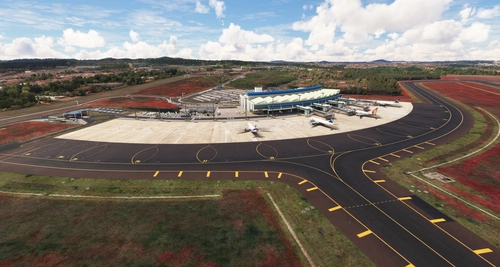
SBGO - Goiânia Airport - GO - Brazil
Enhance your Microsoft Flight Simulator experience with SBGO - Goiânia Airport in Brazil. This add-on features custom 3D models, animated Jetways, realistic runway and taxiway lights, custom markings, and aerial orthophoto for a true- to-life airport immersion. Support for narrow-body aircraft such as Airbus A320 and Boeing 737-800, with the ability to handle wide-body planes like Boeing 767 and Airbus A330. Simply extract the folder to your Community folder to begin exploring this detailed airport scenery.
by Souza Scenery & FSoares
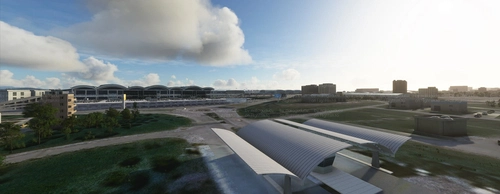
Istanbul Sabiha Gokcen International Airport
Custom-built Istanbul Sabiha Gokcen International Airport add-on for MSFS 2020 in public beta version. Enhancements include detailed airport structures and improved visuals for a more immersive flying experience. Created by developers with experience in X-Plane 11 scenery design. Free for personal use with optional donations to support the Leukemia Foundation for Children.
by Hayri Buberci, Mali Oguducu
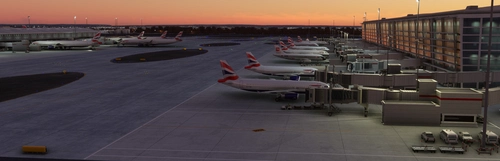
Airport Parking
I am going through airports and updating the parking so airlines park in the correct spots. Not everything is 100% accurate, but it is very close and the pack will continue to grow. Both airlines and cargo spots are being updated. Airports are also including A380 gates.
by Chris Baggett
Log in to join the discussion
Log InComments(77)
about 1 month ago
4 months ago
4 months ago
6 months ago
6 months ago
7 months ago
7 months ago
7 months ago
7 months ago
7 months ago
9 months ago
For those of you who happen to own FlyTampa's Boston Logan Intl and have shoehorned KLAS into the sim, the below may also help you if you wish to retain the original lighting...
FT did a compatibility update for KBOS in 2024 late last year which included some secondary lighting fixes. If you install it and prioritise it over KLAS via the package reorder tool (i.e move it beneath KLAS in the list), the triangular lighting bug is resolved. Couldn't tell you why it works or the nuances of their KBOS fixes, but discovered it while shuffling sceneries around.
9 months ago
9 months ago
It doesn't work after SU4 on MSFS2024. Can you make a update on it. Thanks.
9 months ago
Alternatively you can try the "package reorder tool" via "General Settings" > "Advanced Options" > "Package reorder tool" and move my fix to the bottom of the list. Entries further down have higher priority, so my scenery objects win over FlyTampa's. Moving the entries adds priority attributes to your contents.xml.
11 months ago
Before the fix: https://ibb.co/tp5tmnq2
After the fix: https://ibb.co/w86B2w3
11 months ago
1) Do you see the other objects from this scenery (the vehicles with flashing lights on the main apron or the people at the helipads)? If not, then the scenery is not installed properly.
2) If you see the objects, then: Did you activate the fix by renaming the two .disabled files as described above?
3) If you did this, then the scenery is not at the right priority in the scenery library. The following helped in the most stubborn cases:
* Move away my scenery and flytampa to a temporary location.
* Delete (or move away) the "Content.xml" file from the "LocalCache" folder ( two levels above the "Community" folder) . It rebuilds automatically at next start of FS .
* Start FS , load a flight at LAS and quit FS .
* Add flytampa sceneries
* Start FS , load a flight at LAS and quit FS .
* Add my scenery
* Start FS and load a flight at LAS
11 months ago
11 months ago