
Description
This add-on is compatible with both MSFS 2020 and 2024. Expect a 20 FPS drop with MSFS 2020 and none with MSFS 2024.
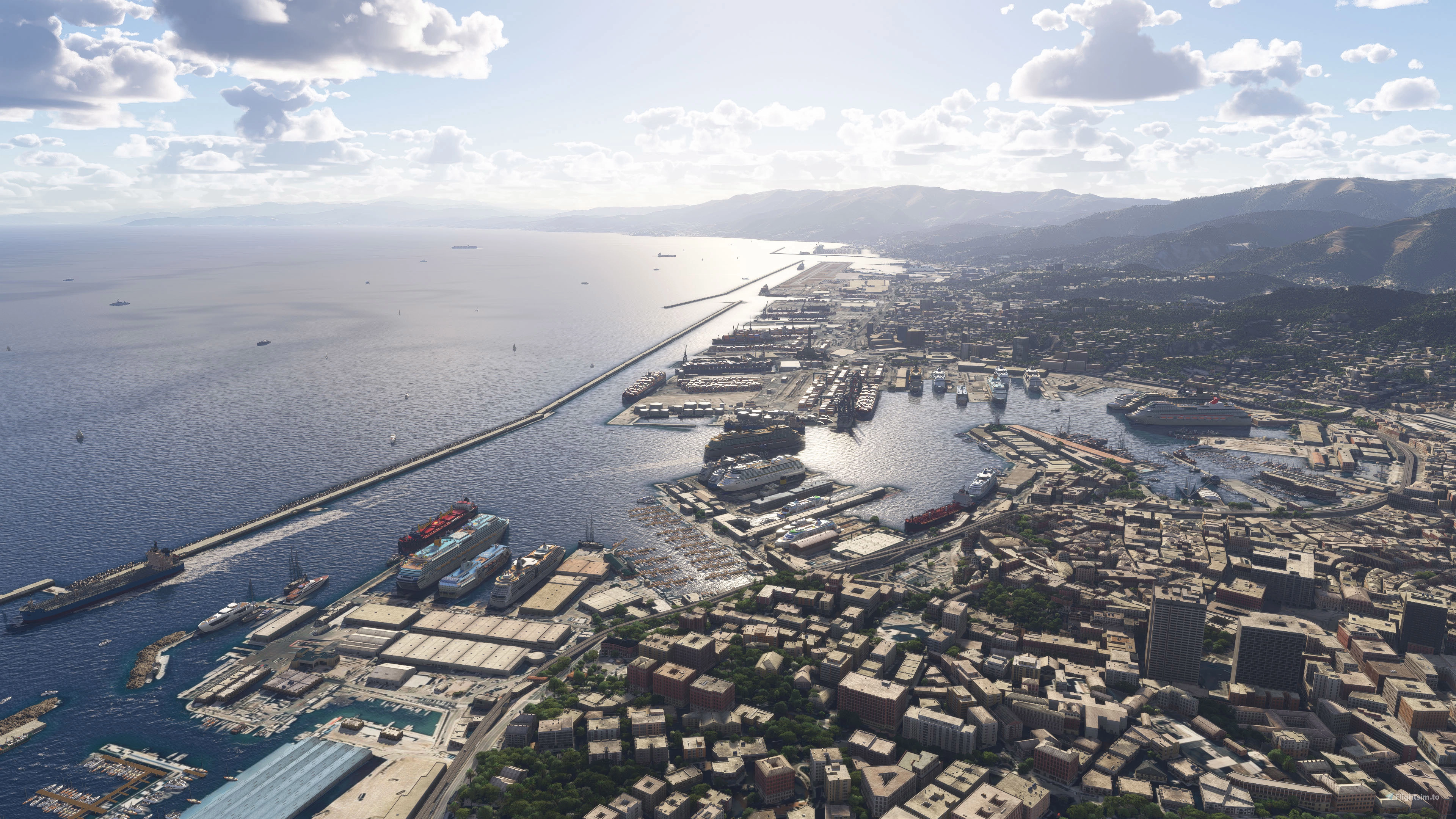
Ship Traffic for Italian Coastline adds dynamic ships entering and exiting Italian ports until they reach their final destination. The ports where ships have been added are the following:
-Vado
-Savona
-Genoa
-La Spezia
-Livorno
-Piombino
-Portoferraio
-Civitavecchia
-Naples
-Salerno
-Gioia Tauro
-Reggio Calabria
-Taranto
-Bari
-Brindisi
-Barletta
-Manfredonia
-Ancona
-Ravenna
-Venice
-Trieste
-Messina
-Catania
-Palermo
-Cagliari
-Olbia
-Augusta
-Valletta (Malta)
This add-on is standalone and does not require the Italian Coastline add-on to function, but it definitely enhances the experience (the photos were taken with both add-ons active).
You can download Italian Coastline here: flightsim.to/product/project-coastline-italy
Ship Traffic for Italian Coastline
This add-on enhances Microsoft Flight Simulator with dynamic ship traffic along the Italian coastline. It introduces realistic shipping movements in and out of multiple Italian ports, including notable locations such as Genoa, Naples, and Venice. Compatible with both MSFS 2020 and 2024, it offers an immersive maritime experience without requiring additional coastline expansions. Users may experience a 20 FPS drop in MSFS 2020, while performance remains stable in MSFS 2024.

User Reviews
2 reviews
Version History
No version history available.
Related

Italian Landmarks - Google maps
Explore iconic Italian landmarks with this add-on, filling the gap left by WU9. Featuring landmarks from various regions, including Tuscany, Lazio, Puglia, Sicily, Campania, and more. Easily locate landmarks using the search bar in the map menu. Complementary to Project Coastline Italy add-on and compatible with BMW Genoa add-on.
by Project Coastline
PROJECT COASTLINE TUSCANY + GROSSETO AIRPORT (LIRS) v1.5
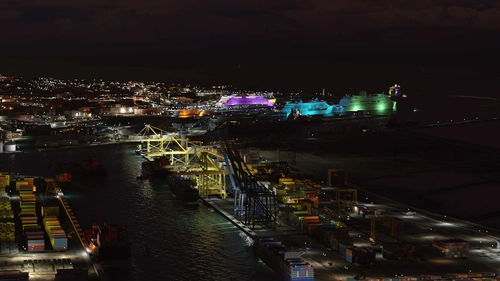
Enhance the coastline of Tuscany in Microsoft Flight Simulator with Project Coastline Tuscany v1.5. This demo version adds hand-crafted details like rocks, cliffs, coastal cities, and more to elevate your flying experience. Explore the Tuscany area and Grosseto Military Airport in this preview of the larger Project Coastline Italy add-on.Discover a new level of realism along the Italian coast.
by StefanoEte
PMDG 737 Freecamera Mode
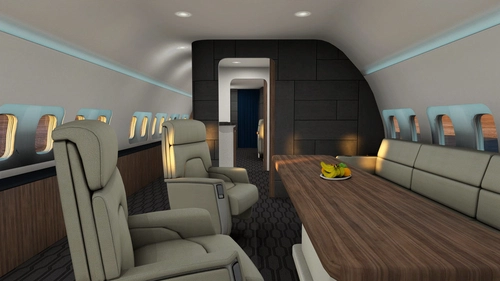
Unlock the freecamera mode for all 3 variants of the PMDG 737 with this add-on. Move inside and outside the aircraft freely with ALT+6, but remember to stay in control of the airplane. Simply drag the folders to the designated location to install.
by Project Coastline
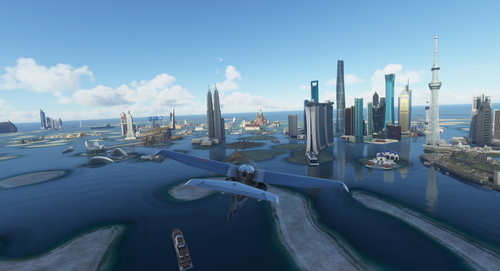
World Islands
Explore the recreated World Islands in Dubai with this add-on, featuring all the original MFS2020 landmarks in one place. Future updates will include more details like animals, plants, trees, and buildings to cover the rest of the unused islands. Unzip in your Community folder and start your virtual adventure today.
by StefanoEte
Log in to join the discussion
Log InComments(10)
about 2 months ago
I really like the Italian Coastline addon, and this further enhancement would be terrific (because it is nice to see moving ships), but sine SU5 it creates graphic artifacts that are immersion killers (see a couple of examples attached here below). I was hoping that with SU6 this could have been fixed, but it is not so.
Because of this I am not using this addon but I really hope you can fix it, because it used to be very enjoyable !!!! Ciao
about 1 month ago
almost 2 years ago
almost 2 years ago
almost 2 years ago
almost 2 years ago
almost 2 years ago
almost 2 years ago
Why it is such a Difference between fs 2000 and fs 2004 ?
almost 2 years ago
almost 2 years ago