
Description
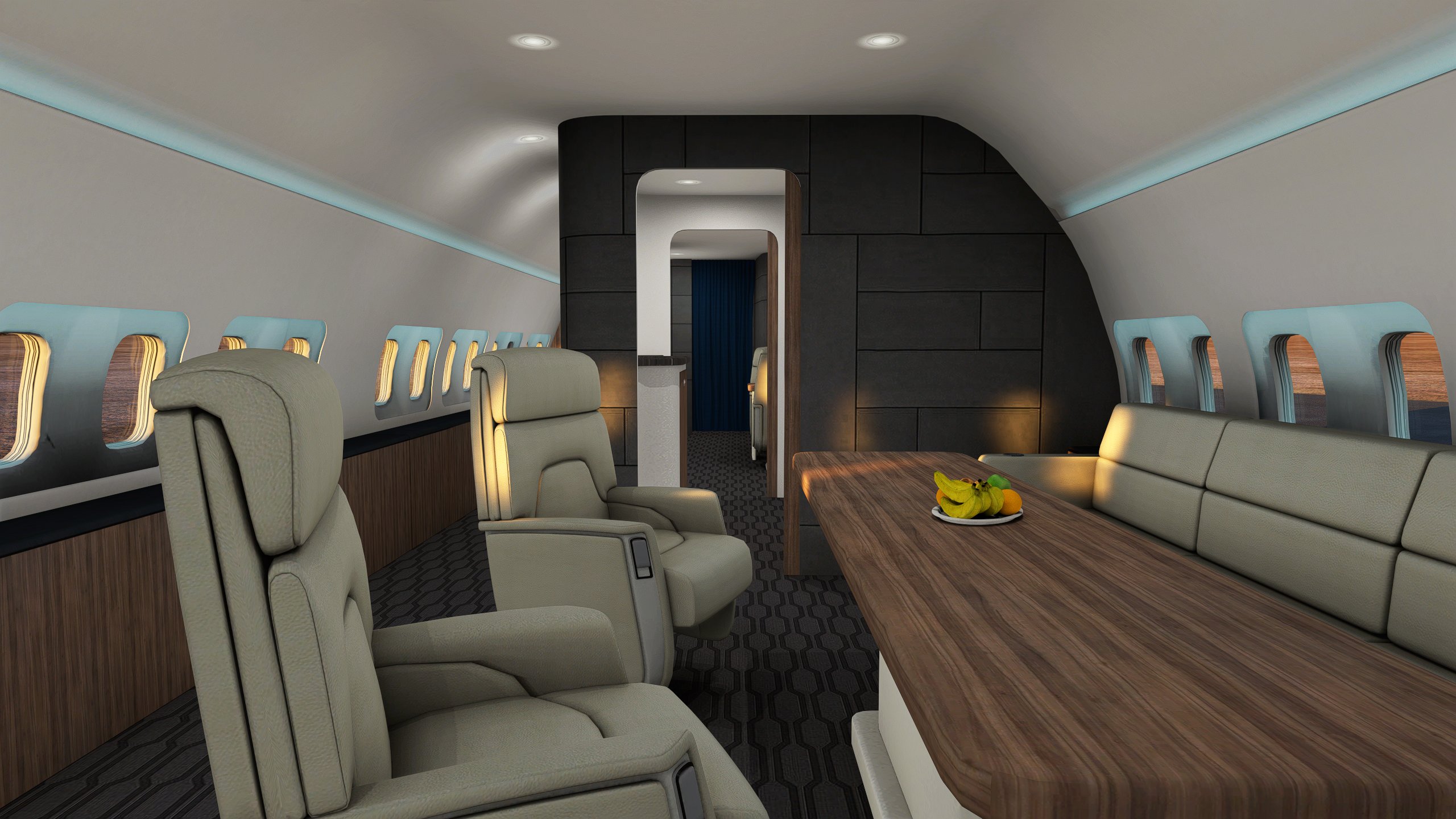
Abusing the VR movement I was able to break the cockpit boundaries and save a custom camera inside all 3 737 variants.
Now you can freely move inside and outside the airplane using ALT+6 (NOT NUM PAD).
Be careful, you will still be in control of the airplane so be sure to use the right keys to move around.
Drag the 3 folders into the following location and overwrite:
C:\Users\admin\AppData\Local\Packages\Microsoft.FlightSimulator_8wekyb3d8bbwe\LocalCache\SimObjects\Airplanes (this is not the community folder, read carefully)
If you like my work, you can support me by buying Project Coastline Italy:
https://it.flightsim.to/product/project-coastline-italy
Thank you
PMDG 737 Freecamera Mode
Unlock the freecamera mode for all 3 variants of the PMDG 737 with this add-on. Move inside and outside the aircraft freely with ALT+6, but remember to stay in control of the airplane. Simply drag the folders to the designated location to install.

User Reviews
5 reviews
Version History
Hot fix The previews uploaded files were the wrong ones, and the folder on which they had to be installed was wrong as well, this is the new path to where the new files have to be dragged and replaced. C:\Users\admin\AppData\Local\Packages\Microsoft.FlightSimulator_8wekyb3d8bbwe\LocalCache\SimObjects\Airplanes
Related
Italian Landmarks - Google maps
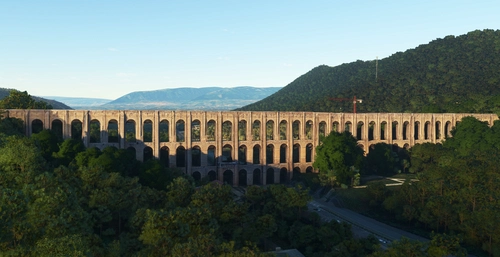
Explore iconic Italian landmarks with this add-on, filling the gap left by WU9. Featuring landmarks from various regions, including Tuscany, Lazio, Puglia, Sicily, Campania, and more. Easily locate landmarks using the search bar in the map menu. Complementary to Project Coastline Italy add-on and compatible with BMW Genoa add-on.
by Project Coastline
PROJECT COASTLINE TUSCANY + GROSSETO AIRPORT (LIRS) v1.5
Enhance the coastline of Tuscany in Microsoft Flight Simulator with Project Coastline Tuscany v1.5. This demo version adds hand-crafted details like rocks, cliffs, coastal cities, and more to elevate your flying experience. Explore the Tuscany area and Grosseto Military Airport in this preview of the larger Project Coastline Italy add-on.Discover a new level of realism along the Italian coast.
by StefanoEte
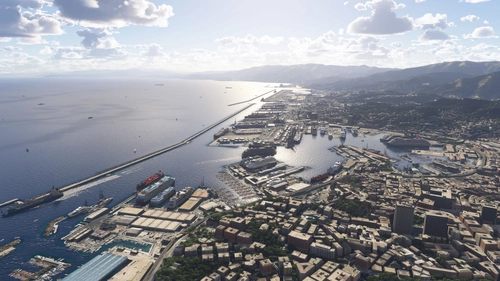
Ship Traffic for Italian Coastline
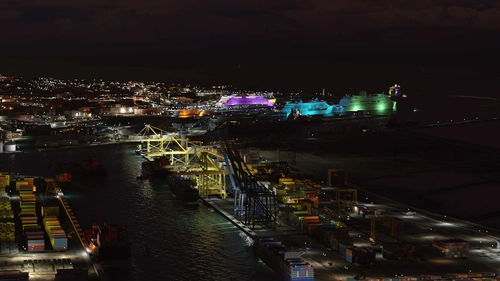
This add-on enhances Microsoft Flight Simulator with dynamic ship traffic along the Italian coastline. It introduces realistic shipping movements in and out of multiple Italian ports, including notable locations such as Genoa, Naples, and Venice. Compatible with both MSFS 2020 and 2024, it offers an immersive maritime experience without requiring additional coastline expansions. Users may experience a 20 FPS drop in MSFS 2020, while performance remains stable in MSFS 2024.
by StefanoEte
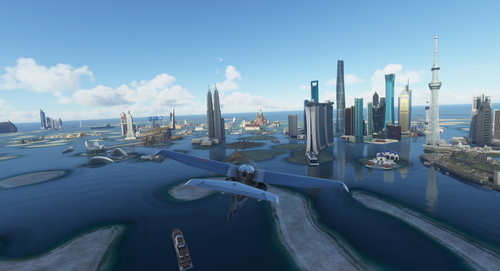
World Islands
Explore the recreated World Islands in Dubai with this add-on, featuring all the original MFS2020 landmarks in one place. Future updates will include more details like animals, plants, trees, and buildings to cover the rest of the unused islands. Unzip in your Community folder and start your virtual adventure today.
by StefanoEte
Log in to join the discussion
Log InComments(36)
over 3 years ago
Nice and simple mod! However it adds so much quality of life when you want so switch in the cabin during flight. Thank you!
about 4 years ago
can you give me the path for steam install
about 4 years ago
This PC/Your local disk (that is my case)/Users/Your name/AppData/Roaming/Microsoft Flight Simulator/SimObjects/Airplanes
about 4 years ago
can you give me the path for steam install because i think the one listed is windows store
about 4 years ago
This PC/Your local disk (that is my case)/Users/Your name/AppData/Roaming/Microsoft Flight Simulator/SimObjects/Airplanes
about 4 years ago
If someone can help me with where to put it, would be great i cant find it because for me \Microsoft.FlightSimulator_8wekyb3d8bbwe does not exist:/
about 4 years ago
Hello! Thank you for the great config file ... if you have time, it would be nice to have camera config files for the new PMDG 737-600 and the PMDG DC6! Thank you!
about 4 years ago
just copy the camera file from the -700 to the 600 and redo the cameras it works just as good
over 4 years ago
Do the state folders matter?
over 4 years ago
absolutely GENIOUS, thank you for making this for us
over 4 years ago
It's an instant download! Thank you for doing this!! :D
over 4 years ago
Please open the main PMDG camera .cfg (where the PMDG 737 is installed) and find the jump seat section. replace the identical line of code with
InitialXyz= 0.535777, 0.430127, -12.766152
InitialPbh= -1.098233, -0.032125, -0.357629
THE NEW CONTROL WILL BE CTR + 0
about 4 years ago
Thank you I found this easier since I've used with the -600
over 4 years ago
Works so well - thanks a lot