

Description
All MSFS24 standard aircraft are included.
Deluxe & Premium Deluxe aircraft coming soon.
If you have any camera issues please comment below.
You can click the specific number on your keyboard to access it.
Number 0 - 9
Installation instructions:
For the Microsoft Store installation: C:\Users\[UserName]\AppData\Local\Packages\Microsoft.Limitless_8wekyb3d8bbwe\LocalCache\SimObjects\Airplanes\(extract the rar file here)
For Steam installation: C:\Users\[UserName]\AppData\Roaming\Microsoft Flight Simulator\SimObjects\Airplanes\(extract the rar file here)
Thanks for downloading these custom views.
If you have any problem with the custom views you can always DM me.
Currently Included Aircrafts
All custom cameras include cockpit views & cabin views
- Aero Vodochody L-39
- AeroElvira Optica
- Air Tractor AT-802
- Airbus A310-300
- Airbus A320neo
- Airbus A321LR
- Airbus A330 (-200, -300, 300P2F)
- Airbus A330-743L Beluga XL
- Airbus A400M Atlas
- Airbus Helicopter H125
- Airship Industries Skyship 600
- Archer Midnight
- Aviat Pitts Special S1S
- Aviat Pitts Special S2S
- Beechcraft Bonanza G36
- Beechcraft King Air 350i
- Bell 407
- CGS Hawk Arrow II
- Cessna 152
- Cessna 172 Skyhawk (G1000)
- Cessna 208 B Grand Caravan EX
- Cessna 400 Corvalis TT
- Cessna Citation CJ4
- Cirrus Vision SF50 (VisionJet)
- CubCrafters NX Cub
- CubCrafters XCub
- Curtiss JN-4 Jenny
- DG Aviation DG-1001E
- DG Aviation LS8-18
- Daher TBM 930
- De Havilland Canada CL-415
- De Havilland Canada DHC-2 Beaver
- De Havilland Canada DHC-6 Twin Otter
- Diamond Aircraft DA40 NG
- Diamond Aircraft DA62
- Douglas DC-3
- Draco X
- EXTRA 330LT
- Erickson S-64F Aircrane
- Fairchild Republic A-10 Thunderbolt II
- Flight Design CTSL
- FlyDoo Hot Air Balloon
- Grumman G-21A Goose
- Guimbal Cabri G2
- Heart Aerospace ES-30
- Hot Air Balloon
- Hughes Aircraft Company H-4 Hercules (Spruce Goose)
- ICON Aircraft ICON A5
- JMB Aircraft s.r.o VL-3
- Jetson Jetson One
- Joby Aviation Joby S4
- MX Aircraft Company MXS-R
- Magni Gyro M-24 Orion
- North American P-51 Mustang
- North American T-6 Texan
- Pilatus PC-12 NGX
- Pilatus PC-6 B2
- Powrachute Sky Rascal
- Robin Aircraft SAS CAP 10
- Robin Aircraft SAS DR400-100 Cadet
- Robinson R66
- Ryan NYP ‘Spirit of St. Louis’
- Stemme S12G
- The Boeing Company 737 MAX 8
- The Boeing Company 747-8I (-8F)
- The Boeing Company F/A-18E
- Volocopter VoloCity
- Wright Cycle Company Wright Flyer
- Zivko Edge 540
- Zlin Aviation Savage Cub
Aircraft configuration views are coming soon.
If you want to support me you can rate 5 stars.
Custom camera views for every MSFS2024 airplane | MSFS24
This add-on provides custom camera views for all standard aircraft in Microsoft Flight Simulator 2024. Users can access cockpit and cabin views for a wide range of aircraft, including popular models such as the Airbus A320neo, Cessna 172, and Boeing 737 MAX 8, with Deluxe and Premium Deluxe aircraft support planned for the future. Installation instructions are included for both Microsoft Store and Steam users. The add-on allows for easy access to views using number keys 0-9, enhancing the overall flying experience.


User Reviews
4 reviews
Version History
No version history available.
Related
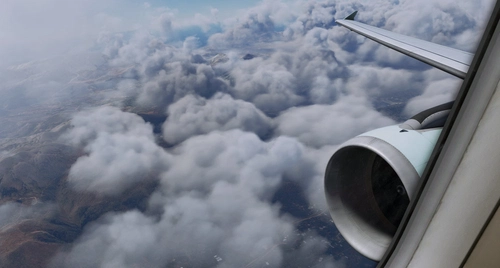
The Ultimate Custom Cameras For Fenix A320
These Custom Views Is One Of The Most Calculated Views For The Fenix A320 Aircraft. These Views Has Been Made To Make Both The Cockpit Crew And The Passengers To Feel Comfortable Inside The Cockpit Or The Cabin Also These Views Has Been Calculated Very Much To Have Good Eye Drop In The Specific Instrument The User Want To Find
by LunakisLeaks
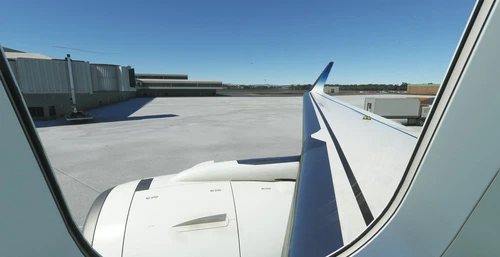
FlyByWire Custom Cameras | A32NX
Enhance your A32NX experience with FlyByWire Custom Cameras, featuring 10 unique viewing options including Pilot View and Thrust Panel View. Easily download, unzip, and set up the custom cameras for a personalized flight experience. Stay tuned for regular updates and support from AquazDev.
by AquazDev
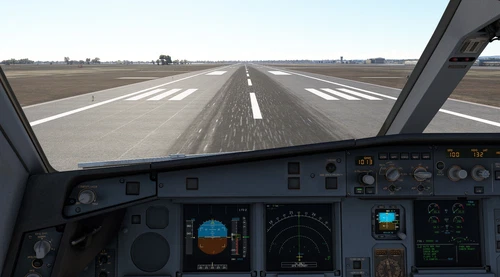
The Ultimate Custom Cameras For INI A330-300 | MSFS24
This add-on offers ten custom camera views specifically designed for the INI A330-300, catering to the needs of both cockpit crew and passengers. Each view is meticulously calculated to provide optimal visibility of important instruments and surroundings. Accessible via keyboard shortcuts, these views include various perspectives such as the pilot view, Go-Pro view, and wing views. Installation instructions are provided for both Microsoft Store and Steam platforms.
by LunakisLeaks
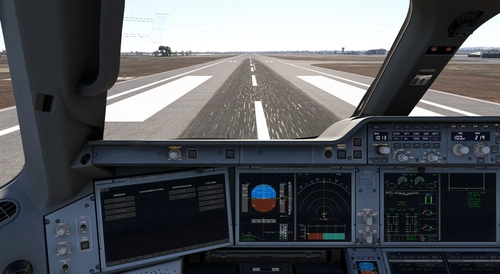
The Ultimate Custom Cameras For iniBuilds A350-1000 & -900
This add-on provides a set of 10 custom camera views tailored for the iniBuilds A350 in Microsoft Flight Simulator. Designed to enhance accessibility for both cockpit crew and passengers, these views focus on specific instruments and flight aspects. Users can quickly switch between views using dedicated keyboard numbers, facilitating a smoother flying experience. Installation is straightforward, with instructions provided for both Microsoft Store and Steam versions.
by LunakisLeaks
Log in to join the discussion
Log InComments(59)
6 days ago
5 days ago
9 months ago
12 months ago
about 1 year ago
over 1 year ago
over 1 year ago
I have mapped Views to my Numpad. 0 to 9
And custom Mapping keys are Shift+0, respectively, for each view.
Please help. Thank You!
over 1 year ago
First, about the "Shift+Number", you can change this in your settings.
Second, the cameras have nothing to do with the plane steering, the cameras just change the value of the camera position and nothing else.
If this keeps happening, please DM me and we will fix it.
over 1 year ago
over 1 year ago
over 1 year ago
over 1 year ago
over 1 year ago
ENT+NUM1 is for saving
NUM1 for selection
but this happends than:
https://youtu.be/ojqzbPqhe8c?si=Sy0ZM2UaT9Vgg_ev
Any solution?
over 1 year ago
over 1 year ago
thanks.
almost 2 years ago
almost 2 years ago
almost 2 years ago
almost 2 years ago
Sometimes custom camera works well in the first flight after launching msfs. However, it often got malfunction when I changed aircrafts.
As some people say, Is custom camera bugged now?
almost 2 years ago
MSFS24 currently has cameras issues that are known and MSFS24 devs have to fix it I am sorry but I can't do anything about it :/