
Description
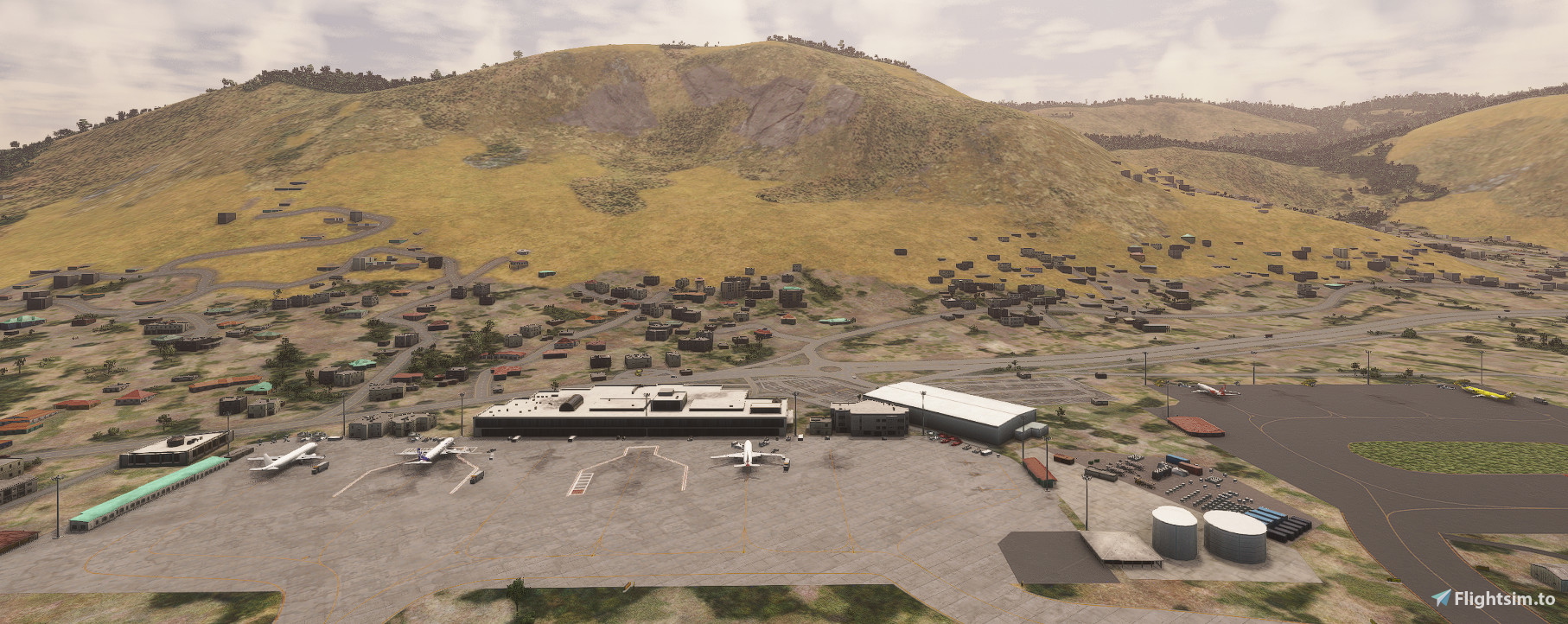
Ghosh9691 did a great job in designing this airport. However, after reading a number of comments, I decided to tweek and upgrade this airport. My sources of information are Google Earth map and Skyvector. Therefore, I have done the following to make this airport more relistic:
1. Adjusted the runway with correct overrun.
2. Corrected the PAPI lights positions at both ends of the runway.
3. Installed ILS localizer, Glide Slope and DME antennas.
4. Aligned the ILS for runway 31.
5. Corrected the main Apron surface material and gate numbering.
6. Added Hold Short signs and Taxi signs.
7. Corrected the cargo apron, added Heli Pads and lighting to the apron.
8. Added ATC ground, Tower and Approach frequencies for correct ATC communications.
9. Added a few buildings and overground Cylindrical Tanks in their correct place.
I hope you enjoy this airport. In order to install it, download the zip file "vforce-airport-fsia-seychelles-intl". unzip it and add the include folder "vforce-airport-fsia-seychelles-intl" to your community folder.
Location
FSIA - Seychelles Airport
This add-on enhances Seychelles International Airport (FSIA) by implementing various realistic updates and corrections. Key improvements include adjustments to the runway overrun, the accurate positioning of PAPI lights, installation of ILS systems, and refined apron surfaces. Additional features such as new taxi signage, helicopter pads, and improved ATC communications further contribute to a more authentic airport experience.
Version History
Added a water pond near runway 31 as per Google Earth map. Added a VOR near runway 31 as per airport charts. VOR is SEY, High (195 nm range) and operating at 113.1 MHz. This will make navigation to FSIA much easier.
Related
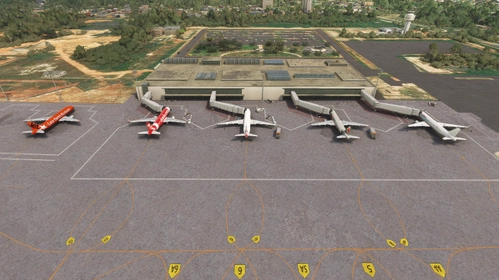
VEGT-Guwahati Airport
Guwahati Airport, officially known as Lokpriya Gopinath Bordoloi International Airport (VEGT), has been detailed with updated taxi way names, ground support equipment, and the addition of local wildlife. Enhancements include the introduction of a new terminal building, a jetway at the old terminal, and correct placements for navigation aids like VOR and ILS. Military hangars and equipment are also featured, creating a more immersive airport environment.
by VForce
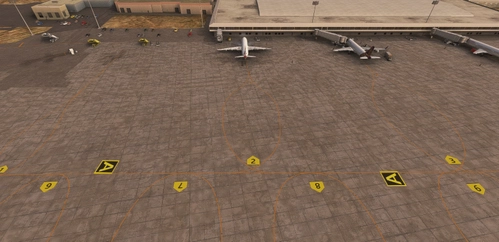
VEBS - Bhubaneswar Airport
Enhance your Microsoft Flight Simulator experience with the Bhubaneswar Airport add-on, based on Biju Patnaik International Airport in Odisha, India. This add-on includes detailed taxi signs, markings, navigation antennas, and various buildings, as well as solar panels and landscaped gardens at the main terminal entrance. Additional required sceneries from linked resources must be installed for full functionality.
by VForce
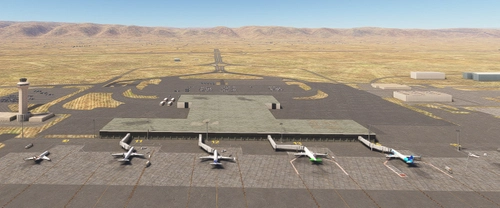
VIAR - Amritsar Airport
Enhance your Microsoft Flight Simulator experience with a detailed rendition of Amritsar Airport, officially known as Sri Guru Ram Dass Jee International Airport. This add-on features corrected taxiways, aprons, gates, and signage, along with added lighting for aprons and taxiways. It also includes essential navigational aids such as VOR, NDB, and ILS installations, as well as Aircraft Hardened Shelters for military use. Ground support personnel and equipment have been added to create a more immersive airport environment.
by VForce
OOSA - Salalah Airport-Oman
Enhance your Microsoft Flight Simulator experience with the Salalah Airport add-on, which updates the airfield layout and taxiway signage to ensure accuracy. While the terminal and buildings remain as default, improvements include apron lighting, added gate numbers, and updated navigational aids. This add-on seeks to provide a more immersive environment for pilots ready to take off and land at the historical site of Salalah Airport in Oman.
by VForce
Log in to join the discussion
Log InComments(7)
8 months ago
8 months ago
PS: I flew to FSIA in MSFS 2020, and did the ILS approach to runway 31. It was perfect and did not have any glitch landing, taxing and parking at gate 6.
over 1 year ago
over 1 year ago
over 1 year ago
over 1 year ago
over 1 year ago