
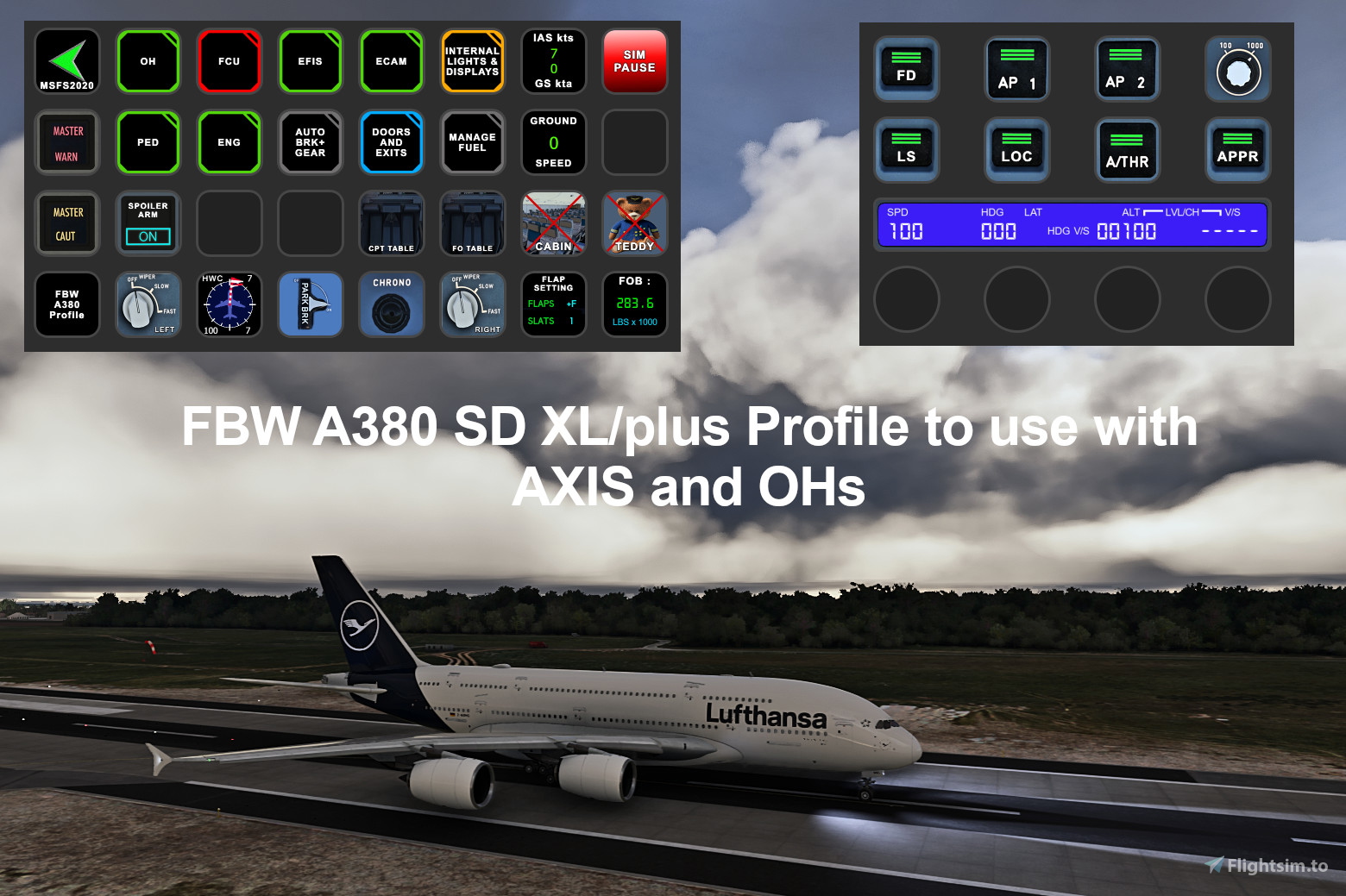
Description
FBW A380-842 Profile for Streamdeck XL and SD+ (need LORBYs Axis And OHs SD plugin)
To run this you need to have the latest version of AAO and AAOs plugin installed on your StreamDeck. Get it from here.
It is for the XL version (32 buttons) ONLY! Also a profile for your SD+ included!
Features in this profile:
- Main page
- Overhead Panel
- ECAM
- EFIS
- Pedestal (just necessary functions)
- Engines
- Internal Lights and Displays
- Stats and different gauges
- Anti-Ice
- Firepanel
- AIR COND Panel
and much more...
STREAMDECK PLUS:
- INTERNAL LIGHTS (with display indication)
- AP FUNCTIONS (with FCU Display) - for PUSH Function push rotaries and for PULL Function LONG PRESS rotaries
- EFIS page
and more...
To switch through the different display options SWIPE the display!
Tested and works with the latest FBW A380-842 version. It might be possible that you have to adjust certain functions to your specific setup (especially personalized views CABIN LEFT/RIGHT VIEW). If help is needed just drop a line in the comments and for support join my discord server.
Installation:
First make sure that you have the AAO SD plugin installed properly. Install scripts (FBWA380_Scripts.xml) into your AAO via import scripts function. (overwrite if you have existing scripts groups)
Then just double click on the profiles provided in this download
- FBW_A380.streamDeckProfile
- FBW_A380_PLUS.streamDeckProfile (if you have a StreamDeck PLUS)
- FBW_A380_VIEWS.streamDeckProfile (either use that on your 2nd SD or just create a profile change on your A320 page and mount this profile)
Copy the enclosed "zzz-lorbysi-aao-interactions" folder into your community folder. It is needed to have working functions on buttons where FBW didn't implement them yet.
If you find some bugs, need some help or have some suggestions just let me know and drop a comment. Also drop a comment and let me know what you think! Please consider a donation as this will keep up the work! Thank you!
StreamDeck XL and SD+ Profile for FBW A380-842
This add-on provides a comprehensive profile for the StreamDeck XL and StreamDeck Plus specifically tailored for the FBW A380-842 aircraft in Microsoft Flight Simulator. It includes various functional panels such as the Overhead Panel, ECAM, EFIS, and Engine controls, along with relevant lights and display controls. Users must have the latest AAO software and the FlightTracker plugin installed to utilize the features effectively. The profile supports customization and includes instructions for installation and setup.
Supporters

User Reviews
7 reviews
Version History
Changes in this update: - fixed NAV LIGHT switch not working properly - fixed BUS TIE switch not working - added LOGO switch - fixed RUDDER TRIM indication - added COM Radio Functions to SD PLUS Erase old SD XL profile and import new version. Import and overwrite scripts in AAO.
Related
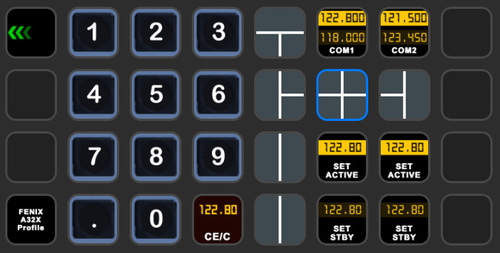
StreamDeck XL and SD+ Profile for FBW A320neo
Enhance your FBW A320neo experience with a comprehensive StreamDeck XL and SD+ profile. Enjoy features like Main page, Overhead Panel, MCDU, ECAM, and much more. The profile is tested and works with the latest FBW A320neo experimental version, offering customization options for specific setups. Easy installation process with detailed instructions provided for a seamless setup.
by ChrisG9111
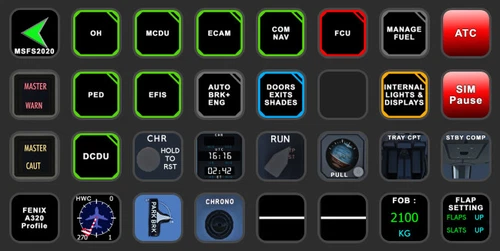
StreamDeck XL and SD+ Profile for FENIX A3XX (incl. compl. Script package and FCU readouts and more)
Enhance your FENIX A3XX experience with this StreamDeck XL and SD+ Profile add-on, featuring a complete Script package, FCU readouts, and more. Access various cockpit functions such as the Overhead Panel, MCDU/DCDU, ECAM, and Internal Lights with this detailed profile. Compatible with the latest FENIX A320, this add-on offers a seamless integration for a more immersive simulation experience.
by Chris_PU_A320
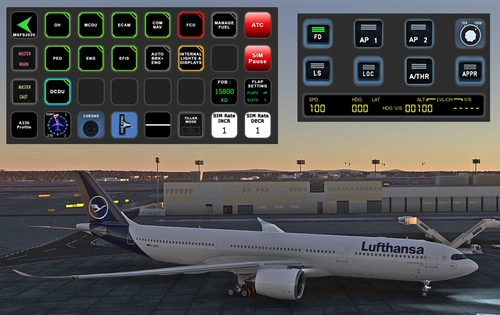
StreamDeck XL and SD+ Profile for A330-900neo (Headwind)
Customize your flying experience with the Headwind A330-900neo StreamDeck XL and SD+ Profile. This feature-packed profile includes functions for Main Page, MCDU, ECAM, EFIS, COM/NAV, and more. Compatible with the latest version of Headwinds A330Neo, adjustments may be needed for specific setups. Join the Discord server for support and enjoy enhanced control over your aircraft systems.
by Chris PU A320
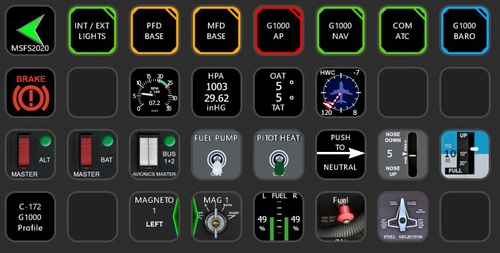
StreamDeck XL Profile for Cessna C-172 G1000 Version
A comprehensive StreamDeck XL profile for the Cessna C-172 G1000 version, tailored for pilots using the Asobo Cessna 172 Garmin 1000 model. Features include various pages such as Lights, G1000 PFD, MFD, AP, Baro, NAV, and COM/ATC. Ensure to have the required plugins installed for optimal functionality. Adjustment for specific setups may be necessary, with support available through comments or the creators Discord channel.
by ChrisG9111
Log in to join the discussion
Log InComments(39)
3 months ago
Is the changelog correct? Comparing the files to version2.1 only the Streamdeck Plus file is different.
Stefan
3 months ago
3 months ago
3 months ago
3 months ago
5 months ago
5 months ago
Rgds
Chris
8 months ago
I am getting this after double clicking the Streamdeck profile onto my XL device. I have both latest AAO and the AAO plugin installed. What I am missing here? Thank you.
Edit: You need at least AAO plugin version 60.01 to get this to work.
over 1 year ago
over 1 year ago
For support pls join my discord server.
Rgds
Chris
over 1 year ago
over 1 year ago
Just seeing ? in most tastatur
over 1 year ago
almost 2 years ago
Somconnect seems to be causing issues in the new sim.
Thnx
almost 2 years ago
Rgds
Chris
almost 2 years ago
Thanks very much
almost 2 years ago
I followed all the installation procedures, bought AAO, installed Stream Deck Profile, but unfortunately nothing worked. Do you have a tutorial, for example a video for the installation? I thank you in advance for your attention!
almost 2 years ago
https://discord.gg/9gZj5Ec6nj
Rgds
Chris