
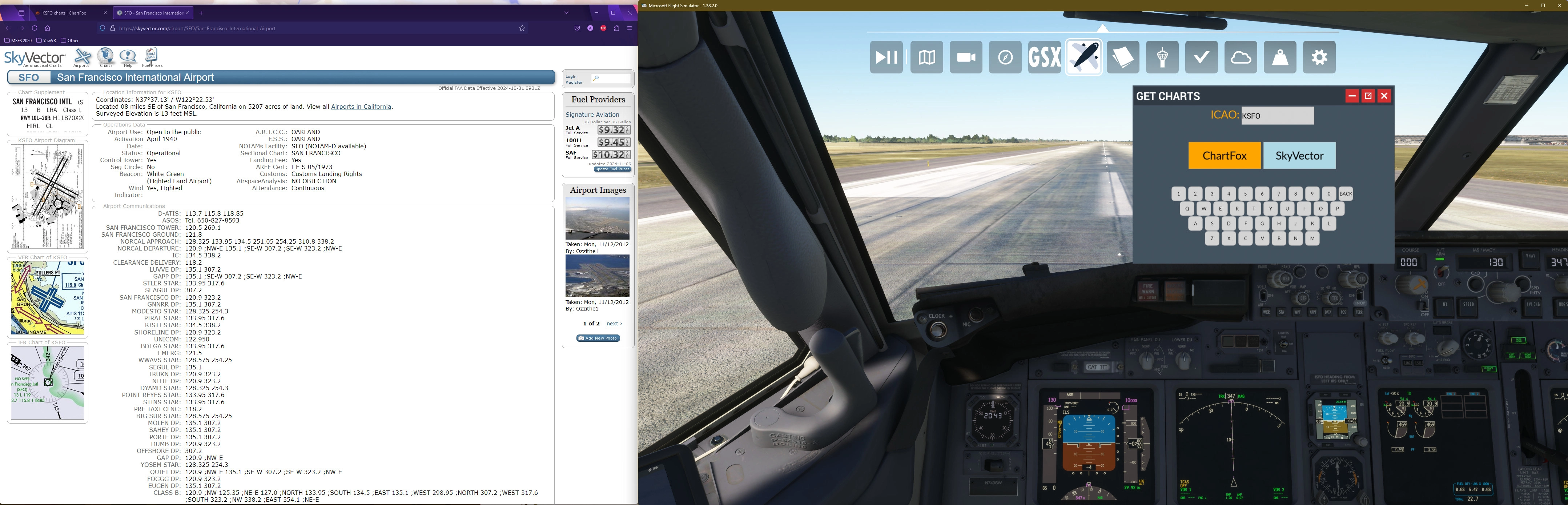
Description
A in-game panel that opens the corresponding chart pages in either ChartFox or SkyVector. This is an alternative to my EXE I created recently. This allows it to be in game.
Instructions:
Unzip and place GetCharts-ingamepanels in Community folder.
Just type in your ICAO code and select ChartFox and/or SkyVector and it will open the corresponding pages in your default browser.
Please note that ChartFox requires a Vatsim account. For the application to open directly to the page, you may need to login to ChartFox and have it "Remember Me" on login so that the application can go straight to the page.
I am not a developer by any means, so please be patient and kind :)
Credit to ByMaximus for their In-Game Panel template.
Get Charts - In-Game Panel
This add-on introduces an in-game panel for Microsoft Flight Simulator that allows users to access chart pages from ChartFox or SkyVector directly within the simulator. By entering an ICAO code, users can quickly view relevant charts in their default web browser. The package requires installation in the Community folder and includes instructions for setup. Note that a Vatsim account is necessary for using ChartFox efficiently.


User Reviews
3 reviews
Version History
Makes this In-Game Panel unique from other creators using the Maximus template. Delete the entire file in Community folder and add the new one.
Related
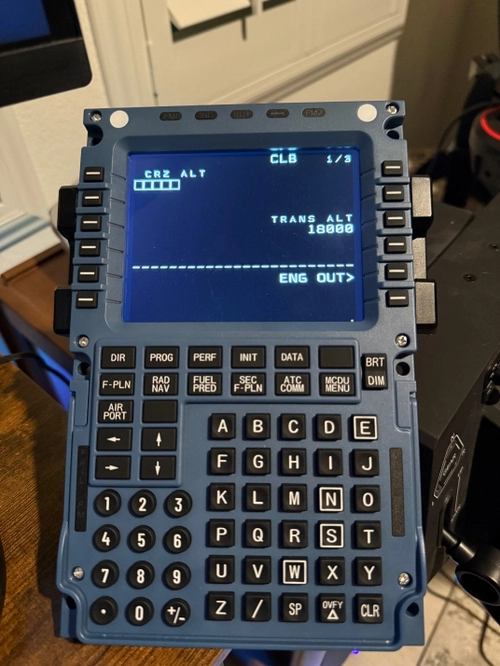
Use Winwing MCDU with PMDG 777-300ER
This add-on provides a MobiFlight profile to enable the use of the Airbus MCDU with the Boeing 777-300ER in Microsoft Flight Simulator. It requires the beta version of MobiFlight, as well as specific Python packages including websockets, gql, and simconnect. The profile facilitates various key functions associated with the Boeings FMS by mapping them to the corresponding Airbus MCDU buttons. Detailed installation instructions and important usage notes are included for users to ensure proper setup and operation.
by anchorboiii
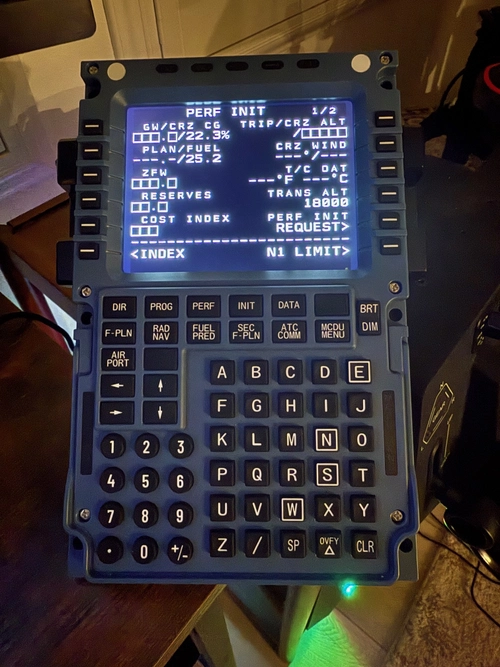
Use Winwing MCDU with PMDG 737-700
This add-on provides a MobiFlight profile for integrating the Winwing MCDU with the PMDG 737-700 in Microsoft Flight Simulator. It requires Python and specific packages, as well as the beta version of MobiFlight, for proper functionality. The installation process includes steps for setting up MobiFlight and configuring the MCDU buttons to correspond with 737-700 controls. Users should follow detailed instructions to ensure a successful setup and troubleshooting tips are provided for common issues.
by anchorboiii
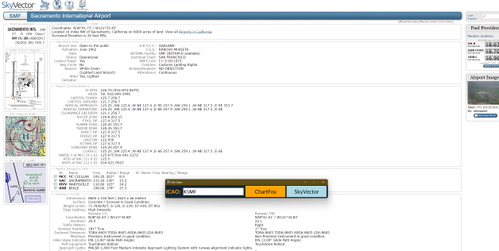
Get Charts
Get Charts is a utility application designed to quickly access aviation charts from ChartFox and SkyVector by entering an ICAO code. The application offers a straightforward interface and allows users to open the corresponding chart pages with ease. Note that using ChartFox requires a Vatsim account for direct access. Future updates may include the development of an in-game interface for enhanced functionality.
by anchorboiii

Beechcraft D17 Staggerwing in Blue and Gold
Experience a stunning new look for the Beechcraft D17 Staggerwing with this blue and gold repaint. Add a touch of elegance and shine to your virtual flights with this easy-to-install mod. Enjoy a refreshed visual experience in the skies with this eye-catching livery.
by anchorboiii
Log in to join the discussion
Log InComments(14)
6 months ago
This comment has been deleted
6 months ago
e.g. https://skyvector.com/?ll=34.74037,-120.575082&chart=301&zoom=1
9 months ago
This comment has been deleted
about 1 year ago
over 1 year ago
over 1 year ago
over 1 year ago
almost 2 years ago
almost 2 years ago
almost 2 years ago
almost 2 years ago
almost 2 years ago
almost 2 years ago
almost 2 years ago