
Description
1. Introduction
Hey everyone, I asked in the flybywire group chat if I could publish this here but I didn't get any response so please PM me if we need to discuss this :)
We all know it's not a release version and that it's not otimised yet, unfortunatly the weakest point of my computer is VRAM (like many of us). With 8GB in 4K I struggle to maintain a decent flight sim experience and I came to save your day if you want to fly this plane in it's current state.
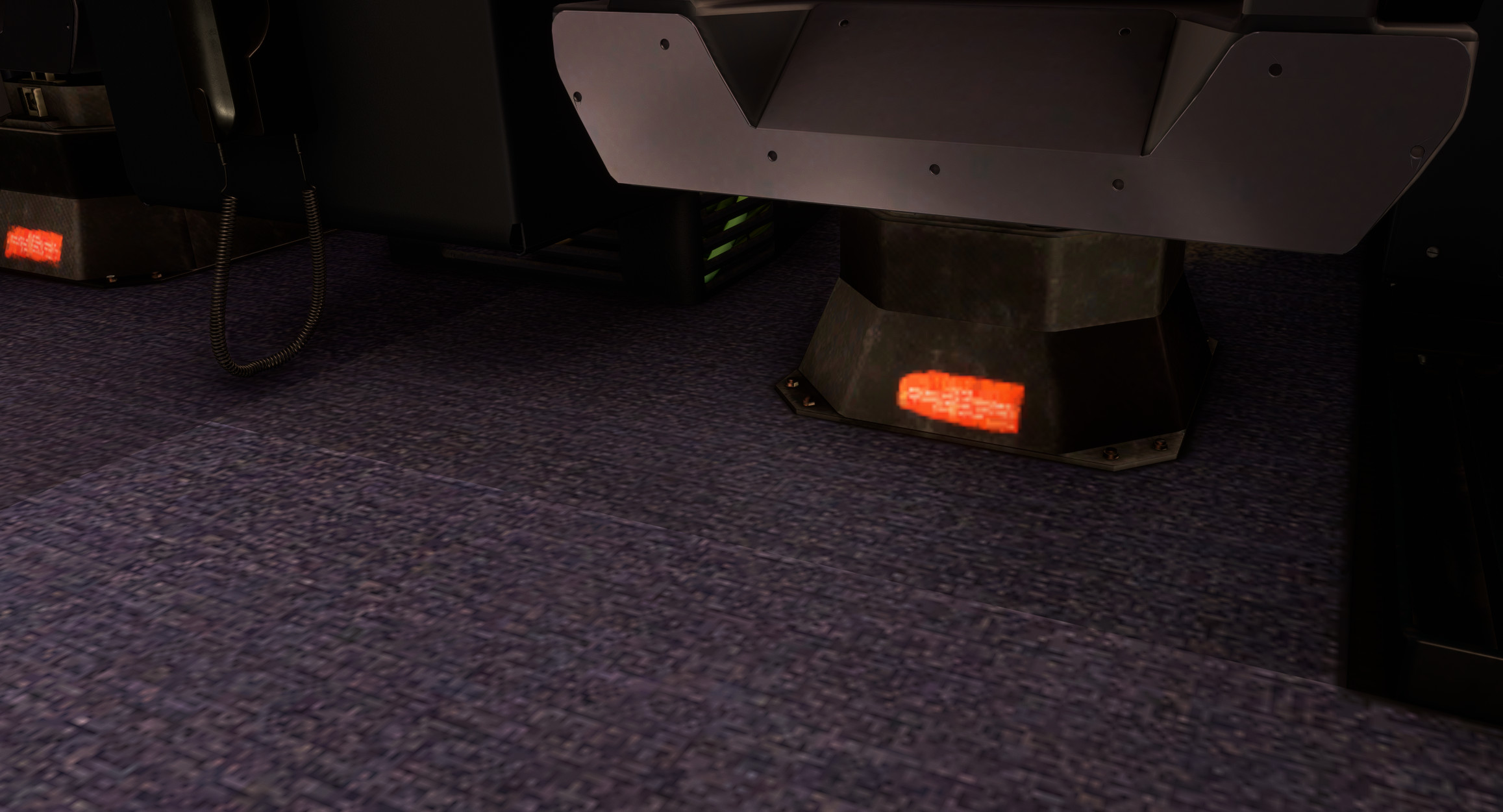
I lowered the Cabin Textures to the minimum (who cares for now, I want to overload Dubai as well 👀) , same for the exterior and some of the cockpit textures. The correct word for the cabin is I destroyed it.. But it works!
Intial size was 10GB --> And now --> 4.86GB
2. Installation Guide
a) Download and unzip the textures;
b) Place them inside your FlyByWire A380X (flybywire-aircraft-a380-842/SimObjects/AirPlanes/FlyByWire_A380_842/texture)
c) Paste and replace when prompted
Have fun,
Riviera Scene
FlyByWire A380X Downscaled Cockpit Textures - FPS/stutter Improvement
This add-on offers downscaled cockpit textures for the FlyByWire A380X, specifically designed to improve frame rates and reduce stuttering during flight simulation. The textures have been significantly reduced in size from the original 10GB to approximately 4.86GB, which helps accommodate systems with limited VRAM. Installation involves placing the modified textures in the specified folder within the aircrafts directory.


User Reviews
27 reviews
Version History
Fix Engine Pylon Textures
Log in to join the discussion
Log InComments(110)
6 months ago
6 months ago
9 months ago
9 months ago
about 1 year ago
about 1 year ago
over 1 year ago
over 1 year ago
over 1 year ago
over 1 year ago
downscaled textures by inibuilds are only for FS2024, not for FS2020.
over 1 year ago
over 1 year ago
over 1 year ago
almost 2 years ago
almost 2 years ago
almost 2 years ago
almost 2 years ago
almost 2 years ago
almost 2 years ago