
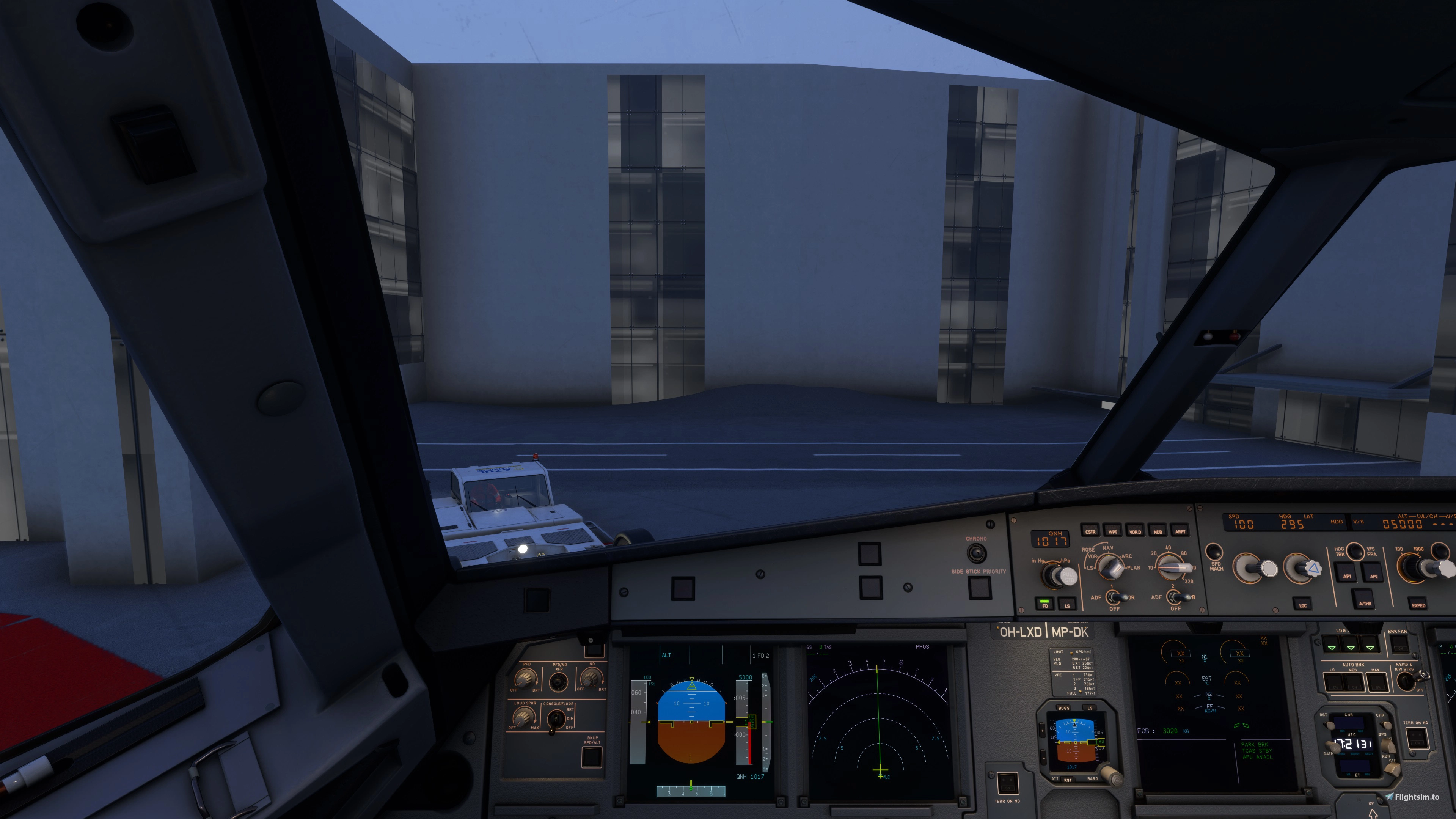
Description
Flybywire A32NX Pilot Monitoring Callouts (MSFS)
- Modification to existing MSFS add-on "PMCO_FNX32X - Pilot Monitoring Callouts for the FENIX A319/A320/A321 MSFS add-on"
- Original author for the Lua plugin PMCO_FNX32X: Nils Unger
- Modified to fit FBW A32NX by: Tero Partanen
- Verified with FBW A32NX development build: d63203d (as of 30 October 2024)
Note: the original author has permitted the distribution of this mod, but do *not* contact him for any support related to this modified A32NX version!
What is this?
This is a modification to a Pilot Monitoring Callouts Lua plugin, authored by Nils Unger, which was originally designed for FENIX A32s aircraft. This modification enables the callouts for the Flybywire A32NX aircraft. The modification covers only the Lua part itself, and there are no additional sounds or new capabilities compared to the original work. Furthermore, no sounds are distributed with this modification, only the Lua plugin part which executes the sounds at appropriate times and circumstances.
The exact description and details of the original Lua plugin can be found from the original distribution package (flightsim.to).
## You will need to download and install the original PMCO FENIX package to use this FBW A32NX modification! ##
Prerequisites and installation
- Install the original PMCO_FNX32X package completely as described in its installation instructions (details of that *not covered here*)
- Backup the original file: 'PMCO_FNX32X.lua' from under C:\FSUIPC7\, and move it away to another folder of your choosing
- Copy the enclosed PMCO_FNX32X.lua from THIS package to under C:\FSUIPC7\ (meaning, you have now switched the lua file)
- When you wish to return using the callouts with the Fenix, just repeat the above process and copy the original Fenix lua to C:\FSUIPC7\ from backup
Note:
I have left the filename and even the original structure in the LUA completely original, to keep all paths and sound settings intact if you switch between Fenix and the FBW A32NX. The modified lua is not based on the latest version of the original PMCO_FNX32X package, and it will not follow updates to it. This modification is completely standalone, and I may update it if Flybywire aircraft updates break it, or other bugs/improvement needs are discovered.
Callouts enabled for the FBW A32NX (as in original)
Takeoff:
STABILIZED, FLEX SET / TOGA SET, AIRSPEED ALIVE, 100 KNOTS, VEE ONE, ROTATE, POSITIVE CLIMB, CLIMB SET
Landing:
SPOILERS, REVERSE GREEN, DECEL, 70 KNOTS, AUTOBRAKE OFF
Gear confirmation:
GEAR UP, GEAR DOWN
Flaps confirmation:
FLAPS UP, FLAPS 1, FLAPS 2, FLAPS 3, FLAPS FULL
Other:
STOP (rejected takeoff), STAND UP, GO (touch-and-go)
Flybywire A32NX Pilot Monitoring Callouts (MSFS)
The Flybywire A32NX Pilot Monitoring Callouts add-on is a modification of the PMCO_FNX32X Lua plugin, originally designed for FENIX A32 aircraft, enabling callouts specifically for the Flybywire A32NX in Microsoft Flight Simulator. The modification preserves the original Lua structure and sound settings to facilitate seamless transitions between Fenix and Flybywire aircraft. Users must have the original PMCO_FNX32X package installed, as this add-on does not include additional sounds or capabilities. Callouts include key flight instructions for takeoff, landing, gear, and flaps confirmations.


Version History
No version history available.
Related
TFDi MD-11 | WINWING FCU | MobiFlight Profile
A MobiFlight profile designed for the WINWING FCU and TFDi MD-11, offering full support for FCU displays, backlights, and LCD brightness adjustment. This profile includes mapped functions for MD-11 controls to corresponding FCU buttons. Compatibility notes and instructions for Mobiflight users provided for seamless integration. Visit MobiFlight Discord or website for further questions and support.
by teropa
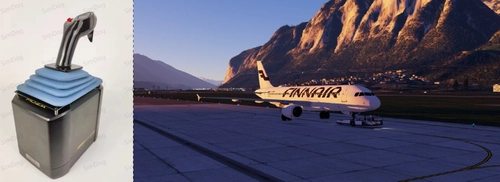
Airbus 320 Series Moza AB9 Preset
This add-on provides a Moza AB9 controller preset specifically designed for Airbus 320 series aircraft in Microsoft Flight Simulator and X-Plane. Developed using a digital scale and reference to full flight simulators, it aims to closely replicate the feel and specifications of the real Airbus sidestick. The preset addresses the limitations of the Moza hardware while maximizing realism. Installation requires importing the preset file through Moza cockpit software.
by teropa
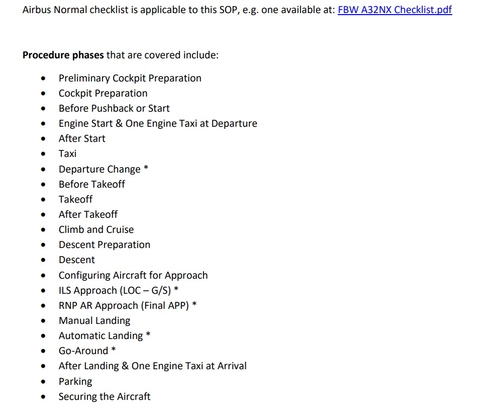
A320 series - Standard Operating Procedures for single pilot operations
This add-on provides a comprehensive Standard Operating Procedures (SOP) document tailored for single pilot operations in complex Airbus A320 simulations. It includes adaptations for online flying scenarios, specifically for platforms like VATSIM. The SOP emphasizes task sequencing while retaining relevant real-world procedures for added context and features a section for winter operations. It comes with three color variants designed for usability in diverse lighting conditions.
by teropa
Log in to join the discussion
Log InComments(5)
4 months ago
9 months ago
about 1 year ago
over 1 year ago
over 1 year ago