
Description
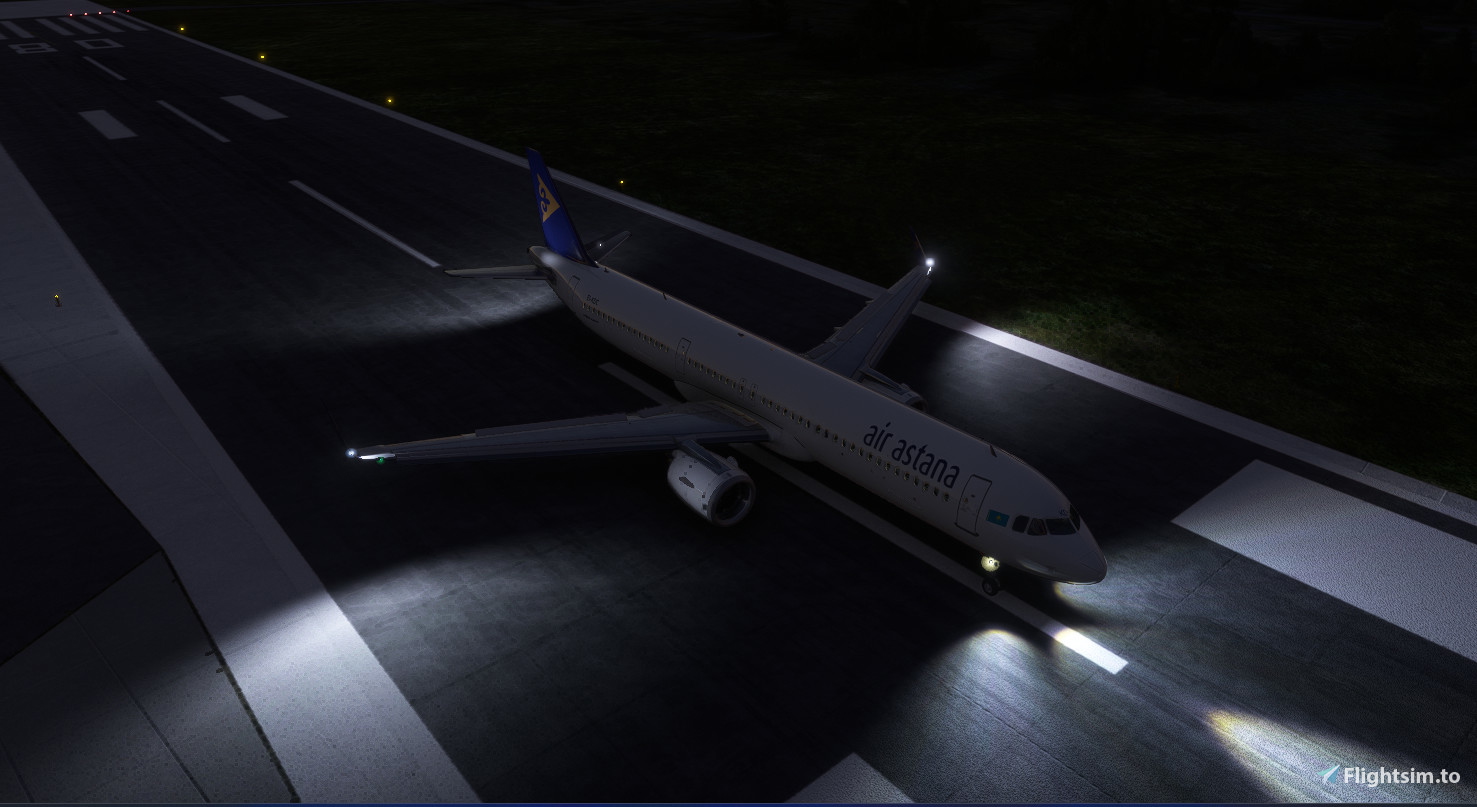
I waited for a really long time when Horison Simulations and mr.nicottine will fix strobe effect for LVFR A321 NEO
So please find a FIX for strobe effect for LVFR A321 NEO aircraft.
This FIX removes flashes in the cockpit, and allows you to fly this aircraft more comfortable during night time!
This fix workes with this mode only - Horizon Simulations Airbus A321neo
Installation:
Just drop the folder "lvfr-horizonsim-airbus-a321-neo" from archive to your community folder accept changes.
P.S. It was really difficult to catch tha flashes of strobes on a screenshot 😀
Strobe FIX for Horizon Simulations Airbus A321neo - for LVFR A321neo
This add-on provides a fix for the strobe effect on the Horizon Simulations Airbus A321neo specifically tailored for use with the LVFR A321neo. It addresses the long-standing issue of the strobe lights not functioning correctly. Installation is straightforward, requiring users to place the provided folder into their community folder.

User Reviews
3 reviews
Version History
No version history available.
Related
Kutaisi - Kopitnari - UGKO
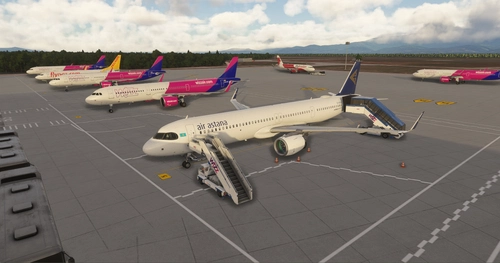
Kutaisi International Airport (IATA: KUT, ICAO: UGKO) also known as David the Builder Kutaisi International Airport is an airport located 14 km (8.7 mi) west of Kutaisi, the third largest city in Georgia and capital of the western region of Imereti. It is one of three international airports currently in operation in Georgia, along with Tbilisi International Airport serving the Georgian capital and Batumi International Airport near the Adjara Black Sea resort. The airport is operated by United Airports of Georgia, a state-owned company.
by maksim_imt
UTSS - Samarkand airport enhancement
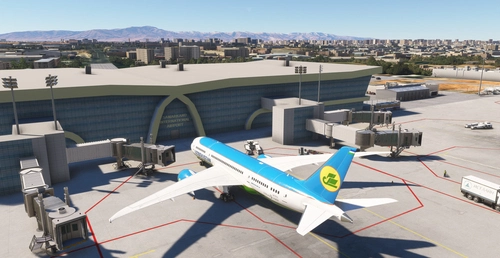
Enhance your virtual travel experience with the UTSS - Samarkand airport enhancement. Located in Uzbekistan, this airport serves over 800,000 passengers annually and features a new terminal designed in the shape of an open book. With upgraded services and facilities including VIP halls, dining options, and duty-free shops, this add-on brings a realistic and immersive airport environment to Microsoft Flight Simulator.
by maksim_imt
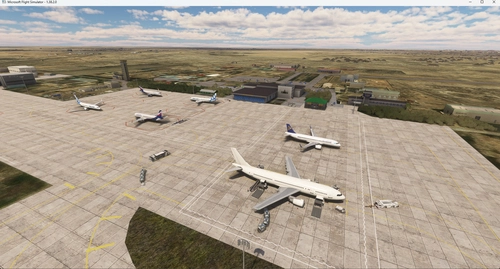
UATG Atyrau airport scenery
Enhance your flights to Atyrau Airport, Kazakhstan with this add-on featuring a detailed recreation of ATMA Atyrau Airport. Explore the lowest international commercial airport in the world, serving as a vital hub for the oil industry in the region. Experience the newly constructed terminal building, longer runway, modernized lounges, and improved passenger amenities. Join over 937,000 passengers who traveled through this bustling airport in 2019. Get ready to immerse yourself in the Oil Capital of the Republic of Kazakhstan with AI traffic and GSX compatibility.
by maksim_imt
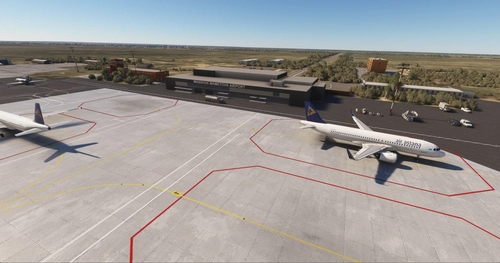
UARR - Uralsk airport
Explore Manshuk Mametova International Airport, also known as Oral Ak Zhol Airport, located in Kazakhstan servicing medium-sized airliners with parking for four jets. This airport features separate domestic and international terminals and serves the nearby town of Aksai, a hub for the gas industry in West Kazakhstan. Recently renovated with a new terminal opened in April 2022, aiming to double its capacity to 600 thousand people per year.
by maksim_imt
Log in to join the discussion
Log InComments(15)
6 months ago
1. goto lvfr-horizonsim-airbus-a321-neo(or the others, just confirm u should goto the hrz folder instead of original lvfr folder)/effects and find NL-HS-A321_strobeDouble.fx(for 320 & 319 just change "A321" to the right type, and for 318 u should edit two file end with Strobe1 & Strobe2), find "LightAttributes.0" & .1(for 318 find both .0 in two files), under these sectors change "Range" from 200.0 to 20.0
2. then back to main folder and goto / SimObjects/Airplanes/[specific type] and edit system.cfg, find "lightdef.19" & .21(for 319 & 318 find .14 & .16), clear things after the "="
3. done, currently i've only checked 321, it works; 320 should work too, but 319 & 318 have files different from 321, and i'm not sure wether changes above right or wrong, please backup before edit
12 months ago
over 1 year ago
over 1 year ago
over 1 year ago
over 1 year ago
I already have the folder "lvfr-horizonsim-airbus-a321-neo".
over 1 year ago
over 1 year ago
over 1 year ago
almost 2 years ago
almost 2 years ago
almost 2 years ago
almost 2 years ago
Really minor point though 😊
almost 2 years ago
almost 2 years ago