
Flightsim.toFlightsim.to
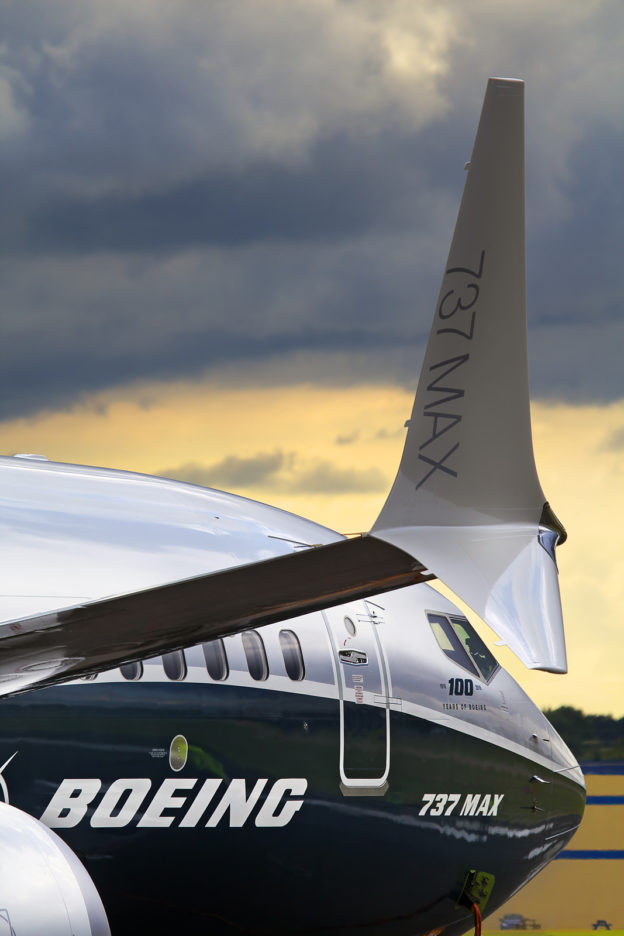
    737 flight config - Image 1

    Description

    fixed the speed on the aircraft, it should cruise around 450 kts per boeing website not the 350 it does now.

    Comments(30)

    Log in to join the discussion

    Log In
    F

    about 2 years ago

    V

    almost 5 years ago

    do i drag it in the community folder or do i overwrite the main one

    d

    over 5 years ago

    Happens every time i fly this aircraft, the airspeed indicator messes up and goes to 30 knots at least twice during flight - mainly takeoff and landing during the climb/descent. when it does this the AP messes up too and i have to fly it manually

    Could you possibly look into this and get this fixed?
    m

    over 5 years ago

    SHIFT H to put the probe heat on. Switches are not working on the aircraft.
    R

    over 5 years ago

    yeah I have same issue the airspeed indicator doesn't work from 5000 ft to 30000 ft
    a

    over 5 years ago

    Hello, can someone please make a better southwest 737 Max livery with the painted winglets and the emergency exit arrows on the wings. Thank you
    b

    over 5 years ago

    Both not possible because of the plane model.
    M

    over 5 years ago

    I know the winglets/sharklets cannot be painted in but the southwest livery has crooked lettering on the engines and other places ..surely that can be fixed ??
    b

    over 5 years ago

    No, it's part of the engine. When you place text in one place it appears in all 3 other places, cannot be covered or moved. It's like the 747 and the mirrored text on one side, it has to do with the model.
    J

    over 5 years ago

    The 450kts is refering to True Airspeed (TAS) aloft. Which is about what you get with a VMO of an Indicated Airspeed (IAS) of around 350kts at cruise Altitude.
    Sorry to say, but the "fix" makes the flight envelope even more unrealistic.
    w
    wbrock32Author

    over 5 years ago

    Thank you I didn’t know that
    S

    over 5 years ago

    Everyone that needs transponder. Type .sq (code) into vatsim and upload. Had a controller tell me how to do it. It works for now until we get the working transponder in the cockpit. That should take care of your SQ for now.
    d

    over 5 years ago

    so for example in the messages window in VPilot we type .sq 6387 ?
    S

    over 5 years ago

    Yes exactly!
    d

    over 5 years ago

    is their a similar thing i can do on IVAO too?
    S

    over 5 years ago

    I can’t speak for IVAO because I don’t use it however I’m sure there is something they have that can manage this from their pilot client. :)
    w
    wbrock32Author

    over 5 years ago

    I will try to fix the transponder, as far as multiplayer both parties have to have the aircraft and same liverlies to see each other
    d

    over 5 years ago

    Thank you! :)
    d

    over 5 years ago

    Could you please make the transponder work? can't change the SQ code for vatsim :(
    MSFS 2020MSFS 2024

    737 flight config

    Enhance the speed performance of your 737 aircraft with this configuration update, ensuring it cruises at the correct speed of 450 kts as per Boeing specifications.
    Downloads1K
    Version1.0
    File Size7.88 KB
    Published5 years ago
    Updated5 years ago

    User Reviews

    4.6

    4 reviews

    5
    75%
    4
    0%
    3
    0%
    2
    0%
    1
    0%

    More Information

    Simulator
    MSFS2020
    Sub-CategoryBREDOK3D 737M

    Version History

    No version history available.

    Related
    C-17 Globemaster (Working Cockpit) Tweaks

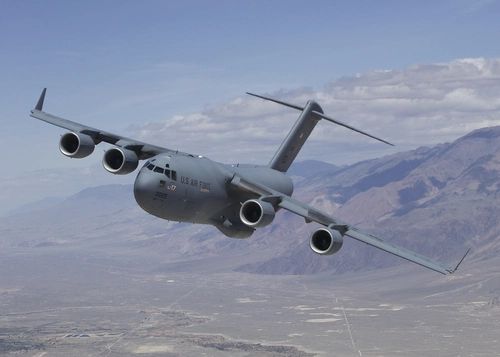
    C-17 Globemaster (Working Cockpit) Tweaks

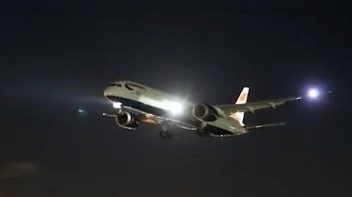
    Enhance your C-17 Globemaster experience with this update, addressing gear issues and fine-tuning cockpit functionality. Ensure a seamless aircraft display in-game with camera and configuration fixes. Simply drag and drop these tweaks into your main aircraft folder to optimize your flying experience.

    by wbrock32
    4.9
    A321 Lights fix V.20

    A321 Lights fix V.20

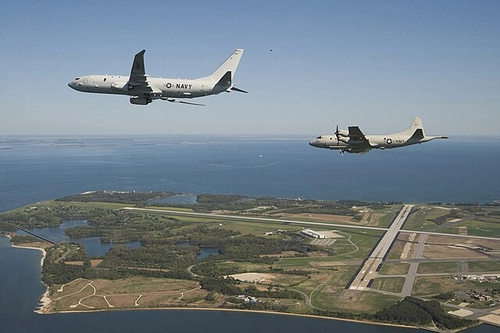
    Enhance your A321 experience with this light fix, addressing Nav lights, strobes, and logo lights for a better visual representation. Collaborate and contribute to make this aircraft even better!

    by wbrock32
    4.9
    NAS Patuxent River (KNHK) MSFS 2024

    NAS Patuxent River (KNHK) MSFS 2024

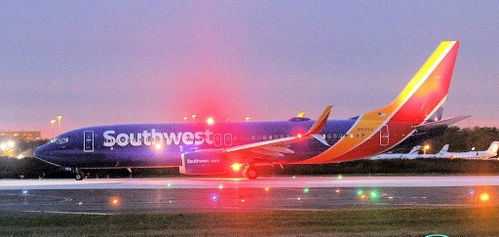
    This add-on provides a detailed recreation of NAS Patuxent River (KNHK) for Microsoft Flight Simulator 2024, focusing on a realistic military layout and improved ground details. Designed to simulate a major U.S. Navy test-and-evaluation airfield, it features operational clarity with readable taxi flows, signage, and consistent lighting for both day and night operations. The package emphasizes authentic military operations, with ramp parking suitable for larger aircraft and ideas for future enhancements like ILS and catapult systems.

    by Stinkypinky (Wbrock32)
    5.0
    B737 Maxx Light Fix

    B737 Maxx Light Fix

    Enhance your cockpit lighting experience with the B737 Maxx Light Fix add-on. This mod allows you to adjust the brightness of the cockpit lights by simply turning a knob, providing a more realistic flying experience. Simply drag and overwrite the system file for easy installation.

    by wbrock32

    4.3