
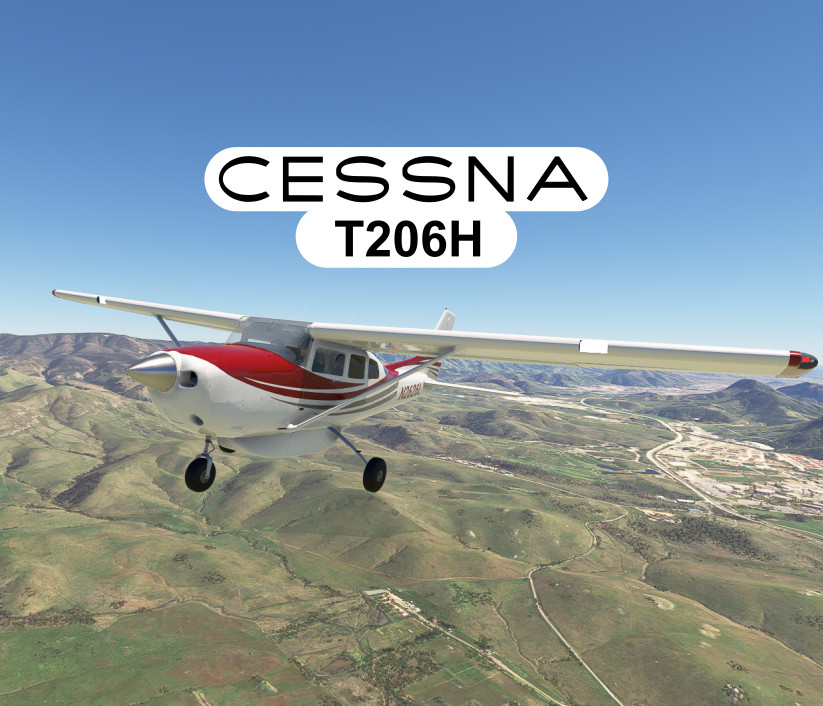
Description
Take to the skies with the T206H, known for its payload versatility and easy handling. Perfect for a wide range of missions, this aircraft is your reliable partner for any adventure.
Fly an early 2000s (2000-2005) model 206H, equipped with a turbocharged Lycoming TIO-540-AJ1A engine providing 300 hp. With seating for six passengers and a useful load of 1,320 lbs (600 kg), you'll have the capacity for all your needs.
Enjoy a 3.5 hour cruise range and the capability to use smaller fields. Experience the flexibility and fun of flying the T206H, the true "SUV of the skies."
DisclaimerThis project has no connection to Textron or the Cessna brand and is intended to offer a commentary about the flight characteristics and immersion of an aircraft with this type of configuration. The modeling was based on photographs of several different aircraft and was not intended to bear the likeness of any individual actual aircraft.
InstallationUnzip and copy the sal1800-cessna-t206h-stationair folder into your Community folder.
MSFS 2024 Native Package
Sept. 01, 2025 - You can download either the original 2020 version or the new 2024-native version. There are some minor differences.
In this Package:This addon package comes with three flyable aircraft:
Standard Tires T206H Stationair -15" nosewheel and 17" mainwheels.
Tundra Tires T206H Stationair - Same flight model but with 22" nosewheel and 25.5" mainwheels. This variant also has the more detailed ground handling configuration.
Standard Tires with fairings T206H Stationair (2024 only)
15" faired nosewheel and 17" faired mainwheels.
Amphibious T206H Stationair - 3450 size floats add an additional 532 lbs (241 kg) for an empty weight of 2,708 lbs (1,228 kg). There are two liveries available, in red or blue.
More livery designs and colors will be available in future versions. A paint kit will also be released in a future update to allow anyone to make mods.
FeaturesThis package features several special features:
- Pilot and Copilot models will appear automatically in exterior view if their payload weight is more than 80 lbs.
- No camera barriers, you can move the cockpit camera anywhere
- Pilot's door can be opened via the lever or by the tablet interface
- Rear doors can be opened by first operating the lever in the forward door and then operating the lever on the edge of the aft door. These doors can also be opened/closed via the tablet.
- Windows can be opened by their latches or via the tablet
- Cowl flaps are operable via the lever in the virtual cockpit or using the hardware axis for spoilers.
- Four vents in the forward part of the cockpit can be opened via mouse.
- Sun visors can be moved down and slid left and right via mouse dragging
- Belly-mounted cargo pod can be enabled via the tablet
- Belly pod door can be opened with the tablet or clicking the door (if you move the cockpit camera outside)
- Rear seats can be removed via the tablet
- Cargo can be loaded via the tablet. To load the center and aft cargo, the seat must be removed first. You can set whatever weight you want for the cargo and/or passengers
- Glove box can be opened using the latch
- Instrument views. Close up of different parts of the panel. Plus some "GoPro" camera views. You can switch through the instrument views with the keybinds (default is ctrl + 0-9)
- Overhead flood lights with dimmer controls and swivel.
- Tundra tire variant uses SU15 ground handling.
Takeoff Performance:
Ground Roll: 910 ft (277.37 m)
50 ft. obstacle: 1740 ft (530.41 m)
Normal takeoffs should not require flaps. Trim up a bit, more if the CG is forward. Cowl flaps closed. Prop and mixture in, full throttle. Manifold pressure should be kept at 39 in. Hg max. There is a limiter to the throttle to keep the MAP from going too much higher than that. It should begin to lift around 70 knots. When it picks up some speed it will climb easily at 1,000 fpm.
CruiseAs you level off, reduce the propeller to around 2,300 RPM and reduce the throttle to below 30 inches of MAP. Trim up the aircraft for level flight.
You can reduce the mixture to improve economy. Monitor the fuel flow gauge as you lean the mixture. You should be able to reduce the flow rate by at least 5 gal per hour without any reduction of engine performance.
If you want to lean to the most efficient condition, monitor the TIT temperature to find the peak.
This is not the fastest G.A. cruiser out there so expect around 120 kts (222 km/h).
Landing
Landing Performance:
Ground Roll: 735 ft (224.03 m)
50 ft. obstacle: 1395 ft (425.51 m)
Your decent and landing should be smooth and uneventful by slowing down and keeping the nose level. Maintain around 10 inches of manifold pressure to keep the engine happy.
When your speed is below the white arc and weather conditions permit, lower the first stage of flaps. At this point, you can fly a controlled pattern and as slow as you want.
The landing is typically a bit nose high. You can use the landing view to improve the view of the runway or look to the sides.
More information can be found in the documentation folder in the zip file or Online: https://docs.google.com/document/d/1oFyF2EGmUocwZD4VE2RztpE8SXW_9Ux7RBk5zsC6vgE/edit?usp=sharing
Special thanks to bagolu and Birk for assistance in the development. A huge thanks go out to all the beta testers who helped find errors.
Cessna T206H
Explore the skies with the versatile Cessna T206H, equipped with a turbocharged Lycoming engine and seating for six. This addon offers two flyable aircraft with unique features like operable doors, windows, and cargo options. With detailed performance guidelines for takeoff, cruise, and landing, the T206H is your perfect companion for a variety of missions.


Contributors

User Reviews
143 reviews
Version History
3D model improvements to allow livery painting KLN90B GPS added to avionics options Garmin GFC500 Autopilot Controller added to avionics options G5 PFD and HSI can be added to the co-pilot's panel G5 Enhancement mod
Related
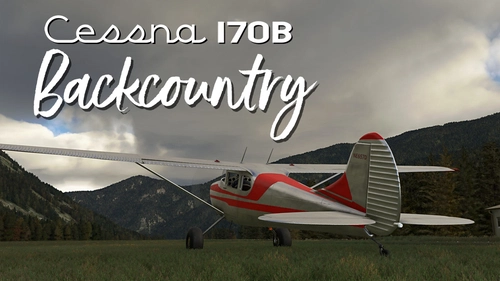
Cessna 170B Backcountry
Fly the 1954 Cessna 170B in MSFS 2020 or MSFS 2024 with this add-on, featuring a STOL kit and a fixed-pitch prop for climb performance. Explore the backcountry with this underpowered yet stable aircraft designed for low and slow VFR flying.
by sal1800
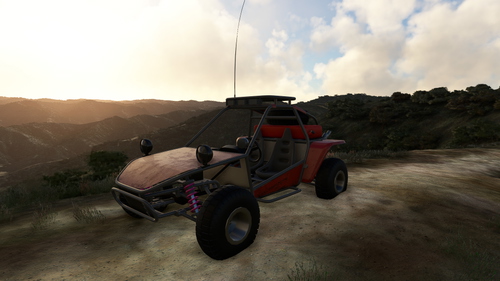
Offroad Buggy
Experience off-road adventures like never before with the Offroad Buggy add-on for Microsoft Flight Simulator. Drive through rough terrains with a drivable vehicle that handles like a flight-less aircraft, equipped with throttle, toe brakes, and steering controls. Explore various terrains but be cautious of non-drivable areas and potential terrain issues. Gear up for a unique driving experience with this basic yet thrilling off-road buggy mod.
by sal1800
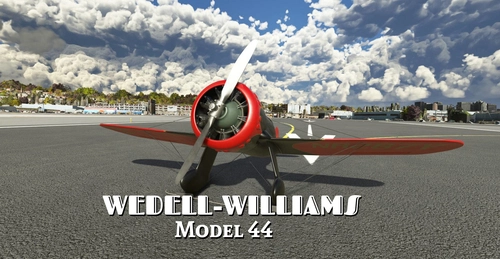
Wedell-Williams Model 44
The Model 44 is a hand-built monoplane air racer from the early 1930s, winning several trophies. Powered by a Pratt & Whitney Wasp Jr. radial engine rated for 500 horsepower. Two variations are included, the vintage 1934 racer and a modern replica.
by sal1800
Brown B-2 Air Racer
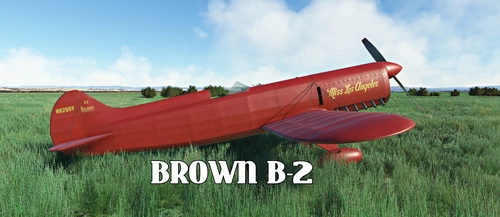
Replica of the 1934 Brown B-2 air racer, "Miss Los Angeles". Experimental rated for daytime VFR flights, this add-on offers realistic flying experience with detailed startup and flight procedures. Featuring a fixed pitch propeller and realistic engine sound, its a unique addition with painting resources for customization options.
by sal1800
Log in to join the discussion
Log InComments(370)
about 10 hours ago
17 days ago
19 days ago
22 days ago
22 days ago
about 2 months ago
about 2 months ago
Can you please check to see why i can't get my copilot to be visible. I tried
to load in using the EFB mass and balance with no luck
25 days ago
about 2 months ago
2 months ago
3 months ago
3 months ago
4 months ago
Could you make the plane reach 160 knots cruising like in real life?
4 months ago
4 months ago
Thanks and best regards
5 months ago
I'm loving flying with the T206H!
As someone with 700 hours in real T206s I think some engine data is off.
Currently, at cruise at 28 Inches I have to keep my cowl flaps completely open to keep cylinder heads under 400 CHT. Additionally, I can not reduce the RPMS below 2400, or at least what's reflected on the gauge. In theory, you should be able to cruise along at anything below 30 inches, and below 2400 RPM all day long with the cowls shut. I have T206 POH cruise tables I can provide
EDIT: This is in MS2024
Thanks! Its a really good rendition otherwise
4 months ago
5 months ago
5 months ago
A point and a request:
1. I notice in your aircraft.cfg you list the plane as a turboprop. It probably doesn't matter, though maybe it might be used a search term, but it's a (turbocharged) Piston, as far as the ICAO is concerned, and the plane, too... The plane certainly doesn't think it's a turboprop ;)
2. I noticed in your 2024 native version: Is there anything you can do about the surfaces of the instrument panel so the pilot's red light can light it up at night when starting up cold and dark? It's impossible to start at night because there's no way to see the instrument panel and its buttons.