
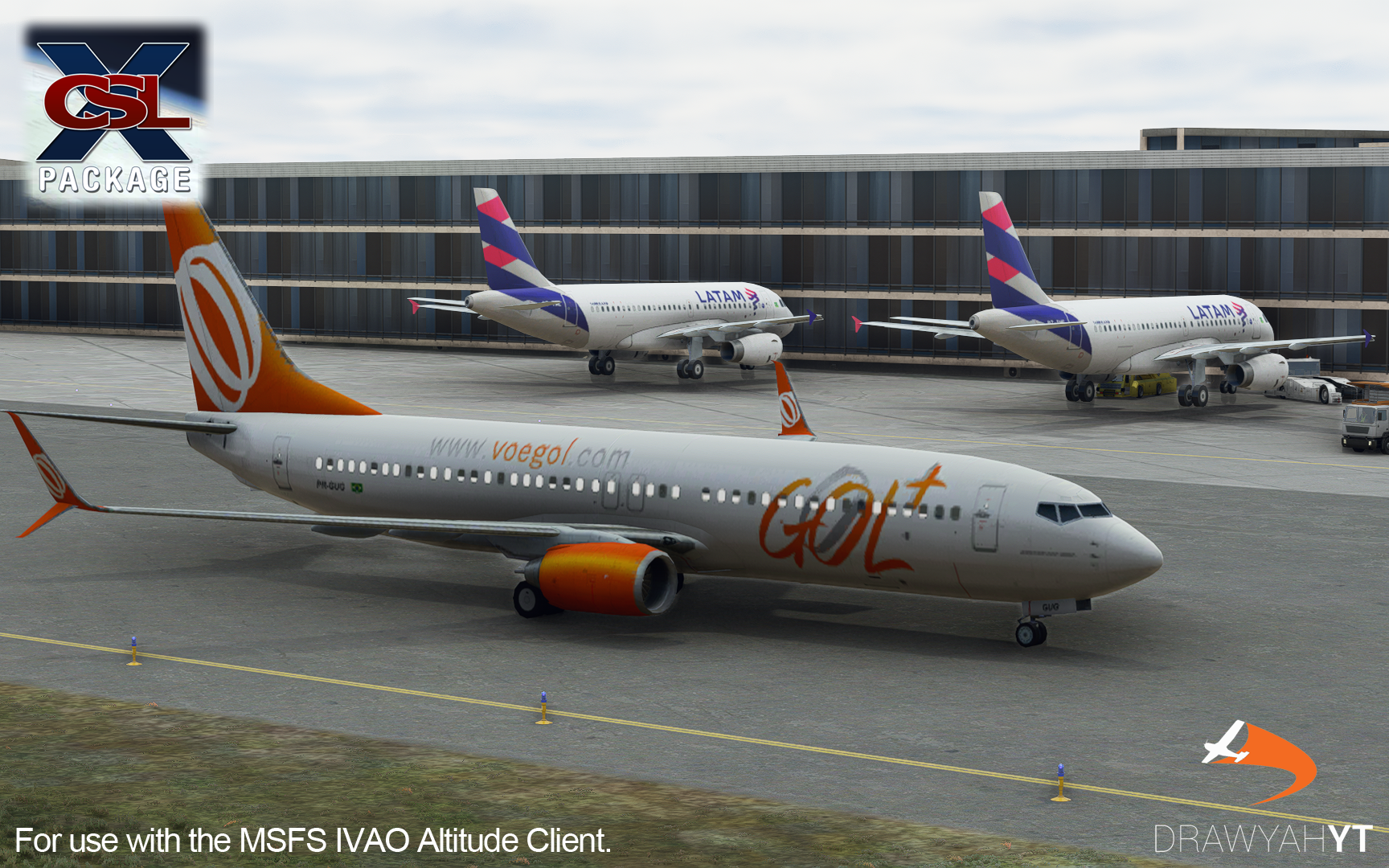
Description
One of the most common aircraft in the skies is the Boeing 737-800. IVAO X-CSL MTL however only appeared to have a single model, an Air Canada B738 with split-scimitar winglets. Snooping around the files, this appeared not to be the case. There are in fact over 800 in different variants and liveries, not including the -900 too! Models for the A330, A340, A380, 739, 77W, 748 and more were there but not even being used!
This model matching mod increases the number of IVAO AI planes from 1,230 (although only around 10% of these actually worked) to 2,248. This should give you a lot more to enjoy, rather than looking at the same few planes over again.
Installation:
- Head to your Microsoft Flight Simulator directory and go inside the IVAO PilotCore folder. You can find this folder in the same place as the Community/Official folders at 'Microsoft Flight Simulator\IVAO\PilotCore'.
- Drag and drop the 'mtl.dat' into the PilotCore folder. Replace the file that is already there.
- Load up Microsoft Flight Simulator, connect to IVAO and wait for your new and improved IVAO traffic to appear!
Potential Issues:
There may be a few issues with either models not working or co-ordinates being way off the mark. As people file bug reports or I spot these myself in-sim, I'll be sure to make adjustments and update this pack wherever possible.
Dislaimer:
This mod only contains the mtl.dat replacement file. X-CSL and the AI Models rights are respective of their creators and contributors.
You can find me on YouTube via the link below.
https://www.youtube.com/drawyah/
(IMPROVED!) IVAO Altitude X-CSL Model Matching
Enhance your IVAO AI traffic experience with this model matching mod, increasing the variety of aircraft liveries from 1,230 to 2,248. Discover a wide range of models including Boeing 737, Airbus A330, A340, A380, and more. Simply replace the mtl.dat file in your IVAO PilotCore folder to enjoy a more diverse virtual sky. Note: occasional issues may occur, but updates will be provided to address them.


User Reviews
9 reviews
Version History
- Removed BASE texture files from database list, streamlined database. - Adjusted liveries for airlines to display new, most recent colours. - Changed fallback livery order for non-CSL liveries, less military/biz traffic. - Fixed Airbus A321 model matching, will now display A321 models.
Related
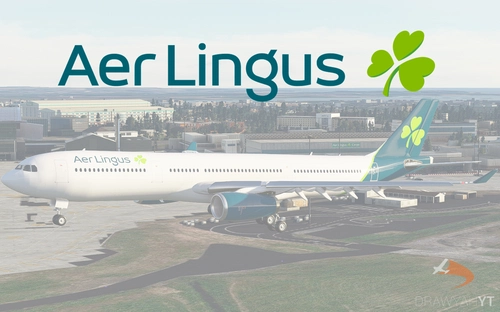
Aer Lingus Airbus A330-300 Livery
Aer Lingus livery for Project Mega Pack A330-300, featuring authentic colors and logos. Install it easily to enhance your Microsoft Flight Simulator experience with this free and realistic livery.
by Drawyah
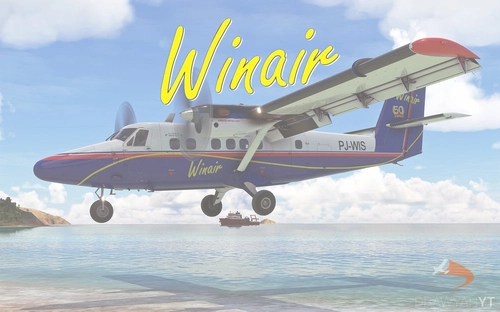
Winair DHC-6-300 Twin Otter Livery
Enhance your Aerosoft DHC-6 Twin Otter experience with this Winair livery! Follow easy installation steps and enjoy the realistic touch it adds to your Microsoft Flight Simulator aircraft selection. Remember, this freeware livery is designed to enrich your virtual flying experience with authentic detail.
by Drawyah

Tara Air DHC-6-300 Twin Otter Livery
This Tara Air livery for the Aerosoft DHC-6 Twin Otter brings a touch of authenticity to your Microsoft Flight Simulator experience. Simply follow the installation instructions to start enjoying this freeware livery in-game.
by Drawyah
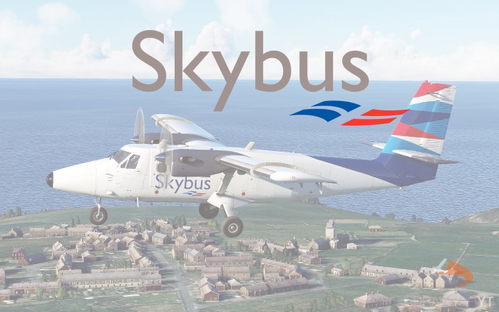
Skybus DHC-6-300 Twin Otter Livery
Isles of Scilly Skybus livery for the Aerosoft DHC-6 Twin Otter now available for download. Install easily in your Community folder and enjoy this real-world livery in Microsoft Flight Simulator. Freeware add-on for added realism to your flying experience. Find more aviation content on the creators YouTube channel.
by Drawyah
Log in to join the discussion
Log InComments(99)
over 1 year ago
almost 4 years ago
Hi, is this still recommended to use with the new MTL file Ivao provide?
about 4 years ago
Hello, would it be possible to improve general aviation aircraft range? When we're flying with friends, all we see is generic white C172. And the range is quite wide, not only default MSFS aircraft, but there's a lot of interesting payware GA aircraft...
Thanks!
about 4 years ago
Problem is if people don't own said payware aircraft then the traffic will be invisible which is a big no-no for an online network.
almost 5 years ago
Hi, I had a question, does this still work with SU8?
over 4 years ago
It should do, yes!
over 4 years ago
Hi, yup it worked for me, thanks!
almost 5 years ago
do the models now have basic lighting such as NAV, STROBE and Landing lights? its impossible to see the models at night
almost 5 years ago
You need to run a little script to enable this on X-CSL models, just follow the instructions on this review here to enable these.
https://flightsim.to/file/7414/improved-ivao-altitude-x-csl-model-matching/178270
almost 5 years ago
i dont know why but when i downloaded the file and i did all the stuff my sim freezes on the loading screen idk if i am doind something wrong
almost 5 years ago
WU6 compatible?
almost 5 years ago
It should be, yes! Just make sure you re-install X-CSL at some point, refresh the models.
almost 5 years ago
almost 5 years ago
Afraid this is not compatible with Easy Airlines, although I'm sure that uses X-CSL anyway.
about 5 years ago
Hay Guys,
I am unable to find this folder within the game, file Microsoft Flight Simulator\IVAO\PilotCore, I am in the right area Community / Official folders but there is no file named IVAO\ pilotcore.
Please advise. on location
Cheers
almost 5 years ago
Check where you have installed IVAO to, it will be in there.