
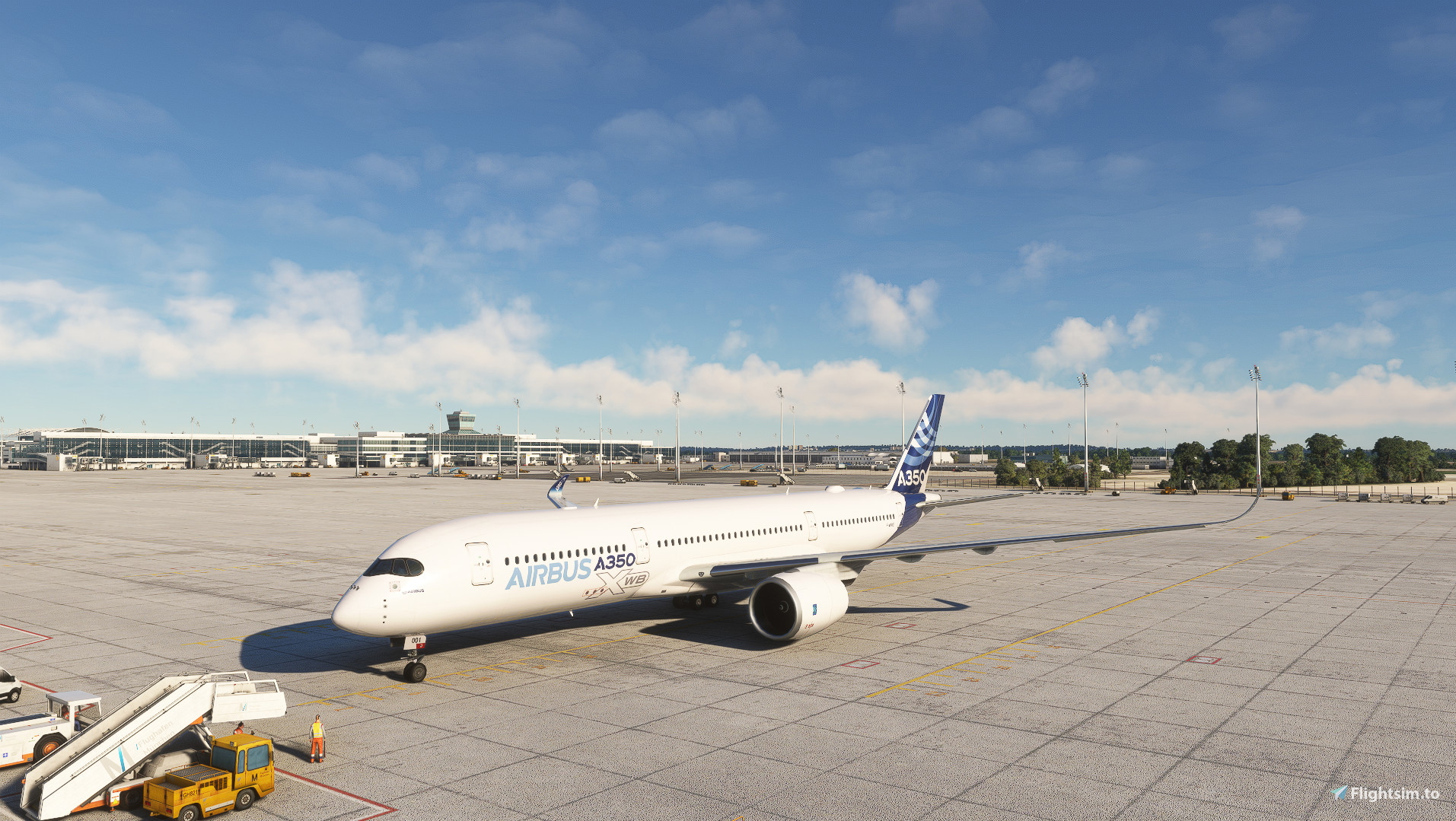
Description
This GSX profile is for Charlotte210's excellent A350.
It fixes an issue where by default, the GSX menu will display an error message saying "parking brake must be set in order to request ground services," even if you spawn at the gate with your parking brake already set.
If GSX chooses to use the towbar for pushback, the plane might appear to tip backwards; this is a limitation with GSX that hasn't been fixed yet. The pushback will still work, but it will look slightly weird.
For GSX to sync properly with SimBrief using this profile, make sure to select the A350-900 as your aircraft in the SimBrief menu.
Extract the folder titled "airbus a350-900" with the gsx.cfg file inside to "C:\Users\Username\AppData\Roaming\virtuali\Airplanes".
GSX Profile for A350 Improvement Mod
Enhance your A350 experience with this GSX profile improvement mod, designed to fix issues with ground services synchronization and pushback visuals. Ensure smooth operation by following the installation instructions for a seamless integration with your flight simulation setup.


User Reviews
1 reviews
Version History
No version history available.
Related
iniBuilds A330 Wing Flex Fix
A simple fix for the A330's asymmetric wing flex in MSFS 2024. Works for all variants.
by Fluss

Create Default Thumbnails (MSFS 2024)
This add-on provides a tool for creating default thumbnails in Microsoft Flight Simulator 2024 efficiently. It includes a simple process that involves downloading an XML file and configuring it in Developer mode. Users can easily capture and generate all five default thumbnails for their selected aircraft with the correct naming conventions.
by Fluss
iniBuilds A321LR Wing Flex Fix
This add-on addresses the issue of broken wing flex in the iniBuilds A321LR aircraft. It provides a correction for a more realistic wing movement experience. Additional related mods for the A320neo and A330 are also available on the creator’s profile.
by Fluss
Remove VIP Variants iniBuilds A330
This add-on removes the VIP variants of the iniBuilds A330 from Microsoft Flight Simulator. It provides a straightforward solution for users who prefer not to have these specific aircraft included in their experience. Simply install the mod by placing it in the Community folder to eliminate the VIP versions from your aircraft selection.
by Fluss
Log in to join the discussion
Log InComments(18)
about 2 years ago
over 2 years ago
Thank you
over 2 years ago
Edit - Works now! I had an airplanes folder within an airplanes folder and somehow I didn't noticed at first glance.
over 2 years ago
over 2 years ago
We would need a Gsx file for all Charlottes210 works
Especially the A220
over 2 years ago
over 2 years ago
over 2 years ago
almost 2 years ago
over 2 years ago
over 2 years ago
Jetway is connecting behind the first emergency exit, 4 windows behind it, clipping ghrough the left wing.
Catering Vehicle is the tiny little van, that drives up and parks under the right wing-tip.
those are the three services I tried - none worked as expected
over 2 years ago
over 2 years ago
over 2 years ago
over 2 years ago
over 2 years ago
over 2 years ago
over 2 years ago