
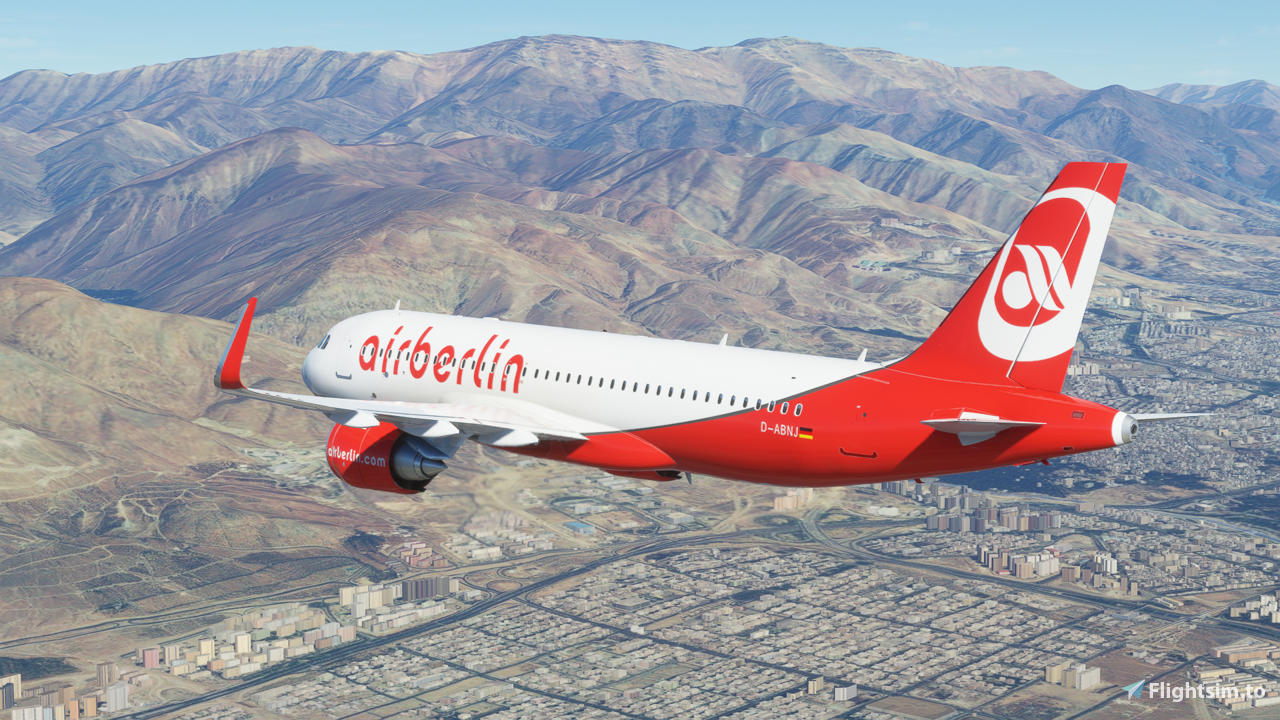
Description
Air Berlin PLC & Co. Luftverkehrs KG, branded as airberlin or airberlin.com was a major German airline. At its peak, it was Germany's second-largest airline, as well as Europe's tenth-largest airline in terms of passengers carried.
Follow these steps to install the livery:
- Unzip the downloaded file
- Place it into your community folder
- Launch Microsoft Flight Simulator
- Enjoy!wish you like it
Created by aaMasih (Ali Sadeghi)
Sadeghiali@hotmail.com
Comments(9)
Log in to join the discussion
Log Inalmost 5 years ago
Hey there ! I made a better version for FBW A32NX
You can get it from here : https://flightsim.to/file/21121/air-berlin-d-abnx-fbw-a32nx-8k
over 5 years ago
But the logo is slightly off in my opinion. (too thick)
https://www.aero.de/content/pics/p_1966.jpg
The non-8K version uses the correct logo.
https://flightsim.to/file/1761/a320-air-berlin-acurate
over 5 years ago
almost 5 years ago
Hey there ! I made a better version for FBW A32NX
You can get it from here : https://flightsim.to/file/21121/air-berlin-d-abnx-fbw-a32nx-8k
over 5 years ago
The right side of the "logo" is inverted. Can you correct? Thank you in advance!
over 5 years ago
almost 5 years ago
Hey there ! I made a better version for FBW A32NX
You can get it from here : https://flightsim.to/file/21121/air-berlin-d-abnx-fbw-a32nx-8k
over 4 years ago
Thank you, very much!!! :)
Air Berlin A320 Neo (D-ABNJ)
Fly the iconic Air Berlin A320 Neo (D-ABNJ) livery in Microsoft Flight Simulator. Explore the skies with this representation of the former major German airline, airberlin. Follow simple installation steps and enjoy this nostalgic addition to your sim experience. Created by aaMasih (Ali Sadeghi).
User Reviews
1 reviews
More Information
Version History
No version history available.
Related
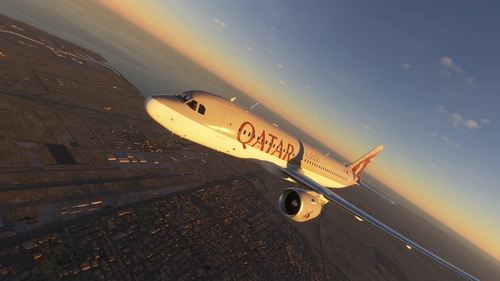
Qatar Airways A320 Neo
Explore the Qatar Airways A320 Neo mod, showcasing the iconic state-owned flag carrier of Qatar. Follow simple installation steps to enjoy this addition to your Microsoft Flight Simulator experience. Created by aaMasih (Ali Sadeghi) for aviation enthusiasts to enhance their virtual flights.
by aaMasih
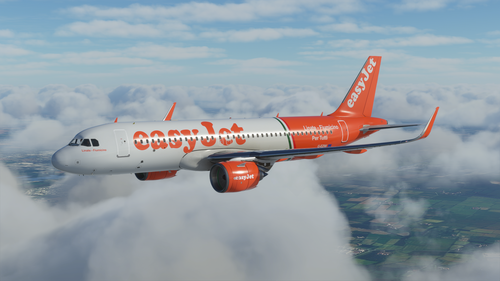
EasyJet G-EZIW A320 Neo - 8K
Experience flying with the EasyJet G-EZIW A320 Neo in stunning 8K resolution. This livery brings the iconic British low-cost airline to life in Microsoft Flight Simulator, adding realism to your virtual aviation adventures. Simply follow the installation steps to enjoy this detailed and high-quality mod by aaMasih (Ali Sadeghi).
by aaMasih
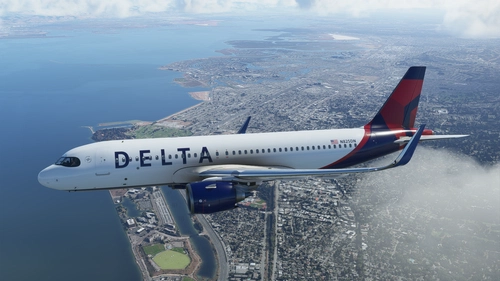
Delta Air A320 Neo - 8K
Fly in style with the Delta Air A320 Neo - 8K livery for Microsoft Flight Simulator. This new livery consideration brings the iconic Delta Air Lines design to the skies, thanks to Herrick25. Follow simple steps to install and elevate your flight simulation experience. Created by aaMasih, get ready to showcase Deltas legacy in high definition.
by aaMasih
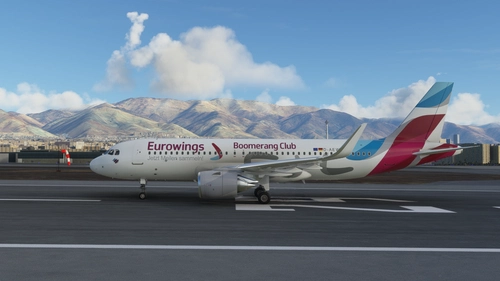
Eurowings Boomrang Club A320 Neo - 8K
An accurate representation of the Eurowings Boomrang Club A320 Neo livery based on the aircraft with registration D-AEWM. Installation is simple: unzip the file, place it in the community folder, launch Microsoft Flight Simulator, and enjoy the new livery. This creation by aaMasih offers a detailed and realistic addition for your virtual flying experience.
by aaMasih
about 5 years ago
Thank you!