
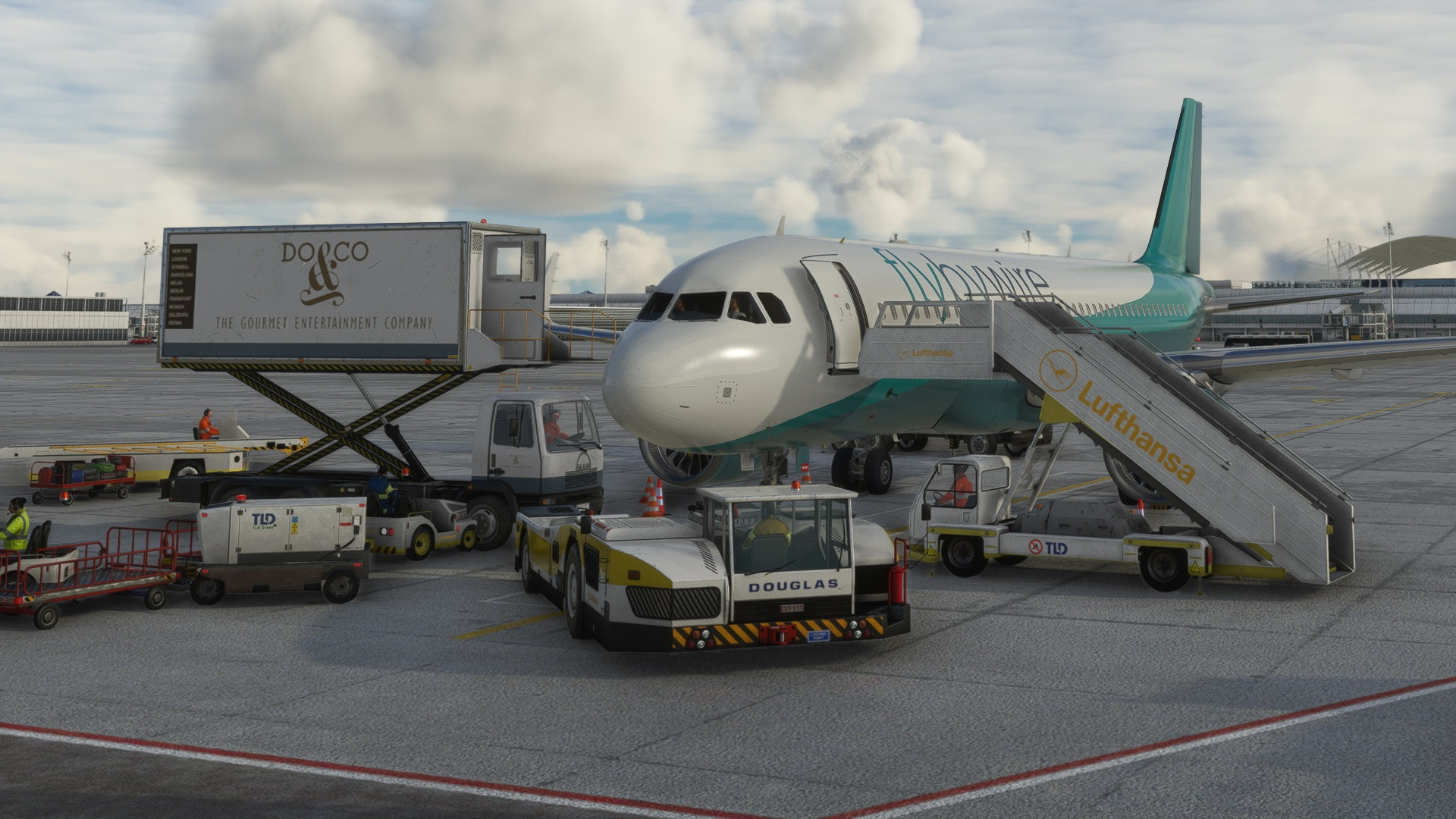
Description
Hello, and this is my first addon, which is a fix for the FBW A32NX gsx profile.
Please note that this fix contains two versions: Easy Or Hard. (easy recomended)
What this does is that this fixes the "you need to set parking brakes to request ground services"
Easy Version:
install the profile and put it on C:/(insert username here)/AppData/Roaming/virtuali/Airplanes
Hard Version:
Go to your community folder, and then go to flybywire-aircraft-a320-neo. Open that, and go to SimObjects/AirPlanes/FlyByWire_A320_NEO, and copy the GSX.cfg file.
Go back to C:/(insert username here)/AppData/Roaming/virtuali/Airplanes and create the folder FlyByWire_A320_NEO, put the GSX.cfg file IN THE FOLDER and change the file name to gsx.cfg, no caps
(note that this addon applies if you want to do the easy version)
FlyByWire A320 Neo GSX PROFILE FIX
Fix for FlyByWire A320 Neo GSX profile, offering Easy or Hard versions to resolve ground service issue. Easy version involves simple installation, while Hard version requires manual file transfer. Choose your preferred method and enjoy hassle-free ground services with FBW A32NX.


Version History
No version history available.
Log in to join the discussion
Log InComments(17)
over 1 year ago
about 2 years ago
about 2 years ago
almost 2 years ago
about 2 years ago
about 2 years ago
almost 2 years ago
over 2 years ago
about 2 years ago
You need to go to this Folder C:/(insert username here)/AppData/Roaming/
Then, you will find the virtuali folder
almost 3 years ago
almost 3 years ago
about 2 years ago
Thank you💕
almost 3 years ago
Now i must find GSX profile for STOCK msfs airport and not for the 4 i'd buy and find already ;-)
almost 3 years ago
Where to find it?
sorry and THANKS
almost 3 years ago
almost 3 years ago
hum, i don't have a "virtuali/Airplanes" folder in my c---user and so on..
The comunauty folder isn't enouth?
almost 3 years ago