
Description
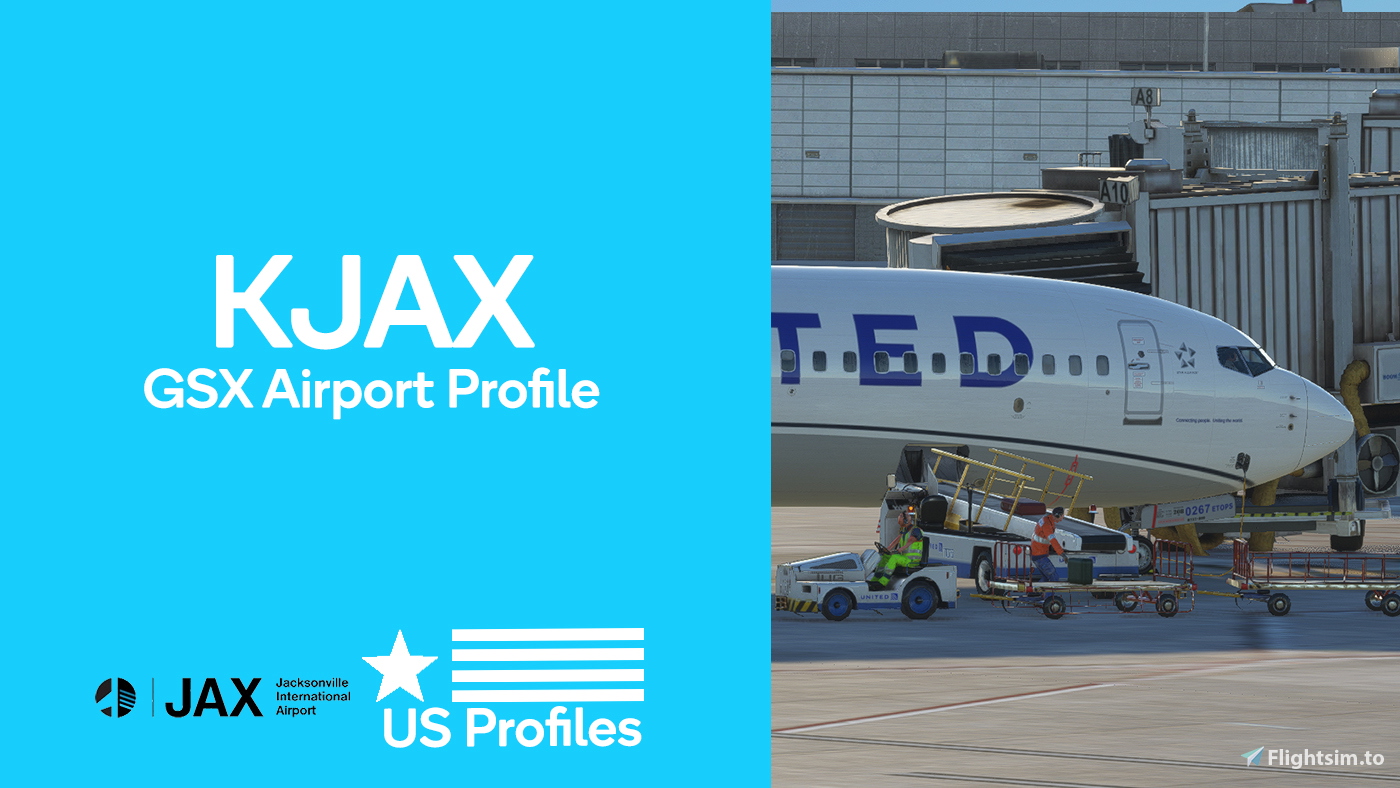
Jacksonville Int'l Airport KJAX GSX Pro Profile:
Created By US Profiles
Created For KJAX By Fly2High: View it here
Profile Features:
- Custom vehicle placement based on real-life
- Walking paths for passengers boarding and deboarding inside the terminal
- Real-life handling agents at all gates
- Airline Codes at all gates
- Custom pushback according to real-life procedures
- Accurate stop positions based on ground markings (PMDG 737 at all gates)
For the simplest install, use Drag&Drop Installer for GSX Pro Profiles, found Here!
US Profiles Is A Drag&Drop Installer Supported Creater!
Otherwise, extract the .zip and move the .ini AND .py file inside to the following route:
\Users\Your Username\AppData\Roaming\virtuali\GSX\MSFS
Ensure you only have one profile per airport.
An instruction manual is provided within the .zip.
Notes:
- Walkers may collide with walkers/fences, I tried my best to prevent this.
- Gates C8, C9, and C10 will not have passenger waypoints
Support:
For the best support, join the US Profiles Discord Server!
Join Here
You can join the GSX Creation Community DIscord Server, Here you can find Me, Other profile creators, and other GSX Users!
Join Here
You can view my upcoming profile on my Trello Page Here:
Enjoy - US Profiles
GSX Pro Profile: Fly2High Jacksonville Int'l Airport KJAX (US Profiles)
Enhance your virtual airport experience with the Jacksonville International Airport GSX Pro Profile by US Profiles. This add-on features custom vehicle placement, realistic passenger walking paths, and authentic handling agents at all gates. Experience accurate pushback procedures and stop positions, creating a true-to-life airport environment for your flight simulations.


Version History
- Reidid the .py file, this makes the profile a lot more realistic - Added FSS textures to Frontier, Sun Country, JetBlue, and common-use gates - Replaced United textures with United Ground Express textures - Redid the following gates: A1, A5, C4, C5, C8. - Fixed the bug where you could not select a different handling at some gates. - Bugs within the .ini file fixed. - Little changes around the whole profile.
Related
GSX Pro Profile: Feelthere St. Louis Int'l Airport KSTL (US Profiles)
Enhance your St. Louis International Airport experience with this GSX Pro Profile by US Profiles. Features include custom vehicle placement, real-life handling agents, and accurate stop positions at gates. Install easily with Drag&Drop Installer or manually move files to the specified route. Join the US Profiles Discord Server for support and stay tuned for upcoming profiles.
by USProfiles
GSX Pro Profile: AeroDesigns Portland Int'l Jetport KPWM (US Profiles)
Enhance your airport experience with the Portland International Jetport GSX Pro Profile by US Profiles for Microsoft Flight Simulator. This detailed profile offers custom vehicle placements, realistic walking paths inside the terminal, handling agents at all gates, and accurate pushback procedures. Stay tuned for future updates, and join the community for support and updates.
by USProfiles
GSX Pro Profile: Verticalsim St. Pete–Clearwater Int'l Airport KPIE (US Profiles x Verticalsim)
Enhance your airport experience with the GSX Pro Profile for St. Pete-Clearwater International Airport KPIE by US Profiles in collaboration with Verticalsim. This profile offers custom vehicle placements, walking paths for passengers, real-life handling agents, and accurate stop positions for a realistic airport environment. Easily install using the Drag & Drop Installer for GSX Pro Profiles or follow manual installation instructions provided. Join support servers for assistance and stay updated on upcoming profiles.
by USProfiles, Verticalsim
GSX Pro Profile: Skyline Simulation Long Beach Airport KLGB (US Profiles)
Enhance your Long Beach Airport experience with this GSX Pro Profile by US Profiles for KLGB. Offering custom vehicle placement, realistic passenger walking paths, handling agents at all gates, and more. Perfect for a seamless and immersive ground handling experience.
by USProfiles
Log in to join the discussion
Log InComments(3)
almost 3 years ago
almost 3 years ago
V2 of this profile will be out sometime in the next two weeks, This includes all new walking waypoints, a fully redone .py file, a lot of upgrades, and a few bug updates within the profile.
Thanks
almost 3 years ago