
Description
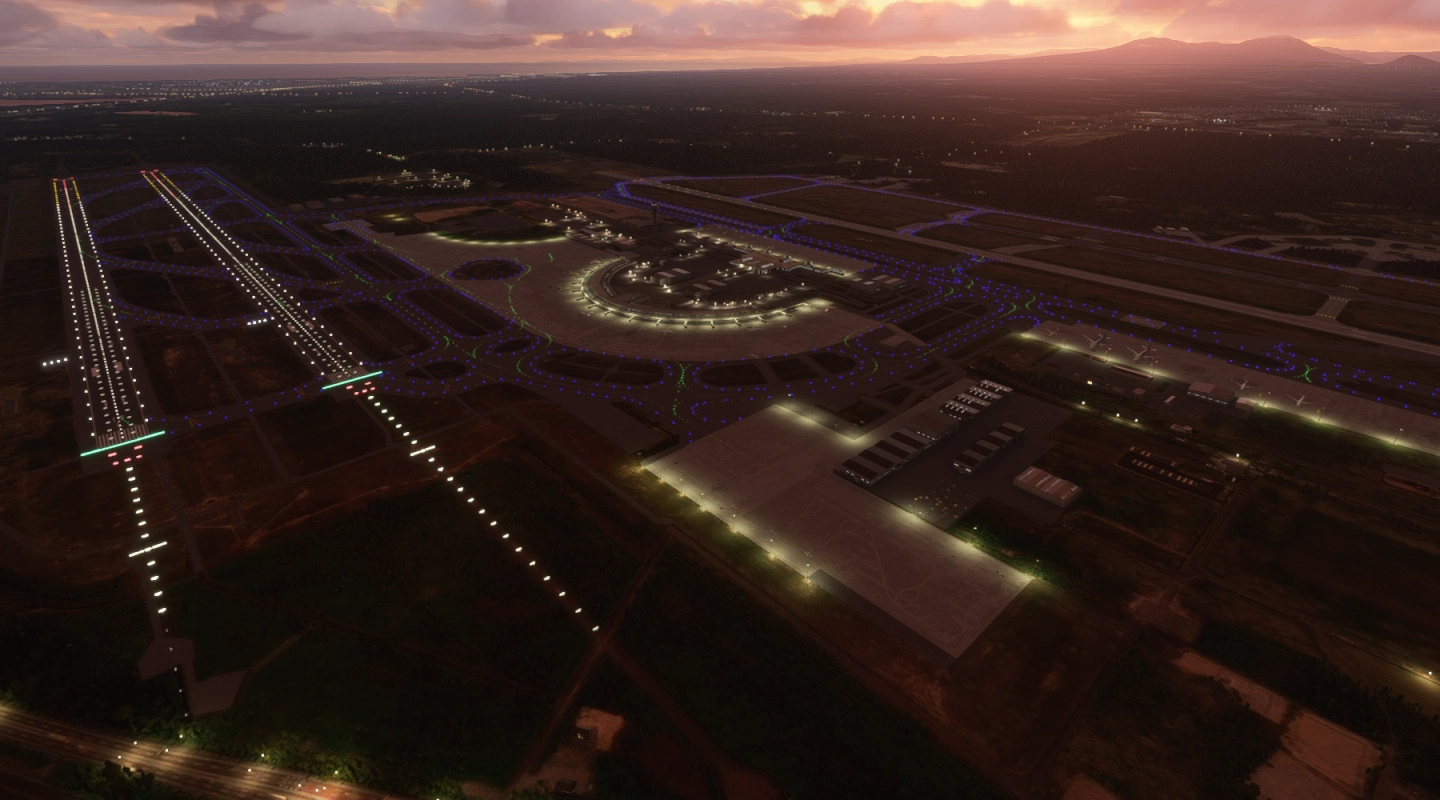
RJCC New Chitose Airport (in Hokkaido, known as "Sapporo Airport") has 4 runways in MSFS.
But RJCC in the real world has 2 runways, another two belongs RJCJ Chitose Air Base (previous Chitose Airport).
So this package focused on dividing 2 airports expressly.
(Otherwise, an airliner to RJCC would often be required to land on a Japan Air Self-Defence Force base. It's unrealistic!)
This package includes the following:
- Divided RJCC and RJCJ (frequencies and approaches are set only RJCC, many settings of RJCJ are empty)
- Added apron lights
- Added taxiway G
- Added gate 69-71 (international terminal, since 2019)
- (v1.1) Fixed ILS settings
- (v1.2) Fixed ILS settings (views on Little Navmap)
Currently, I have no plan to update except critical bug fix.
If you want more updates, please download files on my GitHub page and try to edit by yourself.
Also, there are compatiable with RJCC improvement mod by TOSHICHAN310 (v1.1, checked).
If you want to make runway markings orange, use these mod together.
Simply drag and drop the extracted folder into your "Community" folder.
Flightsim.to • Helpdesk • Locating the Community folder of my game
展開されたフォルダをそのまま「Community」フォルダ内に入れてからMSFSを起動してください。(フォルダ場所は上記リンク参照)
MSFSのデフォルトの新千歳空港(RJCC)には滑走路が4本存在し、
民間機が千歳基地(RJCJ)に降ろされる事案が多々発生するので、新千歳(RJCC)と千歳(RJCJ)に分割しました。
基本的には新千歳(RJCC)側をメインで使うことを想定しているので、千歳(RJCJ)側の管制は何も設定していません。
デフォルト空港の軽微な修正のみで、凝った修正はしていません。建築物も基本的にデフォルトのままです。
空港を2つに分割することが目的なので、特に詳細なアップデートをする予定もありません。(クリティカルな不具合のみ対応します)
なお、滑走路のマーキング類をオレンジ色にしたい場合は、TOSHICHAN310さんによるRJCC用シーナリーを一緒に導入することで対応可能です。(v1.1で確認済み)
もし何かしらの機能のアップデートを希望する場合は、GitHubから元ファイルをダウンロードし、各自編集してお使いください。
(注意事項はリンク先に記載しています)
その他不具合ありましたら、コメント欄から事象の詳細を報告お願いします。
Location
Dividing RJCC (New Chitose) and RJCJ (Chitose Air Base)
Enhance your MSFS experience with the Dividing RJCC and RJCJ add-on, which accurately separates the runways of New Chitose Airport and Chitose Air Base. This package includes added apron lights, taxiway G, and gate 69-71 for international arrivals. Make sure to check for compatibility with the RJCC improvement mod by TOSHICHAN310 for additional features. Simply drag and drop the files into your "Community" folder to enjoy this realistic airport division.


User Reviews
5 reviews
Version History
Fixed ILS settings (views on Little Navmap)
Related
RJCC-NewChitoseAirport-JAPAN
🗾JAPAN-RJCC-NewChitoseAirport-Made by KAPI_Design.
by KAPI_
RJCC - New Chitose Airport Addition
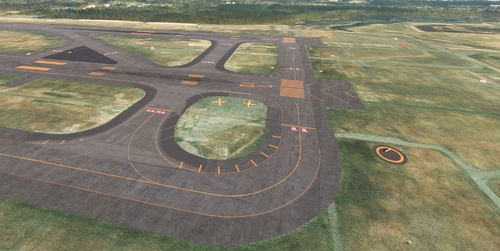
The RJCC New Chitose Airport Addition enhances the existing RJCC airport scenery by introducing several new taxiways, including A3, B3, A11, B11, G, and L5. It also updates apron markings and adds various objects, although taxi paths remain unchanged, which prevents ATC from recognizing the new taxiways. Users may encounter ILS height issues if using Navigraph, and adjustments to the folder name or priority may be necessary for optimal functionality. Note that some features, like the parking lot in the cargo area, do not have connected taxi paths for GSX use.
by karuchie
KAPI RJCC New Chitose AI Config Enhancement
Enhance AI operations at KAPI RJCC with this mod by AIG community. Experience increased aircraft spawning, opened gates, and updated airline coding. Optimize your AI traffic with added ground routes, accurate airline-specific coding, and more at New Chitose Airport. Download now for an improved airport experience.
by Ryanosaurus13
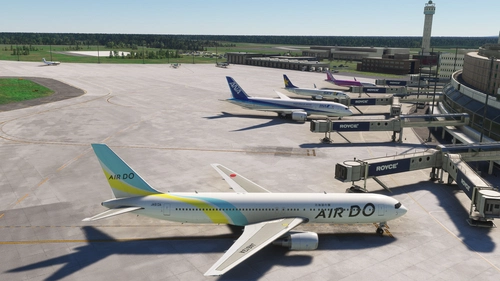
RJCC Sapporo New Chitose - FSLTL Static Aircraft (DominicDesignTeam)
This add-on features realistic static aircraft at RJCC Sapporo New Chitose airport, created by DominicDesignTeam, enhancing the visual ambiance of the airport. It uses FSLTL models as static scenery objects placed accurately at gates and ramps, requiring no performance impact or additional injectors. While designed for compatibility with DominicDesignTeams payware airport, it may not align correctly with other versions. The add-on includes clear installation instructions and configuration tips to avoid conflicts with MSFS traffic settings.
by ixvst01
Log in to join the discussion
Log InComments(14)
over 2 years ago
about 5 years ago
Hi! Anyone else getting the problem of no gateways showing on the gates?
Thanks!
about 5 years ago
Thanks. And sorry, it's common known issue since Sim Update 5, in many airports. Wait for MSFS update, it's the only thing I can tell you.
about 5 years ago
Thanks! yes, I noticed it today on a different airport and concluded that it probably was a SU5 issue. Thanks!
over 5 years ago
over 5 years ago
over 5 years ago
Therefore, it's strange if original settings remain. Please tell me more about what happened on your device by screenshots and descriptions.
over 5 years ago
over 5 years ago
https://forums.flightsim.to/thread/298-apparent-scenery-clash-at-chitose-ab/
I'll try to fix several problems.
over 5 years ago
over 5 years ago
I updated the description. I'm very sorry for not explaining sufficiently.
> frequencies and approaches are set only RJCC, many settings of RJCJ are empty
over 5 years ago
over 5 years ago
感謝します!
over 5 years ago