
Description
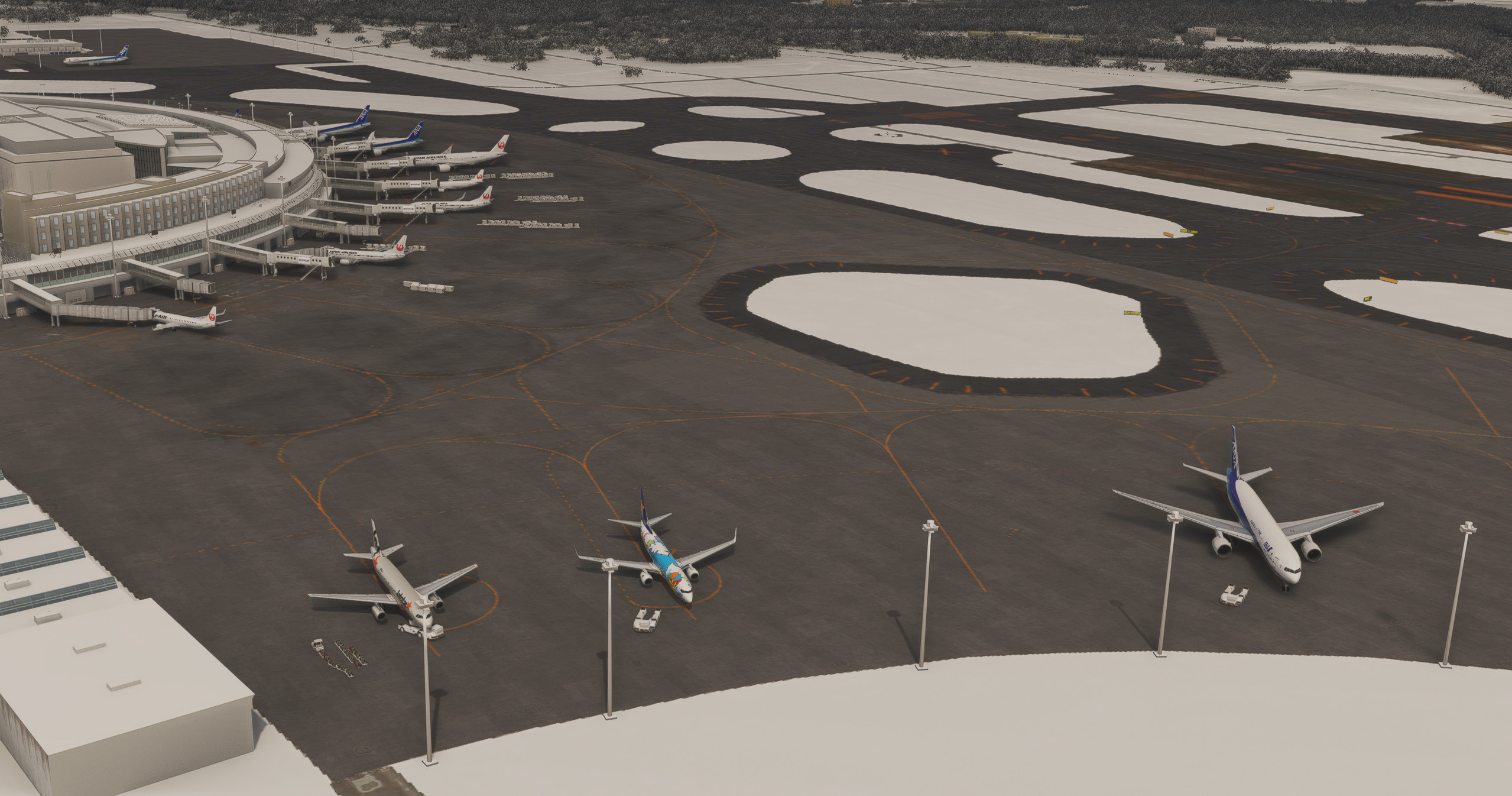
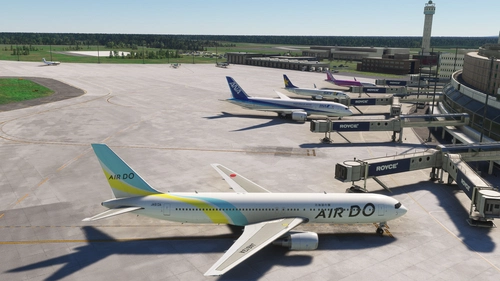
Another release supported and created by the AIG community. This mod aims to significantly improve and increase the AI operations at KAPI's RJCC found here in Flightsim.to . You will see a significant increase in AI aircraft spawning and opened gates. The original airport is required.
Please download it here https://flightsim.to/file/25235/rjcc-new-chitose-version
Features
- Updated airline coding sampled between 15 March and 31 March 2024.
- Addition of ground vehicle routes and vehicle spots
- Fully optimized airline-specific coding
- Accurate JAL/ANA split in the domestic terminal at gate 11. (In general, 1-11 ANA, 12-18 JAL.)
- Correct spots for Skymark, Jetstar, Spring, IBEX, peach and more.
- Specific coding for ANA Wings (AKX) and J-Air (JLJ)
- Overflow parking spots added, spots 44-49 and deprioritized
- Bus gates 20,21,22 activated
- Complete overhaul of gate radius
- Preserved wingspans on some gates for user aircraft, 777-300ER is supported (up to 36m wingspans).
- Preservation of original scenery files. No modifications or replacements are required to the scenery. This will work with all future
updates to the scenery as well. - This modification utilizes the resized wingspan due to the Asobo bug that encircles a 6m bubble between each parking spot.
- Full AIG support and compatibility.
Installation
Drag and drop "z-rjcc-new-chitosel" into the community folder.
Drag and drop "aig-aitraffic-oci-beta" to the installation location of AIG AIM (Usually the community folder). You will know you are doing it right if it asks to replace files.
Alternatively in AIG AI Manager, select settings, AIGAIM-OCI, "Use reduced wingspan", verify setup then save. Example here.
FSLTL notes
FSLTL users must ensure the following for "wing_span" value on the "flight_model" configuration due to the 6/12m bug in fs2020:
"72" for A320 and 737 family
"52" for CRJ/ERJ regional jets
"164" for heavy jets (777, 787, A330, A350 etc)
"223" for A380s
"131" for 767s, A300s, and 757s
No further support for FSLTL is provided since I do not use FSLTL
Expert notes:
Due to the nature of reality, the international terminal is usually empty but the coding is accurate. Neither JAL, ANA nor any other domestic airlines park in the international terminal. As a result, you should expect the terminal to only have a few international carriers and not fully populated at all times.
Dependencies
Comments
Log in to join the discussion
Log InNo comments yet. Be the first to share your thoughts!
KAPI RJCC New Chitose AI Config Enhancement
Enhance AI operations at KAPI RJCC with this mod by AIG community. Experience increased aircraft spawning, opened gates, and updated airline coding. Optimize your AI traffic with added ground routes, accurate airline-specific coding, and more at New Chitose Airport. Download now for an improved airport experience.

More Information
Version History
No version history available.
Related
RJCC-NewChitoseAirport-JAPAN
🗾JAPAN-RJCC-NewChitoseAirport-Made by KAPI_Design.
by KAPI_
Dividing RJCC (New Chitose) and RJCJ (Chitose Air Base)
Enhance your MSFS experience with the Dividing RJCC and RJCJ add-on, which accurately separates the runways of New Chitose Airport and Chitose Air Base. This package includes added apron lights, taxiway G, and gate 69-71 for international arrivals. Make sure to check for compatibility with the RJCC improvement mod by TOSHICHAN310 for additional features. Simply drag and drop the files into your "Community" folder to enjoy this realistic airport division.
by berry
RJCC - New Chitose Airport Addition
The RJCC New Chitose Airport Addition enhances the existing RJCC airport scenery by introducing several new taxiways, including A3, B3, A11, B11, G, and L5. It also updates apron markings and adds various objects, although taxi paths remain unchanged, which prevents ATC from recognizing the new taxiways. Users may encounter ILS height issues if using Navigraph, and adjustments to the folder name or priority may be necessary for optimal functionality. Note that some features, like the parking lot in the cargo area, do not have connected taxi paths for GSX use.
by karuchie
RJCC Sapporo New Chitose - FSLTL Static Aircraft (DominicDesignTeam)
This add-on features realistic static aircraft at RJCC Sapporo New Chitose airport, created by DominicDesignTeam, enhancing the visual ambiance of the airport. It uses FSLTL models as static scenery objects placed accurately at gates and ramps, requiring no performance impact or additional injectors. While designed for compatibility with DominicDesignTeams payware airport, it may not align correctly with other versions. The add-on includes clear installation instructions and configuration tips to avoid conflicts with MSFS traffic settings.
by ixvst01