
Description
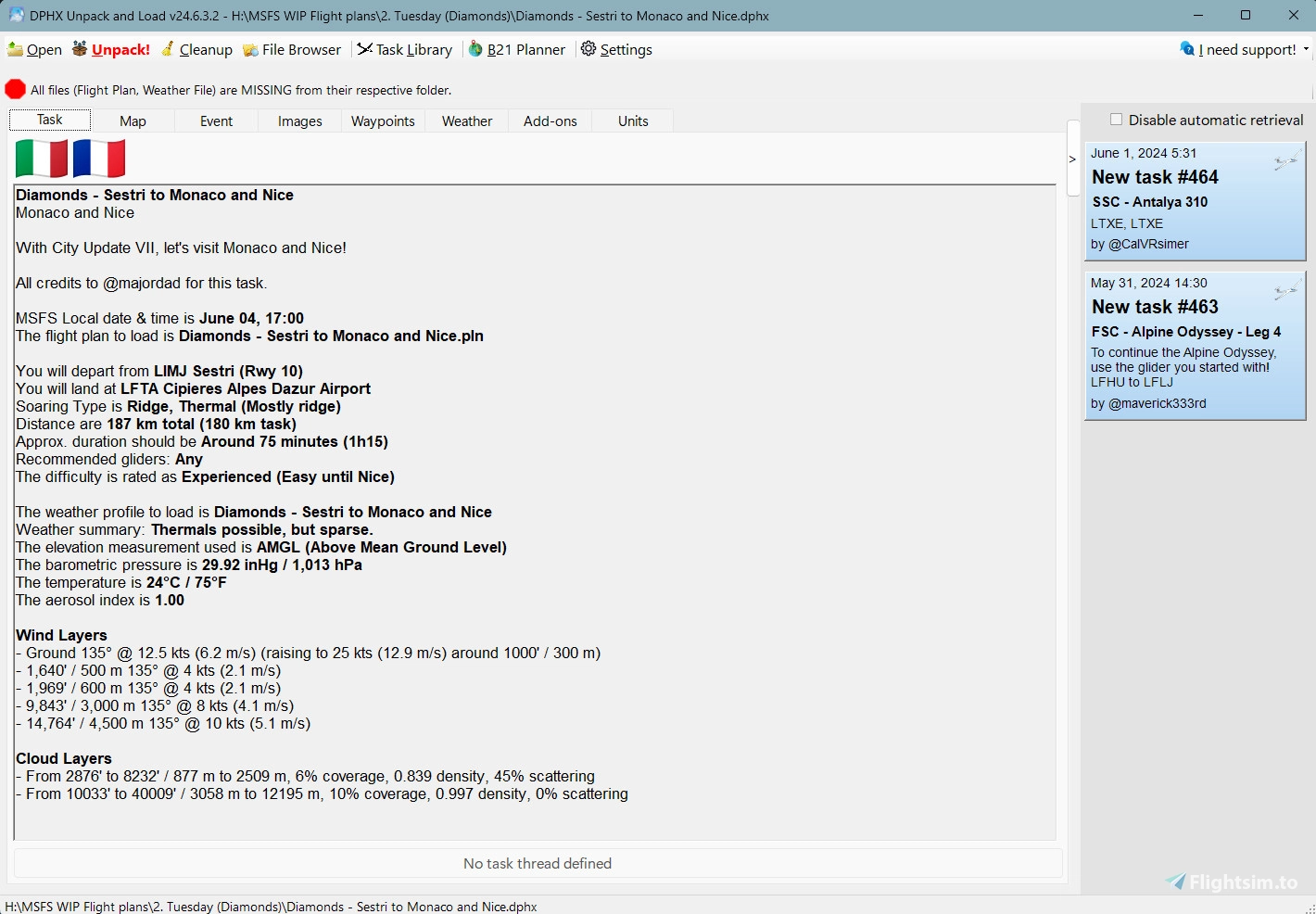
This tool's purpose is to help its users download, unpack, visualize and load MSFS soaring tasks that have been published on WeSimGlide.org using the Discord Post Helper tool.
It consists of two applications. The main one being a Windows Forms application and the second one a small listening app that runs in the background in your system tray. Both are based on the Microsoft .NET Framework and as such, requires version 4.8 or later of that framework. You can download the .NET Framework here.
To install for the first time, simply create a folder anywhere on your computer and extract the files in that folder. After first installation, the application supports auto-update so shouldn't be a problem anymore.
You should launch the tool at least once to adjust the settings and various folders. Double-check the MSFS folders that have been detected just in case they're wrong.
Since version 24.12.18.1: The tool now supports both MSFS 2020 and 2024 on the same installation. You can have the tool detect and set all required folders.
To associate .DPHX files to this application, simply double-click on one and Windows will ask you which program you want to use. Or, right-click on a file and select "Open with..." which should do the same. Then navigate to where you extracted the files and select the executable, then make sure to select "Always" so every .DPHX files you double-click next will automatically open in the tool.
For support and more information about the tool, you can visit the related Discord Server.
There you will also find links to tutorial videos explaining how to use it.
Tutorial/Videos: https://discord.gg/ydRRJV9XUG or https://discord.com/channels/1022705603489042472/1101256306834280490
Questions/Support: https://discord.gg/DPnFBBqdaW or https://discord.com/channels/1022705603489042472/1101255857683042466
As for DPHX files themselves, you will find the most comprehensive and detailed task collection on WeSimGlide.org, all including a DPHX file to be used with this tool.
Even more information here: https://github.com/siglr/DPHXUnpackAndLoad
Requirements
Some anti-virus programs may report this program as malicious, but it is not. You will have to add an exclusion to the folder where you extracted the files.
This tool is a Windows forms application based on the Microsoft .NET Framework and as such, requires version 4.8 or later of that framework. You can download the .NET Framework here, but it should have been included with the OS since Windows 7:
https://dotnet.microsoft.com/en-us/download/dotnet-framework/thank-you/net48-web-installer
If the tool does not run after adding an exclusion to your anti-virus and installing the .NET Framework files above, you will want to download and install these two Visual C++ Redistributable file (they are BOTH required, even if this tool is x64 and your Windows is x64 too).
https://aka.ms/vs/17/release/vc_redist.x64.exe
https://aka.ms/vs/17/release/vc_redist.x86.exe
Dependencies
MSFS Soaring Task Tools - DPHX Unpack & Load
A tool designed to streamline the process of downloading, unpacking, visualizing, and loading MSFS soaring tasks shared using the Discord Post Helper tool. Ensure a smooth installation by adjusting settings and verifying detected MSFS folders. Easily associate .DPHX files with the application for seamless use. Visit the Discord server for support, tutorial videos, and access to a comprehensive collection of tasks in DPHX format.
Downloads Stopped
The creator has temporarily stopped downloads for this addon. Please check back later.


User Reviews
5 reviews
Version History
Symlinks Support for Community Folder - Support for symlinks (symbolic links used by add-ons management tools like MSFS Addons Linker) to read and update community folder packages - Improvements on the Community Folder packages management - Small fixes
Related
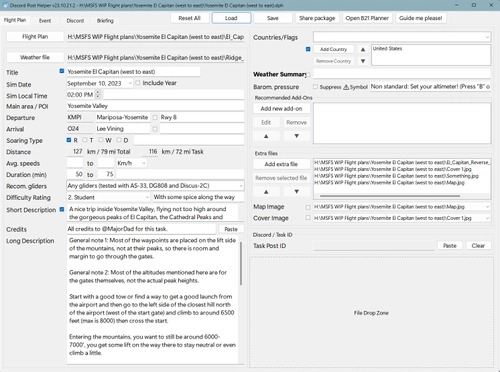
MSFS Soaring Task Tools - Discord Post Helper
A versatile tool designed to assist users in creating and posting Discord content for soaring/gliding flight plans, group flights, and events. This Windows-based application supports auto-updates for easy maintenance and offers tutorial videos for guidance. Requirements include Microsoft .NET Framework 4.8 or later, readily available for download. For support and additional information, visit the Discord server provided.
by MajorDad
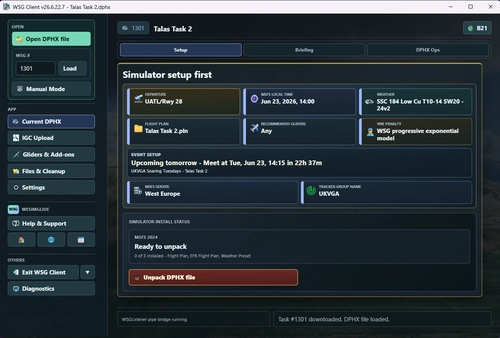
WSG Client - Desktop App
WSG Client is a desktop companion app for WeSimGlide.org, streamlining the management of soaring tasks in Microsoft Flight Simulator 2020 and 2024. It enables users to open, review, and load .DPHX task packages with detailed briefings, maps, and weather profiles directly from the app. The tool provides integrated management of freeware gliders and related add-ons, along with support for popular soaring utilities. Additional features include seamless IGC file uploads, task analysis, and advanced setup and cleanup utilities for organized soaring simulation.
by siglr
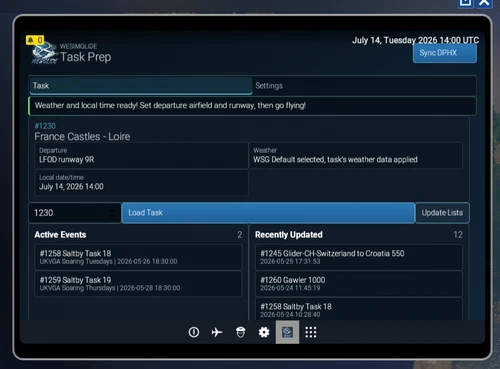
WeSimGlide Task Prep EFB Companion App
The WeSimGlide Task Prep EFB Companion App is an in-sim utility for Microsoft Flight Simulator 2024, focused on simplifying the preparation and execution of WeSimGlide soaring tasks. It allows users to select tasks, apply weather presets, set correct dates and times, and export flight plans from within the simulator. The app eliminates the need to restart MSFS for weather changes and helps avoid common setup mistakes. Selection of aircraft, livery, airfield, and tow plane must still be done manually.
by siglr
Log in to join the discussion
Log InComments(13)
about 1 year ago
about 1 year ago
about 1 year ago
over 1 year ago
almost 2 years ago
almost 2 years ago
almost 2 years ago
almost 2 years ago
almost 2 years ago
almost 2 years ago
over 2 years ago
over 2 years ago
almost 3 years ago