
Description
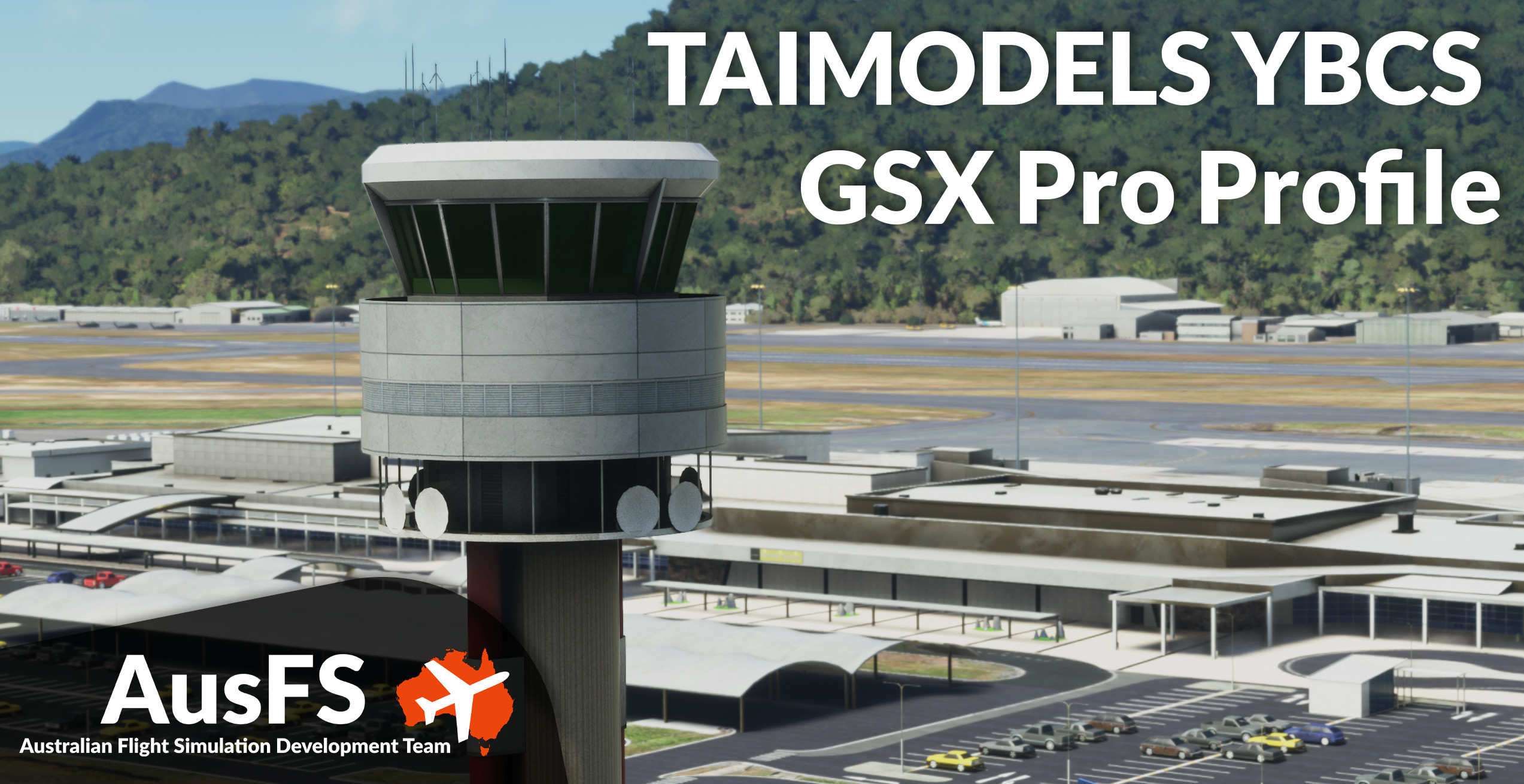
GSX Pro Profile for TAIMODELS YBCS
https://orbxdirect.com/product/taimodels-ybcs-msfs
Included in this profile are the Domestic and International Terminal.
Installation
1. Copy the downloaded files, YBCS-AusFS.ini and YBCS-AusFS.py, and place in your MSFS GSX directory, located at %AppData%\Virtuali\GSX\MSFS
2. Ensure there are no other YBCS user-customisation files.
Feature List
Accurate ground handling and catering per gate
Accurate pushback procedures within the GSX limitations
VDGS/Stopping positions
Customised vehicle locations
Customised bays with rear stair placement
Customise fuel hydrant placement
Customised walk-in paths for applicable bays
GSX Profile - YBCS Cairns (TAIMODELS)
Enhance your ground handling experience at YBCS Cairns airport with this GSX Profile for TAIMODELS, including both Domestic and International Terminals. Enjoy accurate pushback procedures, customized bays, vehicle locations, and more. Simply install the files in your MSFS GSX directory for a realistic airport experience.
User Reviews
1 reviews
Version History
Adjusted to work with Python 3 (GSX 3.5.3)
Related
GSX Profile - YSSY Sydney (FlyTampa)
Enhance your ground handling experience at YSSY Sydney Airport with this GSX Pro Profile for FlyTampa. This profile includes detailed customization for the International Terminal, Domestic Terminals, and Stand-Off Bays, with added features like accurate pushback procedures and custom vehicle locations. Ensure seamless installation by following the provided steps, and enjoy improved ground services with accurate stop positions and catering per gate. Discover a PDF guide for pushback points and troubleshoot known issues for a smoother airport experience.
by AusFS - tcastest
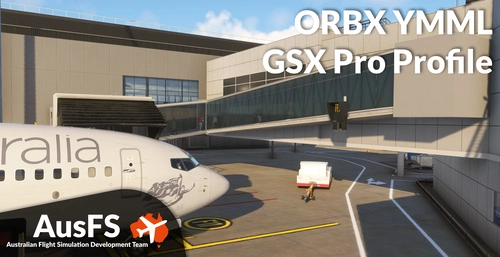
GSX Profile - YMML Melbourne (ORBX)
This GSX Pro Profile is designed for ORBXs YMML Melbourne airport, featuring detailed configurations for international and domestic terminals, as well as stand-off bays, including cargo areas. It includes updated airline parking positions, accurate ground handling procedures, and customized vehicle placements. The add-on provides essential tools for proper operation at the airport, such as a PDF outlining pushback disconnect points and guidance for installation and troubleshooting.
by AusFS - Pionsix / tcastest
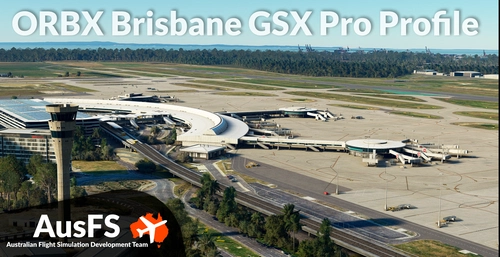
GSX Profile - YBBN Brisbane (ORBX)
GSX Pro Profile for ORBX YBBN. https://orbxdirect.com/product/ybbn-msfs Included in this profile are the GA Apron, Domestic and International Terminal, including all standoff bays, and the Logistics Apron. Installation 1. Copy the downloaded file, YBBN-AusFS.ini, and place in your MSFS GSX directory, located at %AppData%\Virtuali\GSX\MSFS 2. Ensure there are no other YBBN user-customisation files. Feature List Updated airline parking positions Accurate ground handling and catering per gate Accurate pushback procedures within the GSX limitations VDGS/Stopping positions Customised vehicle locations Customised bays with rear stair placement Customise fuel hydrant placement Customised walk-in paths for applicable bays
by AusFS
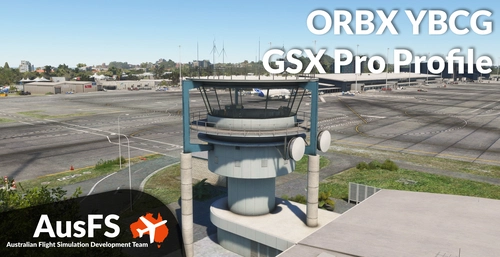
GSX Profile - YBCG Gold Coast (ORBX)
Enhance your ground handling experience at ORBX YBCG Gold Coast with this GSX Profile add-on. Enjoy accurate pushback procedures, customized vehicle locations, bays with stairs placement, fuel hydrant placement, and walk-in paths for all bays. Simply follow the installation instructions to get started!
by tcastest
Log in to join the discussion
Log InComments(10)
2 months ago
over 2 years ago
'Parking Mismatches in .ini profile detected at YBCS
YBCS-AusFS.ini profile has 23 parkings not found in Navdata
Do you want to create a new .ini profile containing only existing parking spots?'
over 2 years ago
Cheers.
over 2 years ago
over 2 years ago
almost 3 years ago
almost 3 years ago
almost 3 years ago
almost 3 years ago
I think it might be a scenery issue so I've emailed the dev
over 2 years ago
turns out it was a known issue and was updated in 1.0.1