
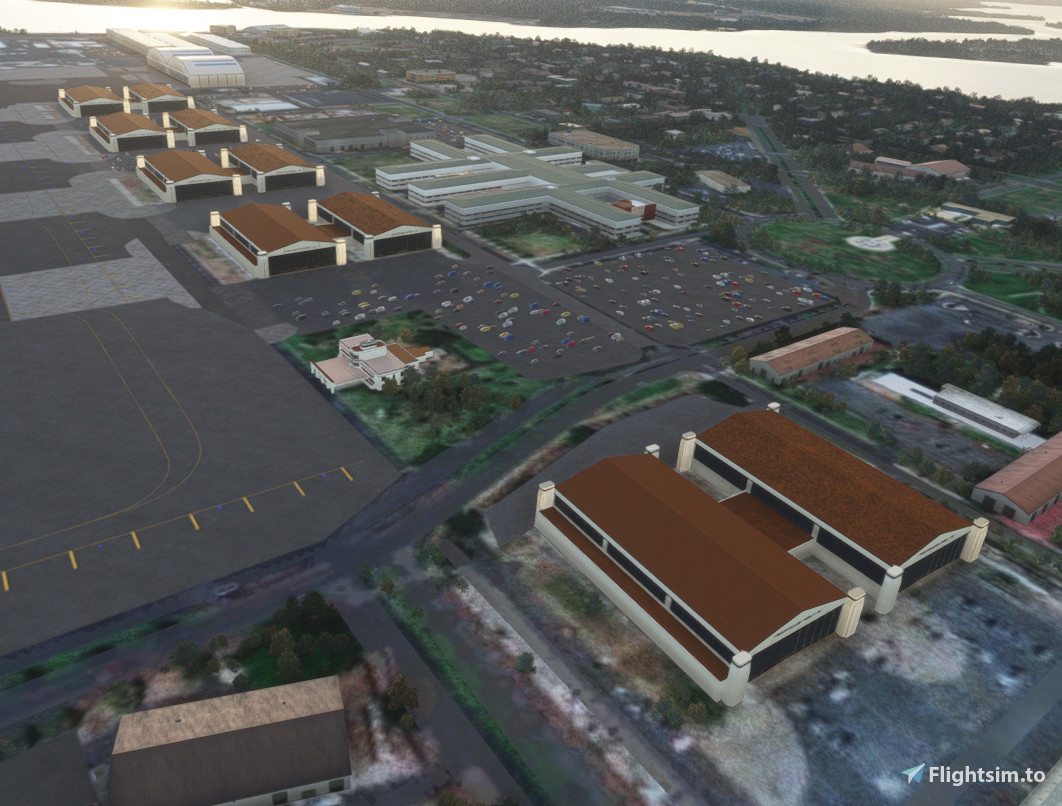
Description
Daniel K. Inouye International Airport, also known as Honolulu International Airport, is the main and largest airport in Hawaii. The airport is named after Honolulu native and Medal of Honor recipient Daniel Inouye, who represented Hawaii in the United States Senate from 1963 until his death in 2012. The airport is in the Honolulu census-designated place 3 miles (5 km) northwest of Honolulu's central business district. The airport covers 4,220 acres (1,708 ha), more than 1% of Oahu's land.
Daniel K. Inouye Airport offers nonstop flights to many places in North America, Asia, and Oceania. The airport serves as the main hub of Hawaiian Airlines and is also a base for Aloha Air Cargo. The airport is included in the Federal Aviation Administration (FAA) National Plan of Integrated Airport Systems for 2017–2021, in which it is categorized as a large-hub primary commercial service facility.
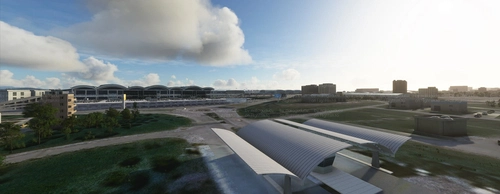
Welcome to an ongoing project of building updates acrss Honolulu International Airport. This will take a while, but I plan to go through and update as much of the airport as I can access.
Discord server: https://discord.gg/VdC56uBhAS
Comments(23)
Log in to join the discussion
Log Inabout 1 year ago
almost 2 years ago
almost 2 years ago
almost 2 years ago
https://flightsim.to/file/49601/phnl-daniel-k-inouye-international-airport-honolulu
almost 2 years ago
about 2 years ago
about 2 years ago
In regards to the layout file, that is only if you are making changes to the main AFCAD folder included with this project. If you have further questions, and have discord, you can reach out to me over there and I can help further. Let me know if this helps or not.
about 2 years ago
over 2 years ago
And please keep on working . I can' t wait to see the finished airport. Wonderful!
over 2 years ago
The base asobo 2d airport looks better!!!
If i didn't have zinertek running,it's entirely possible it looks worse!!!
All you're airports I'm afraid.
Avoid at all costs.
over 2 years ago
over 2 years ago
over 2 years ago
over 2 years ago
Honolulu International Airport Update (PHNL)
Explore the ongoing project of building updates across Honolulu International Airport (PHNL), the main and largest airport in Hawaii. Named after Honolulu native and Medal of Honor recipient Daniel Inouye, this airport serves as a hub for Hawaiian Airlines, offering nonstop flights to North America, Asia, and Oceania. Join the journey of enhancements and improvements to this significant airport hub!

User Reviews
5 reviews
Location
More Information
Version History
Version 5: Fixed an area near 8L that textures were incorrect. Minor parking updates and just some clean up items.
Related
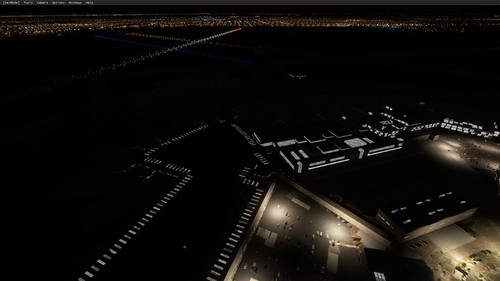
Airports Lights
Illuminate over 1200 airports worldwide with the Airports Lights add-on, featuring lights for terminals and gate areas. With more than 32,000 light poles and ongoing updates, enhance your airport visuals today. Easily install by extracting into your Community folder and experience improved airport lighting. Request additional airports and stay updated on the projects progress through the provided link.
by Andres3D
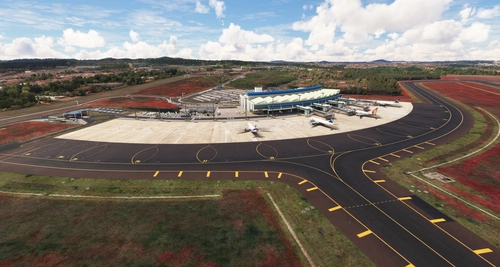
SBGO - Goiânia Airport - GO - Brazil
Enhance your Microsoft Flight Simulator experience with SBGO - Goiânia Airport in Brazil. This add-on features custom 3D models, animated Jetways, realistic runway and taxiway lights, custom markings, and aerial orthophoto for a true- to-life airport immersion. Support for narrow-body aircraft such as Airbus A320 and Boeing 737-800, with the ability to handle wide-body planes like Boeing 767 and Airbus A330. Simply extract the folder to your Community folder to begin exploring this detailed airport scenery.
by Souza Scenery & FSoares
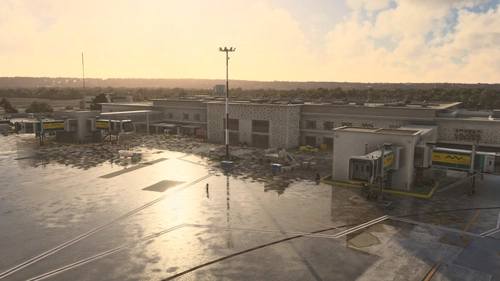
GMME / Rabat Salé Airport
This add-on enhances GMME/Rabat Salé Airport in Microsoft Flight Simulator, ensuring compatibility with both FS2020 and FS2024. It features updated scenery, including corrections to runway lighting and terminal improvements, while removing default buildings. Additionally, it requires various other asset packs for optimal functionality and offers optional GSX PRO enhancements for users.
by joujou92
Istanbul Sabiha Gokcen International Airport
Custom-built Istanbul Sabiha Gokcen International Airport add-on for MSFS 2020 in public beta version. Enhancements include detailed airport structures and improved visuals for a more immersive flying experience. Created by developers with experience in X-Plane 11 scenery design. Free for personal use with optional donations to support the Leukemia Foundation for Children.
by Hayri Buberci, Mali Oguducu
about 1 year ago
Unfortunately, due to the latest city update, trees are growing on the runway. Unfortunately, the photogrammetry buildings behind the airport are also partially flattened. Could you please update?