
Description
This addon provides scripts to control the PA-24 Comanche provided by A2A Simulations (payware). You need the Software Axis And Ohs (payware) to execute them.
This is no typical Addon to be installed into the Community folder. You need the software Axis And Ohs to import theses scripts and to map them to whatever hardware you are using. Unpack the archive file and use Axis And Ohs "Scripting | Import Scripts" to import these files. Your scripts will have a new group PA24 containing all scripts.
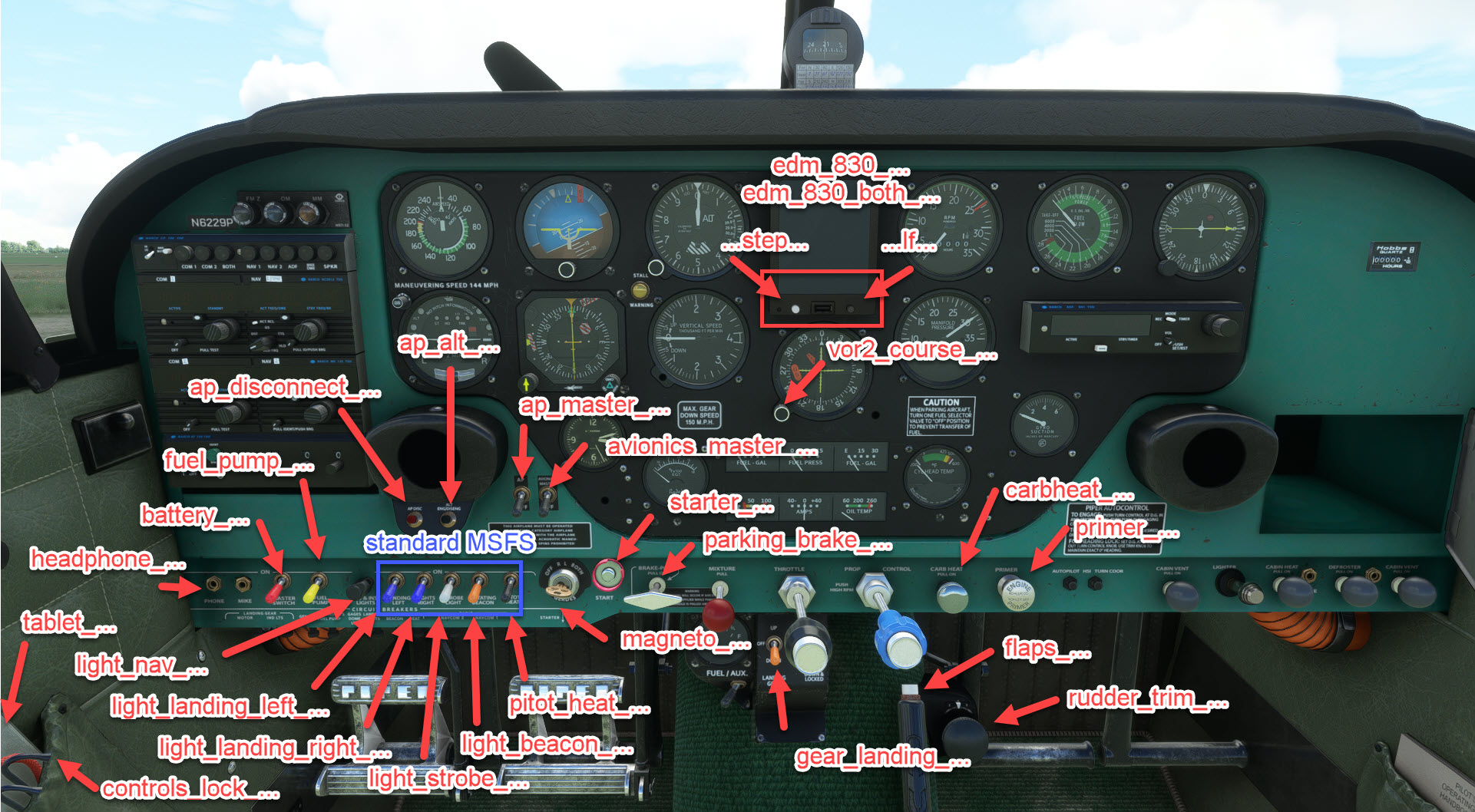
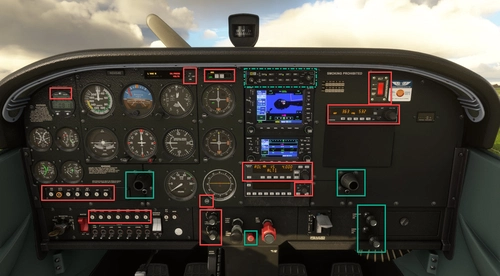
If some levers or buttons are missing, just leave a comment. The screenshots will give hints on which element is controlled using which scripts.
Walkaround assistence
I added some scripts to assist the walkaround. Four scripts are used to change the walkaround stations. The other scripts are having the station number contained in their name. The gaps in the numbering are taken from the PA-24 itself. For each station there is at least one script to perform the necessary steps.
With these scripts you can use a MIDI device with many buttons (like the Behringer Xtouch, Korg nanoKontrol2, and so on) to do a complete walkaround without using the mouse. Well ... except of the luggage, this has to be packed into the plane using the mouse.
Dependencies
A2A PA-24 Comanche scripts for Lorby's Axis And Ohs (AAO)
Control the A2A PA-24 Comanche with ease using these scripts designed for Lorbys Axis And Ohs. Import the provided scripts into Axis And Ohs to map controls to your hardware. Enhance your flight experience with walkaround assistance scripts for a more immersive simulation. Compatible with MIDI devices like Behringer Xtouch and Korg nanoKontrol2 for seamless control.


Supporters

User Reviews
6 reviews
Version History
Added: - ADF 841 controls - ADF indicator rotary - Attitude indicator rotary - Interior: Glovebox and ashtrays - MK12 and NCS812 Nav volume knob
Related
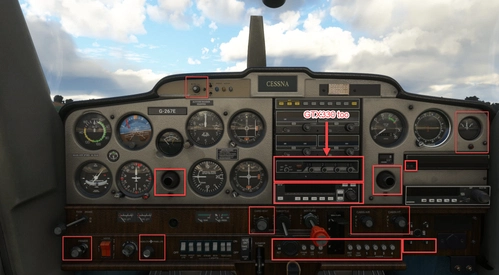
Cessna 152X (WBSim/JPLogistics) Scripts for Lorby's Axis And Ohs (AAO)
Scripts to enhance control of the Cessna 152X Addon by WBSim/JPLogistics with Axis And Ohs software. Import and map scripts for various functions like lights, autopilot, and annunciator panel to your hardware. Explore new ways to interact with the aircraft, enabling control over a range of systems and components.
by Ape42
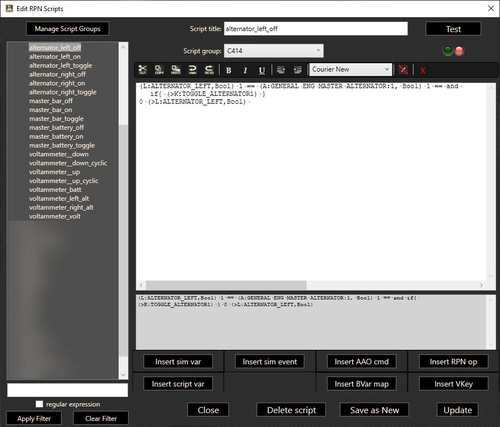
Cessna 414 scripts for Lorby's Axis And Ohs (AAO)
Enhance your Cessna 414 experience with this set of scripts designed for Lorbys Axis And Ohs. Enjoy full autopilot support, interior light control, transponder digits, cabin pressurization, DME, and more. Developed by Collin and CopperNu, these scripts cover a wide range of functionalities to elevate your flight simulation experience.
by Ape42
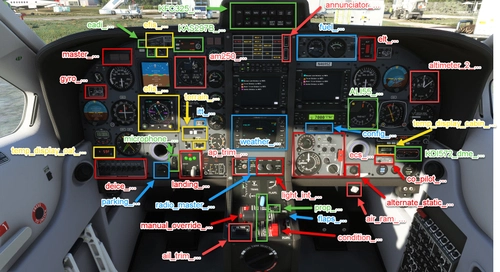
BlackSquare TBM 850 scripts for Lorby's Axis And Ohs (AAO)
Scripts package for BlackSquare TBM 850, designed for use with Axis And Ohs software. This addon includes scripts for controlling the TBM 850 aircraft and can be imported into AAO for hardware mapping. Scripts are also compatible with programs like spad.next and MobiFlight for alternative control options. No B-variables included, using Input Events instead for improved functionality and ease of use. Detailed instructions and screenshots provided for seamless integration and customization.
by Ape42
Cessna 172X (WBSim) Scripts for Lorby's Axis And Ohs (AAO)
Enhance your Cessna 172X experience with this addon, offering scripts for control within Lorbys Axis And Ohs software. These scripts allow for detailed management of various features within the aircraft, from audio panels to autopilot functions. Import and customize them in Axis And Ohs to streamline your flight operations seamlessly.
by Ape42
Log in to join the discussion
Log InComments(32)
almost 2 years ago
almost 2 years ago
over 2 years ago
about 2 years ago
over 2 years ago
over 2 years ago
Thank you!!
over 2 years ago
over 2 years ago
over 2 years ago
over 2 years ago
These are my settings for AAO in the Change Axis Assignment dialog:
- Selected Event: script:PA24-flaps_axis
- Axis reversed checkt (might not be necessary)
- Axis min: 0
- Axis max: 3 (These are very important)
- On Change
- Rounding: int
All other values kept as default when adding a new axis. Have an eye on min and max. Otherwise AAO will send values 0 and 16384 which will result in flaps changing between 0 and full.
over 2 years ago
over 2 years ago
Everything else is working great and has made the Comanche my favorite plane!
over 2 years ago
I'll have a look if I find another way to control this button.
over 2 years ago
over 2 years ago
about 3 years ago
about 3 years ago
Have fun :-)
about 3 years ago
about 3 years ago