
Description
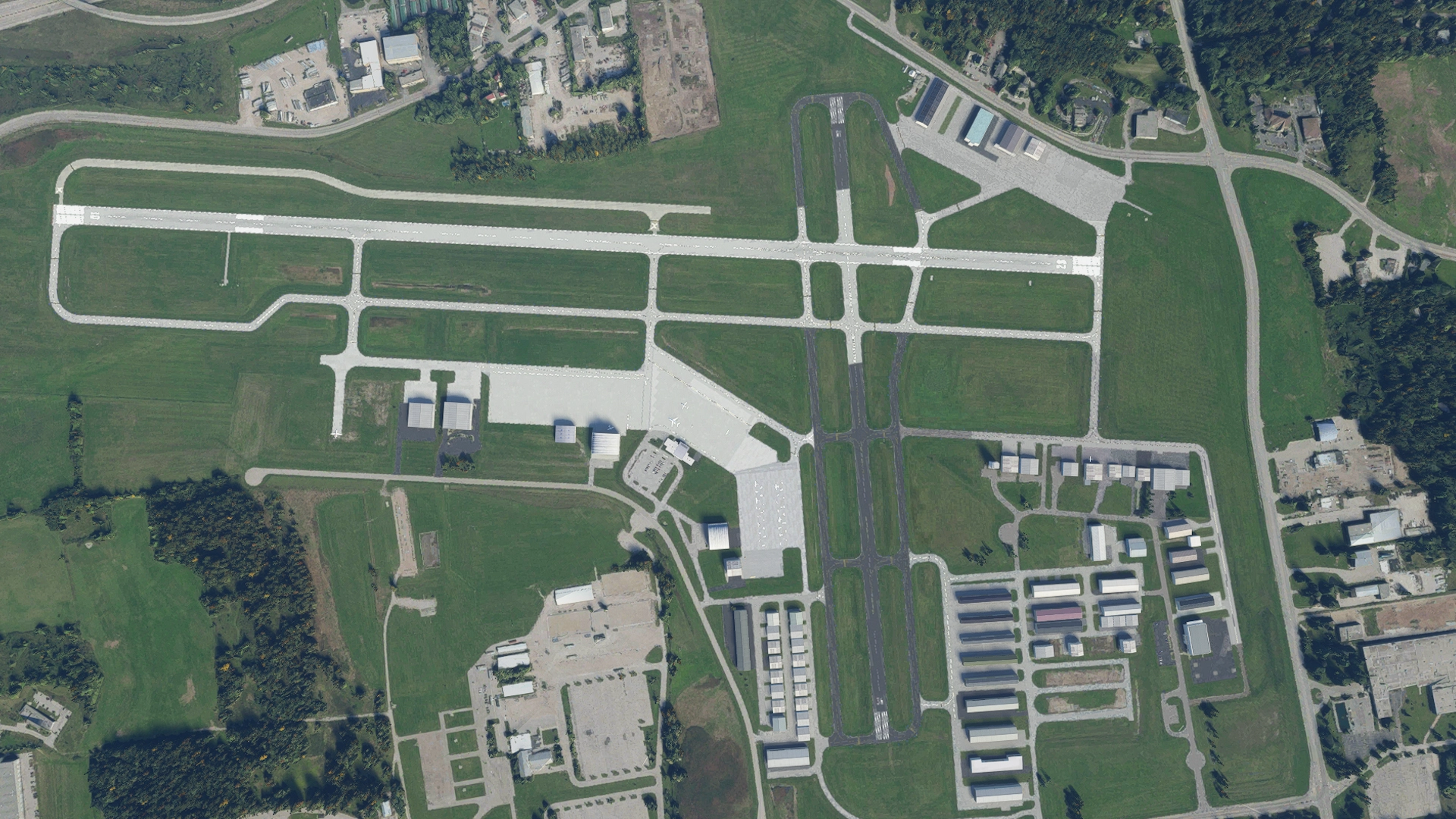
KUES - Waukesha County Airport
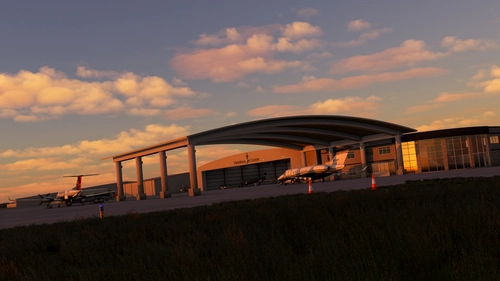
Located in south-east Wisconsin, this busy regional airport services Waukesha and Milwaukee counties and is home to one of the few flight schools in the area. The airport offers access to a wide range of GA aircraft up to and including turboprops and private jets. It is subject to the usual harsh weather of Wisconsin which makes instrument arrivals all the more interesting.
Features (0.1.1):
- Changed some file pathing that could potentially cause issues
- Fixed VASI/PAPI lights which now display correct glideslope values
Features (0.1.0):
- Completey rebuilt all runways, taxiways, and aprons to match real-world surfaces
- Added/modified parts of the airfield and main ramp that were constructed after the Bing maps satellite photo was taken
- Replaced ~90% of the buildings/hangars to better match the real airport
- Handplaced all taxiway signs to match the airport diagram
- Repainted all taxiway lines and added black backing where appropriate
- Added appropriate approach, taxiway, runway, and ramp lighting
- Removed random windsocks and added new windsock to the appropriate location
- Resurfaced all service roads located within the airport grounds
- Added parking lots for various locations
- Added parking locations for the FBO, south tiedowns, southwest hangars, southeast hangars, east corporate hangars, and north ramp
- Added the fuel farm near the south-west enterance
- Many, many other things....
Known Issues:
- Highly unlikely to work with AI traffic or ATC.
- No custom models, all assets are from the base game. Would like to have added the terminal, control tower and some hangars but my Blender skills are beginner level at best.
KUES - Waukesha County Airport (Waukesha, Wisconsin)
Explore the bustling regional airport of KUES - Waukesha County Airport in southeast Wisconsin. Serving Waukesha and Milwaukee counties, this hub accommodates a variety of GA aircraft and offers an engaging experience with Wisconsins challenging weather conditions. Enhance your virtual flying with realistic runways, taxiways, and buildings meticulously recreated to mirror the real-world airport.


User Reviews
2 reviews
Version History
Related
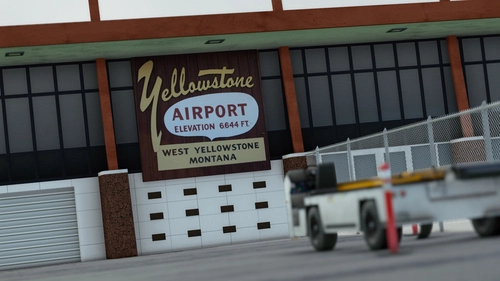
KWYS - Yellowstone Airport (West Yellowstone, Montana)
Explore KWYS - Yellowstone Airport, situated just outside West Yellowstone, Montana. This picturesque airport is surrounded by breathtaking mountain views and features an 8400x150 ft runway with ILS support for RWY01. Operated by FBO Choice Aviation, KWYS caters to a range of aircraft from GA to biz jets, with a special base for smokejumpers fighting wildfires. Enjoy updated features like fixed ILS issues, helipads, and custom 3D models in version 1.1.
by Windhover
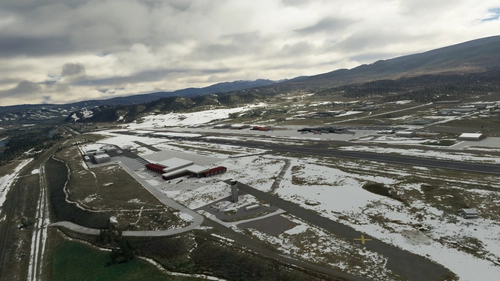
KEGE - Eagle County Regional Airport (Gypsum, Colorado)
Explore the high altitude regional airport of KEGE - Eagle County Regional Airport in Gypsum, Colorado, nestled deep in the scenic Rocky Mountains. This add-on offers a detailed rendition of the airport with a single runway, instrument approaches, jetways, and recent upgrades including a de-ice pad and new hangars. Updates include fixed aprons, taxiway markings, and removal of unexpected trees, enhancing the realism of the airport in Microsoft Flight Simulator.
by Windhover
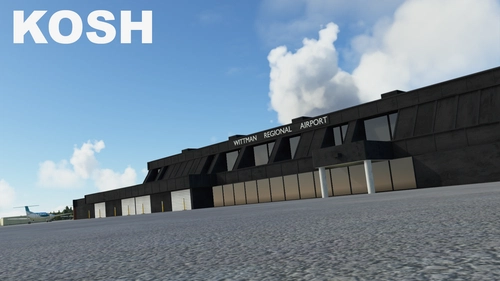
KOSH - Wittman Regional Airport (Oshkosh, Wisconsin)
Explore KOSH - Wittman Regional Airport in Oshkosh, Wisconsin, home to EAA and host of Airventure, the worlds largest air show. This bustling airport features a temporary runway during Airventure, colored dots for coordinating multiple landings, and a grass runway for STOL aircraft. Enhancements include fixed ILS, improved runway markings, added hangars, and more details for a true-to-life aviation experience.
by Windhover
KEDC - Austin Executive Airport (Austin, Texas)
Explore KEDC - Austin Executive Airport in Austin, Texas, a bustling hub for biz jets, charter flights, and GA traffic. Detailed features include retextured runways, custom 3D buildings with night lighting, hand-placed taxiway lines, and recent airport renovations. Download now for an enhanced flight sim experience.
by Windhover
Log in to join the discussion
Log InComments(17)
about 4 years ago
This airport is not working with World X, USA. Everytime I fly to KOSH, the Sim Crashes as I fly over and approach KUES. Sorry :(
almost 5 years ago
Please fix the windsock.
over 5 years ago
I did notice that on UES the RNAV for RWY 28 is way off it takes you to the north of the runway. I also notice RWY 10 ILS is not operable.
My question is, did you modify or possible accidentally change the navigational information for the 2 approaches I mentioned?
I will check out your other airports and see if the same issues is present with them.
over 5 years ago
over 5 years ago
over 5 years ago
over 5 years ago
over 5 years ago
Often just changing the filename/pathing fixes these issues for people.
Thanks.
over 5 years ago
over 5 years ago
It is especially apparent when more than one scenery is loaded with this problem.
over 5 years ago
As a Wisconsin resident I would love to see improvements to other Wisconsin airports - KMKE, KSBM, KMSN, etc.
over 5 years ago
over 5 years ago
If you do KSBM I'm up in Plymouth and it's en route to work at Kohler so I'm happy to grab photos etc. if needed. It's not a bad re-creation as-is, but seems shifted off it's orthoimagery a bit.
Steve
over 5 years ago
over 5 years ago
over 5 years ago
Based out of KMSN and would love to see that polished up. Also small plugs for
KLNR (there is a great little diner there) and C35 (Reedsburg)
over 5 years ago