
Description
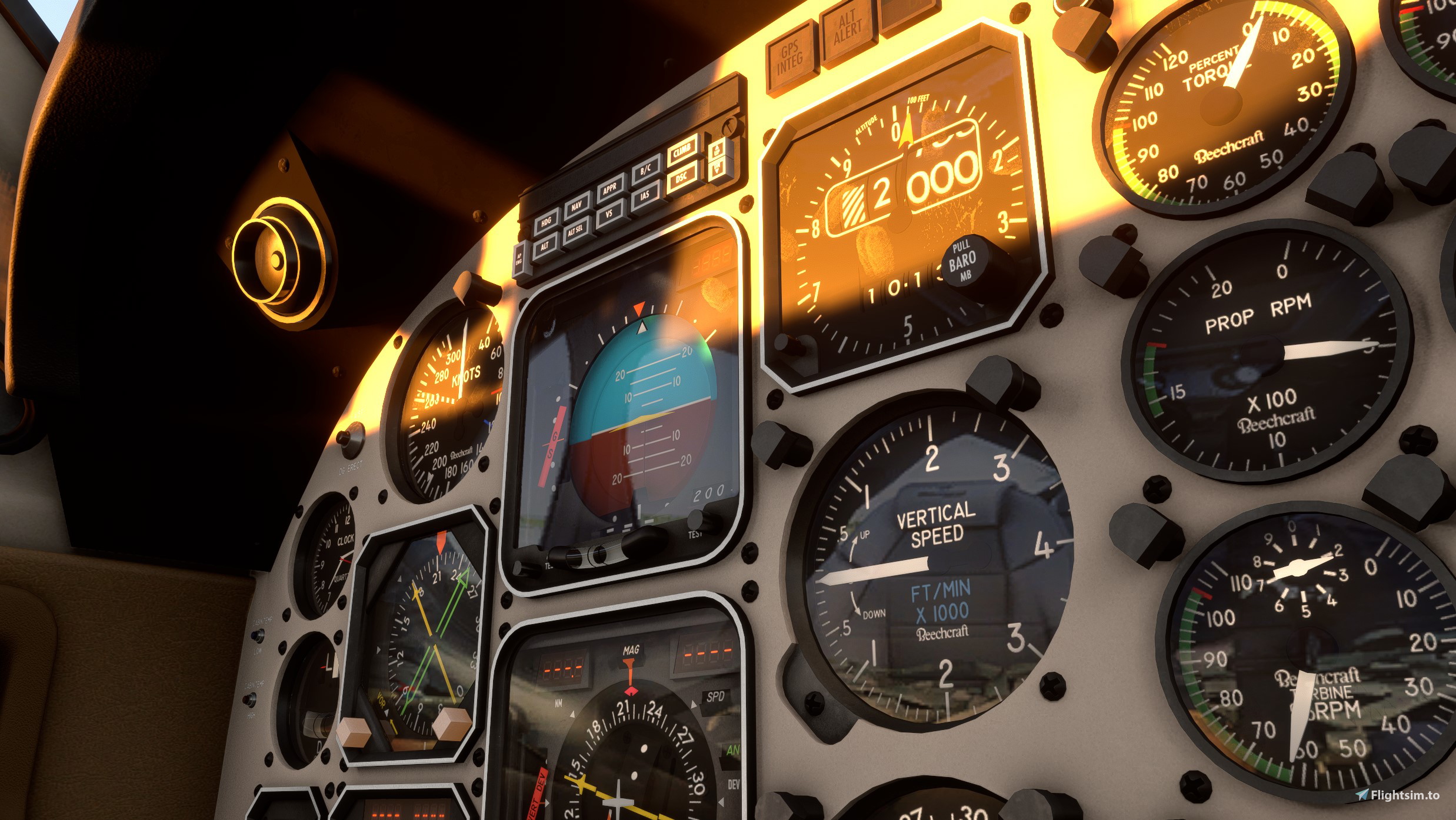
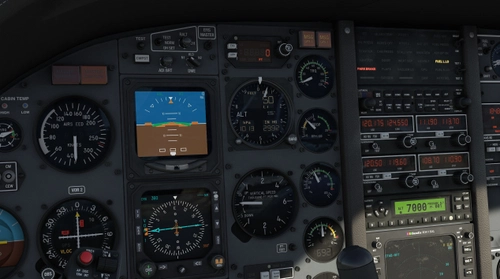
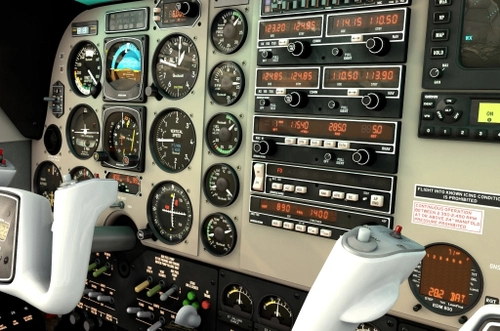
Enhanced cockpit texture and digits for this wonderful mod that Black Square created.This "mod of the mod" has been designed to add small details to gauges, placards and instruments.You'll find hereafter non exhaustiv modifications made:
-All cockpit placards redesigned with real life fonts used by manufacturer to label buttons and warnings.
-Master Warning, Master Caution, Fire suppression systems controls graphically redesigned.
-Beechcraft logo added to some instruments.
-Collins ALI-80A modified with real stencils.Numbers drums modified.
-Collins ADI-85A colors slightly modified.Radio lti fonts modified.
-Collins HSI-85 fonts and compass rose modified
-Collins RMI-30 / IND-31C compass card modified.
-Collins PRE-80C fonts and Numbers drums modified
-Collins ALI-55 fonts modified
-Collins Nav suite use now real life fonts for digits and labels
-Bendix-KIng font corrected for Number "7" digit which has in real life 3 segments iso 4.
-Red /orangish background added to all Collins/Bendix/KIng suite.
-All breakers panels, switches placards have real life fonts actgually used in beech King Air aircrafts.
To make sure that this mod has no impact on performance, textures size haven't been increased.I made my best to use pixels available in the original product so you shouldn't see any performance degradation when using it.
To install simply extract "zzz-BKB200MODENH " folder into your "Community" folder.
Limitations known:
None UFN
Special thanks to Nico who tested this mod and Jay Dee who prepared for me this Mod container without forgetting for sure Nick, developper of this wonderfull Add-on who gave me authorization to share my work with you.
Hope you'll appreciate it and if you want to buy me a coffe,don't hesitate...I'm a cafein addict :-D !
Enjoy!
Black Square Beech King Air -Enhanced Cockpit
Enhanced cockpit textures and fonts for Black Square Beechcraft King Air. Details modified with real life labels placards fonts and digits readout-Real life instruments textures for Bendix-King Nav/Collins suite.Actual and reshaped fonts for Radios and Engine monitoring instruments.


User Reviews
10 reviews
Version History
V1.01: Small correction with new specific fonts of ADI/HSI Collins 85A readout digits.
Related
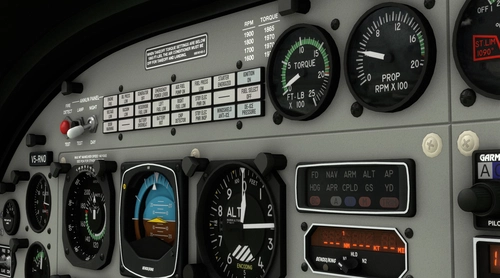
Black Square C208 Caravan -Enhanced Cockpit
nhanced cockpit textures and fonts for BlackSquare Cessna 208B Caravan. Details modified with real life labels placards fonts and digits readout-Real life instruments textures for Bendix-King Nav suite.Actual and reshaped fonts for Radios and Engine monitoring instruments.
by 804737
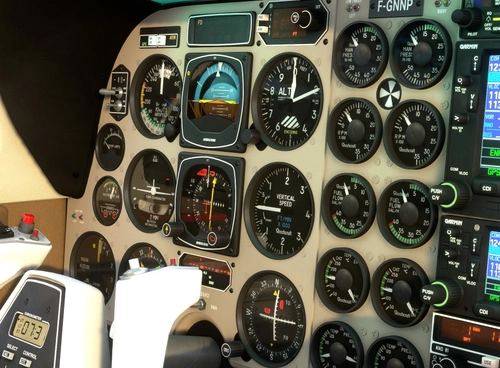
Black Square B58 Baron -Enhanced Cockpit
Enhanced cockpit textures and fonts for BlackSquare Beechcraft Baron 58/P. Details modified with real life labels placards fonts and digits readout-Real life instruments textures for Bendix-King Nav suite.Actual and reshaped fonts for Radios and Engine monitoring instruments.
by 804737
Black Square TBM 850 Enhanced Cockpit
Enhance your TBM 850 cockpit experience with this mod by Black Square. This add-on features redesigned cockpit placards, custom fonts for instruments, corrected needle colors, and glowing effects for panels, all without impacting performance. Simply extract the file in your "Community" folder to enjoy the detailed improvements.
by 804737
Black Square A36 Bonanza -Enhanced Cockpit
Enhanced cockpit textures and fonts for BlackSquare Beechcraft Bonanza. Details modified with real life labels placards fonts and digits readout-Real life instruments textures for Bendix-King Nav suite.Actual and reshaped fonts for Radios and Engine monitoring instruments.
by 804737
Log in to join the discussion
Log InComments(22)
5 months ago
over 1 year ago
over 1 year ago
over 1 year ago
over 2 years ago
Thanks
-https://www.justflight.com/product/flight-1-king-air-b200-version-2
over 2 years ago
over 2 years ago
over 2 years ago
almost 3 years ago
almost 3 years ago
almost 3 years ago
The description says the collins ADI has modified colors, but they still seem off to me. Check out that series ADI pictures (ebay etc) and you'll see the center triangle appears orange while the FD command bars appear to be yellow. Is that something that be improved? thanks.
edit: further research...some seem to have a yellow triangle. honestly I don't know what is the standard ADI85A...
almost 3 years ago
over 3 years ago
is this mod working together with the black panel mod of JayDee?
over 3 years ago
So I downloaded this new cockpit and put it in the community folder, but how do I use it in the sim? I still have the default cockpit.
over 3 years ago
Hi? Do you own Black Square Ananlog cockpit add-on?
https://www.justflight.com/product/steam-gauge-overhaul-analog-king-air
Whitout it it won't work.
BRGDS
over 3 years ago
Thank you very much for improving the visuals of this wonderful add-on.
over 3 years ago
Seems to create an issue with custom registrations.
over 3 years ago
Hello , If i can help you it would be nice to know what kind of issue.;-)
over 3 years ago
Wonderful thank you!
over 3 years ago
Super awesome! Thank you buddy!